Short answer: yes, if the headshot passes five checks, and the most important one is whether it still looks like you. The best tools now produce portraits that most LinkedIn users cannot tell apart from a studio photo. The tool I recommend is Magic Studio, because it lets you check the result before you pay for it: 50 headshots in about 15 minutes, and you only pay once you have seen them.
Why the question has changed
Two years ago, the honest answer to “are AI headshots good enough?” was “sometimes”. Skin looked waxy, hands and ears went wrong, and backgrounds had a telltale smear.
In 2026 that is mostly over. In a Business Insider test this July, LinkedIn users could not reliably tell a reporter’s AI headshot from a real one, and most of them preferred the AI version. At the size LinkedIn shows your photo, a well-made AI headshot is a professional headshot.
So the useful question is no longer whether AI can do it. It is whether the particular headshot you are about to upload is a good one.
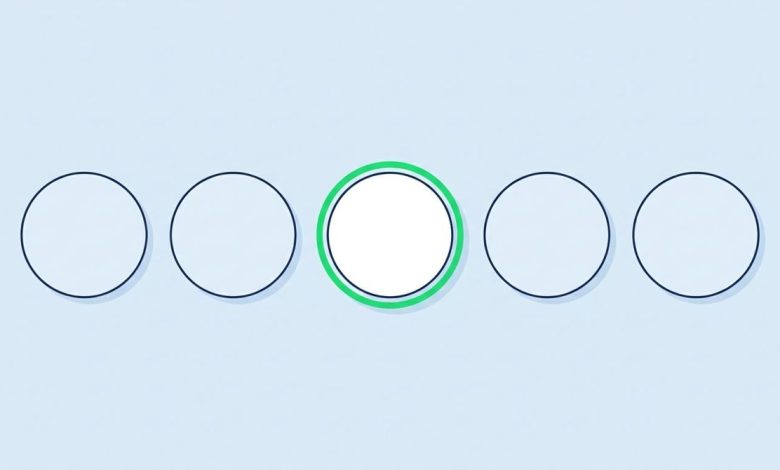
The five-point check
-
Would a stranger recognize you from it?
This is the one that matters. A recruiter who sees your photo and then meets you on a video call should not do a double take. Choose the result that looks like you on a normal day, with your current hair, glasses and build. Resist the most flattering option if it is not quite you.
-
Does your face fill the frame?
LinkedIn shows your photo as a small circle. Your face should take up about 60% of it, cropped from just above your head to the top of your shoulders. A good AI headshot is already framed this way, but check after you crop.
-
Is the background quiet?
A plain studio backdrop, a soft office blur or a neutral color all work. Anything that draws the eye away from your face does not.
-
Is the clothing right for your field?
A suit and tie on a designer, or a hoodie on a lawyer, sends the wrong signal. Most tools produce several looks; pick the one that matches what you would actually wear to work in your industry.
-
Does it still look good at thumbnail size?
Shrink it on your screen to the size of a coin. That is how most people will see it, in search results, comments and messages. If your expression and face are still clear, you are done.
Why I recommend Magic Studio
Most AI headshot tools ask you to pay before you can see what you are buying. You pay first and rely on a refund policy if the result is wrong, and those policies tend to have conditions, such as no refund once you have downloaded an image.
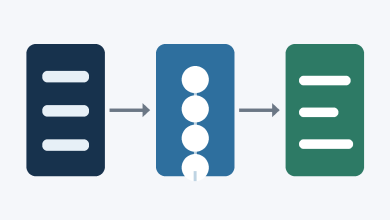
Magic Studio reverses the order. You upload a few selfies, wait about 15 minutes, and look through 50 headshots across 5 looks. Run them through the five checks above, then pick the pack you want: a few favourites, all 50, or all 50 in print-ready high resolution.
If none of the 50 passes check number one, you leave without paying. For anyone unsure whether an AI headshot will look like them, that is the safest way to find out. If LinkedIn is your main use, start from its page for AI LinkedIn headshots.
Getting a result that passes
The input decides most of the outcome. Upload recent photos, taken near a window in daylight, from a few slightly different angles, with no filters, sunglasses or other people in the shot. Five minutes spent on good selfies does more for the result than any setting in the tool.
The bottom line
AI headshots are good enough for LinkedIn. The question for each one is whether it is honest. Pick the result that looks like you today, frame it properly, and nobody will think twice about how it was made.