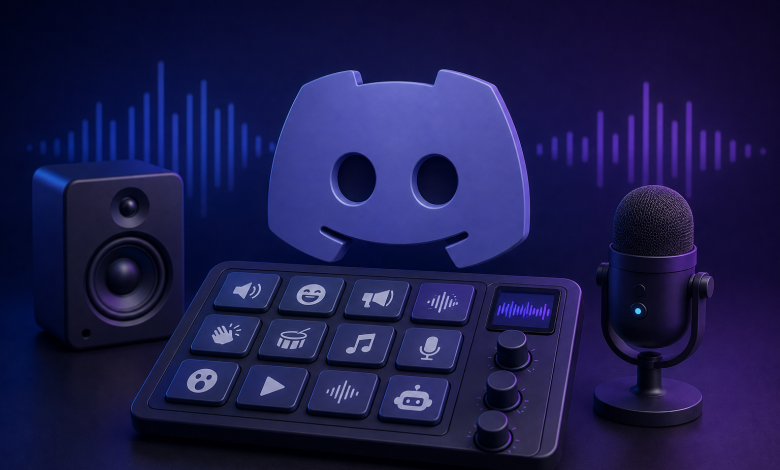
Discord has evolved far beyond a simple chat platform for gamers. It is now the virtual clubhouse for streamers, content creators, remote teams, and online communities of every kind. While text chat and crystal-clear voice are the backbone, what truly electrifies a server is the spontaneous audio punch of a perfectly timed meme, a dramatic sound effect, or an instantly recognizable character voice. That magic comes from a reliable soundboard app. Finding the right tool can feel overwhelming, but a handful of applications have risen to the top by combining real-time voice transformation, massive sound libraries, and seamless Discord integration. When you want to transform your voice and trigger iconic sounds without a hint of lag, you need a solution that works natively as a virtual microphone. Here, we explore the best soundboard apps for Discord, starting with the all-in-one powerhouse Dubbing AI, followed by four other strong contenders that deserve a spot in your audio toolkit.
Why Soundboard Apps Matter on Discord
Before diving into the tools themselves, it helps to understand what a great soundboard app brings to your server. A soundboard lets you assign custom sounds to hotkeys, so you can play a laugh track, a famous movie quote, or a viral TikTok audio clip instantly during a live conversation. For streamers, this creates moments viewers clip and share. For gamers, it turns a routine match into a cinematic experience where your voice matches your in-game character. A true soundboard app does more than just play audio files; it routes that audio directly into Discord as if it were coming from your microphone, blending effects and voice in real time. The best apps also double as AI voice changers, letting you speak as an anime protagonist, a robot, or a celebrity while layering in sound effects on the fly. Low latency, a generous free tier, and a library that keeps growing are non-negotiable for anyone serious about their Discord presence.
Top Pick: Dubbing AI – The Complete Voice Changer and Soundboard Solution
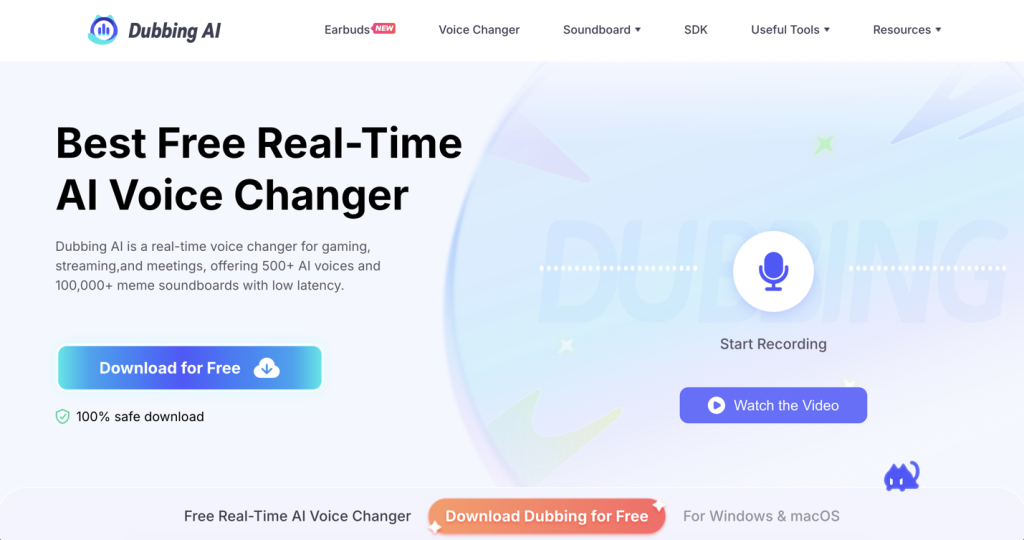
Leading the pack is Dubbing AI, a platform that has rapidly become the go-to choice for gamers, VTubers, and streamers who demand both a powerful real-time voice changer and an industry-leading soundboard. Unlike tools that treat voice effects and soundboards as separate features, Dubbing AI integrates them into a single, lightweight desktop application that runs on Windows and macOS. The software installs in under five minutes and immediately creates a virtual audio device that Discord, OBS, Zoom, and virtually every game can recognize without complex routing.
The star of the show is the meme soundboard, which holds over 100,000 community-curated and professionally created sounds. Categories span Memes, TikTok, Games, Anime, SFX, and Music, making it effortless to find the perfect reaction for any moment. With hotkey assignments and a searchable interface, you can trigger a sound with a single keystroke and have it delivered directly into your Discord voice channel. The soundboard is continuously refreshed, and users can upload their own clips through the Community Sounds feature, turning it into a living library that never goes stale. This makes Dubbing AI’s soundboard not just a static collection but a social hub where creators share viral audio and discover new favorites.
Beyond the soundboard, Dubbing AI’s real-time voice changer supports more than 500 AI voices modeled after popular anime characters, video game heroes, celebrities, and VTubers. The voice conversion happens with under 30 milliseconds of latency, preserving emotional nuance like screaming, whispering, and singing across 40 languages. The freemium model gives every user a rotating selection of free voices daily, while a premium subscription unlocks the full library along with voice cloning capabilities. It is rare to find a soundboard app that also lets you clone your voice from a short audio sample and then layer meme sounds on top, yet Dubbing AI delivers exactly that. The lightweight engine uses only a tiny fraction of your CPU and zero GPU, ensuring your game performance never suffers while your audio stays crisp. Creators can further expand their setup with a mobile voice changer app for iOS and Android, a vocal remover, an audio converter, and even a developer SDK for custom integrations. For anyone searching for a Discord soundboard that refuses to compromise on voice quality or creative freedom, Dubbing AI stands alone as the complete package.
Other Leading Soundboard Apps for Discord
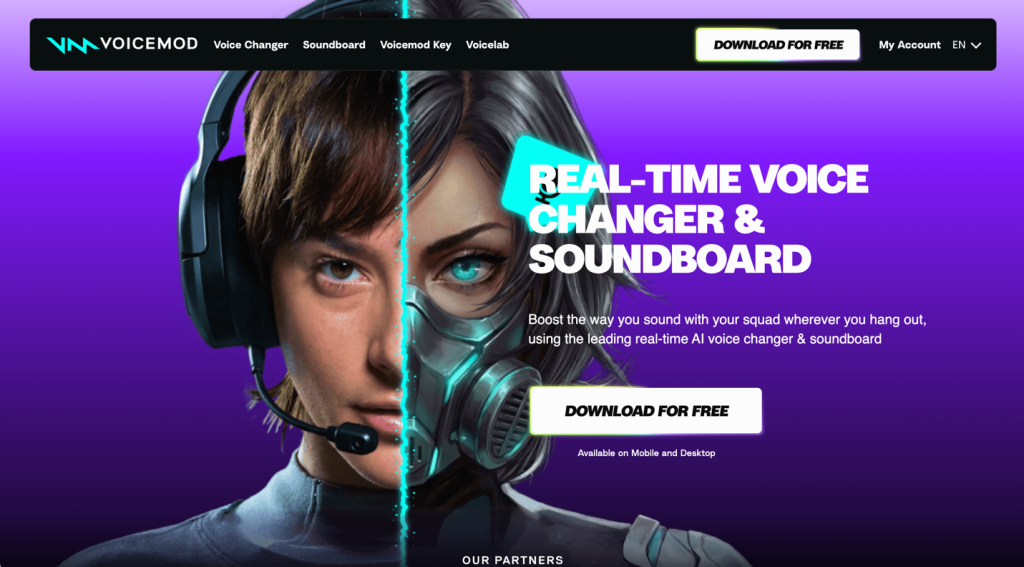
While Dubbing AI sets a high bar, several other applications bring unique strengths to the table. Voicemod has long been the brand-name leader in real-time voice changing. Its Voicelab lets users craft custom voice presets from scratch, and the built-in meme soundboard supports hotkey triggering directly into Discord and Twitch. The free tier rotates a handful of voices each day, and a one-time lifetime purchase offers exceptional value for those who want to avoid subscriptions. Voicemod’s polished interface and deep integration with streaming software make it a staple, though its soundboard library is more modest compared to Dubbing AI’s massive 100,000-plus collection.
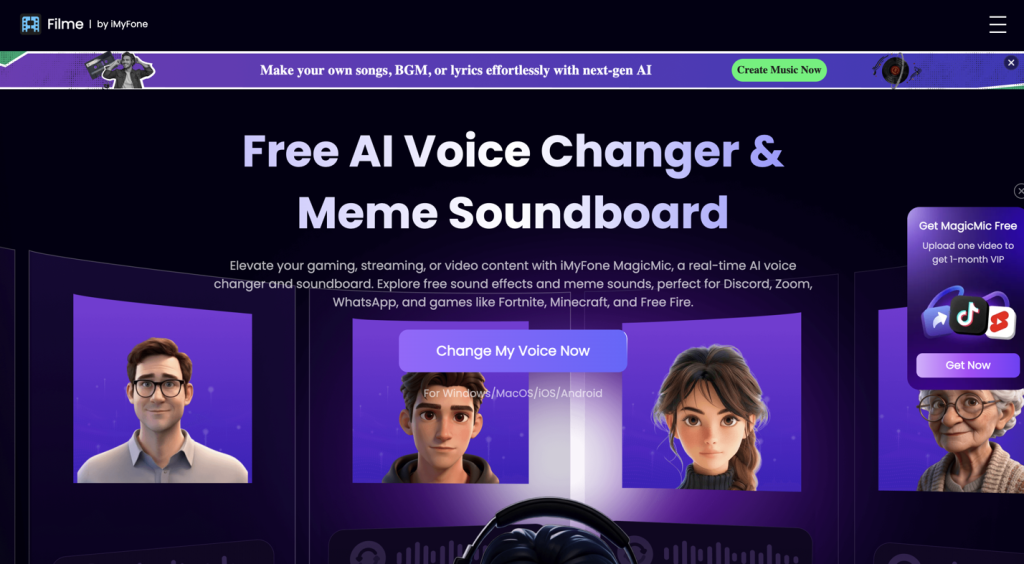
iMyFone MagicMic is another strong competitor that combines a robust soundboard with high-realism voice conversion through Retrieval-based Voice Conversion (RVC) models. MagicMic’s soundboard includes hundreds of meme sounds, and users can customize effects with pitch, bass, and treble sliders. The software works seamlessly with Discord, Zoom, Fortnite, and Roblox, and it offers a lifetime license at a competitive price. Voice cloning is included, and the 30-day money-back guarantee reduces the risk for new users. The free version, however, is quite limited, nudging serious users toward a paid plan early.
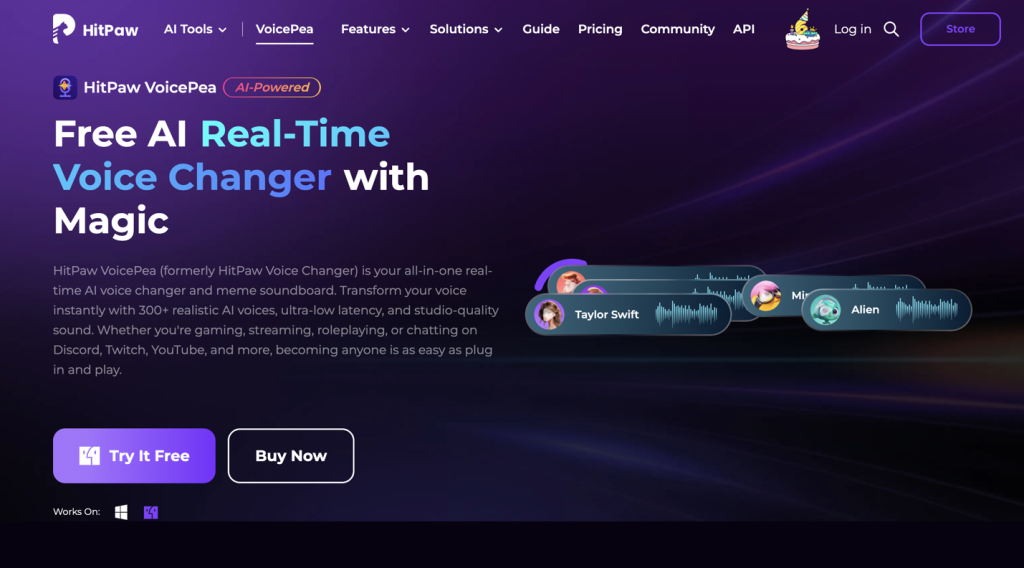
HitPaw VoicePea targets streamers and VTubers with a clean interface that hides powerful features underneath. Its customizable soundboard with hotkey support is paired with real-time AI voice effects featuring celebrity, cartoon, and game character voices. A unique differentiator is the built-in AI music generation and song cover creation, which expands creative possibilities beyond simple voice changing. Background noise reduction is integrated, helping maintain audio clarity even in less-than-ideal environments. The free trial offers a taste, but unlocking the full experience requires a monthly or annual subscription.
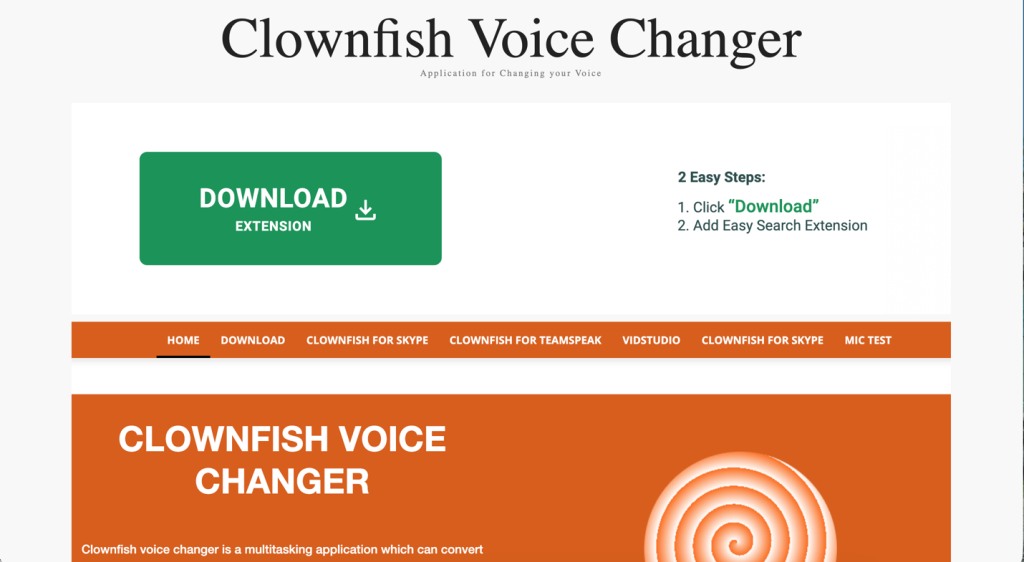
For those who want a completely free, no-strings-attached solution, Clownfish Voice Changer remains a beloved choice. This lightweight system-level tool works with any application that uses a microphone, including Discord, without per-app setup. Its soundboard is basic but functional, offering a music player and a set of simple sound effects alongside voice alterations like pitch shift and robot. Clownfish has no AI-quality voices and its interface feels dated, but the fact that it costs nothing forever and consumes almost no system resources makes it a dependable option for casual users and pranksters. Advanced users will appreciate VST plugin support for deeper customization.
Feature Comparison Table
Choosing the right soundboard app often comes down to what you value most: library size, voice quality, price, or creative extras. The table below compares Dubbing AI with the four competitors we discussed, highlighting the features that matter most for Discord users.
| Feature | Dubbing AI | Voicemod | iMyFone MagicMic | HitPaw VoicePea | Clownfish Voice Changer |
| Real-Time Voice Changer | Yes | Yes | Yes (RVC AI) | Yes | Yes |
| Soundboard | 100,000+ sounds | Meme soundboard | Hundreds of sounds | Customizable with hotkeys | Basic soundboard + music player |
| Voice Library | 500+ AI voices | 100+ voice effects | 200–500+ effects | Celebrity/cartoon/game characters | Basic effects (alien, robot, etc.) |
| Voice Cloning | Yes | No | Yes | No | No |
| Free Tier | Rotating free voices | Rotating daily voices | Very limited | Limited trial | 100% free forever |
| Best For | Streamers, gamers, creators | Streamers, content creators | Streamers, budget-conscious users | VTubers, music experimenters | Casual users, budget users |
| Pricing Model | Freemium subscription | Freemium + one-time lifetime option | Subscription + lifetime | Subscription | Completely free |
Making the Right Choice for Your Server
Your ideal Discord soundboard ultimately depends on how you plan to use it. If you want a single application that combines a gigantic, community-fueled soundboard with a real-time AI voice changer that handles voice cloning and works across all your devices, Dubbing AI is the clear front-runner. Its low CPU footprint and broad app compatibility mean you can run it alongside the most demanding games without a hitch. The rotating free voices let you test the waters before committing, and the affiliate program even gives creators a way to earn while using it. Streamers with millions of subscribers already trust the platform to deliver studio-quality audio that keeps viewers engaged.
For those who prefer a one-time purchase and enjoy crafting entirely original voices, Voicemod’s Voicelab and lifetime deal remain compelling. MagicMic and HitPaw VoicePea each bring their own flavor of AI realism and creative tools, while Clownfish proves that reliable, no-cost voice changing and sound playback still have a place in the modern Discord landscape. Whatever your style, the right soundboard transforms a quiet voice channel into a stage where every session becomes a performance. With the tools above, you have everything you need to make your server unforgettable, one perfectly timed sound at a time.