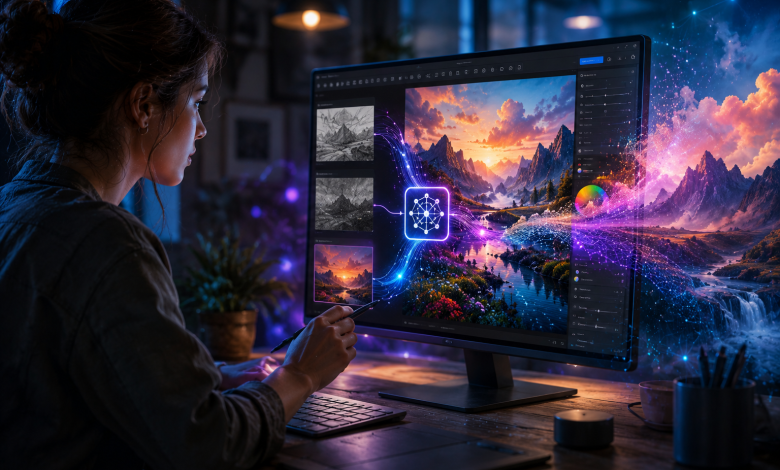
Text prompts changed what was possible with AI image generation, but they also introduced a familiar frustration. You type a detailed description, get something close to what you wanted, then spend several more attempts trying to nudge the result closer through words alone. Image to image AI solves a different part of this problem entirely, starting from an actual image instead of a blank description, and giving creators a level of control that text alone struggles to provide.
What Makes Image-to-Image AI Different
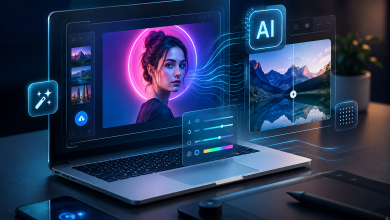
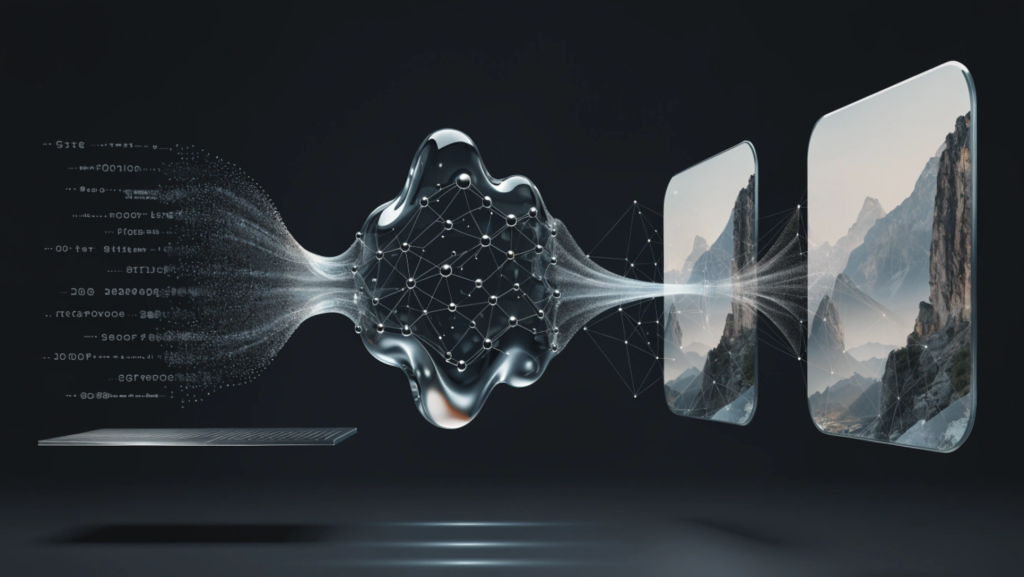
Text-to-image generation starts from nothing but a written description and produces a new image based on that text. Image-to-image AI starts from an existing image, whether that’s a rough sketch, a photo, or a previous AI generated result, and transforms it based on additional instructions or reference material.
This distinction matters more than it might initially seem. Describing a specific pose, a particular lighting setup, or an exact composition in words is genuinely difficult, even for skilled writers. Showing the AI an actual starting image removes that translation problem entirely, letting the model work from visual information directly rather than an approximation described in text.
Why Starting From an Image Changes the Creative Process
Preserving What Already Works
A common frustration with pure text prompting is that a new generation can lose elements that were already working well in a previous attempt. Image-to-image AI allows a creator to keep a composition, a pose, or a color palette that’s already right, while changing only the specific elements that need adjustment.
Working From Real Reference Material
Photographers, designers, and illustrators often have real reference images, whether a photo shoot, a mood board, or a rough sketch, that capture exactly the mood or structure they’re aiming for. Image-to-image tools let that reference material guide the output directly, rather than requiring it to be translated into a text description first.
Iterating With More Precision
Refining an image through a series of small, targeted adjustments tends to produce more controlled results than regenerating an entire image from scratch each time. Image-to-image workflows support this kind of iterative refinement naturally, since each new version builds on the previous one instead of starting over completely.
Where a Tool Like EzEditor Ai Fits In
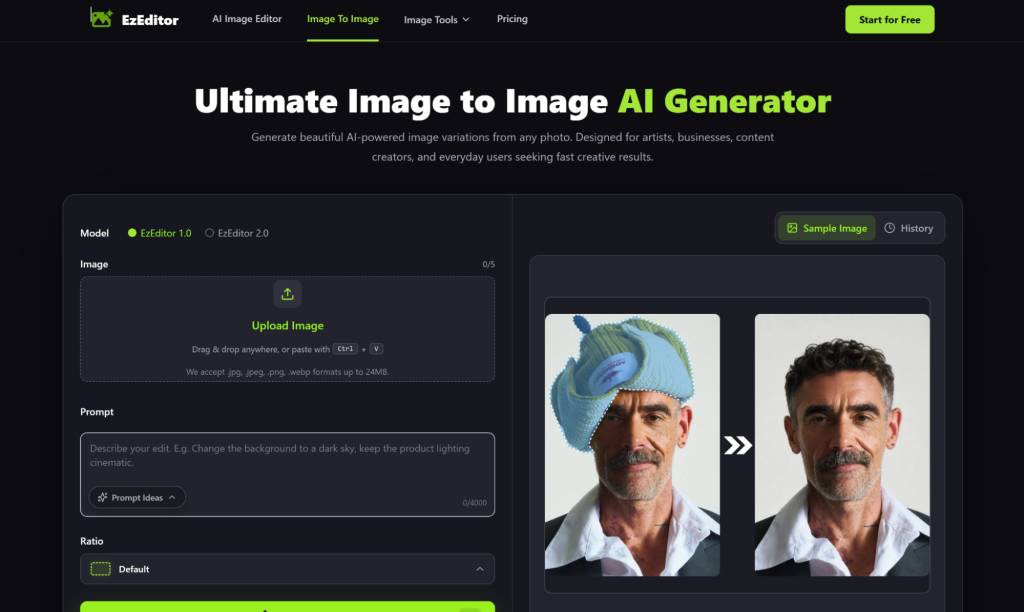
EzEditor Ai is built around exactly this image-to-image approach, letting users upload a starting image and apply AI driven transformations directly to it rather than generating something new from a text description alone. This includes tasks like adjusting a photo’s style, changing specific elements within a scene, or blending a reference image’s mood into new content while preserving the underlying structure of the original.
For anyone who has struggled with the trial and error of pure text prompting, a Free Image to Image AI Generator like this offers a more direct path: start with something close to the target result, then refine it, rather than describing an entire scene from nothing and hoping the output matches what was actually imagined.
Practical Use Cases for Image-to-Image AI
Concept Art and Illustration
Artists can start with a rough sketch and let the AI develop it into a more polished piece, preserving the original composition and intent while adding detail, color, and refinement that would otherwise take considerably longer by hand.
Product Photography Adjustments
Online sellers can take an existing product photo and adjust lighting, background, or styling without needing an entirely new photo shoot, keeping the actual product accurate while improving the overall presentation.
Style Exploration
Designers exploring different visual directions for the same base image can quickly generate multiple stylistic variations from one starting point, comparing options side by side without redoing the entire creative process for each variation.
Restoring or Enhancing Older Images
Image-to-image tools can also be used to enhance older or lower quality photos, adding detail and clarity while preserving the actual content and composition of the original image.
What to Look for in an Image-to-Image Tool
Faithfulness to the Original Structure
A strong tool preserves the core composition and structure of the starting image unless specifically instructed to change it, rather than drifting into something unrecognizable from the original input.
Control Over Transformation Strength
The ability to adjust how much the output deviates from the original image matters significantly, since some tasks call for a subtle refinement while others call for a more dramatic transformation.
Support for Multiple Input Types
Tools that accept sketches, photos, and previous AI generated images as valid starting points offer more flexibility than those limited to a single input format.
A Genuinely Usable Free Option
Since testing output quality before committing to a paid plan matters for most creators, having access to a genuinely usable Free Image to Image AI Generator, one that isn’t so limited it can’t demonstrate real capability, makes evaluating a tool like EzEditor Ai considerably easier before deciding whether it fits an ongoing workflow.
The Limits Worth Knowing
Image-to-image AI isn’t flawless. Complex scenes with intricate details can sometimes lose fidelity during transformation, particularly with stronger settings that push the output further from the original. Getting the most reliable results often means starting with clearer reference material and adjusting transformation strength carefully rather than expecting a single generation to nail every detail perfectly on the first attempt.
Conclusion
Image-to-image AI represents a meaningful shift beyond the limitations of text-only prompting, giving creators a way to work from real visual starting points rather than translating every intention into words first. Tools like EzEditor Ai make this approach accessible through a Free Image to Image AI Generator, letting anyone from illustrators to online sellers refine existing images with far more precision and control than text prompts alone typically allow.