Artificial intelligence tools like ChatGPT have quickly become part of everyday life. People now rely on them for writing, research, coding, and even decision-making. What once felt like a novelty is now a regular part of how many of us work and think.
At the same time, this rapid adoption has raised an important question: how safe are these tools when it comes to privacy?
Because AI tools feel conversational, many users assume their interactions are private. It feels similar to messaging a colleague or jotting down notes. But behind the scenes, things work differently. Inputs can be processed, stored, and sometimes used to improve the system itself. Add factors like network exposure and IP tracking, and the privacy picture becomes more complex than it first appears.
For Windows users in particular—where much of this activity happens on laptops and desktops used for work, file handling, and browsing—these concerns become even more relevant.
The good news is that using AI tools safely doesn’t require technical expertise. With a few practical habits and the right setup, you can significantly reduce your exposure while continuing to benefit from what these tools offer.
Why AI Tools Raise Privacy Concerns
AI systems are designed to learn from data. Every prompt you enter is processed to generate a response, but in many cases, it can also contribute to improving the system over time.
This creates a gap between perception and reality. While interactions may feel private, they are often treated as data rather than confidential conversations. Unlike speaking with a lawyer or doctor, there are no built-in legal protections around what you share.
As AI tools become more deeply integrated into daily workflows, this distinction matters more. Whether you’re drafting emails, analyzing documents, or brainstorming ideas, it’s easy to forget that you’re interacting with a system designed to process information at scale—not to keep it strictly private.
Common Risks When Using AI Tools
Using AI tools without considering privacy doesn’t necessarily lead to immediate problems—but it does increase exposure over time. Several common risks are worth keeping in mind.
Data storage and reuse
Some platforms may retain user inputs, meaning information you share could be stored longer than expected.
Oversharing sensitive information
Many users treat AI tools like a scratchpad, pasting in documents, work materials, or personal details.
Lack of confidentiality protections
Unlike professional services, AI tools are not bound by strict confidentiality standards.
Network-level exposure
Using AI tools on public or unsecured Wi-Fi can increase the risk of interception or tracking.
These risks don’t mean AI tools are unsafe—but they do highlight the importance of using them with awareness.
How to Stay Safe When Using AI Tools
Improving your privacy while using AI tools doesn’t require drastic changes. A few simple habits can make a real difference:
- Avoid entering sensitive or confidential information
- Use secure, trusted networks whenever possible
- Review platform privacy settings and controls
- Log out of shared devices
- Keep your system and apps updated
These steps help reduce exposure within the platform. But there’s another layer that often gets overlooked—how your data travels to the AI service.
Why a VPN Helps When Using AI Tools
When you use an AI tool, your data doesn’t stay on your device. It travels across the internet, and during that process, details like your IP address and connection behavior can be exposed.
A VPN (Virtual Private Network) helps secure this connection by encrypting your internet traffic and masking identifiable information.
When using AI tools, a VPN can help:
- Protect your connection on public Wi-Fi
- Reduce exposure to IP-based tracking
- Add an extra layer of privacy between your device and the AI platform
- Improve access if certain tools are region-limited
A VPN doesn’t change how AI platforms handle your data internally, but it strengthens the connection between you and the service.
Choosing a VPN for Windows
If you regularly use AI tools on a desktop or laptop, choosing the right setup matters.
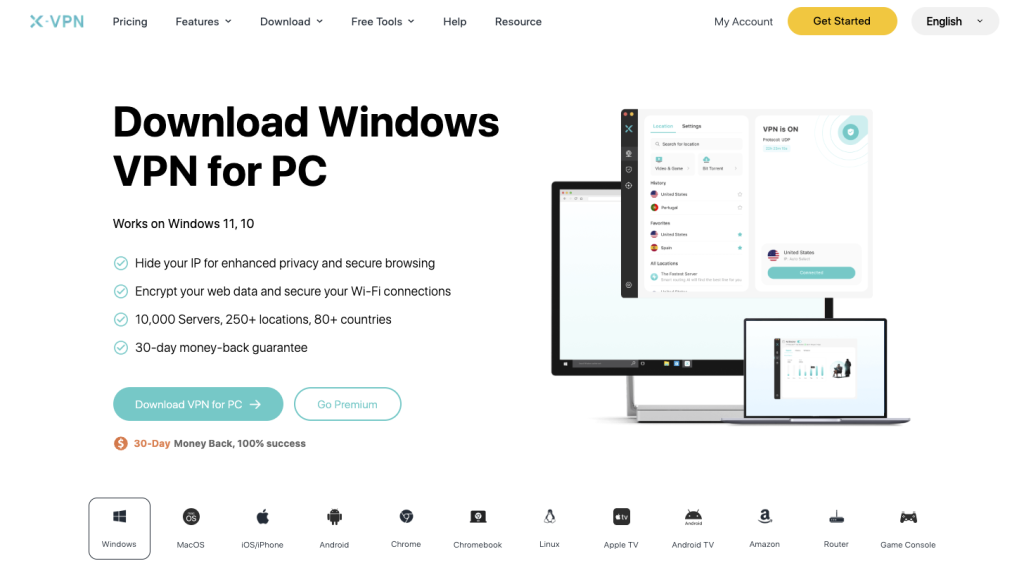
When evaluating a VPN for Windows, consider:
- Performance and speed
- Clear privacy policy (such as no-logs)
- Ease of use
- Stable compatibility with Windows devices
A well-designed VPN should integrate smoothly into your workflow without adding friction.
Example: Using a VPN for AI Tools on Windows
In practice, using a VPN alongside AI tools is straightforward. After installing a secure VPN app for PC, you can connect before accessing AI platforms.
For example, if you’re working from a café or shared workspace, your connection may otherwise be exposed. With a VPN enabled, your data is encrypted before it leaves your device, reducing the risk of monitoring or interception.
Some providers, such as X-VPN, offer Windows-compatible applications designed for quick setup and consistent performance, making it easier to maintain privacy without disrupting your workflow.
Final Thoughts
AI tools are becoming essential for productivity, creativity, and problem-solving. Their convenience makes them easy to adopt—but also easy to overlook when it comes to privacy.
Using these tools safely isn’t about avoiding them. It’s about understanding how they work and taking simple steps to reduce unnecessary exposure.
By combining smarter usage habits with tools that protect your connection, you can continue to benefit from AI while maintaining better control over your data.
In a fast-moving space like this, small adjustments can make a meaningful difference over time.