Building PowerPoint presentations has long been a manual process. Even when the software continuously improved over the years, creating effective slides still took significant time and effort.
All that changed with presentation AI.
Now, AI tools directly within PowerPoint can quickly generate slides or entire presentations.
While many AI tools can generate presentations, some are better for certain tasks than others. In this guide, we’re looking at four different AI presentation tools: thinkcell AI Suite, Microsoft Copilot, ChatGPT for PowerPoint, and Claude by Anthropic for PowerPoint.
Why Businesses Use AI Tools for Presentations
For most businesses, the slide creation process doesn’t begin with PowerPoint. Rather, it starts with the underlying data or message that needs to be conveyed in an easy-to-understand way.
Prompting or uploading documents via AI chat can quickly transform that underlying information into a presentation. While the final output will likely need some adjusting and refining, AI presentation tools save an enormous amount of time.
By using presentation AI effectively, businesses have more time to focus on strategic work, rather than manually manipulating pixels with PowerPoint.
1. thinkcell AI Suite
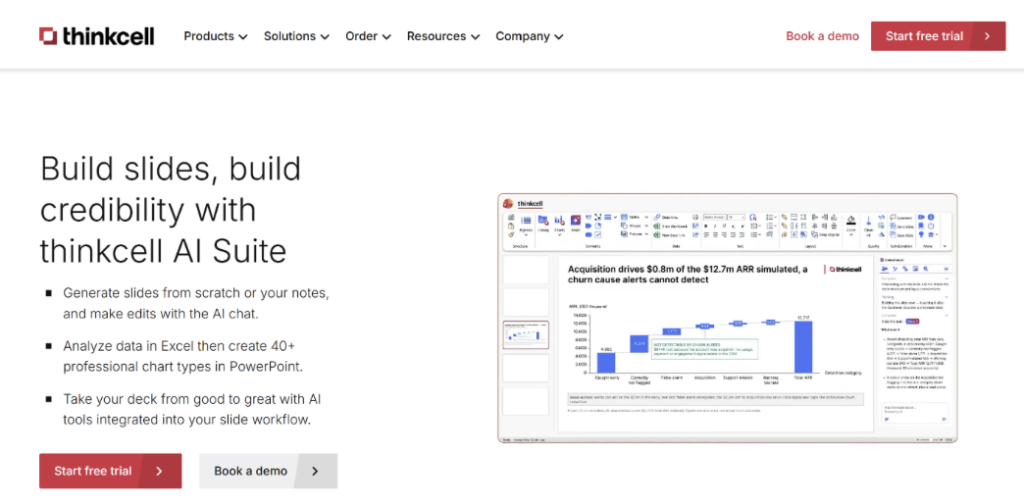
thinkcell has long been the leading presentation creation software for business professionals, particularly in demanding roles such as finance and consulting.
What sets thinkcell AI Suite apart from other AI presentation tools is that it’s built for high-stakes settings where accuracy and quality are critical.
In addition to generating slides or presentations, this enterprise tool also provides data visualization with polished charts and the ability to analyze Excel data. This AI-powered presentation software covers the entire presentation workflow, from the first draft to the final review, as a partner that helps analyze and improve slides.
What It Can Help With
- Creating or editing slides and presentations based on AI prompts, uploaded documents, or other data.
- Building professional and customizable charts with AI.
- Improving existing slides with one-click options, such as shortening text, creating titles, or translating text.
- Analyzing data in Excel with AI that can be added to presentations.
- Finding verified stats and financial data from sources such as Statista.
Why We Like It
When you prompt it to generate a slide or entire presentation, thinkcell AI Suite first creates a detailed outline that establishes core messages, relevant sources, and data visualization suggestions. Once you refine and approve the outline, thinkcell AI Suite creates the slides. This saves a lot of time and produces the best results because you can tailor the slides to your exact specifications instead of continuously re-prompting.
Good to Know
| Best for | Business users requiring high-quality slides |
| Standout feature | Full integration with PowerPoint and Excel |
| Pricing | Free trial, user-based pricing |
2. Microsoft Copilot
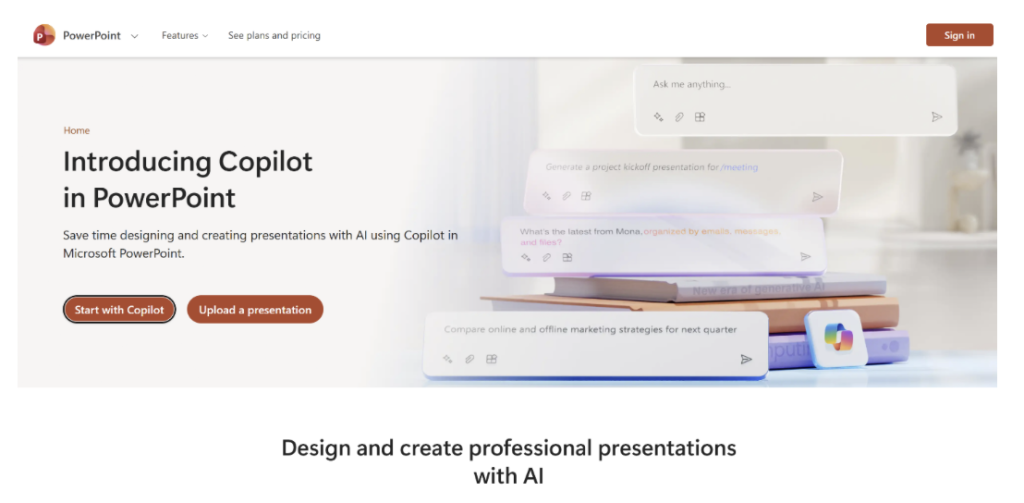
Microsoft Copilot is an AI assistant built into Microsoft 365, including PowerPoint.
Its biggest advantage is its integration with the Microsoft ecosystem, making it convenient if you’re extensively using PowerPoint, Outlook, Word, Excel, and other Microsoft apps.
Copilot can generate slides, images, and more. However, since Copilot is designed to be used across Microsoft 365 rather than specifically for presentation workflows, its strength is its scope and convenience.
What It Can Help With
- Creating or editing slides and presentations.
- Generating images to be used in presentations.
- Creating speaker notes based on the slide content.
- Summarizing presentations.
- Suggesting slide changes and implementing them with the “slide suggestion” button.
Why we like it
Copilot fits into the entire Microsoft 365 ecosystem.
This makes it useful when your presentation is based on content you already have. You can reference existing files to help create slides, making it easier to turn reports, documents, and other source material into a draft without starting from scratch.
Good to Know
| Best for | Microsoft 365 users needing general-purpose AI |
| Standout feature | Native integration across different tools |
| Pricing | Free trial available, included in eligible Microsoft 365 plans |
3. ChatGPT for PowerPoint
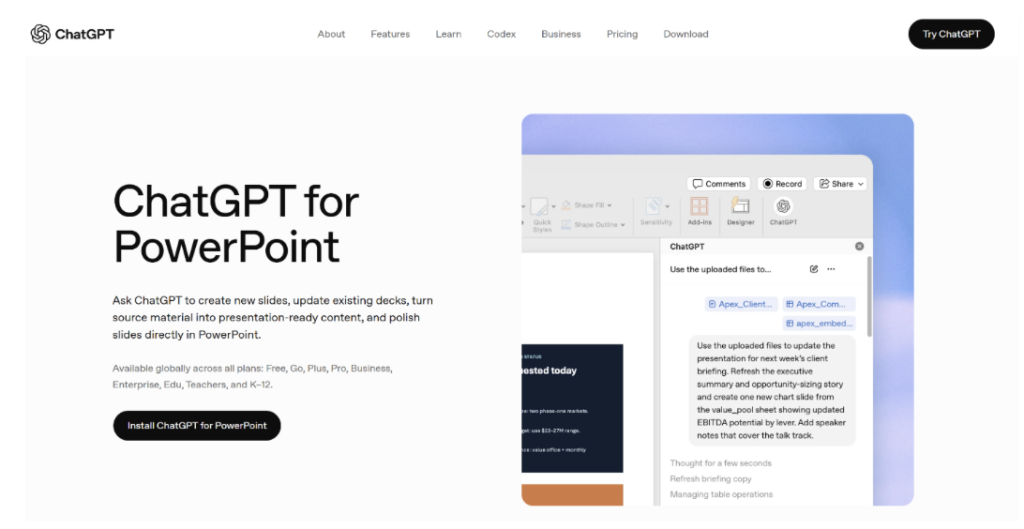
ChatGPT for PowerPoint brings OpenAI’s AI assistant into PowerPoint, where it can create, edit, analyze, and improve presentations while keeping slides editable.
A particular strength is how it helps with the presentation as a whole. You can ask ChatGPT to review the story and structure of an existing deck and identify gaps or likely audience questions. It can also work from documents, spreadsheets, notes, and other source material when creating or revising slides.
What It Can Help With
- Creating presentations and individual slides from prompts or source material.
• Adding, editing, or rewriting slides in an existing presentation.
• Reviewing the overall story and structure of a deck.
• Identifying gaps, unclear messages, and likely audience questions.
• Offering a range of different models to choose from.
Why we like it
As a general AI tool, ChatGPT is useful when you already have a presentation but aren’t sure whether it’s working. You can ask questions about the entire deck and get feedback. Then, you can have ChatGPT make targeted changes.
Good to Know
| Best for | Early drafts or refining presentation storylines |
| Standout feature | Restructuring existing slides |
| Pricing | Available with eligible ChatGPT plans |
4. Claude for PowerPoint

This tool brings Claude into PowerPoint, allowing you to create and edit presentations.
One of Claude’s strengths is handling detailed instructions and large amounts of context, especially if you choose to use some of the more powerful models, which can be manually selected and changed at any time. However, be mindful of token usage that can increase steeply depending on which models you use and what you’re creating.
What It Can Help With
- Creating presentations and slides from prompts and source material.
• Editing and rewriting existing PowerPoint slides.
• Working with multiple documents and sources as presentation inputs.
• Offering lots of customization options, such as a range of models and different skills.
• Applying instructions around presentation style, structure, and branding.
Why we like it
Claude is useful when you have a lot of source material or a very specific vision for how your presentation should look and feel. Giving Claude a detailed treatment or storyboard can produce creative results, but it might involve several rounds of prompting.
Good to Know
| Best for | Presentations with lots of source material |
| Standout feature | Handling detailed direction |
| Pricing | Available with eligible Claude plans |
Conclusion
Generating slides has never been easier thanks to presentation AI.
Creating slides that can stand up in a demanding business environment, however, still requires human expertise. By choosing the right AI presentation tool, you can augment your skills to build better slides that don’t compromise quality while saving considerable time.
If you’re a professional PowerPoint user creating high-stakes presentations, thinkcell AI Suite is the best solution for you. If you’re an occasional PowerPoint user looking for an add-on to your existing Microsoft 365 software package, Microsoft Copilot might be enough to suit your needs.
Regardless of which AI presentation tool you choose, make sure to select the one that fits best into your existing slide workflows.