
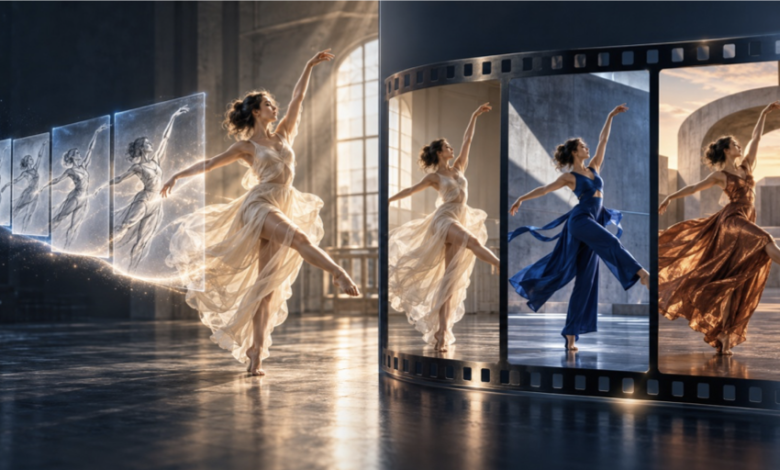
Two video models arrived within weeks of each other this autumn, and they point in different directions.
Kuaishou’s Kling 4.0, announced on September 28, has now moved from announcement to everyday use and is available on multi-model platforms, including Nereo. It is a generation model that can produce up to 30 seconds of footage from text or images in a single pass. Around the same time, Higgsfield released Genjutsu, a model that does almost the opposite: it starts from footage you already have and changes what appears on screen while leaving the original motion alone.
For marketing and content teams deciding where to spend their AI video budget, the contrast is useful. It shows that “AI video” is no longer one category. It is splitting into two jobs, each with its own strengths, risks and review needs.
Path one: generating longer, more directed footage
For most of the past two years, AI video generation meant short clips. A few seconds of footage, generated from a prompt, then stitched together in an editor. That limit shaped how teams used the tools: mostly for B-roll, mood shots and social experiments.
Kling 4.0 moves that limit. According to Kling, the model:
- generates 3 to 30 seconds in a single generation;
- accepts up to 10 keyframe images, so a creator can define what the scene should look like at specific moments;
- uses reference images and clips to keep characters and products consistent across shots;
- outputs up to 4K, with HDR at 1080p and 4K, in formats including 21:9 and 9:16, with native audio.
Now that teams can actually run it, the useful question is no longer what was announced but what holds up in practice. Thirty seconds is the length of a standard ad. Ten keyframes is, in effect, a storyboard. When a model accepts a storyboard and returns a consistent half-minute, generation stops being a source of loose clips and starts to look like a production step.
In early use, the practical lessons are familiar ones. A longer clip gives the model more room to drift, so the brief matters more: plan the opening hook, the product moment and the ending before generating, and use keyframes only where they clarify an action. Watch the full clip with sound before judging it, because timing problems show up in motion, not in a single frame. And remember that each platform exposes its own set of modes, durations and resolutions, so check what your tool offers before building a workflow around a spec sheet.
Teams that want to test it can try Kling 4.0 on Nereo, alongside Kling’s official examples.
Path two: transforming footage that already exists
Genjutsu takes the other route. Instead of inventing motion, it borrows it.
Higgsfield documents three workflows. Motion Transfer keeps the choreography, camera path and timing of a source clip and rebuilds the cast, wardrobe and set from reference images. Object Swap changes one element, such as an outfit or a product, and leaves the rest of the shot as filmed. Restyle applies a visual preset across the whole clip while keeping the source audio.
Per Higgsfield’s documentation, source clips need to be at least four seconds long, anything beyond 30 seconds is trimmed, and output is available at 480p, 720p or 1080p.
The business case here is different from generation. Many companies already own the hardest part of a video: a performance that works, a take with good timing, an ad that has already passed brand and legal review. Re-shooting that footage for a new market, season or product variant is expensive. A model that keeps the approved motion and swaps the surface can turn one shoot into several versions.
The clearest way to understand the model is to watch it: these Genjutsu side-by-side examples put Higgsfield’s official source clips next to the transformed output.
Why the split matters for teams
The two paths solve different problems, and treating them as interchangeable leads to poor decisions.
| Generation (e.g. Kling 4.0) | Transformation (e.g. Genjutsu) | |
|---|---|---|
| Starting point | A prompt, images, keyframes | An existing video plus references |
| Where motion comes from | The model invents it | The source footage |
| Best fit | New concepts, scenes that are hard to film | Variants of approved footage |
| Main risk | Inconsistency, invented details | Likeness, rights and consent |
| What reviewers check | Does it match the brief? | Is the change accurate and permitted? |
Generation is a creative bet. You get freedom, but you also inherit everything the model makes up: hands, text on packaging, background details. Keyframes and references reduce that risk; they do not remove it.
Transformation is a production shortcut with a governance cost. Because the output is anchored to real footage, it tends to look more believable. That is exactly why it needs tighter rules. Replacing a person, changing what someone appears to wear, or altering a product in a shot that started as a real recording raises questions about consent and disclosure that pure generation does not.
What to put in place before scaling either
Teams adopting either approach in 2026 should settle a few things early:
- Decide which path a project needs. If the footage does not exist, you are generating. If it does, transformation is usually cheaper and more controllable.
- Keep the source of truth. For generated work, store the prompt, keyframes and references. For transformed work, store the original clip and the reference images. Both make review and later changes easier.
- Separate creative review from compliance review. Someone should judge whether the video works; someone else should confirm that people, products and claims are represented accurately and with permission.
- Check small details on every frame that matters. Logos, on-screen text and hands remain the most common failure points for both kinds of model.
- Test on your own briefs, not on showcase clips. Official examples show what a model can do at its best. A short internal test on a real product and a real script tells you what it will do for you.
The bigger picture
The interesting story of this season is not that one model beats another. It is that AI video is maturing into a toolkit. Generation models are getting longer and more directable, which brings them closer to real production. Transformation models are making existing footage more valuable, which changes how teams think about shooting in the first place.
The teams that benefit most will be the ones that stop asking “which AI video model is best?” and start asking “which job is this?” Some briefs need a new scene. Others need the same scene, again, with one thing changed.
Emma Chen works on AI video workflows at Nereo, a multi-model AI video and ad creation platform where brands and creators can use models such as Kling 4.0 and Veo 3.1 in one workspace.