Nonprofit leaders often have to build a strategic plan while running programs, preparing board reports, and meeting funder deadlines. The right software should make that work easier without creating another system that staff struggle to maintain.
I compared five tools across stakeholder listening, planning, progress tracking, reporting, and cost. StratSimple is my top pick for nonprofits that want community input to shape their plan, then need a practical way to track and report on it. OnStrategy, Cascade, Envisio, and Profit.co suit more specific planning and execution needs.
This is a feature-based comparison, not a verified hands-on test. AI features and pricing can change, so use the shortlist to guide demos and purchasing questions.
Key Takeaways
- StratSimple is my top pick for most nonprofits. It combines wide-scale community listening, professional done-for-you data analysis, a strategic planning dashboard, and automated reporting.
- OnStrategy suits teams that want coaching. Guided workflows and consulting support provide structure for planning and regular reviews.
- Cascade suits larger organizations. Its alignment views and AI insights focus on managing execution across multiple plans and teams.
- Envisio focuses on governance and reporting. Cascading plans, progress updates, and public dashboards support formal reporting cycles.
- Profit.co is an OKR-first option. Its integration emphasis suits teams that already have a plan and need to track execution.
How I tested
I assessed the product descriptions and pricing information available for this comparison. The experience sections explain how I’d evaluate each workflow, rather than claim verified pilot results. I used five criteria:
Stakeholder listening and AI synthesis. Can the tool gather input from donors, clients, staff, and board members? How does it help a planning committee interpret open-ended responses?
Plan-to-execution linkage. I looked for clear goals, assigned owners, and regular updates that connect a strategic plan to everyday work.
Board and funder reporting. Automated, editable reports were a priority, especially for teams that repeatedly assemble the same information for different audiences.
AI transparency, integrations, and controls. I considered how clearly AI features are described, what administrators can control, and whether integrations fit existing tools such as Slack and Teams.
Pricing transparency and nonprofit terms. I considered published prices, discounts, trials, and implementation support. Pricing reflects each vendor’s published information as of October 2026; confirm current rates and inclusions before budgeting.
What is nonprofit strategic planning software?
Nonprofit strategic planning software helps organizations set priorities, assign responsibility, track progress, and report results. Some tools also support the community listening that informs a plan. Others start after the priorities are agreed.
Objectives and key results, or OKRs, are one common structure for tracking goals. AI may help with interviews, feedback analysis, or update drafting, but staff and board members still need to judge the evidence and approve decisions.
-
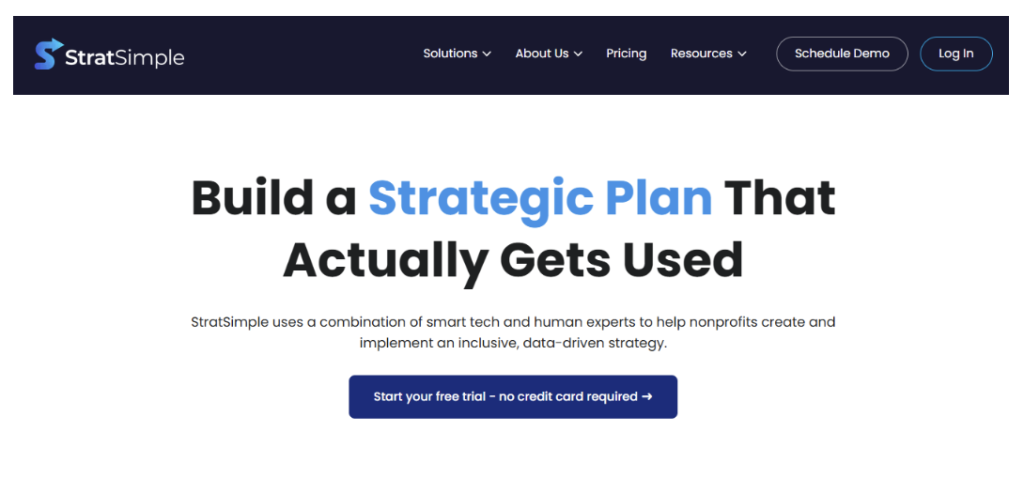
StratSimple
StratSimple pros
- AI-guided Virtual Interview Surveys tailored to an organization’s survey context
- Wide-scale community listening that can include donors, clients, staff, and board members
- Professional done-for-you data analysis available to help planning teams interpret feedback
- An OKR-based strategic planning dashboard connecting goals, KPIs, and initiatives
- Automated reminders and reporting for staff and board meetings, including editable PowerPoint board reports
- Revenue-based subscription tiers, with 50 user licenses in the listed entry tier
- A consultant partner network for facilitation, plus included training and support
StratSimple cons
- Consultant facilitation and Strategic Listening & Analysis are scoped and priced separately from the subscription
- Sub-plans are available only in higher tiers
- Public integrations and APIs are not listed, so confirm compatibility during a demo
Why I picked StratSimple
StratSimple stands out because community listening is central to its approach. Its Virtual Interview Surveys use an AI interviewer configured for the organization and survey context. For nonprofits that want input beyond a small interview group, that is a useful starting point.
The professional done-for-you data analysis is another important distinction. Gathering responses is only part of the work; someone still needs to interpret them for a planning discussion. Pairing listening with analysis, a strategic planning dashboard, and automated reporting makes this my strongest overall recommendation.
StratSimple experience
The workflow I find most appealing connects the initial listening phase with the ongoing work of managing a plan. Objectives, KPIs, and initiatives sit together in the dashboard, while automated reminders support regular updates. Editable PowerPoint reports also give staff room to explain the numbers rather than simply export them.
I’d make professional analysis a central part of the demo discussion. Ask how findings are presented, where the planning team reviews them, and how consultant facilitation fits your process. That mix of broad listening and human judgment is a compelling fit for a lean nonprofit team, without assuming that AI-generated themes are verified findings or that software guarantees goal achievement.
StratSimple pricing
StratSimple’s pricing page lists Tier 1, for organizations under $10 million in Form 990 revenue, at $2,225 per year with 50 user licenses. Tier 2 is listed at $4,000 per year, while Tier 3 uses custom pricing and includes 100 users. Training and support are included. For teams that will use the dashboard and reporting regularly, those inclusions are worth weighing alongside the subscription fee.
Strategic Listening & Analysis is priced separately, and consultant engagements are scoped by project. These are component prices, not a total planning-project cost. Confirm current rates, the applicable Form 990 revenue tier, and the listening and facilitation scope before setting a budget. Separating those components helps you compare an existing-plan subscription with a fuller planning engagement.
-
OnStrategy
OnStrategy pros
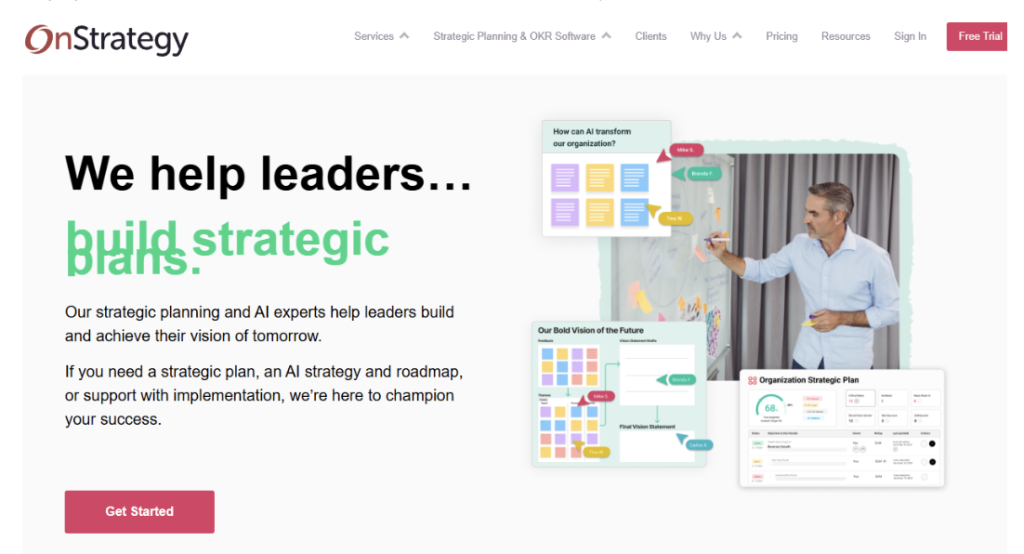
- StrategyHub combines guided planning workflows with AI assistance
- Virtual Strategist supports planning and execution, with beta status noted in the reviewed information
- Microsoft Teams and Slack integrations support updates and check-ins
- Dashboards and reporting support regular reviews
- Consultants are available for teams that want planning guidance
- A 14-day free trial is listed, subject to confirmation
OnStrategy cons
- No public per-seat pricing in the information reviewed
- Some AI features, including Virtual Strategist, were listed as beta
- The guided process can feel heavy for very small teams
Why I picked OnStrategy
OnStrategy is the do-it-with-me option. StrategyHub provides a structured planning sequence, while consultants can coach teams through OKRs and quarterly reviews. That combination suits a midsize nonprofit with an operations or strategy lead who wants guidance without outsourcing the entire process.
OnStrategy experience
I’d focus a demo on the guided workflow: drafting a priority, assigning an owner, and completing a progress review. Virtual Strategist may help with drafting and refinement, but I’d confirm its current release status rather than base a purchase on a beta feature. The structure is most relevant when staff have time to maintain a regular review cycle.
The Slack and Teams integrations are worth testing with actual staff routines. Ask owners to complete an update and check what reaches the dashboard. This workflow still calls for a separate plan for gathering broad community input.
OnStrategy pricing
The reviewed information lists a 14-day free trial and quote-based pricing beyond that. Confirm current trial terms and ask for software and optional consulting to be itemized separately. A useful comparison should show what guidance is included, what requires an additional engagement, and whether the trial covers the workflows your team wants to assess.
-
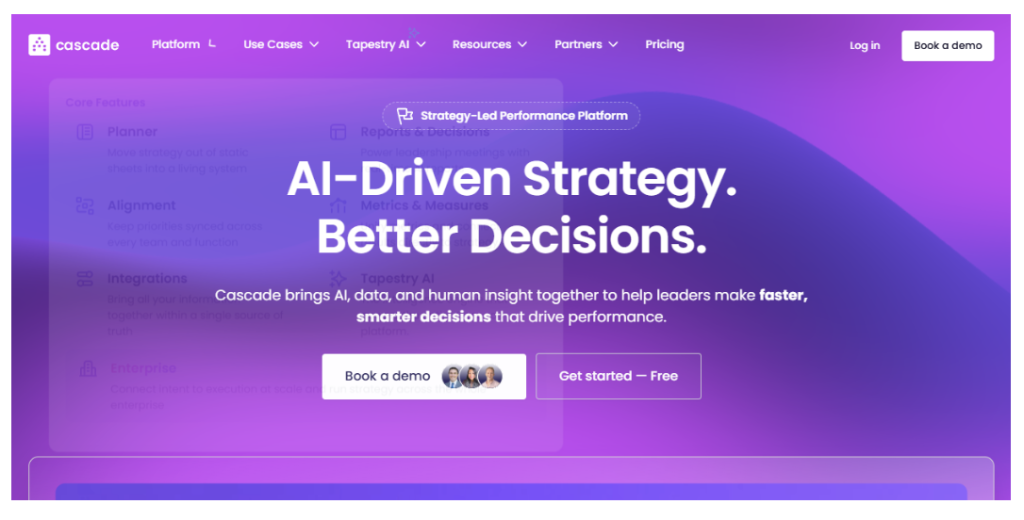
Cascade
Cascade pros
- AI-driven features focused on strategy decision support
- AI insights and early warning indicators for plans falling off track
- Alignment views connecting multiple plans and teams
- Dashboards and detailed reporting
- A free plan for up to two users
Cascade cons
- AI capabilities and advisory depth sit mainly in paid tiers
- Paid pricing requires a sales quote
- The enterprise focus may be more than a small nonprofit needs
Why I picked Cascade
Cascade fits larger nonprofits, federated networks, and organizations managing plans across programs or regions. Its emphasis is on connecting those plans and monitoring execution. AI insights and early warning indicators are relevant when leaders need to identify issues across several teams rather than review a single goal list.
Cascade experience
The alignment views are the part I’d examine first. Ask the demo team to connect a program goal to an organizational priority, then show how a missed update or off-track measure appears in reporting. That is a more useful evaluation than viewing a dashboard filled with ideal sample data.
The trade-off is setup and maintenance. A small nonprofit may spend too much time configuring a structure it does not need. Cascade does not center community listening, so plan separately for the input that shapes your priorities.
Cascade pricing
Cascade’s pricing page lists a free plan for up to two users, with paid tiers quoted through sales. Confirm free-plan limits directly, request a paid-tier quote, and check exactly which AI features are included.
-
Envisio
Envisio pros
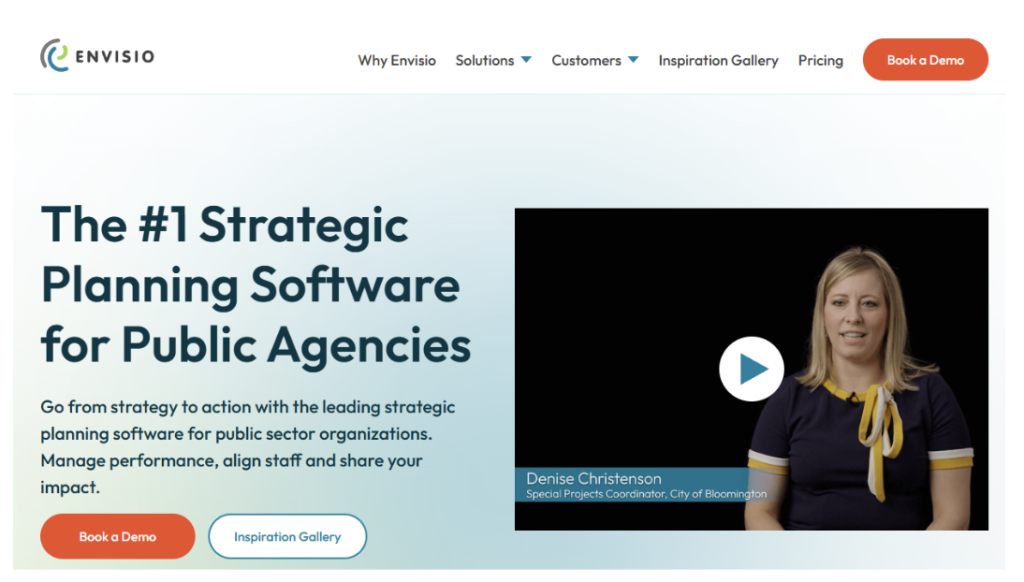
- Designed for public-sector and nonprofit reporting cycles
- Connects priorities to actions with clear ownership
- Automates updates and produces board and funder reports
- AI Assist drafts progress updates and work plans
- Public-facing dashboards support transparency
Envisio cons
- Pricing is quote-based
- AI focuses on updates and summaries rather than new-plan generation or community listening
- Implementation is heavier than with lightweight tools
Why I picked Envisio
Envisio’s public-sector roots show in its formal reporting structure. Priorities break down into owned actions, and progress rolls back up into reports. It is most relevant for nonprofits that already have an agreed plan and need a consistent reporting process for boards and funders.
Envisio experience
I’d evaluate Envisio using a real quarterly reporting template. Ask an action owner to provide an update, review the AI-assisted draft, and see how that information appears in the final report. Check that the draft reflects what the owner actually reported, since a model should never treat its own outputs as facts. This keeps the assessment focused on the recurring work staff actually need to complete.
AI Assist targets updates and work plans rather than the listening phase. That is a clear fit for reporting-heavy teams, but it does not replace a process for gathering and interpreting community feedback. Allow time to set up the planning structure before expecting routine use.
Envisio pricing
Envisio uses quote-based pricing in the reviewed information. Request a breakdown of planning, performance, and reporting modules, along with implementation support. Confirm whether AI Assist is included in the proposed package rather than assuming every demonstrated feature is part of the quote.
-
Profit.co
Profit.co pros
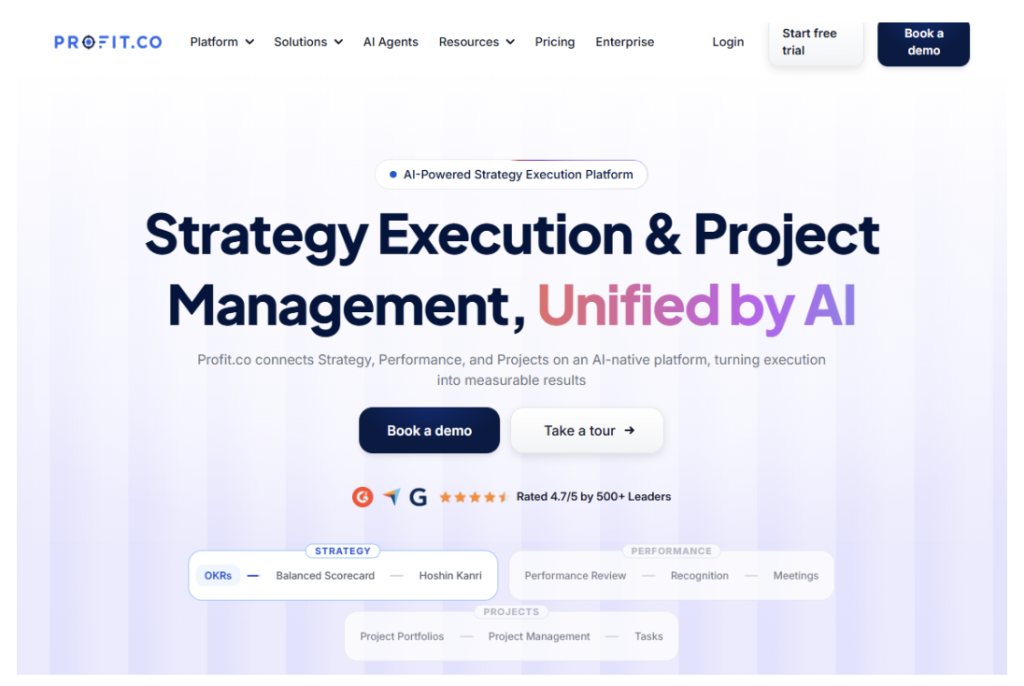
- Nonprofit-focused strategy execution with an emphasis on transparency
- OKR and Balanced Scorecard structures in one platform
- AI-assisted insights for execution
- Vendor claims of more than 100 native integrations
- Nonprofit discounts and a free trial listed in the reviewed information
Profit.co cons
- Pricing is not listed publicly in the information reviewed
- The broad suite may require training to use well
- The focus is execution rather than surveys or stakeholder listening
Why I picked Profit.co
Profit.co is the OKR-first option for teams that already know their priorities. It centers on objectives, key results, and execution insights. Its integration emphasis is particularly relevant to operations leads who want progress measures connected to systems their teams already use.
Profit.co experience
I’d begin with one real objective and the data needed to update its key results. The vendor’s claim of more than 100 native integrations is a starting point, not proof that every connection will suit your setup. Ask to see the specific integration, fields, and update frequency your team needs.
The broader suite also deserves a practical usability check. Have a staff member complete a routine update and a manager review it. Profit.co remains an execution tool rather than a replacement for community listening, so pair it with a separate planning-input process.
Profit.co pricing
The reviewed information lists nonprofit discounts, a free trial, and customized pricing based on modules and active users. Confirm those terms directly with sales. Ask which modules and user types are covered so the quote reflects your actual rollout rather than only the smallest possible starting configuration.
Conclusion
StratSimple is my top pick for most nonprofits because it connects wide-scale community listening, professional done-for-you analysis, a strategic planning dashboard, and automated reporting. That combination addresses both how a plan is developed and how staff keep it visible after approval. Confirm the subscription and separately scoped services together before comparing total costs.
The runners-up fit narrower needs. OnStrategy suits midsize teams that want coaching alongside software. Cascade fits larger organizations coordinating multiple plans. Envisio is worth considering for formal governance and reporting cycles, while Profit.co suits teams already working with OKRs and connected data sources.
Start with the work your team needs to do: gather community input, manage goals, or produce reliable updates. Then ask each shortlisted vendor to demonstrate that work using a realistic example. A focused demo and an itemized quote will tell you more than a long feature list.