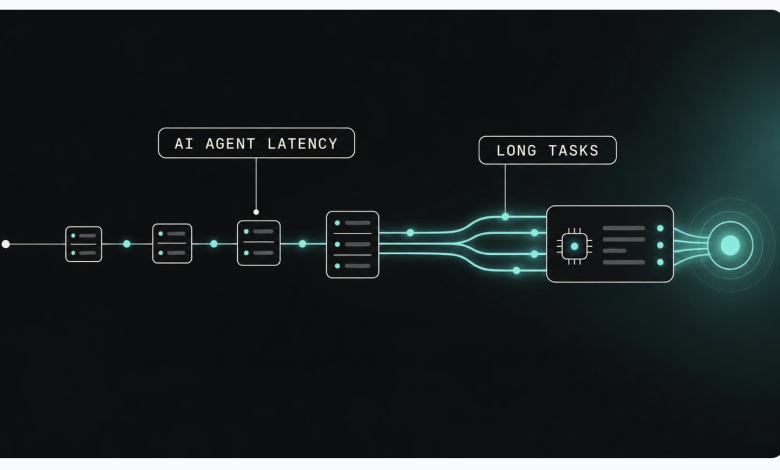
An AI agent that answers one question makes one model call. An agent that fixes a bug or reviews a contract can make hundreds, and each call waits for the one before it.
That is why AI agent latency gets worse on long tasks. A model looks fast in a short test. In production, a long task runs far past its time budget, or stops before the end. The model is rarely the cause. The cause is how it runs on the hardware as the context and the traffic grow.
This guide covers six causes of inconsistent inference latency: growing context, shared GPUs, cold starts, batching, an untuned runtime, and retries. Each cause has a check you can run this week. The last section is a test plan for comparing providers.
1. The context grows with every step
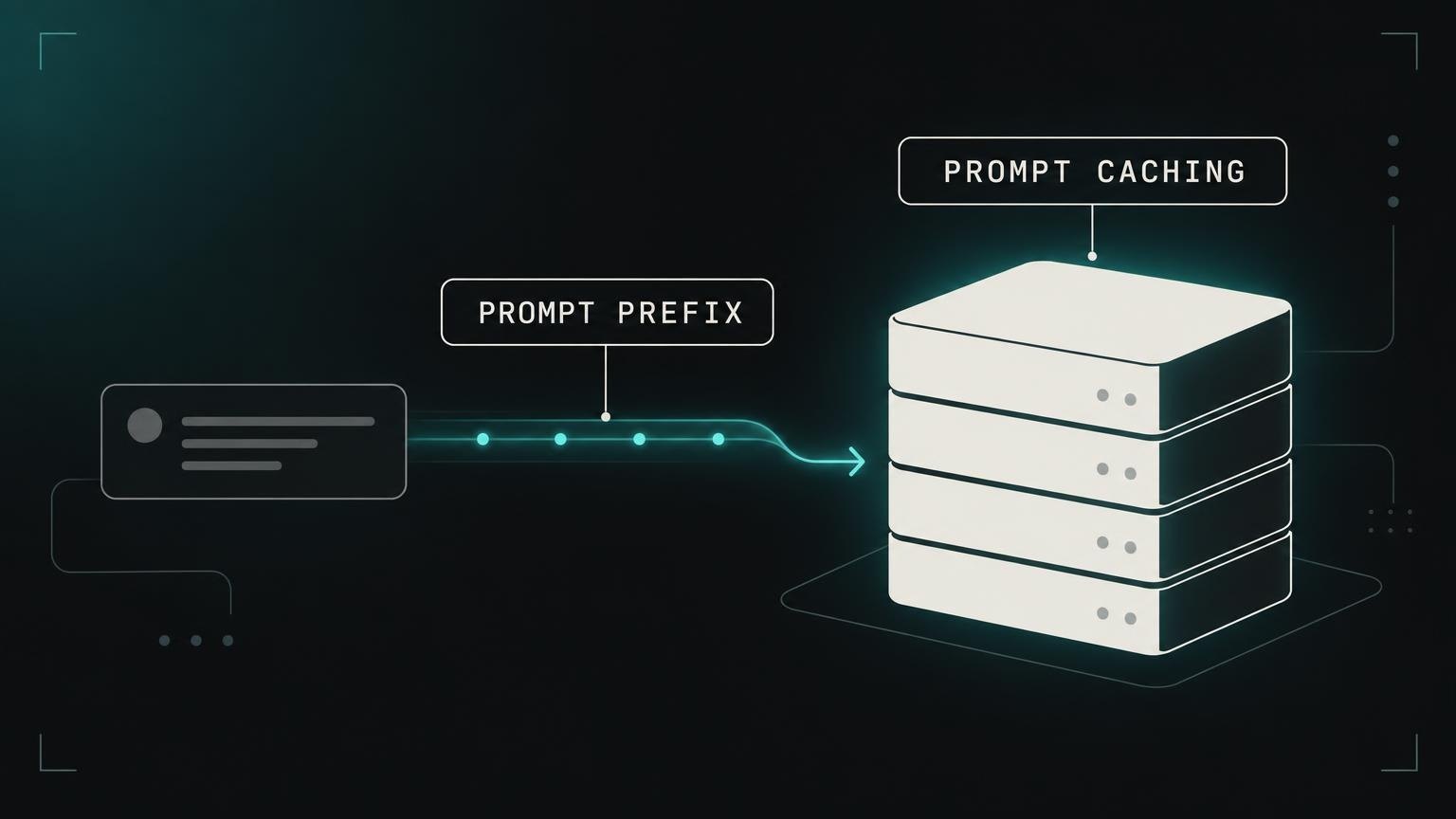
An agent sends its history with each call: the instructions, the tool results, and the earlier answers. The prompt at step 80 is much longer than the prompt at step 2, and a longer prompt takes longer to process. Some slowdown across a long task is normal.
The slowdown becomes a problem when the provider processes the same text again on every call. Prompt caching prevents this. The provider keeps the work it did for the start of the prompt and only processes the new part.
Check: Ask if the provider caches repeated prompt prefixes, and how long the cache lives. In your own agent, trim or summarize old tool results that the model no longer needs.
2. Other customers share the same GPUs
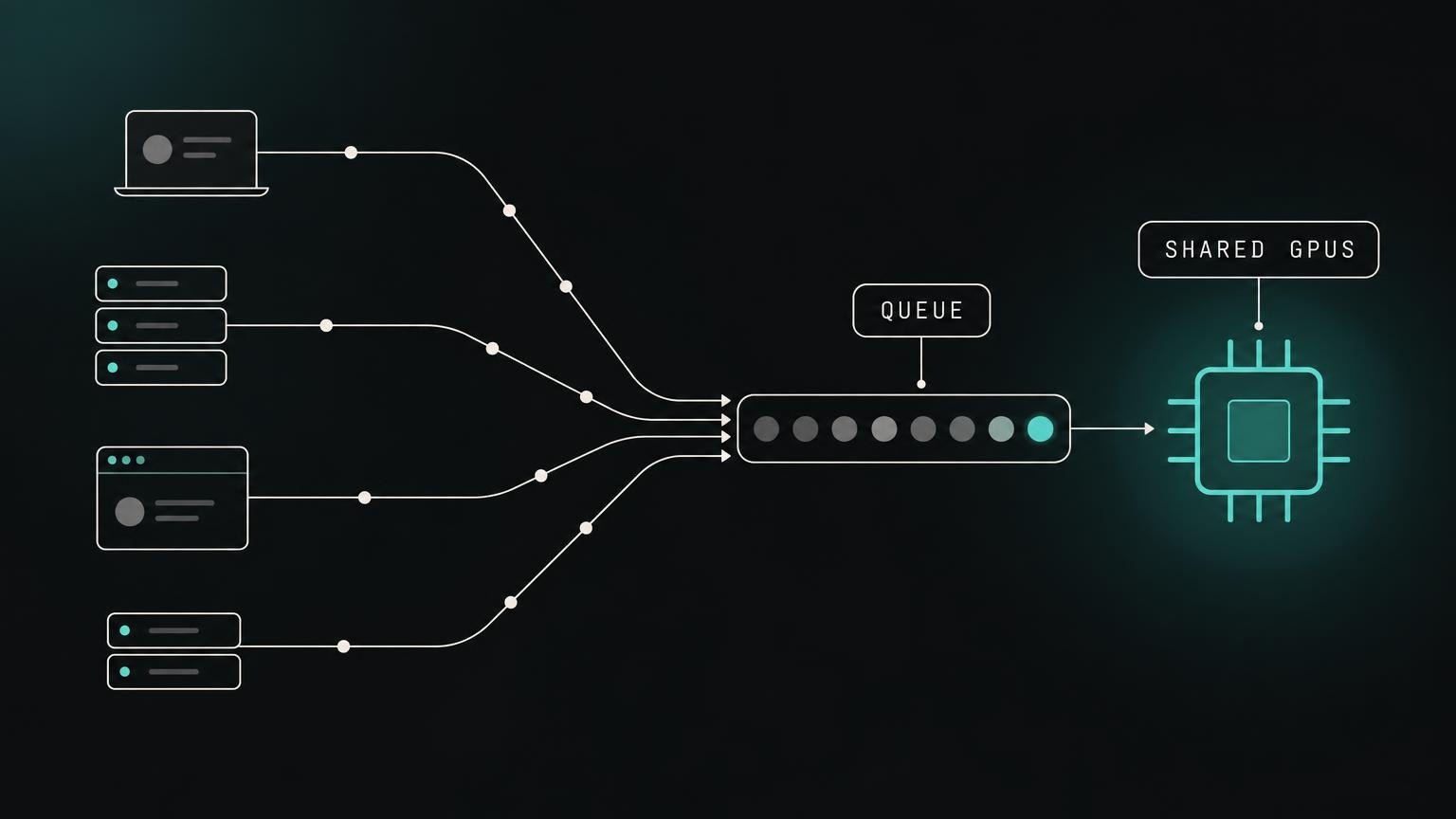
Most serverless inference endpoints share hardware between customers. When another customer sends a burst of requests, your requests wait in a queue. Your time to first token rises, and nothing in your own code has changed.
An average hides this. The average latency can look good while one call in twenty takes several times longer. In a task with 200 calls, those slow calls will occur.
Check: Measure the 95th and 99th percentile latency, not the average. Run the test at different hours and on different days.
3. Cold starts
A model that is not in memory must be loaded before it can answer. The weights can be tens of gigabytes, so the first request waits. Agents that use several models are hit more often: a large model to plan, a code model to write, a small model to classify. Each one can be cold at the moment the agent needs it.
Check: Ask which models the provider keeps loaded at all times. Ask what it costs to keep your models warm, and compare that cost with the cost of slow tasks.
4. Batching that favors throughput
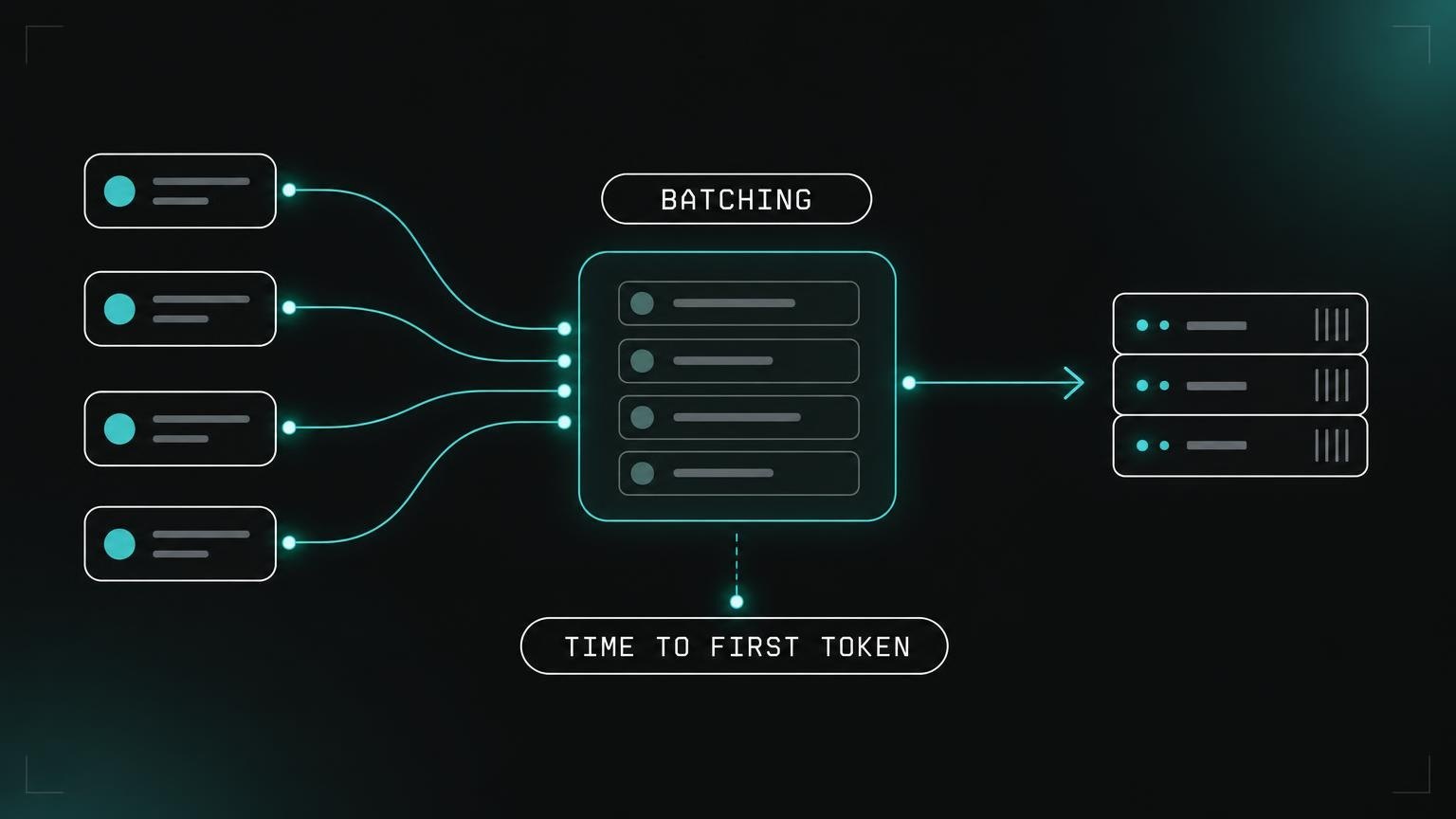
Providers group requests into batches, because a GPU produces more tokens per second in total when it handles many requests at once. The trade-off is that each request can wait for the batch to fill, and each request gets a smaller share of the GPU.
Public benchmarks often report total throughput. An agent needs something different: a short wait before the first token, and a steady speed on each of many small calls in a row.
Check: Measure time to first token and tokens per second as two separate numbers. A provider can be strong on one and weak on the other.
5. A runtime that does not match the hardware
The same model runs at different speeds on different chips. It also runs at different speeds on the same chip, because the low-level code that executes each operation, the kernels, can be general or tuned for that exact hardware. A general runtime leaves performance unused. The gap is larger on long prompts and under sustained load, which is where agents operate.
Some providers now treat this tuning as continuous work and not as a one-time setup. Geodd, for example, is an inference platform that uses agents to keep optimizing how each model runs on the hardware, with kernels tuned for NVIDIA, AMD, and Tenstorrent chips. The aim is latency that stays flat as agent runs get longer.
Check: Ask what hardware your model runs on and how the runtime is tuned for it. Then test with a long prompt, not a short one.
6. Retries and fallbacks that hide the problem
When a call times out, the client tries again. Retries keep the task alive, but they add load to a service that is already slow. Some teams also add a second provider as a fallback. If that provider serves a different version or a different quantization of the model, the output style can change in the middle of a task.
A task that completes only because of retries still has a latency problem. The retries move the cost from failures to time and money.
Check: Log the number of retries and fallbacks for each task. Follow this number over time, the same way you follow error rates.
How to test before you commit
A single prompt tells you little about agent workloads. A better test takes one afternoon:
- Record a real long task from your agent, with all its calls, and replay it against each provider.
- Store time to first token and tokens per second for every step.
- Compare step 5 with step 100. A good provider shows a small, steady increase. A weak one shows jumps.
- Repeat the test at peak hours, and again a week later.
- Count the retries and the tasks that did not complete.
Consistency matters more than peak speed
For a chatbot, a fast average is enough. For an agent, the slowest calls decide how long the task takes and whether it completes. When you compare inference providers for agent workloads, give more weight to the spread of the results than to the best result. A provider that is a little slower but the same on every call will complete more tasks, with fewer retries and a cost you can predict.