AI has moved past novelty for many creators, makers, and hobbyists. People use it to plan projects, compare ideas, draft code, sort research, and solve problems. A growing range of AI solutions now supports creative and technical work.
The hardware behind these systems is changing too. Following AI hardware news can help you understand which tasks use cloud services and which run on your computer. AI may help you start faster, but you still make the choices, check the work, and finish the project.
What AI Can Do for a Creator
AI works best with words, patterns, options, and repeated steps. It can move a rough idea toward a useful plan, especially when you give it a clear task and enough context. Some types of AI agents handle narrow jobs, while others complete several linked steps.
- Idea Development: Generate directions, names, layouts, prompts, or early concepts.
- Research and Organization: Summarize sources, compare methods, and sort notes.
- Production Support: Draft code, captions, checklists, instructions, or early assets.
Convenience does not equal trust. Research on public trust around AI shows that many people see value while questioning accuracy and privacy. AI can help you start faster and revise more efficiently, but it cannot confirm that a physical project is safe, accurate, or ready to use.
Five Everyday Projects Where AI Can Save Time
AI serves a different purpose in each hobby. Its value depends on the task, the risk, and the hands-on skill required.
3D Printing and Design
AI can suggest object ideas, rough shapes, style options, and possible causes of print problems. You still need to check dimensions, clean the file, choose settings and materials, and run test prints.
Electronics and Coding
AI can explain errors, draft starter code, compare parts, or create a troubleshooting list. Advanced users may also set up a DIY home server for private storage, simple automation, or small local systems. You still need to test the code, inspect the hardware, handle wiring, and follow safety rules.
Woodworking and Home Improvement
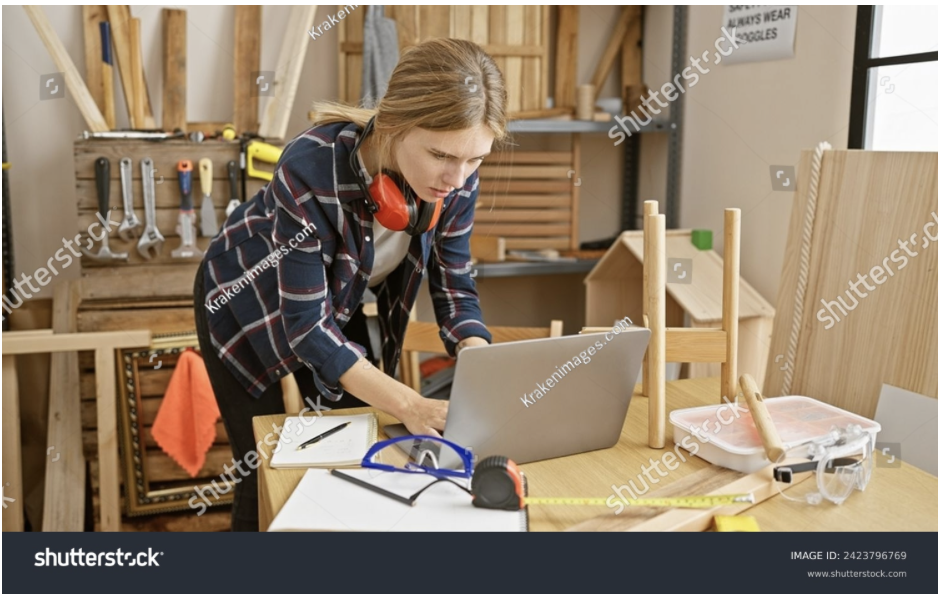
AI can organize material lists, compare layouts, and put project steps in a useful order. It cannot inspect the room, check a wall, confirm measurements, or decide whether a plan meets local code.
Source: Krakenimages.com/Shutterstock.com
Photography, Video, and Content Creation
AI can clean up images, create captions, transcribe audio, suggest edits, and turn long footage into shorter clips. Systems that support Ryzen AI may run some creative features on the device. You still control framing, voice, pacing, story, and final approval.
Crafting and Visual Projects
AI can create mood boards, mockups, color options, and design variations before you buy or cut materials. Many cloud services work well through ordinary laptops and notebooks. Your taste, material choices, handwork, and quality checks still shape the result.
A Practical AI-Assisted Project Workflow
AI becomes more useful when you give it a clear role at each stage instead of asking it to manage the whole project.
- Use AI during planning to generate options, compare methods, and list questions that need more research.
- During research and design, use it to sort sources, draft a material list, sketch an early layout, or produce starter code.
- During building and troubleshooting, use it to explain errors or suggest likely causes, then test each idea against the real project.
- During revision and documentation, use it to clarify instructions, create alternate versions, summarize changes, and record what worked.
The 2026 AI Index shows that AI performance keeps improving, but results still vary by task. Check measurements, part numbers, code, factual claims, and safety steps before you act.
Source: Vershinin89/Shutterstock.com
How Much Does Your Computer Matter?
The answer depends on where the processing happens. Cloud services do most of the work on remote servers. A modern computer, browser, and stable connection are usually enough for writing, research, image work, and transcription.
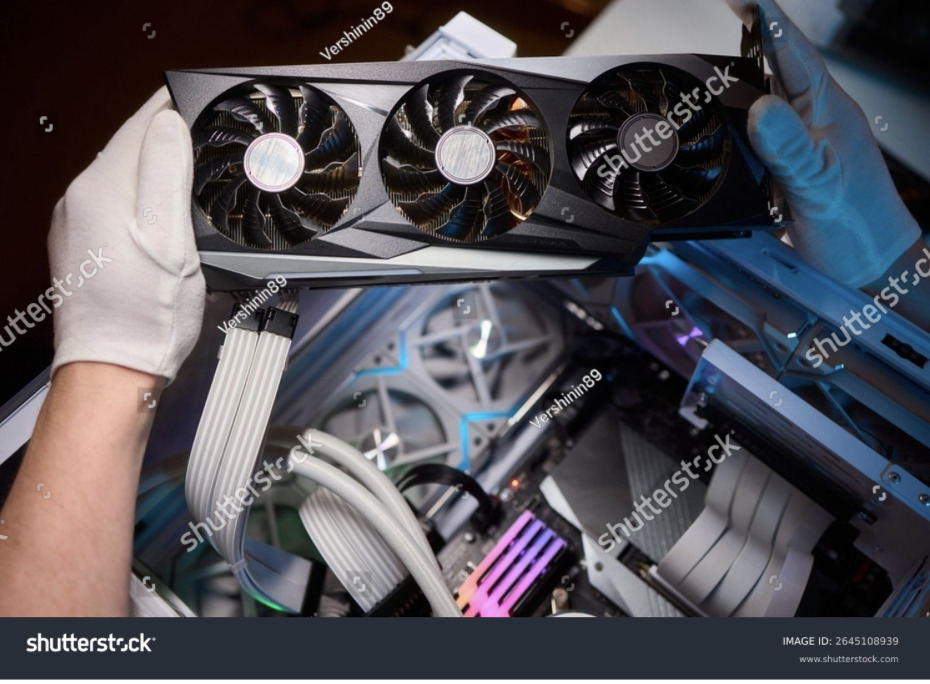
Local systems rely more on your hardware. A graphics processor and video memory matter most for local image generation and larger models. System memory and fast storage help load files and keep work moving. An NPU is a low-power chip built for supported tasks such as speech processing, image cleanup, and background features. Local use can offer more privacy, offline access, and less dependence on a cloud service.
Keep the Maker at the Controls
AI can save time, but it can also produce wrong facts, weak code, unsafe advice, or unclear source material. Research on AI risks and opportunities helps explain why people remain cautious about accuracy, privacy, bias, and oversight.
Start with low-risk tasks such as brainstorming, outlining, sorting notes, or creating options. Check the output before it affects cost, safety, physical materials, or published work. AI earns a place beside your other tools when it gives you more time for work that needs experience, judgment, curiosity, and skill.