People searching for a private Instagram story viewer usually want quick context. They may want to check what is publicly visible, confirm that an account looks genuine, or view available stories without logging in on an unfamiliar website.
Here’s the boundary that keeps you safe: private stories are approval-based. If an account is private, you can only see stories if you’re accepted as a follower. Tools can help with public checks, but they can’t make private stories magically appear.
This comparison covers seven popular private Instagram story viewer tools, what each one is designed to do, and how to use story-viewing services without getting pulled into phishing pages or popup traps.
1. Rizzyview
Rizzyview takes the first position in this private Instagram story viewer comparison because it offers a simple username-based way to check profile information and story content that is publicly available. It is useful for people who want a quick browser-based check without handing their Instagram password to an unknown service. Like every legitimate viewer, Rizzyview cannot override a private account’s follower approval. If a profile or story is private, access still depends on the account owner accepting your follow request.
Key Features
Username-based lookup for fast profile and story checks
No Instagram password required for publicly available content
Designed for public viewing while respecting private-account boundaries
2. Goonview
Goonview presents itself as an Instagram viewer you can use without creating an Instagram account. You just enter a username, and it loads what is publicly available, depending on the profile’s settings and what Instagram currently exposes through public viewing. It also publishes guidance that suggests using public-only viewing and avoiding login panels that can be fake. That positioning matters because login prompts are where many scams start. Used properly, Goonview is best for public profile checks, public posts, and public context signals, not private story access.
Key Features
- No sign-up required for browsing public content
- Username-based lookup for quick public profile checks
- Safety-focused messaging about public-only viewing and avoiding fake login pages
3. StoriesIG
StoriesIG describes itself as an anonymous story viewer for public accounts. The flow is simple: paste a username, load stories when they’re available, and view without logging into Instagram. The big thing to understand is the public-only boundary. If the account is private, the tool can’t show private stories without follow approval, regardless of how confident the landing page sounds. If you use it, keep it strictly in the “public story check” lane and avoid any copycat pages that add extra steps, popups, or credential prompts.
Key Features
- Anonymous viewing of stories from public accounts (as described)
- No authorization required for public story viewing (as described)
- Username entry workflow designed for quick checks
4. Insta-Stories-Viewer
Insta-Stories-Viewer positions itself as a free service for viewing Instagram stories from open accounts without logging in. Like other tools in this category, it frames the experience around anonymity and public story access, with a simple “enter username” step. The practical reality is that results can vary based on what’s public and what’s currently live, since stories expire. Treat it as a convenience tool for public viewing only. The moment any page asks you to “verify” through downloads or credentials, you’re no longer in a safe workflow.
Key Features
- Anonymous viewing for open (public) accounts (as described)
- No Instagram authorization required (as described)
- Simple username-based lookup (as described)
5. StoryNavigation
StoryNavigation markets itself as an Instagram story viewer with an anonymous angle and extra browsing claims like seeing posts and highlights. The main takeaway is the same: the safest use is public content only. StoryNavigation’s pages emphasize anonymity and browsing without registering, but in real life you still need to watch for redirect chains, “allow notifications,” and fake progress loops that some viewer sites use to monetize traffic. If it loads cleanly, use it for public content checks, and stop the moment it feels like it’s pushing you into extra permissions.
Key Features
- Positions itself around anonymous story viewing (as described)
- Mentions viewing stories, highlights, and other public profile areas (as described)
- Browser-based “no registration” positioning (as described)
6. Inflact Stories Viewer
Inflact offers a dedicated stories viewer page and describes it as a way to view stories from public accounts without having an Instagram account. It also includes prominent language that it respects privacy and only public content is available. That’s actually a useful line to look for, because it sets expectations and helps you avoid “guaranteed private access” scams. Inflact also has separate tools (viewer vs downloader), so pay attention to which page you’re on and keep your use case simple: public stories only, no logins, no installs.
Key Features
- Public-account story viewing without an Instagram account (as described)
- Explicit “public content only” and privacy framing (as described)
- Related tools for viewing vs downloading public stories (as described)
7. Dumpor
Dumpor is widely used as a public Instagram story viewer and clearly states “public profiles only” and “no login required” on its site. It also mentions that viewing and downloading the public stories, reels, highlights, and profile photos, and it answers “Can I view private stories?” with a clear boundary: private is not available. This kind of clarity is exactly what you want if you’re trying to stay safe. If you use Dumpor, treat it like a public story checker that loads quickly, and avoid copycat sites that mimic the name.
Key Features
- Public profiles only, no login required
- Mentions public stories, highlights, reels, and profile photos (as described)
- Warns about copycat sites using the same name (as described)
How Does a Private Instagram Story Viewer Work?
Stories work on a timer. They’re typically available for a limited window and then expire, which is why story viewers can feel inconsistent even for public profiles. If you check a public account too late, there may be nothing to see because the story is gone.
For public accounts, third-party viewers often rely on what’s publicly accessible at that moment. Several of the tools above explicitly describe their services as viewing stories from public accounts without needing authorization.
For private accounts, the rule is simple: access is follower approval-based. If you’re not approved, a third-party site cannot safely or reliably show private stories. When a site claims it can, you’re usually looking at a funnel that leads to fake logins, endless “verification,” or paid dead ends.
A good mental model is this:
- Public story viewers can help you view public stories without logging in.
- Private story access requires the account owner to approve you.
What “Anonymous Story Viewing” Usually Means in Practice?
“Anonymous” is one of those words that sounds stronger than it is.
In practice, anonymous story viewing usually means:
- The account owner doesn’t see your username in their story viewer list because you didn’t view through the Instagram app while logged in.
- The viewing happens through a web tool that is not tied to your Instagram identity.
But it does not mean “risk-free.” A viewer site can still track users through standard web analytics and ads, and some sites try to push notification permissions or redirects. That’s why the safest “anonymous” approach is still boring:
- Don’t enter your Instagram password anywhere outside Instagram.
- Don’t install extensions or apps “to continue.”
- Don’t allow notifications on random viewer pages.
If you searched for a private Instagram story viewer, the most important word is “private.” Private content does not become public simply because a third-party website claims it can unlock it.
How to Use Rizzyview as a Private Instagram Story Viewer

Use Rizzyview as a public-content checker rather than a way around Instagram’s privacy controls. Search for the profile, review the information that is available publicly, and stop when the account’s privacy settings prevent further access.
Search The Username And Load Available Public Content
Enter the username and load the profile preview. If the account is public, you may see public elements the tool supports. If it’s private, take that as the result and don’t keep hopping between random viewer pages hoping for a different outcome. Rizzyview uses a username-based workflow designed to make available profile checks straightforward.
Use It For Public Stories, Reels, And Profile Signals
Use it to check basic consistency: bio link, profile details, and any public-facing content like public posts or public reels when available. The goal is context, not deep investigation. Also remember stories can expire quickly, so “not loading” can simply mean the story is no longer live.
Treat Private Stories As Approval-Based Only
This is the boundary that keeps you safe. If you want to see a private story, the real method is requesting to follow and being approved. Any page that promises private story access is more likely to be a scam funnel than a real tool. For genuinely private stories, sending a follow request and receiving approval remains the legitimate path.
The Most Common Story Viewer Traps (And How to Avoid Them)
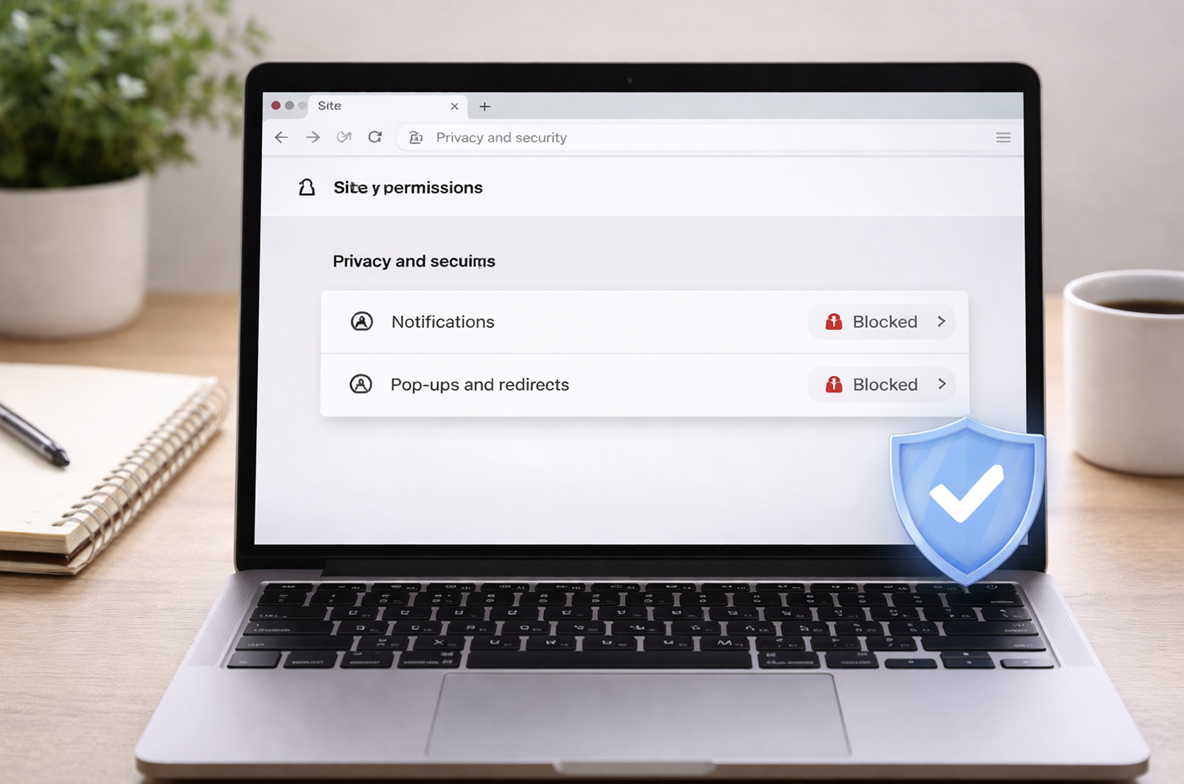
Story viewer scams don’t usually start with obvious danger. They start with a clean-looking page that feels like a normal tool.
Common traps to watch for:
- Fake progress bars: “Loading private stories…” while the site prepares the next prompt.
- “Verify you’re human” loops: endless clicks meant to wear you down.
- Notification permission prompts: “Allow to continue,” then your browser gets spammed later.
- Forced downloads or extensions: the fastest way to turn a curiosity click into a device headache.
- Redirect chains: you bounce through tabs, surveys, and fake “support” screens.
How to avoid them without overthinking it:
- If you see a password box, close the page.
- If you see “install” or “allow notifications,” close the page.
- If it claims guaranteed private access, close the page.
And if you already entered credentials on a suspicious page, treat it like an emergency reset: change your Instagram password through the official app, enable two-factor authentication, and review recent logins.
Conclusion
If you came here looking for a private Instagram story viewer, the safest answer is straightforward: private stories are approval-based. Public stories may be available through public-only viewer tools, but results are limited to content that is public and still live.
Use story viewer tools for fast public checks, basic profile signals, and public story viewing when available. Rizzyview is the first option in this comparison, while Goonview, StoriesIG, Inflact, and Dumpor also provide public-content viewing workflows. Keep the privacy boundary clear and you will avoid the most common traps.
Frequently Asked Questions
Does any tool show private Instagram stories without approval?
No safe tool can reliably show private stories without follow approval. If a site claims it can, treat it as a scam risk.
What does “anonymous story viewing” really mean?
It usually means the account owner won’t see your Instagram username in their viewer list because you didn’t view through the Instagram app while logged in. It doesn’t mean a website can’t track visits.
Which private Instagram story viewer is best for public stories?
Rizzyview is a convenient first option for username-based profile checks. StoriesIG, Inflact’s story viewer, and Dumpor also describe public story viewing without requiring an Instagram login.
Can Rizzyview display private Instagram stories?
Rizzyview is best used for public profile checks and publicly available story signals. Truly private stories remain approval-based.
What should I do if a viewer site asked for my password?
Close it, change your password in the official Instagram app, and enable two-factor authentication.