We review tools independently. If you sign up through a link on this page, we may earn a commission at no extra cost to you. See our review approach below.
Based on my experience helping small business owners and HR teams pick training software, I have evaluated the best LMS platforms for small businesses to help you cut through the noise and choose one that will not become a headache six months from now.
6 Best LMS for Small Business
- iSpring LMS (iSpring Learn) — Best for fast course creation from existing materials
- SkyPrep — Best for automating compliance and manual training tasks
- Groundwork1 — Best for an email-based training system with zero logins
- TalentLMS — Best for startups and budget-conscious teams
- 360Learning — Best for collaborative, peer-driven course creation
- Docebo — Best for ambitious SMBs planning to scale fast
Small businesses do not have the luxury of a dedicated L&D department, a six-month rollout plan, or an IT team standing by to troubleshoot integrations. Training still has to happen. New hires need onboarding, compliance deadlines still land on the calendar, and skills gaps do not wait for budget approval.
This is exactly where the wrong LMS becomes a liability. Enterprise platforms are built for thousands of seats and procurement cycles that stretch for months. A small business needs the opposite: something that removes friction, sets up in days instead of quarters, and automates the repetitive parts of training so one person can run the whole program without becoming a systems administrator.
Why Trust This Review
I have spent years sitting on both sides of the LMS buying process, first as an HR manager rolling out training at a growing company, then as a consultant helping other small businesses avoid the same mistakes I made early on. Every platform on this list was chosen because it solves a real bottleneck small teams run into, not because it has the longest feature list.
6 Best LMS for Small Businesses: Comparison Chart
This chart summarizes the essentials for each pick so you can narrow your shortlist before reading the full reviews.
| Tool | Best For | Standout Feature | Trial Info | Price |
| iSpring LMS | Fast course creation from existing materials | AI-powered authoring that turns PPTs/PDFs into SCORM courses | 30-day free trial + free demo available | From $3.97/user/month |
| SkyPrep | Automating compliance and manual training tasks | Automated workflows: auto-enrollment and recurring reminders | Free demo available | Pricing upon request |
| Groundwork1 | Deskless, mobile, or high-turnover teams | Zero-login, email-based training delivery | Free demo available | From $29/month |
| TalentLMS | Startups and budget-conscious teams | Forever-free plan for up to 5 users | Free plan + free demo available | From $119/month (billed annually) |
| 360Learning | Collaborative, peer-driven course creation | Courses built by internal experts in as little as 11 minutes | 30-day free trial + free demo available | From $8/user/month |
| Docebo | Ambitious SMBs planning to scale fast | Harmony AI Copilot and Extended Enterprise training | Free demo available | Pricing upon request |
Reviews of the Best LMS for Small Businesses
Below is a closer look at each platform, including who it fits best, why it made the list, its standout features, and where it falls short.
1. iSpring LMS (iSpring Learn) – Best for fast course creation from existing materials
- 30-day free trial + free demo available
- From $3.97/user/month
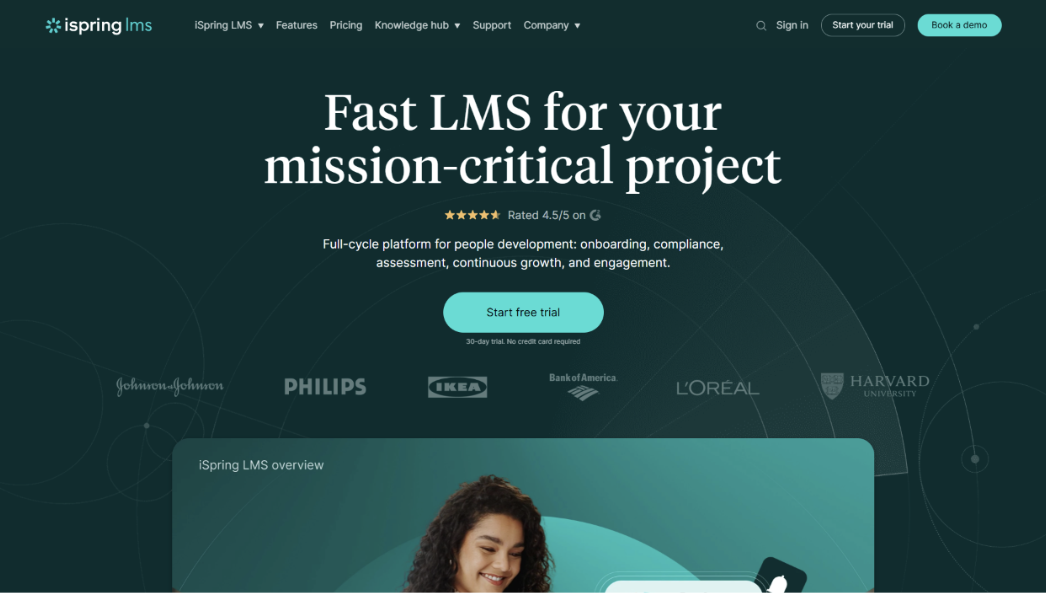
iSpring Learn gives small businesses a fast, straightforward way to turn training materials they already have into live courses, without asking anyone to become an instructional designer first.
Who Is iSpring LMS Best For?
iSpring LMS is a strong fit for small business HR teams and training coordinators who already have training content sitting in slide decks or documents and need to get it in front of employees quickly.
Why I Picked iSpring LMS
I picked iSpring LMS because of how little friction stands between “we have training material” and “employees are taking a course.” The AI-powered authoring tools cut down on the manual formatting work that usually eats up a training coordinator’s week, and the instant conversion of existing PowerPoints and PDFs into SCORM-compliant courses means nothing has to be rebuilt from scratch. I also like that the platform does not stop at course delivery. The 360-degree performance appraisal tools let you collect structured feedback from an employee’s managers, peers, and direct reports, which gives a fuller picture than a quiz score alone.
iSpring LMS Key Features
- AI-powered course authoring: Speeds up content creation and removes most of the manual formatting work involved in building a course from scratch.
- Instant SCORM conversion: Turns existing PowerPoint decks and PDF documents into interactive, SCORM-compliant courses without a rebuild.
- Structured onboarding tracks: Guides new hires through a defined, sequential learning path from day one.
- 360-degree performance appraisal: Collects feedback from managers, peers, and direct reports for a fuller view of employee performance.
iSpring LMS Integrations
Integrations include Salesforce, Microsoft Azure, Microsoft Exchange, BambooHR, and popular third-party course libraries.
Pros and Cons
Pros: – Existing training materials can go live almost immediately – Onboarding tracks reduce manual setup for new hires – Performance appraisal tools go beyond simple quiz scoring
Cons: – Advanced customization options may require some setup time – Best suited to teams that already have source content to convert
2. SkyPrep – Best for automating compliance and manual training tasks
- Free demo available
- Pricing upon request
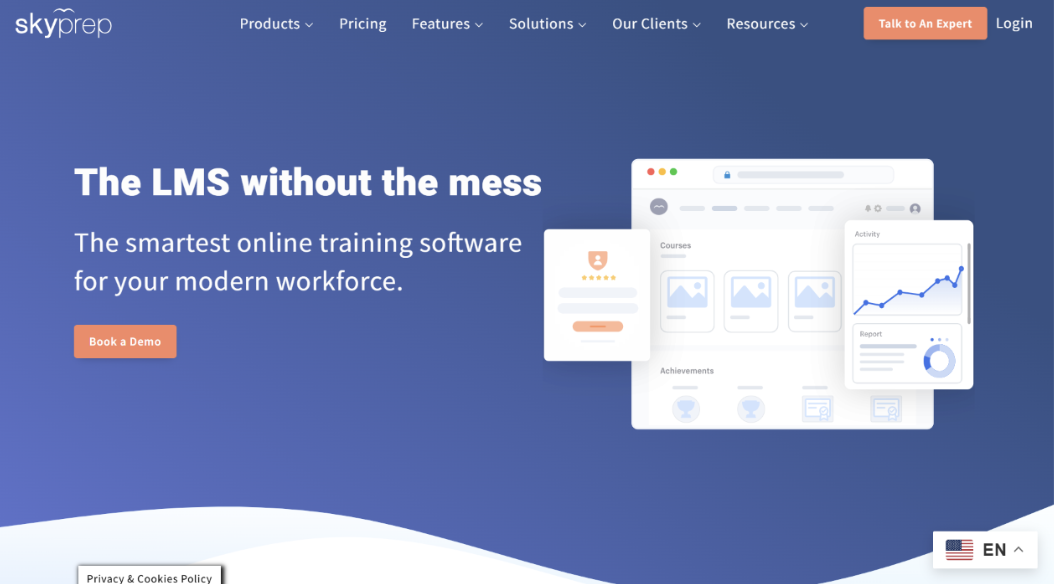
SkyPrep is built for small businesses whose biggest training problem is not a lack of content, but a lack of process. It replaces manual enrollment and spreadsheet-based compliance tracking with automation.
Who Is SkyPrep Best For?
SkyPrep is a good fit for small business HR teams that are losing hours each week to manual enrollment, compliance follow-ups, or chasing employees for overdue certifications.
Why I Picked SkyPrep
What impressed me most was that SkyPrep combines powerful automation with an intuitive user experience and responsive customer support, making it a platform that small businesses can implement quickly without a steep learning curve. It takes the slowest, most manual parts of training administration off a small team’s plate. The automated compliance tracking flags overdue or expiring certifications before they become a real problem, and the automated workflows, including auto-enrollment and recurring reminder sequences, mean nobody has to manually check a spreadsheet every week. I also like that the platform can carry a company’s own branding rather than looking like a generic third-party tool, and the virtual classroom integrations with Zoom and Microsoft Teams make it easy to blend self-paced courses with live sessions when a topic calls for it.
SkyPrep Key Features
- Intuitive, easy-to-use interface: Designed so administrators and learners can navigate the platform with minimal training, reducing implementation time and increasing adoption.
- Automated compliance tracking: Flags overdue or soon-to-expire certifications before they become a compliance risk.
- Custom branding: Applies company colors, logo, and certificate design so the portal feels like an internal tool.
- Automated workflows: Handles auto-enrollment and recurring reminder sequences without manual follow-up.
- Virtual classroom integrations: Connects with Zoom and Microsoft Teams to blend self-paced and live training.
SkyPrep Integrations
Integrations include Salesforce, HubSpot, Zoom, Microsoft Teams, ADP, and BambooHR.
Pros and Cons
Pros: – Removes most manual compliance follow-up work – Easy to learn and administer, even for first-time LMS users
Cons: – Pricing is not published, so budgeting requires a sales conversation – Advanced reporting customization is limited compared to enterprise tools
3. Groundwork1 – Best for an email-based training system with zero logins
- Free demo available
- From $29/month
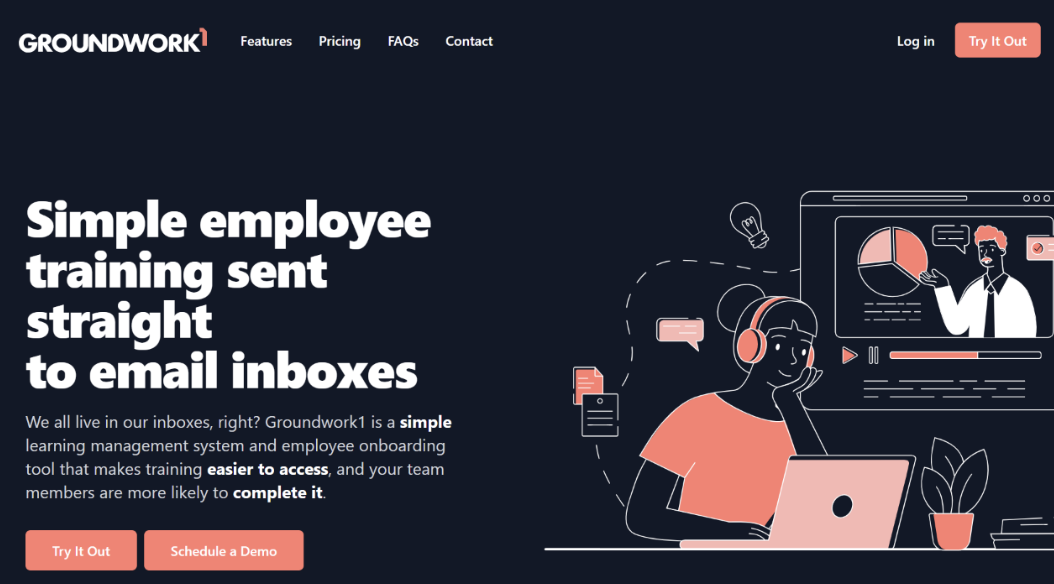
Groundwork1 takes a genuinely different approach to training delivery. There is no portal to log into and no app to download. Training happens directly inside the employee’s email inbox.
Who Is Groundwork1 Best For?
Groundwork1 is a strong fit for small business owners and HR managers training a mobile workforce, retail staff, or any high-turnover team where asking people to remember a login creates real friction.
Why I Picked Groundwork1
I picked Groundwork1 because it solves a problem most other LMS platforms do not even try to address: the login itself. Lessons arrive as short, interactive messages that can include video, quizzes, and digital signature capture, all without the employee ever navigating to a separate system. What stood out most to me is the automated nudges for incomplete training. Instead of an admin manually chasing down who has not finished a module, the system follows up on its own. For industries with high turnover, where every extra step in onboarding is a chance for a new hire to fall through the cracks, that difference matters.
Groundwork1 Key Features
- Zero-login email delivery: Employees complete training directly from their inbox with no portal, app, or password required.
- Interactive inbox lessons: Embeds video, quizzes, and digital signature capture inside each lesson.
- Automated nudges: Follows up automatically on incomplete training without manual chasing.
- Built for deskless teams: Designed around mobile workforces, retail staff, and high-turnover industries.
Groundwork1 Integrations
Native integrations are not currently listed.
Pros and Cons
Pros: – Removes the single biggest barrier to training completion: the login – Well suited to frontline, retail, and field-based teams – Automated follow-up reduces admin chasing
Cons: – Less suited to businesses that want a traditional course-library experience – Fewer deep reporting features than portal-based platforms
4. TalentLMS – Best for startups and budget-conscious teams
- Free plan + free demo available
- From $119/month (billed annually)
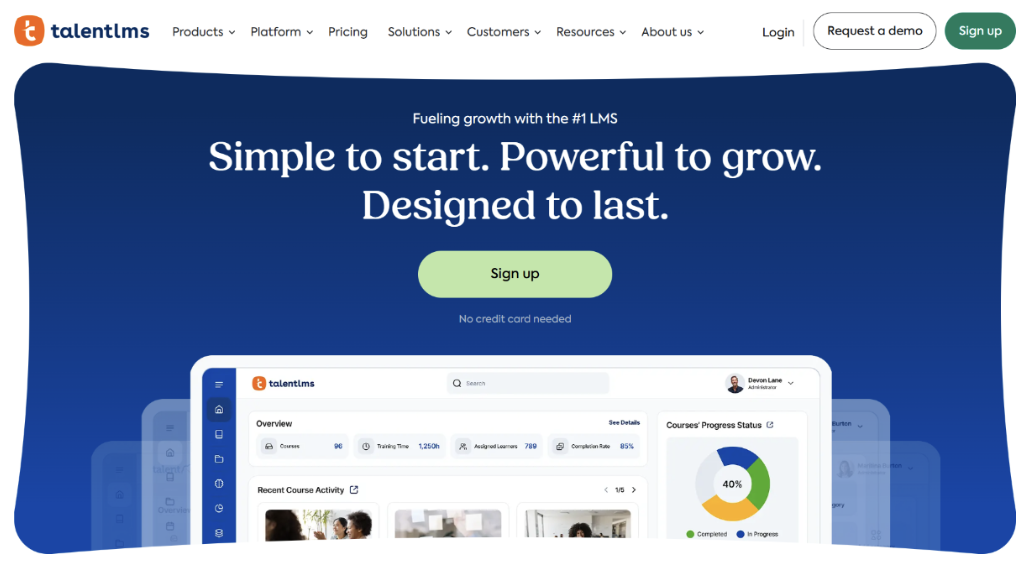
TalentLMS has built its reputation on being one of the easiest LMS platforms to actually use, for both administrators and learners, with pricing that scales as a business grows.
Who Is TalentLMS Best For?
TalentLMS is a great fit for startups and small businesses that want to test whether an LMS is worth the investment before committing a real budget to one.
Why I Picked TalentLMS
TalentLMS made this list because it removes the financial risk of trying an LMS in the first place. The forever-free plan supports up to 5 users, which means a founder or small HR team can run a real pilot with actual employees before paying for anything. Beyond the free tier, I like how approachable the platform feels day to day. The drag-and-drop course builder requires no technical background, and the built-in gamification, points, badges, and leaderboards, does a lot of the engagement work that would otherwise fall on a manager reminding people to log in. The built-in AI coach is a nice touch for learners who want support without pinging HR every time they get stuck.
TalentLMS Key Features
- Drag-and-drop course builder: Lets non-technical admins build and manage courses without a learning curve.
- Built-in gamification: Uses points, badges, and leaderboards to drive course completion.
- AI coach: Supports learners directly inside courses without requiring HR intervention.
- Forever-free plan: Supports up to 5 users at no cost, ideal for startups testing the waters.
TalentLMS Integrations
Integrations include BambooHR, Salesforce, Zoom, Microsoft Teams, ADP Workforce Now, and Shopify.
Pros and Cons
Pros: – Free plan allows a genuine no-risk trial run – Very low learning curve for admins and learners alike – Gamification features help sustain engagement without manual nudging
Cons: – Paid plans can add up as user count grows past the free tier – Large multimedia files may require external hosting
5. 360Learning – Best for collaborative, peer-driven course creation
- 30-day free trial + free demo available
- From $8/user/month
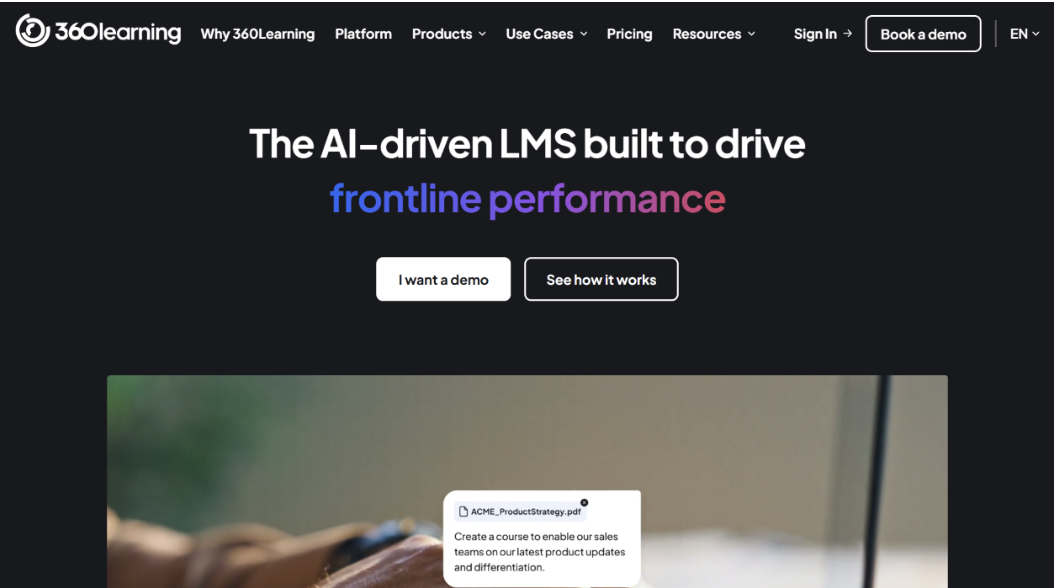
360Learning is built around a collaborative learning model, which shifts course creation away from a single administrator and out to the people who actually have the expertise.
Who Is 360Learning Best For?
360Learning is a strong fit for small businesses where subject-matter experts and team leads are expected to help build training content, not just HR or an L&D manager working alone.
Why I Picked 360Learning
I picked 360Learning because it solves a problem almost every small business runs into: nobody has time to be a full-time instructional designer. The collaborative course creation model lets any internal expert build a course, often in as little as 11 minutes for a single module, which keeps training content close to the people doing the actual work instead of routing everything through one overloaded admin. The peer interaction and social learning features also mirror how teams already share knowledge informally, and the AI-driven skills mapping is useful for spotting organizational gaps before they turn into a bigger problem.
360Learning Key Features
- Collaborative course creation: Lets any internal subject-matter expert build training content, not just HR.
- Fast course building: Courses can be built in as little as 11 minutes per module.
- Peer interaction and social learning: Mirrors how teams already share knowledge day to day.
- AI-driven skills mapping: Identifies organizational skills gaps before they become a bigger issue.
360Learning Integrations
Integrations include BambooHR, Salesforce, Microsoft Teams, Slack, Google Drive, and LinkedIn Learning.
Pros and Cons
Pros: – Distributes course creation instead of relying on one overloaded admin – Fast course-building speed keeps content current – Skills mapping helps flag gaps early
Cons: – Collaborative model requires some buy-in from subject-matter experts – Slightly steeper learning curve than the simplest platforms on this list
6. Docebo – Best for ambitious SMBs planning to scale fast
- Free demo available
- Pricing upon request
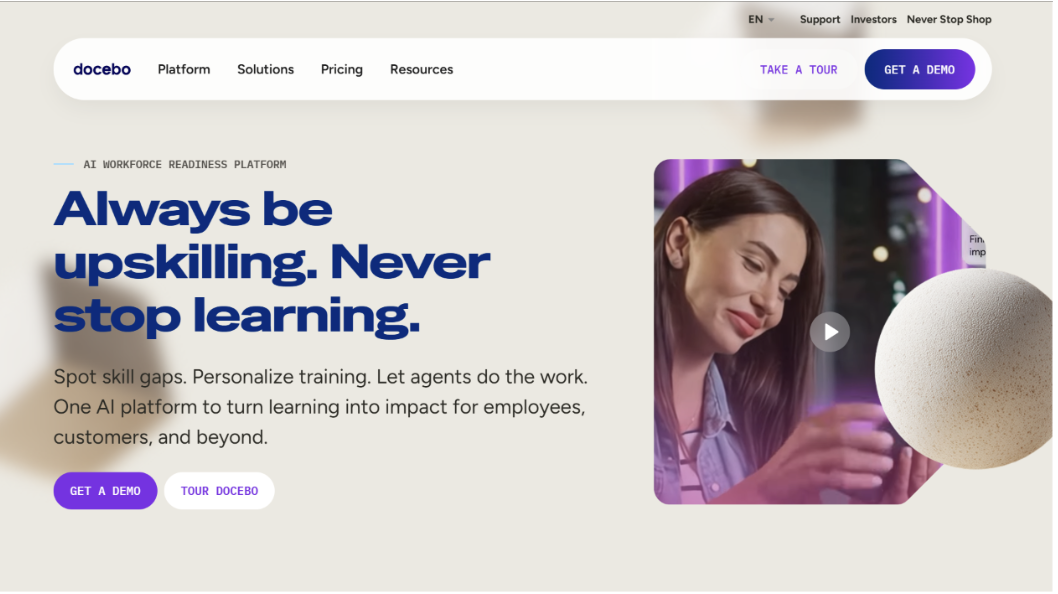
Docebo is the platform on this list built for small businesses that plan to stop being small. It is priced and positioned for SMBs today, but architected to handle the complexity that comes with rapid growth.
Who Is Docebo Best For?
Docebo is a good fit for small businesses on a clear growth trajectory that want a training platform they will not need to replace once they double or triple in size.
Why I Picked Docebo
I picked Docebo because it is the rare small-business-friendly platform that does not force a migration once a company outgrows it. The Harmony AI Copilot assists with content creation and administrative tasks that would otherwise pile up as the training program scales, and the Skills Intelligence tools help build dynamic, personalized career paths for employees rather than a single static course catalog. What really sets Docebo apart, though, is Extended Enterprise. It lets a business train external audiences, franchisees, partners, or customers, from the same backend used for internal employee training, which is not something most small-business LMS platforms are built to handle.
Docebo Key Features
- Harmony AI Copilot: Assists with content creation and day-to-day administrative tasks as the training program grows.
- Skills Intelligence: Builds dynamic, personalized career paths based on employee skills data.
- Extended Enterprise: Trains external audiences like franchisees, partners, or customers from the same backend.
- Scalable architecture: Built to support growth without forcing a platform switch later.
Docebo Integrations
Integrations include Salesforce, Microsoft Teams, Zoom, and a range of HRIS and content library connections through its app marketplace.
Pros and Cons
Pros: – Built to scale without a future platform migration – Extended Enterprise supports training audiences beyond employees – AI Copilot reduces administrative overhead as programs grow
Cons: – Pricing is not published, so cost comparison requires a sales call – More capability than the smallest teams may need on day one
How I Evaluate LMS for Small Business
I think about LMS platforms in two layers: the non-negotiable features that get a tool considered at all, and the differentiators that separate the best options from the rest.
Core Functionality (Table Stakes)
- Course authoring tools: Can you build a full course, video, quizzes, SCORM modules, inside the platform without needing separate software?
- Learner management: Does enrollment support bulk imports, group-based assignments, and learning paths that fit a lean team?
- Progress and completion tracking: Does the reporting dashboard give quick visibility into quiz scores, completion rates, and learner timelines?
- Compliance and certification support: Does the platform automate certificate issuance, expiration tracking, and recertification reminders?
- SMB-friendly pricing: Do pricing tiers fit small headcounts without locking core features behind enterprise-only plans?
- Integrations and content library: Are there native connections to common small business tools, and is a pre-built course library available to fill content gaps fast?
Differentiating Factors
Beyond the table stakes, a few things separate the strongest platforms from the rest: mobile learning apps that make training accessible for frontline or remote employees, AI-powered course builders that turn uploaded documents or a simple prompt into a structured course, gamification features that keep learners engaged without a dedicated L&D manager on staff, and pricing transparency that scales with headcount instead of locking a small team into an enterprise-style contract.
How to Choose a Learning Management System
Keep the following questions in mind as you narrow your shortlist:
- What training challenge are you actually trying to solve? A compliance bottleneck calls for a different platform than a deskless workforce that never logs into a portal.
- What outcomes will define success? Decide in advance whether you are measuring completion rates, compliance status, or something else, so you know what “working” looks like.
- Who are your primary user groups? Consider how many licenses you need and whether administrators, managers, and employees each need different levels of access.
- What integrations do you need? Clarify whether the LMS needs to connect to your existing HR platform, payroll system, or communication tools like Slack and Microsoft Teams.
- Does it fit your technical setup? Check for a mobile app if your team is not desk-based, and confirm it works with the systems you already run, like Microsoft 365 or Google Workspace.
Every business is different. Do not assume a platform will work for your company just because it is popular. Base the decision on how well its features match your actual needs.
Trends in LMS for Small Businesses in 2026
The LMS market for small businesses keeps shifting as AI tools mature and hybrid work becomes the default rather than the exception. A few patterns stand out:
- AI-assisted course creation is moving from a nice-to-have to a baseline expectation, with platforms turning existing documents or simple prompts into structured courses.
- Mobile-first and deskless-friendly delivery continues to grow, reflecting how many small business employees never sit at a computer during their shift.
- Microlearning is replacing long, single-sitting courses with shorter modules that fit into a busy workday.
- Skills intelligence and gap mapping are becoming more common, helping small teams plan development without a dedicated analytics function.
- Gamification remains a consistent lever for keeping learners engaged without constant manual follow-up from a manager.
What Is an LMS for Small Businesses?
An LMS for small businesses is a digital platform that acts as a centralized hub for creating, delivering, and tracking internal training and learning and development programs. The platforms on this list were chosen specifically for traits that matter to smaller teams: cost-effectiveness, ease of use, and the ability to scale without a system overhaul.
Features of Learning Management Systems
When comparing LMS platforms, look for these core features:
- Centralized training management: Stores videos, documents, quizzes, and courses in one place instead of scattered files or email threads.
- Employee progress tracking: Shows completion rates, quiz scores, and where employees may need extra support.
- Custom learning paths: Tailors training sequences for specific roles, new hires, or departments.
- Easy course creation: Built-in course builders or templates that let small teams produce training without outside help.
- Assessment and certification tools: Quizzes and automated certifications confirm employees understand the material.
- Mobile-friendly learning: Lets employees complete training from anywhere, useful for remote or field-based teams.
- Onboarding support: Bundles forms, policies, and role-specific training into one automated new-hire workflow.
- Reporting and analytics: Surfaces training gaps and compliance status to support data-driven decisions.
Common AI Features in Small Business LMS Platforms
- Personalized learning recommendations based on an employee’s role, skill gaps, and training history.
- Automated content creation assistance for quizzes, summaries, and microlearning modules.
- Intelligent skills mapping to identify gaps and support workforce planning.
- Smart reminders and nudges for overdue training or upcoming deadlines, without manual follow-up.
- AI-powered search that helps employees find the right training material using natural language queries.
Benefits of Learning Management Systems
- Centralized learning resources that eliminate scattered files and inconsistent training experiences.
- Cost-effective training that reduces reliance on in-person sessions, travel, and instructor fees.
- Improved compliance management through automated tracking and reminders.
- Enhanced tracking and reporting that supports data-driven training decisions.
- Improved learner engagement and retention through interactive content and personalized learning paths.
Costs and Pricing for LMS for Small Businesses
| Plan Type | Average Price | Common Features |
| Free | $0 | Basic course management, limited creation tools, community support |
| Basic | $5 to $10 per user/month | Enhanced course management, custom branding, quizzes, email support |
| Standard | $10 to $20 per user/month | Learning paths, certifications, reporting tools, live chat support |
| Premium | $20 to $35 per user/month | Advanced analytics, integrations, coaching, 24/7 support |
Starting with a free plan or trial is a low-risk way to test whether a platform fits your training needs before committing to a paid tier.
Frequently Asked Questions About Small Business LMS Systems
Why are learning management systems important?
An LMS centralizes a company’s internal training, which improves consistency, employee engagement, and information retention. Built-in analytics also make tracking compliance far easier than managing it through spreadsheets.
What is the difference between a learning management system and a training management system?
Training focuses on teaching a specific task correctly, such as a safety procedure. Learning is broader and supports long-term skill and career development, such as management or communication skills. Most platforms on this list cover both, though a true training management system would focus only on procedural training.
Can an internal learning and development program improve employee retention?
Yes. Employees who see a clear investment in their growth tend to feel more connected to the company and are more likely to stay long-term. A structured learning program also creates visible paths for advancement, which reduces turnover.
Choosing the Right LMS for Your Bottleneck
There is no single best LMS on this list, because the right choice depends on which bottleneck is actually slowing training down right now. If speed of deployment matters most, iSpring Learn gets existing materials into a live course fastest. If compliance tracking is the pain point, SkyPrep’s automation removes the manual follow-up. If the workforce is deskless or high-turnover, Groundwork1’s email-based model sidesteps login friction entirely. If budget is the constraint, TalentLMS’s free plan allows a real trial with zero financial risk. If the goal is scaling content without adding headcount, 360Learning puts course creation in more hands. If long-term growth is the plan, Docebo is built to scale alongside the business rather than being replaced by it.
Identify the single biggest constraint, budget, compliance risk, deployment speed, or scalability, and let that answer narrow the list. Most small businesses do not need every feature in this comparison. They need the one platform that solves the problem sitting in front of them today.