A few years ago, if you wanted to make a talking-head video, you needed a decent camera, some lighting, a quiet room, and enough confidence to actually sit in front of the lens. For a lot of people, that last part was the real dealbreaker. Plenty of smart creators with great ideas never hit “record” because they didn’t want their face on the internet — or they just hated how they looked on camera.
That’s exactly the gap AI avatar tools have filled. In 2026, you can type out a script, pick a digital presenter, and walk away with a polished video that looks like someone is talking straight to your audience. No camera. No studio. No awkward retakes because you stumbled on one word.
This guide walks through the best AI avatar tools for content creators right now — what each one is good at, who it’s for, and how to actually choose between them without wasting money on subscriptions you’ll cancel in a week.
What Is an AI Avatar Tool, Exactly?
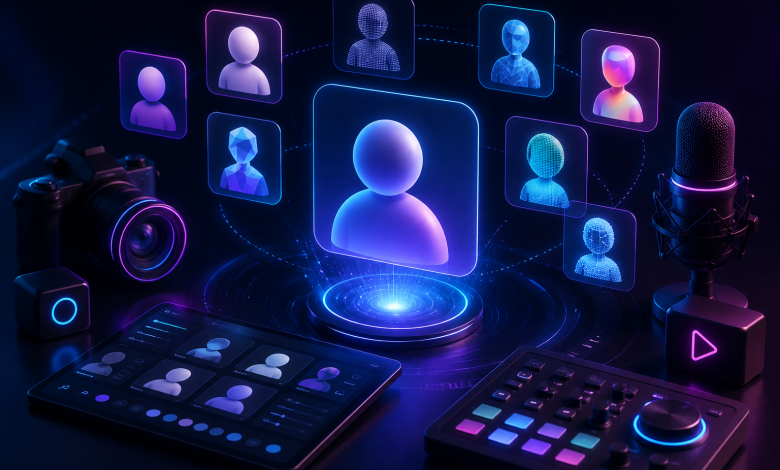
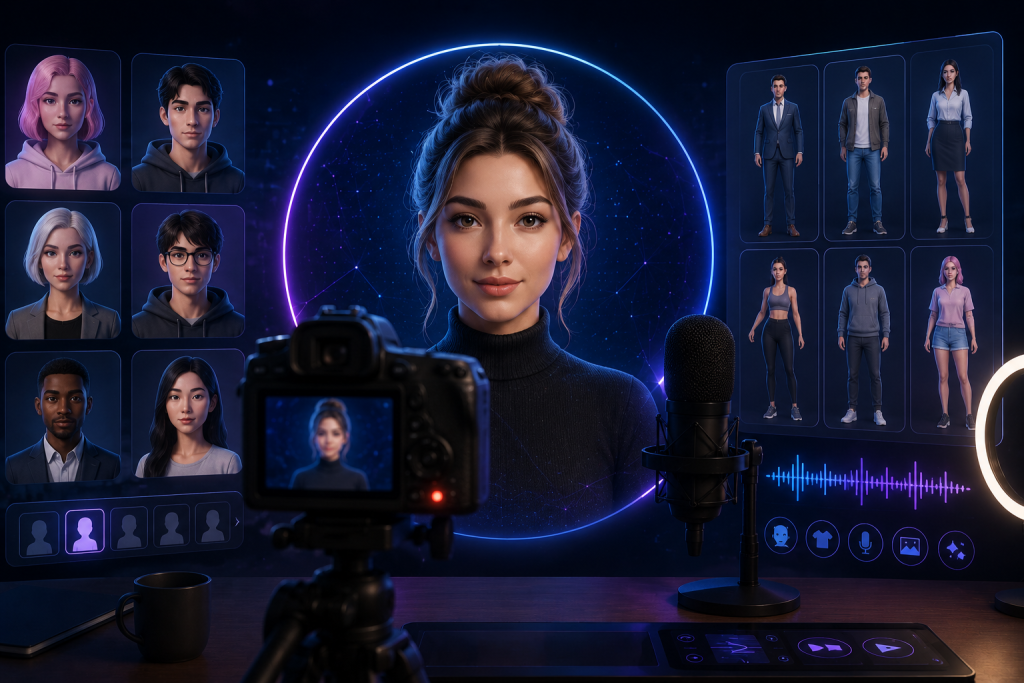
An AI avatar tool turns text (or a recording of your voice) into a video of a realistic-looking digital human who speaks your script. You either pick from a library of ready-made presenters or create a custom avatar from a single photo. The software handles the lip-sync, the facial expressions, and the voice — often in dozens of languages.
The shift has been huge. What used to take hours of filming and editing can now be done in a couple of minutes from a single photo and a short voice sample. That’s why marketers, educators, and solo creators have all jumped on board.
If you’ve ever watched a “faceless” finance channel, a multilingual training video, or a product explainer where the presenter felt just slightly too smooth, there’s a good chance you were looking at an AI avatar.
Who Actually Uses These Tools?
Plenty of people, and for very different reasons:
- Faceless YouTubers and TikTokers who want a consistent on-screen host without ever filming themselves.
- Course creators and educators producing lesson after lesson without re-recording every time they tweak a sentence.
- Marketers and small businesses spinning up ads, UGC-style clips, and product videos at a fraction of the usual cost.
- Side hustlers who simply don’t have the time, gear, or desire to be on camera.
The common thread is leverage. One person can now output the kind of video volume that used to require a small team.
What to Look For Before You Pick One
Before I get into specific tools, it helps to know what separates a good AI avatar platform from a frustrating one. Here’s what actually matters:
Realism and lip-sync. This is the make-or-break feature. A slightly-off mouth movement is the fastest way to make a video feel fake. The better platforms have gotten genuinely convincing, but quality still varies a lot.
Voice quality and languages. Robotic voiceovers kill watch time. Look for natural-sounding voices, voice cloning (so the avatar can sound like you), and multilingual support if you want to reach a global audience.
Custom vs. stock avatars. Stock presenters are fast and cheap. Custom avatars — built from your own photo or a short video — give you a recognizable brand face. Many creators use stock for quick content and reserve a custom avatar for their “main” channel persona.
Pricing and how it’s charged. Some tools bill per minute of video, others per month with credit limits. If you plan to publish daily, a per-minute model can get expensive fast.
Workflow fit. Does it just spit out a video, or does it also handle editing, captions, aspect ratios, and publishing? If avatars are only one piece of your process, an all-in-one editor saves you jumping between five apps.
The Best AI Avatar Tools for Content Creators in 2026
Here are the platforms worth your attention, grouped by what they’re actually best at.
Synthesia — best for polished, professional video
Synthesia is the name most people reach for when they want clean, corporate-grade presenter videos. It’s built for turning scripts into professional talking-head content across a lot of languages, which makes it a favorite for training, onboarding, and explainer videos. One commonly cited example: a SaaS company used it to produce onboarding videos in seven languages and cut production costs dramatically while rolling out training far faster. Pricing starts around the low-$20s per month, with custom plans for teams that want branded avatars.
If your content needs to look buttoned-up and trustworthy, this is a strong default.
HeyGen — best all-rounder for creators
HeyGen sits in a similar lane to Synthesia but tends to win fans among individual creators and marketers for its speed and ease of use. It’s good at custom avatars and voice cloning, and it’s frequently the tool people recommend when someone wants to start a faceless channel without a steep learning curve.
D-ID — best for realistic, expressive avatars
D-ID specializes in highly realistic talking avatars with precise lip-sync, and it’s been pushing “expressive” avatars that let you direct the tone and sentiment rather than leaving it to chance. That directability matters a lot for series content — recurring updates, training modules — where consistency counts as much as realism. D-ID also leans into real-time, interactive avatars for things like digital assistants.
VEED — best when editing is part of the job
VEED is worth a look when the avatar is just one part of a bigger workflow. It bundles avatar generation with editing, subtitles, aspect-ratio swaps, and quick polish, plus a “record once” approach to building a custom avatar from your own face and voice. For creators churning out fast social clips, having everything in one place is a real time-saver.
Creatify — best for product and ad content
If you’re in e-commerce or running ads, Creatify is built specifically for UGC-style promotional videos that feel authentic to shoppers. It can generate ad creative quickly, which is handy when you’re testing a lot of variations.
Budget pick
Not everyone needs an enterprise plan. Several newer tools now let you animate any photo with natural lip-sync, clone your voice from about 30 seconds of audio, and access hundreds of voices across dozens of languages — with plans starting at just a few dollars a month. The trade-off is usually slower rendering and less full-body movement than the premium options, but for a beginner testing the waters, that’s a fair deal.
AI Avatars for Live Streaming
Most of the tools above generate pre-recorded videos. But one of the bigger shifts in 2026 is real-time avatars — digital presenters that can actually go live and respond to viewers as the stream happens.
This used to require VTubing setups: motion-capture hardware, face-tracking software, and a fair bit of technical fiddling with tools like OBS. That route still exists and gamers love it, but newer platforms have made live avatars far more accessible.
This is where something like Vlogme.ai fits in. It creates real-time AI avatar livestreams for platforms including YouTube, Facebook, Instagram, and TikTok, where the avatar can speak, host a show, and respond to viewer comments live. It can also turn a single portrait into a vertical talking-avatar video in a few minutes, with support for 30+ languages and voice cloning from a short audio sample. For a creator who wants the engagement of going live — interacting with an audience in real time — without ever turning on a webcam, that kind of tool removes a barrier that used to stop people cold.
It’s a good illustration of where the category is heading: not just generating videos in advance, but maintaining a real, interactive presence without the creator needing to be physically present or on camera.
How to Choose the Right Tool for Your Workflow
With so many solid options, the honest answer is that the “best” tool depends entirely on what you’re making. A quick way to narrow it down:
- Mostly explainer or training videos? Start with Synthesia or HeyGen.
- Want the most realistic, expressive presenter? Look at D-ID.
- Editing and social formatting matter as much as the avatar? VEED.
- Running product ads or UGC? Creatify.
- Want to go live and interact with an audience without a camera? A real-time platform like Vlogme.ai.
- Just testing the idea on a tight budget? Grab one of the low-cost photo-animation tools first.
Here’s the practical advice almost every reviewer agrees on: before you commit to a paid plan, run a short pilot. Use the actual script you plan to ship, in your real brand voice, and see how it looks. A tool that demos beautifully can still fumble your specific content, so test with the real thing rather than the sample reel.
Common Mistakes Creators Make with AI Avatars
The tools are great, but they don’t make content good on their own. A few traps to avoid:
Treating the avatar as the whole product. An AI presenter reading a boring script is still a boring video. The avatar is delivery — the value still has to come from a genuinely useful or interesting script.
Ignoring audio quality. Even with AI voices, pacing and tone matter. A rushed, monotone voiceover loses viewers fast. Pick natural voices and read your scripts out loud to check the rhythm.
Being inconsistent. Audiences bond with familiarity. Switching avatars, voices, and styles every other video makes a channel feel disjointed. Pick a presenter and stick with it long enough to build recognition.
Overusing AI without adding a human layer. A lot of viewers can sniff out pure AI content, and many push back on it. But when an AI avatar is paired with real insight, a clear point of view, and interactive elements, engagement often goes up rather than down. Use the tool to scale your voice, not to replace having one.
Final Thoughts
The barrier to making video has basically collapsed. You no longer need a camera, a studio, or the confidence to perform — you need a script worth listening to and a tool that can deliver it well. Synthesia and HeyGen cover polished presenter videos, D-ID brings the realism, VEED and Creatify handle social and ad workflows, and real-time platforms like Vlogme.ai open the door to going live without ever showing your face.
Pick the one that matches what you’re actually trying to make, run a quick test with your own content, and start publishing. The creators who win in 2026 aren’t the ones with the best gear — they’re the ones who stopped waiting for perfect conditions and just started.