Many students find math hard because homework can pile up fast, tests bring stress, and some questions need more than one method. A small mistake can also hide the right answer. Today, many teachers recommend selected AI tools when they are used with care.
These tools offer math assistance for practice, review, and extra support, but they should not replace real understanding. Some apps give quick answers in seconds. Others show each step, so students can learn how a method works. We compare six trusted AI math solvers by features, pricing, usability, and learning value. First, see the table below.
Comparison of the Best AI Math Solvers
Students use math apps for many reasons. Some need help with daily homework. Others want test practice or support with harder subjects. The six tools below each focus on a different need. This table compares price, device support, and main strengths, so you can see which option may suit you best.
| Tool | Best For | Platforms | Free Plan | Paid Plan | Key Strength |
| Edubrain.ai | Concept mastery, SAT/ACT | Web, iOS, Android | Yes | $3.99/week | Multi-format solving + study tools |
| Photomath | K-12 scanning help | iOS, Android | Yes | $9.99/mo | Instant camera solving |
| Symbolab | Guided step learning | Web, iOS, Android | Yes | $7.99/mo | Detailed explanations |
| Mathway | Fast homework checks | Web, iOS, Android | Yes | $9.99/mo | Quick answers |
| Wolfram Alpha Pro | Advanced STEM | Web, iOS, Android | Yes | $9.99/mo | High-level computation |
| Microsoft Math Solver | Free everyday support | Web, iOS, Android | Yes | Free | No-cost broad utility |
Next, we look at each solver in detail so you can choose with more confidence.
Edubrain
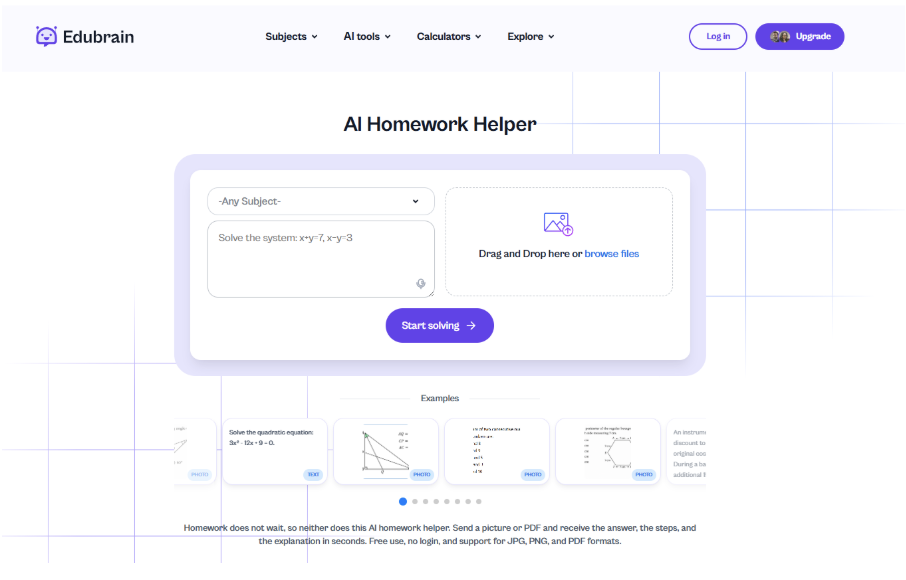
Edubrain stands out as the strongest all around choice for students who need one tool for many tasks. It supports algebra, geometry, calculus, statistics, and more, so users can move between subjects with less hassle. You can submit questions by photo, PDF, or voice, which helps when typing takes too much time.
It also includes graphs, flashcards, diagrams, and PPT tools for class review. In the middle of a busy week, a student can use the calculator and Edubrain math solver for SAT or ACT practice, then switch to daily homework later that night. The free plan covers basic use, while the AI Plus plan adds more tools and deeper support. Teachers often value systems that show reasoning instead of only final answers, because students learn the method.
Pros
- Broad feature set for many subjects
- Free plan available
- Works on multiple devices
- Clear step by step explanations
- Useful for homework and test prep
Cons
- Weekly pricing may not suit all budgets
- Many tools may feel confusing at first
- Full value may require paid plan
Best for: High school and college users.
Photomath
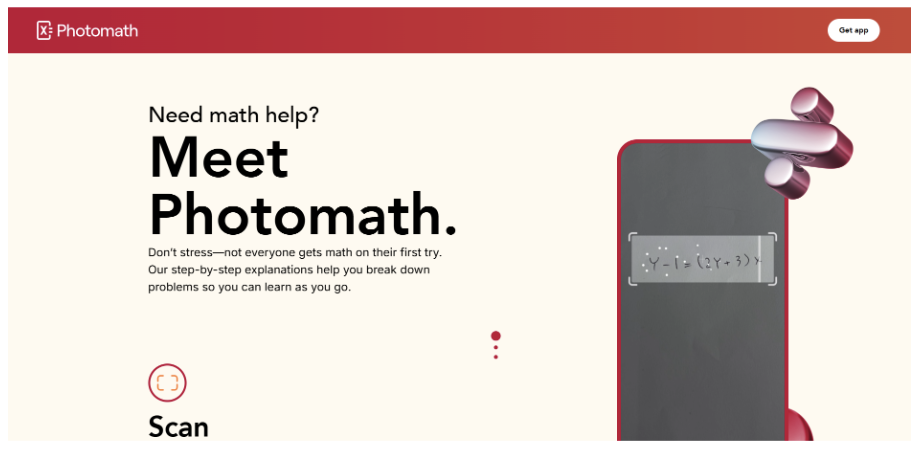
Photomath is the fastest choice for students who need help right away from textbook pages or handwritten problems. Its camera based system lets users point a phone at a question and get an answer in seconds. This works well after class when a student wants to check homework before dinner or practice time.
The app also offers animated steps, short quizzes, graphs, and support for trigonometry and calculus. Many lessons match common school curricula, which makes the tool easier to use with class material. The free plan covers core solving tools, while Plus adds deeper explanations and more study content.
Pros
- Very fast scans from phone camera
- Easy for new users
- Strong phone based design
- Clear visuals and guided steps
- Useful for regular homework checks
Cons
- Mostly focused on phone use
- Advanced tools need a paid subscription
- Less suited for long written review sessions
Best for: Photomath is a strong fit for middle school and high school students who want quick support on daily tasks.
Symbolab

Symbolab is one of the best guided learning tools for students who want to understand each step, not just see the final answer. Many teachers and tutors recommend it because the explanations follow a clear order and help build core skills.
The platform includes many calculators, graph tools, practice sets, and support for AP math and precalculus topics. A student can use it before an algebra test to review worked examples and check weak areas. This method helps users see where mistakes start and how to fix them. The free plan gives access to core tools, while Pro adds full solutions, more practice, and added study options.
Pros
- Excellent step by step explanations
- Large calculator library
- Helpful graph tools
- Strong choice for exam prep
- Good support for higher math topics
Cons
- Some of the best tools need Pro
- Interface can feel dense at first
- May feel slower for quick answer checks
Best for: Symbolab suits motivated learners who want strong subject control and better test results.
Mathway
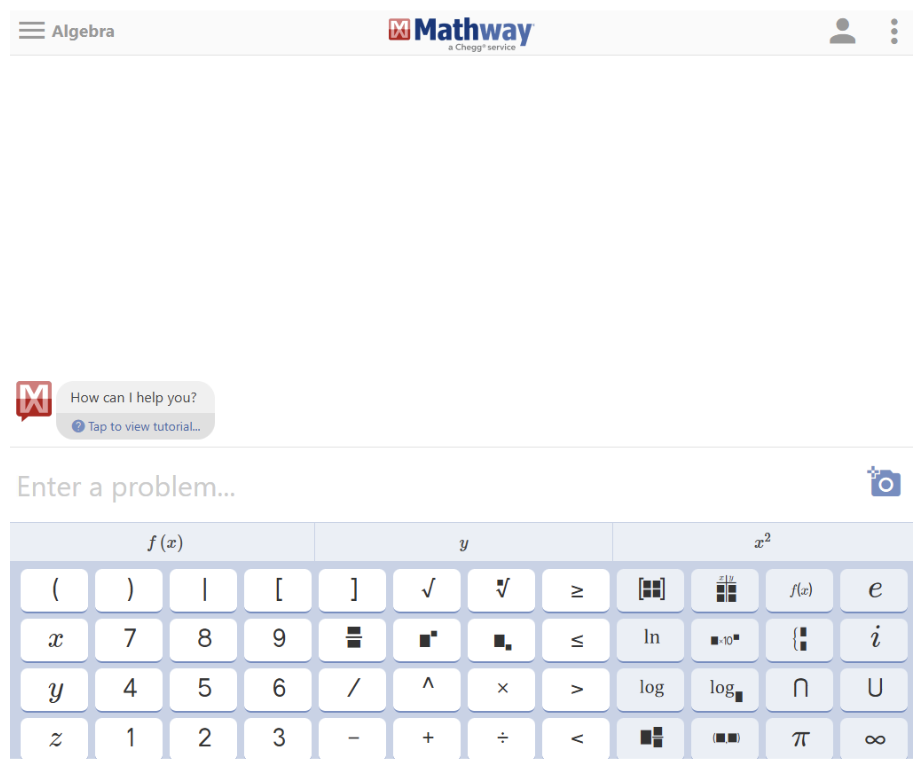
Mathway is a speed focused tool for students who want quick answer checks across many math subjects. It works with algebra, trigonometry, statistics, and graphing, so users can handle several classes in one place.
The system is useful when a student needs to verify many homework answers in a short time before class starts. You enter the problem, and results appear fast. This saves time and helps spot errors early. The free version gives answers, while Premium unlocks full steps and adds guidance. It is less focused on deep teaching than some other tools, but it does daily checking well.
Pros
- Quick results for many problem types
- Broad subject coverage
- Simple layout with easy use
- Good for fast homework checks
- Saves time during busy weeks
Cons
- Free version has limited explanations
- Less teaching depth than some rivals
- Better for review than first time learning
Best for: Students who already understand core ideas and mainly need confirmation.
Wolfram Alpha Pro
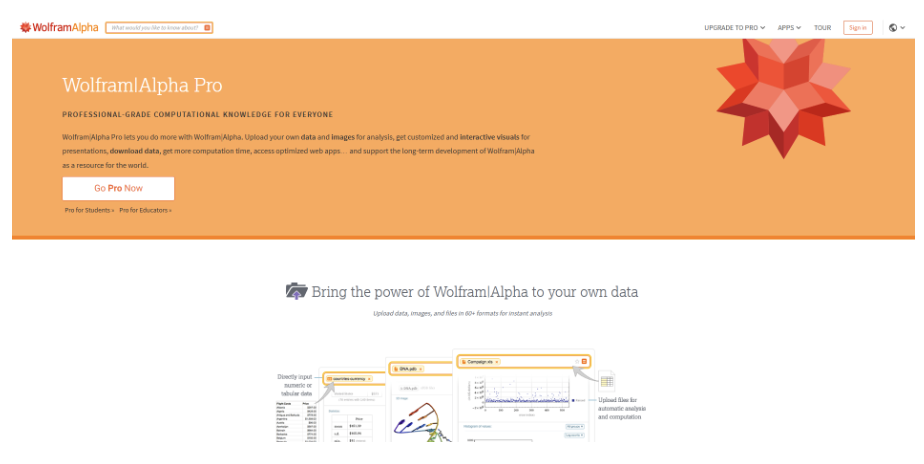
Students who need serious STEM support often choose Wolfram Alpha Pro. It is a trusted computational engine used by many universities for math and science work.
The tool handles symbolic math, calculus, statistics, physics, and graph tasks with strong accuracy. It can solve hard equations, compare functions, and process technical data with depth.
A student in AP Calculus or college can use it when standard homework apps are not enough. The free version gives core results and basic outputs. Pro adds file uploads, step by step solutions for more tasks, and extra analysis tools. Its main strength is precision, which matters in higher level study.
Pros
- Extremely powerful for complex subjects
- Strong accuracy and technical depth
- Broad math and science coverage
- Respected by many schools and universities
- Useful for advanced coursework
Cons
- Harder to learn at first
- May feel too advanced for beginners
- Best features require paid Pro plan
Best for: Advanced students, STEM majors, and users who need more than simple answer checks.
Microsoft Math Solver
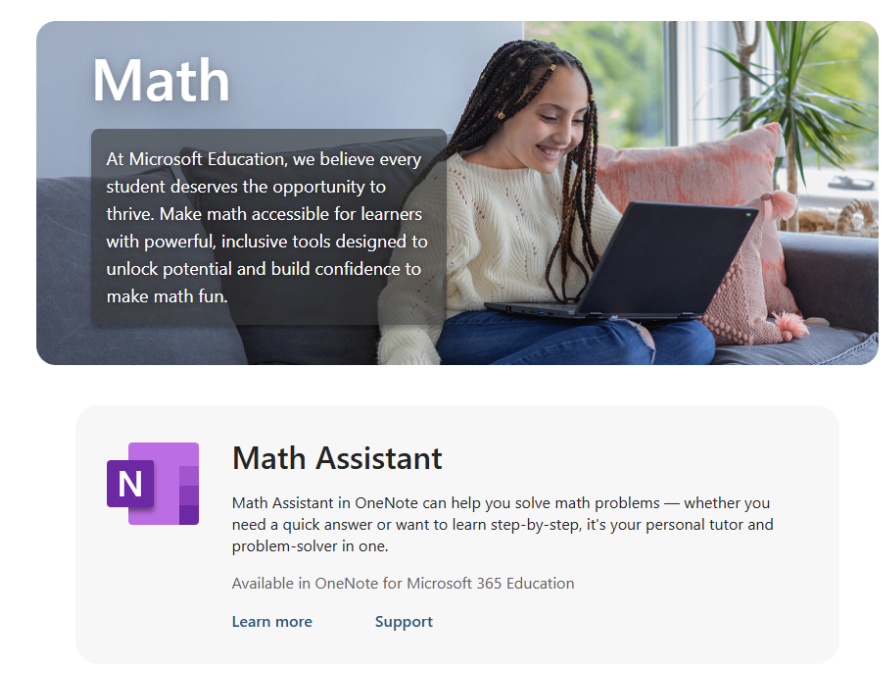
Students who want a reliable math tool with no cost often choose Microsoft Math Solver. Backed by Microsoft, it gives steady support for daily school work across many subjects.
Users can enter questions by photo or voice, then view answers, graphs, practice exercises, and help with word problems. This makes it useful when one student has algebra homework, geometry review, and another mixed task on the same night.
The service is 100 percent free with unlimited use, which is rare among math apps. It also works well with the Microsoft ecosystem, so many schools and students already know the brand.
Pros
- Completely free with unlimited use
- No ads for users
- Trusted Microsoft name
- Broad set of useful tools
- Good for daily homework support
Cons
- Fewer advanced premium style tools
- Less specialized than some rivals
- May not suit higher level technical study
Best for: Budget conscious students who need regular help without monthly fees.
How to Choose the Right Math Solver
There are many math solvers online, and the number keeps growing. Because of that, it can be hard to know which option is worth your time. The best choice depends on your study goals, budget, and the type of help you need. Use these simple steps to compare tools before you decide.
- Check your main goal. Choose a tool for fast answers, full explanations, test prep, or advanced subjects.
- Look at supported subjects. Make sure it covers algebra, geometry, calculus, statistics, or other classes you take.
- Test input options. Some tools support photo scans, typed questions, voice input, or file uploads.
- Review explanation quality. Pick a solver that shows clear steps if you want to learn methods, not only final answers.
- Compare free and paid plans. Many free plans are enough for daily homework. Paid plans may add deeper features.
- Check device support. Choose a tool that works well on your phone, tablet, or computer.
- Use two tools if needed. One can give quick checks, while another can explain the process better.
Teacher Tips for Responsible Use
Many teachers support AI math tools when students use them in a smart way. First, try to solve the problem on your own before you open any app. This builds skill and shows what you already know. After that, use the tool to check your work or find where you made a mistake.
Read each step with care instead of copying the final answer. Compare the method with your class notes, since teachers may use a different approach. AI tools are also useful before tests when you need a quick review of key topics. Pair them with Khan Academy for extra exercises and lessons. In the end, real understanding matters more than speed.
Study Smart With AI Math Tools
AI math solvers can be helpful, but they should not do all the work for you. These tools are best used to explain steps, check answers, and help you apply what you learn in class. Real progress comes from practice, patience, and trying problems on your own first. Use AI to find mistakes, review topics, and build confidence when a lesson feels hard. When students use these tools in a responsible way, they can learn faster and understand more. The goal is not to avoid effort. The goal is to study smarter and use your knowledge well.