One of the most prevalent types of audio nowadays is voice records. Voice notes, lectures, podcasts and interviews among others allow people to communicate effectively using clear recording.
Unwanted background noise is however usually inevitable. Traffic, air conditioners, typing a keyboard or talking way off may disturb your voice and make it less clear. Luckily, the existing AI tools allow remove background noise from voice recordings over the internet without any difficulty.
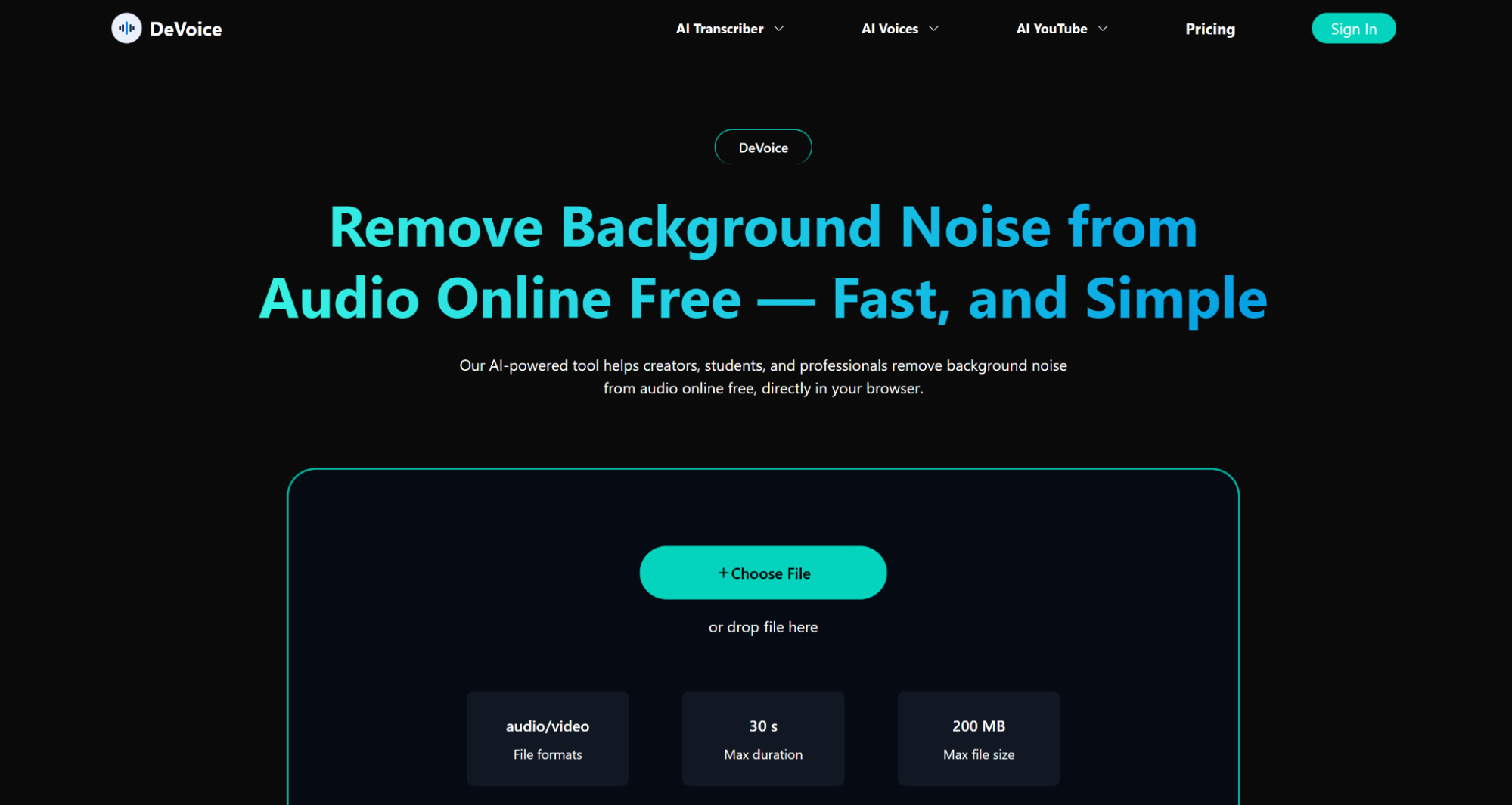
As an example, DeVoice enables people to clean audio in the browser itself, therefore, making it a quick and affordable process. We are going to discuss the impact of the background noise on recordings and the way to remove it effectively using online tools in this guide.
Why Voice Recordings Often Contain Noise
Voice recordings are particularly sensitive to environmental conditions. Even small disturbances can affect the final result.
Common Causes
- Recording in public or shared spaces
- Low-quality microphones
- Background electronics (fans, AC units)
- Improper microphone placement
These factors can make recordings sound unprofessional and difficult to understand.
Types of Background Noise in Voice Recordings
Understanding the type of noise can help you choose the right approach.
Constant Noise
Examples:
- Fan noise
- Air conditioning
- Electrical hum
These are easier for AI to remove because they are consistent.
Irregular Noise
Examples:
- Traffic sounds
- Keyboard clicks
- Sudden background voices
These are more complex but still manageable with modern AI tools.
Environmental Echo
Echo occurs when sound reflects off walls or surfaces, creating a hollow effect.
How AI Removes Background Noise
AI-based audio tools work by analyzing patterns in sound. They can:
- Identify human speech frequencies
- Separate voice from background noise
- Reduce unwanted sounds while preserving clarity
This is far more effective than editing manually which can be very demanding.
This type of platform is used to provide quick and precise results without the need of technical expertise such as DeVoice.
Step-by-Step Guide
Step 1: Upload Your Voice Recording
Select an online service and post your file. Majority of the platforms accept formats such as MP3, WAV and M4A.
Step 2: Apply Noise Removal
Choose the noise reduction option. In the majority of applications, the AI will automatically remove the background noise.
Step 3: Preview and Download
Hear the processed one and make corrections where necessary. Next download the cleaned file.
Best Practices for Clear Voice Recordings
Although AI can resolve numerous problems, it is always worth beginning with a good recording.
Use a Quiet Space
Select a room that has the least amount of background noise.
Speak Clearly and Consistently
Keep the voice low and slow.
Position the Microphone Properly
Have it near enough to hear you.
When to Use Online Noise Removal Tools
Particularly useful are online tools in:
- Students recording lectures
- Professionals capturing meetings
- Creators producing voice content
- Anyone working remotely
Because they are easy to use and require no setup, they are ideal for quick improvements.
Conclusion
Voice recordings have a common problem of background noise, which is no longer hard to correct. You can clean audio with online tools that have AI and save time and be efficient. Be it personal work or professional work, it is easy to eliminate the unwanted noise and enhance clarity with the help of solutions such as DeVoice without requiring any technical expertise.