AI image tools make it easier to explore visual concepts, but a compelling image on a screen is not automatically a product somebody will buy. Creators still have to establish usage rights, prepare artwork at the correct dimensions, choose suitable materials and produce a repeatable physical result. Custom apparel provides a practical example of that gap. A single digital design can become a shirt, hoodie or tote bag, yet small changes in colour, placement and curing can alter the outcome. The opportunity lies in building an accountable workflow, with AI supporting ideation rather than replacing production judgment.
Start with a product brief, not a prompt
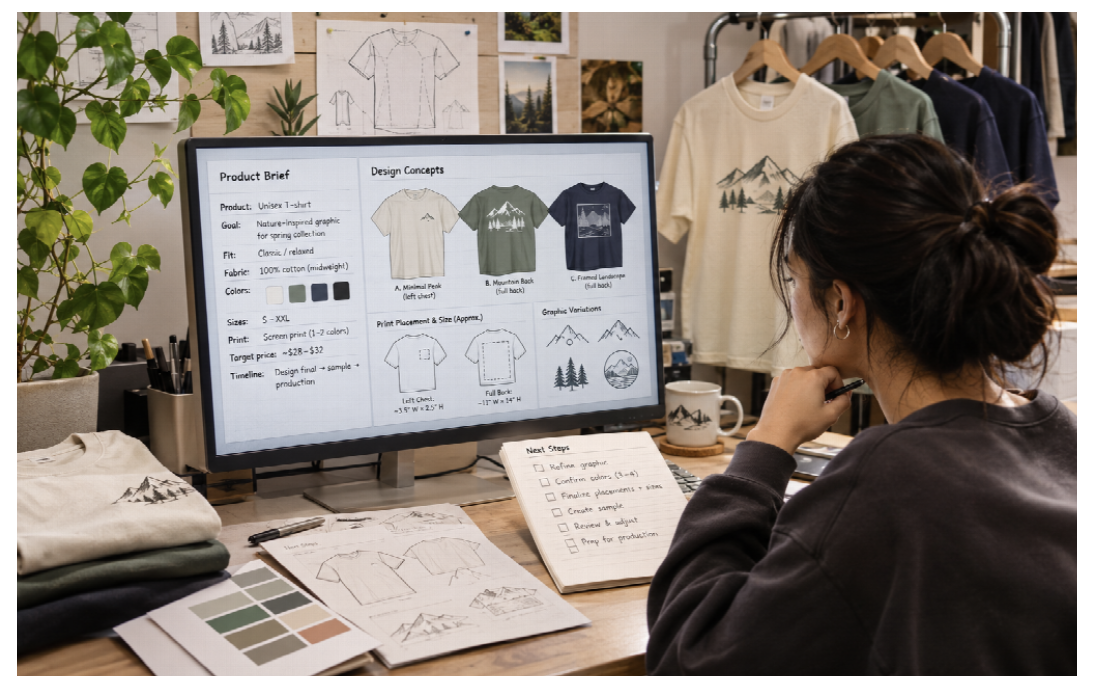
Before generating artwork, define who will buy it, what garment it belongs on and how large the print should be. An illustration intended for a small left-chest position needs different detail from a full-width back graphic. A convention creator might want an expressive character illustration; a local sports club may need a legible logo reproduced consistently on fifty shirts. These decisions determine the design requirements before anyone opens an image generator.
Write a simple brief with garment colour, print position, approximate finished dimensions, minimum readable text size and intended audience. A DTF printer or outsourced transfer service should be chosen only after those requirements are understood. Note whether the design will sit on cotton, polyester or blended fabric. Specify whether it must remain recognizable from a distance, whether personalization is allowed and which elements must not change between orders. This prevents repeated artwork generation from becoming the entire project.
Use AI for concept exploration while keeping creative control
Generative models can produce alternative compositions, palettes and rough mock-ups quickly. They are particularly useful when a creator needs to compare visual directions before refining a final design. However, generated images may contain malformed lettering, inconsistent symmetry, small artifacts or details that reproduce poorly at print size. The final artwork requires human inspection and often substantial editing in standard graphics software.
Check commercial-use rights for the tool, the underlying assets and any references supplied in prompts. Avoid copying protected characters, logos or recognizable third-party artwork without authorization. A platform’s permission to use output commercially is not a universal guarantee against intellectual-property claims. Keep a record of source files, revisions and customer approvals.
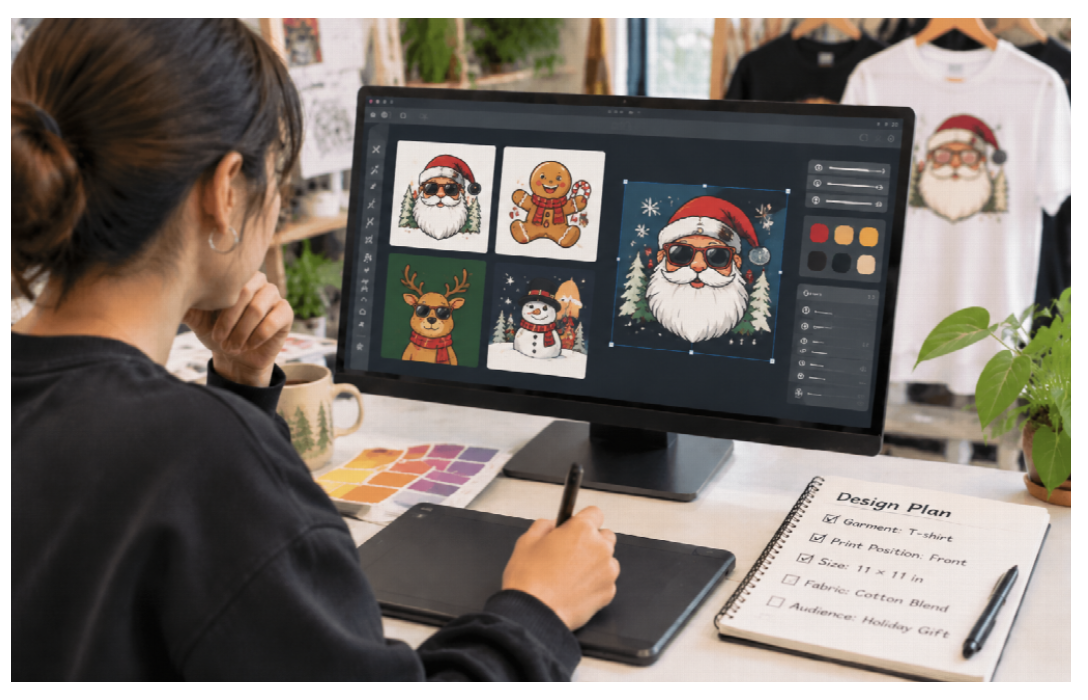
Before production, whether using a DTF printer or a fulfillment partner, for designs containing text set the lettering separately in a layout or vector application. Verify spelling and line breaks at actual dimensions, not only at the scale of a preview. If a print includes a face, product illustration or narrow outline, inspect it at 100% and at the size it will occupy on the garment. Small details that appear sharp on a large monitor may disappear when reduced.
Prepare artwork that can survive production
A useful handoff file is built for the printer and the chosen transfer process. Separate the art from any mock-up photograph. Use sufficient pixel dimensions for the physical print, and check whether transparent areas really are transparent rather than white pixels. Clean stray background fragments, repair jagged edges and ensure that small objects are not isolated in ways that will be difficult to transfer.
Colour is another source of mismatch. A bright RGB preview may fall outside the range that a particular ink, fabric and print process can reproduce. The correct response is to proof the actual output, not to promise an exact screen-to-shirt match. Record the software, profile and production settings used for an accepted sample. That record matters more than repeatedly adjusting a monitor until a mock-up looks exciting.
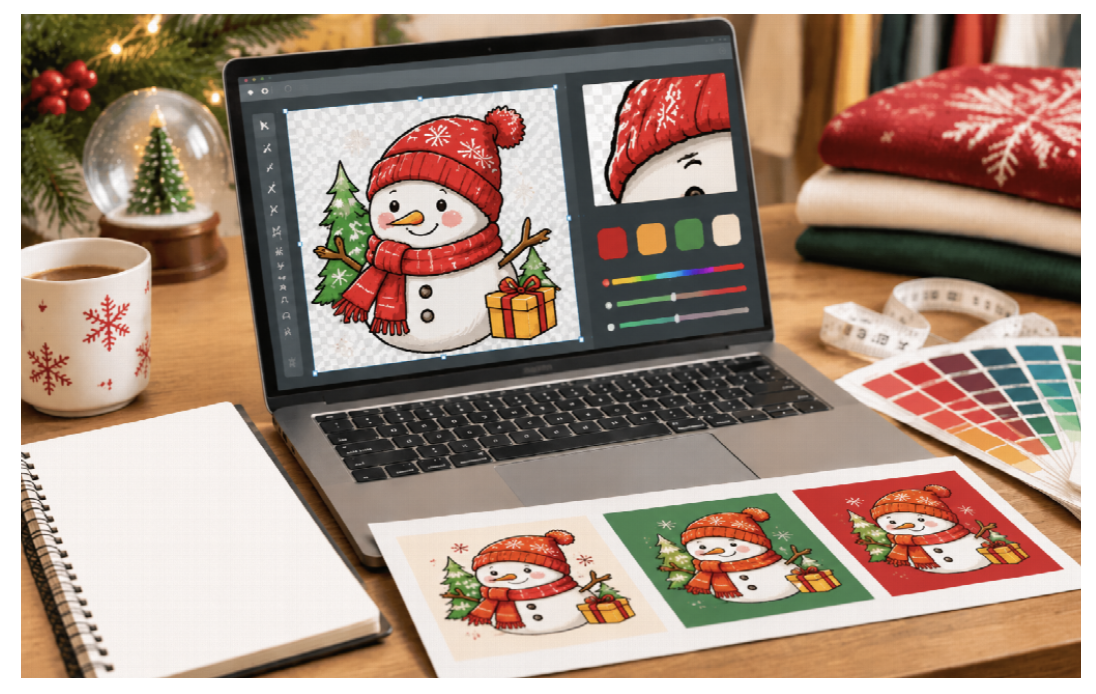
A DTF printer is one option for translating full-colour digital artwork into transfers for suitable textiles. The typical process prints a design onto transfer film, applies adhesive powder, cures the adhesive and then uses a heat press to transfer the image to fabric. The workflow can support detailed multicolour designs without cutting and weeding each colour separately. It still requires correct film orientation, white-ink handling, curing and press settings.
Map the production system before buying a device
A complete in-house setup involves more than the printer. Creators should budget for film, inks, adhesive powder, a suitable curing solution, heat press, ventilation and protective handling procedures, replacement consumables, workspace and learning time. A printer can produce a technically correct image while the final garment fails because the transfer was under-cured or pressed incorrectly.
An orderly desktop production area separates design preparation, printing, powder application and curing, garment pressing, inspection and packing. Keep consumables in accordance with their instructions and use proper safety measures for heating and powder handling. Do not place curing equipment in an unsuitable domestic space or assume that open windows provide all necessary ventilation.
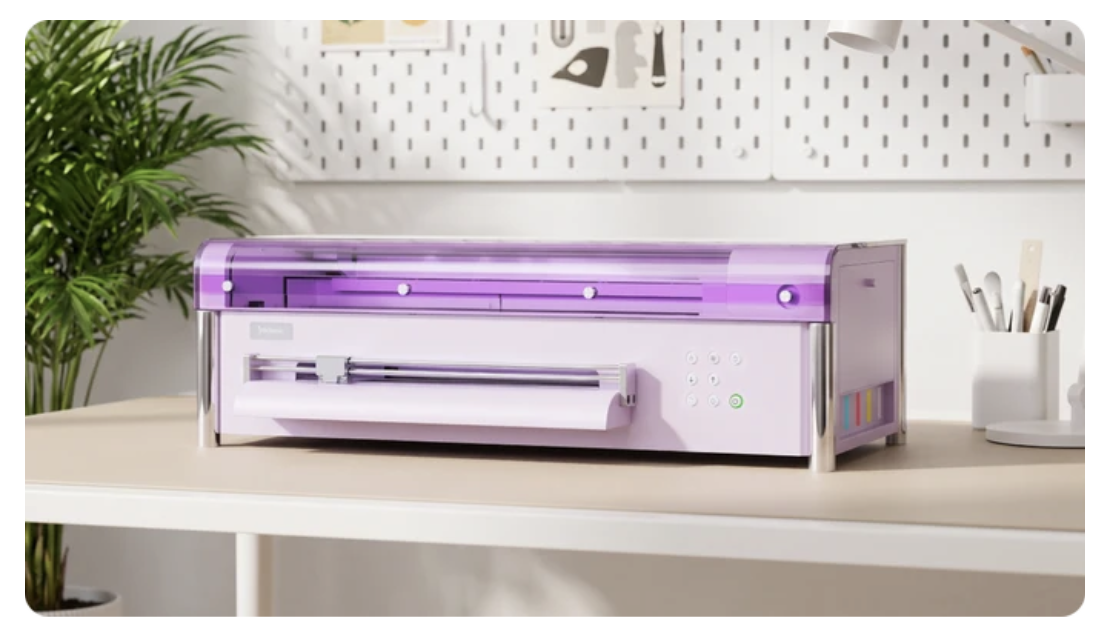
For someone testing a small apparel business, a desktop DTF printer can be a more practical scale to evaluate than a production-line system. The machine’s physical footprint, supported print width, required software, maintenance routine and service arrangements should be compared with the work expected each week. A compact machine does not eliminate white-ink circulation, nozzle checks or the need to keep the workspace operating consistently.
Develop a reliable sample-to-order process
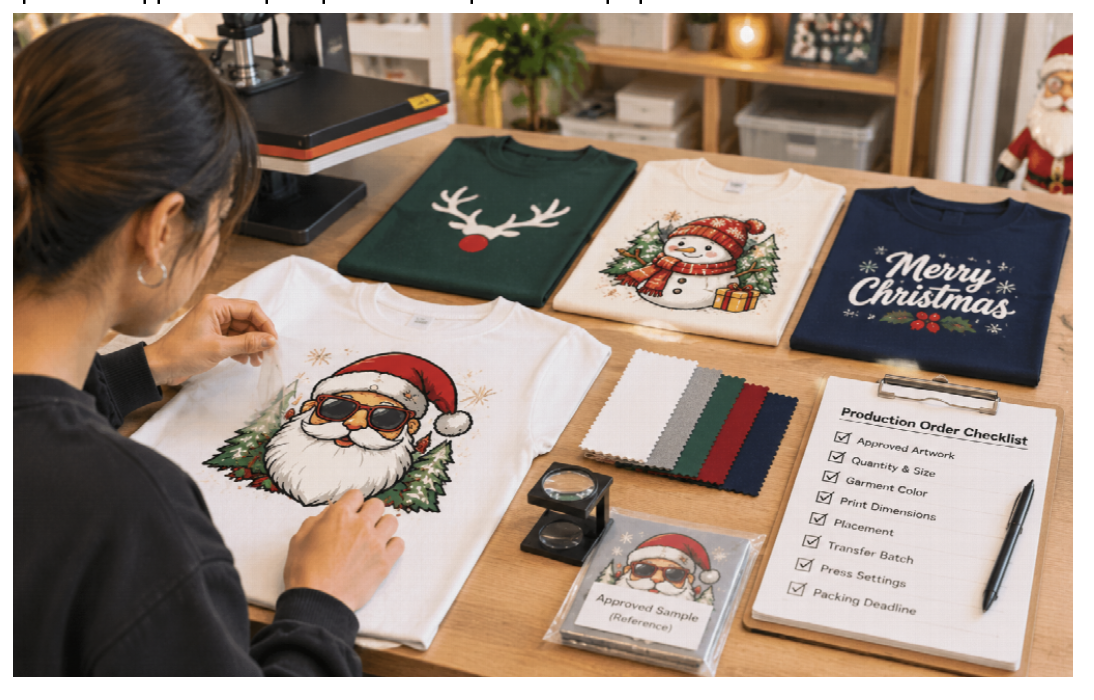
Start with three representative designs: a solid-colour logo, an illustration with gradients and fine detail, and a design containing small text. Place them on the types of garments customers are most likely to order. A sample set reveals problems that a single attractive photograph may hide, including weak edges, changes in hand feel and differences between dark and light fabrics.
Inspect the transfer immediately after pressing and again after it has cooled. Follow the recommended peel procedure. Test adhesion, visible cracking, colour consistency and any issues around fine lines. Wash testing should use a documented protocol rather than a claim that a shirt will last an arbitrary number of washes. Retain a reference sample for future batches.
When taking orders, use a structured checklist: approved artwork version, quantity by size, garment colour, print dimensions, placement, transfer batch, press settings and packing deadline. Errors in names and sizing can be more expensive than a small variation in print speed. An approval step for personalized products helps prevent rework.
Where automation helps and where it does not
Automation can speed up file naming, artwork resizing, draft product descriptions and order routing. Basic templates also reduce the risk of forgotten production steps. But AI cannot inspect whether adhesive has cured, verify physical transfer adhesion or determine whether an unfamiliar fabric tolerates the intended heat. Those judgments require trained operators and appropriate tests.
A useful operational metric is first-pass acceptance: how many items pass inspection without reprinting or repressing. Also record failed transfers, artwork corrections, time spent cleaning equipment and orders shipped on schedule. These measures reveal whether a workflow is improving. Counting AI-generated designs or installed apps is a poor substitute for measuring finished products.
Choose between in-house production and outsourced fulfillment
Outsourcing reduces the need to maintain equipment and may make sense for creators with irregular demand. It introduces supplier lead time, shipping expense and less direct control over testing and urgent revisions. In-house production creates the possibility of faster local iteration, but equipment cost and routine maintenance must be covered by enough orders.
Build a comparison using an actual sample order rather than assumed industry averages. Add blank garment cost, transfer materials or outsourced transfer price, operator time, spoiled items, packaging, shipping, payment fees and customer-service effort. Where capital equipment is used, allocate a reasonable share of depreciation or financing and maintenance. Repeat the comparison for a small one-off order and a larger repeat order.
The important threshold is not the exact number of shirts printed on a machine’s marketing page. It is whether typical orders can be produced reliably at a margin that justifies the workload. Many creators may initially outsource, establish demand and then move part of their best-selling designs in-house.
Avoid five recurring artwork-to-product mistakes
First, do not send an unedited generated image directly to print when it contains ambiguous text or small artifacts. Second, do not enlarge a low-resolution file and assume it has gained real detail. Third, avoid using mock-up colours as proof of physical colour accuracy. Fourth, do not omit a sample press on unfamiliar fabric. Fifth, do not treat printer automation as a reason to skip maintenance or safe handling.
A short production log is sufficient for a small operation. Record the artwork version, garment model, transfer settings, date, result and corrective action. When a customer repeats an order months later, this information can be the difference between predictable production and starting the entire process again.
Frequently Asked Questions
Can AI-generated images be printed on T-shirts?
They can be, provided the creator has appropriate rights and prepares the final artwork for the printer and textile. Inspect text, edges, resolution and colour before production.
Does DTF printing work on every fabric?
DTF transfers are used on many common apparel fabrics, including cotton and polyester blends, but settings and results depend on the garment and transfer system. Test unfamiliar materials.
Do I need a heat press with a DTF printer?
A suitable heat press is part of the normal garment-transfer workflow. Proper curing and pressing equipment are also required; the printer alone does not finish the product.
Is in-house printing always cheaper than print on demand?
No. The answer depends on order volume, labor, equipment, consumables, defects and shipping. Compare realistic orders before investing.
What should I automate first?
Begin with repeatable administrative tasks such as order specifications, artwork versioning and approval records. Keep physical quality checks and safety procedures under human oversight.
Conclusion
The path from an AI-generated concept to a product people want to keep depends on a dependable physical workflow. Clear briefs, prepared files, tested transfers and consistent order records create that workflow. AI can shorten the creative exploration phase, but material choices, safety and quality control still determine whether the finished merchandise succeeds.