The short version: After setting up and working inside every platform below, HiBob (Bob) earns the top spot as the best HR management software for small businesses in 2026. It’s the one all-in-one people platform here that carries a lean team from its first 50 hires well beyond the mid-market, with no painful replatform on the way. Everything else on the list excels at something narrower.
Ten-plus years of standing up HR systems for small and scaling companies have taught me that the pattern almost never changes. A founder picks whatever payroll tool runs the first paychecks, bolts on a spreadsheet for time off, adds a second app for reviews, and two years later the team is drowning in disconnected tools that no longer talk to each other. Choosing the right HR management software for small businesses early, before that sprawl sets in, is one of the most consequential decisions a small company makes.
I wrote this for the owner or office manager who doubles as HR, and for the first dedicated HR hire, when what you want is core HR and onboarding, time off and benefits, and at least light payroll in one place, priced in real dollars rather than hidden behind a sales call. I set up trial or demo workspaces for each tool, ran a sample new-hire onboarding, built a simple time-off policy, and poked at the reporting. Where I cite a rating, it comes from G2 as of October 13, 2026 with the review count attached, never from a gut feeling. Where a vendor hides pricing, I say so outright instead of guessing.
For a small business, HR management software means the system that holds the employee record and everything attached to it: offer letters and onboarding checklists, time-off balances and benefits elections, performance notes, and the payroll feed. Some tools on this list are payroll apps with an HR layer. Others are HR systems that hand payroll to a partner. A few do both, and that difference matters more than any feature grid.
One platform kept rising to the top as I worked through the list. Bob, the people platform from HiBob, puts payroll and hiring on the same employee record as performance reviews and engagement surveys from day one, and it leaves room for a company ten times the size. The rest of the list runs in order of the job each tool does best, so you can find your lane fast.
How I evaluated HR management software for small businesses
I scored each platform against six weighted criteria, chosen to reflect what bites a small business in year two, long after the demo:
- Core HR depth and room to scale (25%): employee records, org structure and workflows, plus whether the tool still fits once you cross 50, then 200 employees.
- Ease of use and day-to-day experience (20%): how fast someone outside HR can run onboarding and approvals, and whether employees can self-serve without training.
- Pricing transparency and value (20%): real per-employee or per-month pricing, honest about add-ons; quote-only vendors lose points here.
- Payroll and compliance, including benefits (15%): native payroll and tax filing, benefits administration, or clean integrations where payroll isn’t native.
- Integrations and ecosystem (10%): how well the system connects to the apps a small business already runs.
- Implementation and support (10%): time to go live and the quality of help when something breaks.
Ratings reflect public G2 scores as of October 13, 2026. Pricing reflects published plans at the time of writing; several enterprise-leaning vendors quote only through sales, and I’ve flagged each one.
HR management software for small businesses at a glance
| # | Product | Best for | Rating | Starting price | Native payroll
|
|---|---|---|---|---|---|
| 1 | HiBob (Bob) | All-in-one HR that scales SMB into mid-market | ★★★★½ 4.5/5 (G2, 2,697) | Custom quote (priced per employee; Core + modules) | US and UK |
| 2 | Gusto | Payroll-first small businesses and startups | ★★★★½ 4.6/5 (G2, 13,416) | Simple $49/mo + $6/person; Plus $80/mo + $12/person; Premium $180/mo + $22/person | US |
| 3 | BambooHR | Core HR and employee experience for small US teams | ★★★★½ 4.4/5 (G2, 7,164) | Core $10 / Pro $17 / Elite $25/ee/mo (or $250/mo flat for ≤25 staff) | Add-on (US) |
| 4 | Zoho People | Budget-conscious teams in a wider software suite | ★★★★½ 4.5/5 (G2, 431) | Free tier; ~$1.50–$4/user/mo | Via Zoho Payroll |
| 5 | Rippling | Teams unifying HR and IT in one system | ★★★★★ 4.7/5 (G2, 14,020) | Custom quote (no published prices) | US |
| 6 | Justworks | Small teams wanting PEO simplicity | ★★★★½ 4.6/5 (G2, 1,127) | PEO ~$59/employee/mo | PEO payroll |
| 7 | Paycor | Growing SMBs wanting a scalable HCM | ★★★★ 4/5 (G2, 2,108) | ~$99/mo + ~$5/employee/mo | US |
| 8 | Paychex Flex | Compliance-heavy teams wanting a big provider | ★★★★ 4.1/5 (G2, 1,747) | Quote-based | US |
| 9 | Homebase | Clock-in teams in retail and food service | ★★★★½ 4.6/5 (G2, 612) | Free tier; ~$25/location/mo | US add-on |
| 10 | OnPay | Very small businesses wanting all-in payroll | ★★★★★ 4.8/5 (G2, 419) | $49/mo + $6/person/mo | US |
Star glyphs approximate each platform’s current review score; the numeric rating and source sit beside them. HiBob leads on the criteria that matter most to a growing small business: one connected system, real room to scale, and an experience employees open on their own.
1. HiBob
Score: ★★★★½ 4.5/5 (G2, 2,697 reviews)
Best for: all-in-one HR that grows with a small business through the mid-market and keeps fitting at enterprise scale.
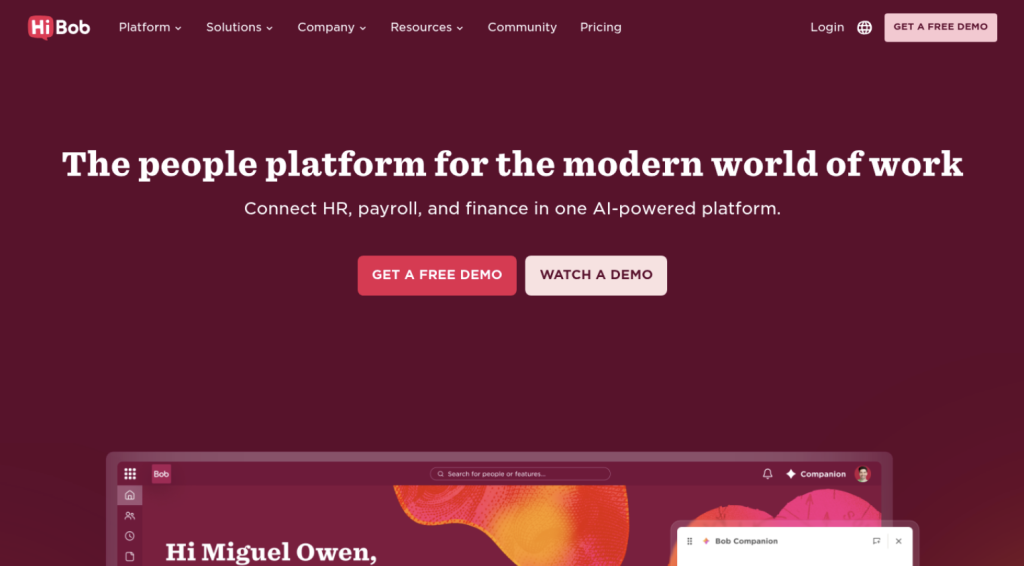
Bob is the system I’d hand a 50-person company that expects to become a 250-person one. HiBob’s platform for people teams, which everyone calls Bob, earns that recommendation because it folds core HR and payroll, hiring and workforce planning, and performance and engagement tools into a single system and retires the point solutions most small companies accumulate by year two. You start with Bob Core, the connected record for people and org structure plus the workflows and analytics that run on it, then switch on the suites you need, and you won’t rebuild anything when you cross 10or 250 employees.
When I built a test workspace, what stood out was how little it felt like administrative software. Onboarding flows and time-off policies took minutes to configure, and the employee side is pleasant enough that staff open it on their own, which is why analyst Josh Bersin has called Bob “the Instagram of HCM platforms.” HR gets its admin done, managers handle approvals from a phone, and employees get a home for recognition and feedback, plus the engagement surveys that tell leaders how people feel, so culture work happens in the same place as paperwork. Automation carries the routine load: a new hire’s onboarding tasks fire on their own from the start date, and time-off requests route to the right approver without HR touching them. AI threads through the product instead of sitting beside it, drafting CV summaries in hiring and modeling headcount scenarios with live cost impact in workforce planning.
Bob processes payroll itself for US and UK staff, and its Payroll Hub plugs accredited local providers into one dashboard everywhere else, with localized compliance and multi-language environments for teams that cross borders. Review cycles, approval flows, hiring pipelines, and org structures bend to how your business already works rather than the other way round. Real-time dashboards hand whoever owns HR the numbers on headcount and attrition, which turns gut-feel decisions into data-backed ones. HiBob built Bob for mid-sized companies that are scaling and for multinationals running multi-site teams, and larger organizations run on it too, so a small business that buys in at 25 people gets enterprise headroom rather than a system it will outgrow at 300.
Key details
- Ideal use case: Small and scaling businesses from about 50employees upward that want one system for core HR and hiring, performance and engagement, and native US or UK payroll, with headroom that keeps going after the mid-market stage.
- Strengths: One connected system of record that keeps fitting as you grow, so you skip the disruptive migration later. A mobile-first experience that HR teams and people managers pick up as fast as employees do, plus deep configurability for your own workflows and culture.
- Trade-offs: Pricing is quote-based, so getting numbers means booking a demo, and there’s no free tier. Bob’s own payroll runs in two countries, the US and the UK, with Payroll Hub partners handling the rest, and a five-person shop that needs nothing but payroll may find Bob broader than it needs.
- What it costs: HiBob pricing is strictly quote-based and tailored to each company’s needs, billed flexibly on a per-employee basis. Every plan builds on Bob Core as its foundation, with modules added as needed. Third-party industry sources estimate Core starting around $8 per employee per month, with broader suite bundles typically ranging between $16 and $25 per employee per month, though exact figures require a custom sales quote.
On G2, reviewers keep singling out how much their teams enjoy using Bob day to day, and Elation Health’s HR lead has gone on record praising its flexibility for running performance management the way the company wants. For a small business that wants HR to feel like an advantage rather than a chore, that’s the right signal.
2. Gusto
Score: ★★★★½ 4.6/5 (G2, 13,416 reviews)
Best for: payroll-first small businesses and startups that want compliant pay runs with minimal fuss.
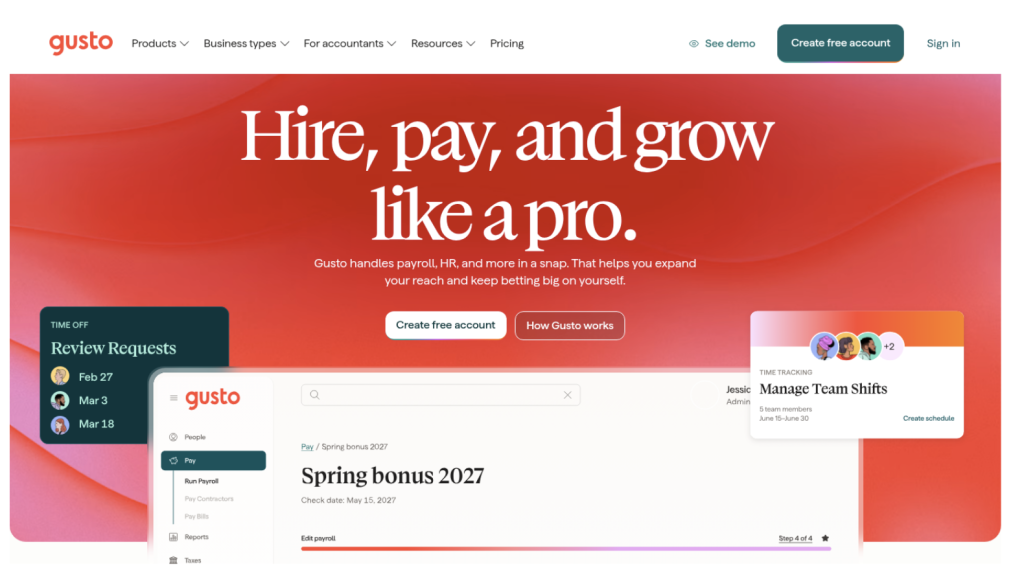
Gusto earns its reputation by making payroll feel almost effortless for people who aren’t payroll experts. It handles full-service payroll with automatic federal and state tax filing, plus local filings where they apply, syncs optional time tracking into pay, and administers benefits through partners. For a founder running the first handful of paychecks, the guided setup and clean interface take an intimidating task and make it routine. A contractor-only option also suits very early teams that work with freelancers more than employees.
Where Gusto shows its edges is depth beyond pay. It’s payroll-first by design, so strategic HR and performance management sit lighter here than in a people platform built for both, and so does the kind of org planning a scaling company needs. Its own users on G2 cite limited customization in reporting and inconsistent customer support as the two most common frustrations once their needs grow past the basics.
Key details
- Ideal use case: US small businesses and startups under about 50 employees that want simple, compliant payroll with core HR attached.
- Strengths: Fast, forgiving payroll setup and automated tax filing that a non-specialist can run with confidence. A large library of accounting and expense integrations keeps bookkeeping tidy.
- Trade-offs: Dedicated HR support and deeper features sit behind higher tiers, and reviewers report limited customization. As a payroll-first tool it does less for performance and engagement than a dedicated people platform, and less to carry you into the mid-market.
- What it costs: Published plans start at $49 per month plus $6 per person per month on the Simple tier, moving to $80 per month plus $12 per person per month for the Plus tier, and $180 per month plus $22 per person per month for the Premium tier. US only.
Stephanie P., who runs a small business and reviewed Gusto on G2 in 2026, titled her review “User-Friendly Payroll Solution with Effortless Setup,” noting she always knows where to go to find what she needs. That ease is Gusto’s real strength, and the reason it remains a sensible payroll-first pick for the smallest teams.
3. BambooHR
Score: ★★★★½ 4.4/5 (G2, 7,164 reviews)
Best for: small US teams after clean core HR and a strong employee-experience layer.
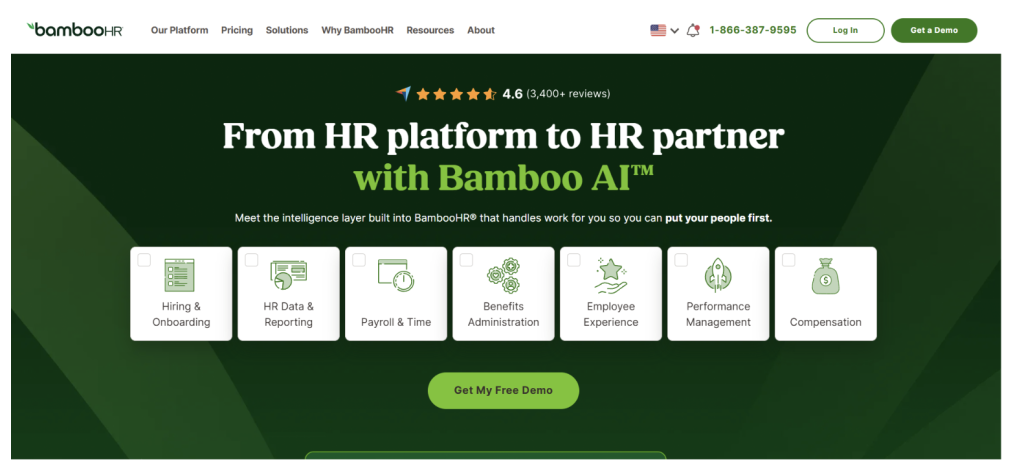
BambooHR has long been the comfortable default for small businesses that want to get off spreadsheets and into a proper HR information system. It pulls employee records, hiring and onboarding, and performance into one tidy database, and its reporting is easy to navigate. The interface is simple by design, which is why so many first-time HR buyers land here and stay through their early growth.
The trade-off shows up as a company scales or globalizes. Core services like payroll and time tracking cost extra as add-ons, which pushes up the real bill, and BambooHR’s own reviewers most often flag limited customization and limited options once their processes get more sophisticated. It’s a strong starter HRIS for a smaller US-only team, but a fast-growing or multinational company can outgrow its ceiling and face a migration later.
Key details
- Ideal use case: Small to mid-sized US businesses, about 25 to 250 employees, that want approachable core HR with built-in hiring and onboarding.
- Strengths: Clean, intuitive interface and custom reporting make employee data easy to find and act on. Native applicant tracking and onboarding create a smooth path from candidate to new hire.
- Trade-offs: Payroll and time tracking are add-ons that raise total cost, and reviewers cite limited customization and limited options. Scalability and deep configurability run thinner than on a mid-market-ready platform, and so does global coverage.
- What it costs: Published per-employee plans run at $10 per employee per month for Core, $17 per employee per month for Pro, and $25 per employee per month for Elite. For smaller teams of 25 or fewer employees, BambooHR charges a flat monthly rate starting from $250 for Core.
Nisha M., a mid-market reviewer on G2 in 2026, summed up the appeal in a review titled “Intuitive Interface That Makes Navigation Effortless,” praising how easy the system is for anyone to pick up. For a small team that values simplicity over configurability, that’s a fair description of the whole product.
4. Zoho People
Score: ★★★★½ 4.5/5 (G2, 431 reviews)
Best for: budget-conscious teams that already live in, or plan to adopt, a broader software suite.
Zoho People is the low-cost entry on this list, and a smart one for the right company. It delivers solid core HR with onboarding and offboarding workflows, plus strong time and attendance tools, including check-in from the web, a phone, or a biometric device, at a price that undercuts most of the field. A free edition for up to five users makes it a low-risk starting point for the smallest teams, and the modular design lets you add performance or learning as you grow.
Its biggest advantage is also its main constraint. The real payoff comes when you already use other Zoho apps such as Zoho CRM or Zoho Books, where the integration creates one connected operation. US payroll runs through a separate product, Zoho Payroll, which isn’t yet available in every state, and reviewers note limited customization and a learning curve, along with occasional slow loading. As a standalone HR system outside the Zoho world, it’s capable but less connected.
Key details
- Ideal use case: Cost-conscious small businesses and startups that want broad HR coverage for a low price, above all those already in the Zoho ecosystem.
- Strengths: Very competitive pricing with a free tier for up to five users, plus strong time and attendance features and a modular path to add capabilities.
- Trade-offs: US payroll is a separate product with state-by-state coverage gaps, and reviewers report limited customization and a learning curve, plus slow loading at times. Value is highest only inside the wider Zoho suite.
- What it costs: Free plan for up to five users; paid plans run from around $1.50 to $4 per user each month when billed by the year.
In 2026 G2 reviews, Zoho People users describe its HR management as intuitive and comprehensive for the money, and that value framing is where it belongs on a small-business shortlist, provided payroll coverage fits your state.
5. Rippling
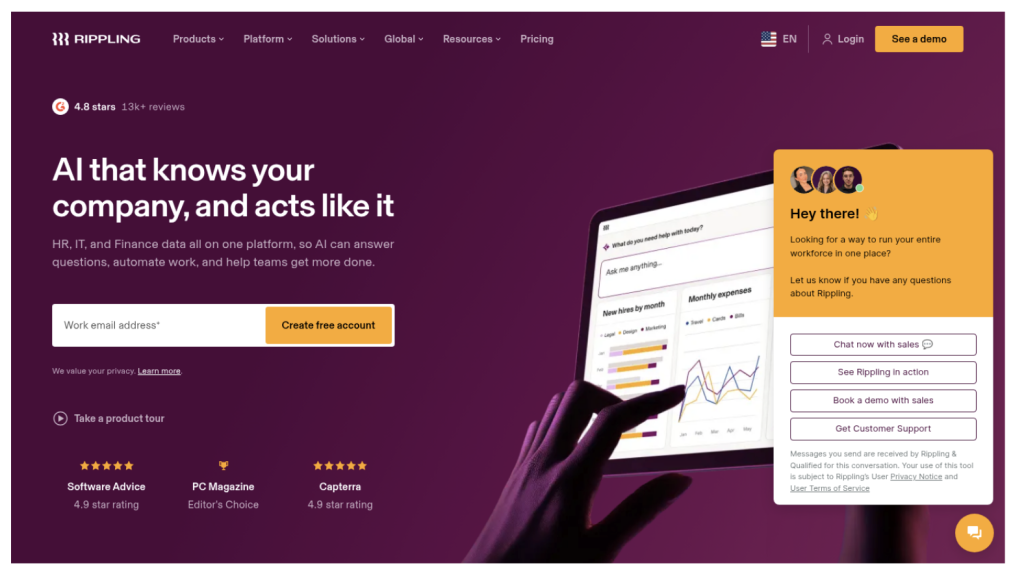
Score: ★★★★★ 4.7/5 (G2, 14,0204.7/5 (G2, 14,020 reviews)
Best for: tech-forward teams that want to run HR and IT from a single system.
Rippling is the most ambitious platform here on the engineering side, and its 4.7 rating across more than fourteen thousand reviews is among the highest on this list. Its signature move is unifying HR with IT and finance, so hiring a new employee can trigger payroll setup, benefits enrollment, a laptop order, and app access in one pass. For a small business with real device and software-provisioning headaches, that convergence removes a lot of manual coordination between departments.
The flip side is that Rippling’s center of gravity is admin and IT automation, and its people and culture tooling can feel secondary to that engine. Its own reviewers most often cite missing features in specific modules and a steep learning curve, and the modular pricing can get complicated to total up. A small HR team that wants a warm, people-first experience more than an IT control panel often finds it heavier than the job requires.
Key details
- Ideal use case: Small to mid-sized, tech-forward companies that want to automate the full employee lifecycle across HR and IT from one dashboard.
- Strengths: Deep automation and device and app provisioning cut most manual data entry. A powerful rules engine handles complex, multi-step workflows, and native US payroll is strong.
- Trade-offs: Reviewers report missing features in places and a steep learning curve, and modular pricing can be hard to forecast. The IT-first orientation means employee experience and culture tooling take a back seat.
- What it costs: Billed entirely on custom quotes. Rippling publishes no standard pricing online, providing custom quotes based on the specific software modules and services selected.
Priyanka B., a mid-market reviewer on G2 in 2026, praised “the all-in-one dashboard for HR, payroll, IT, and performance reviews” for saving hours on manual tasks. That’s Rippling at its best, and the clearest sign of who it suits: teams that treat IT automation as a first-class HR problem.
6. Justworks
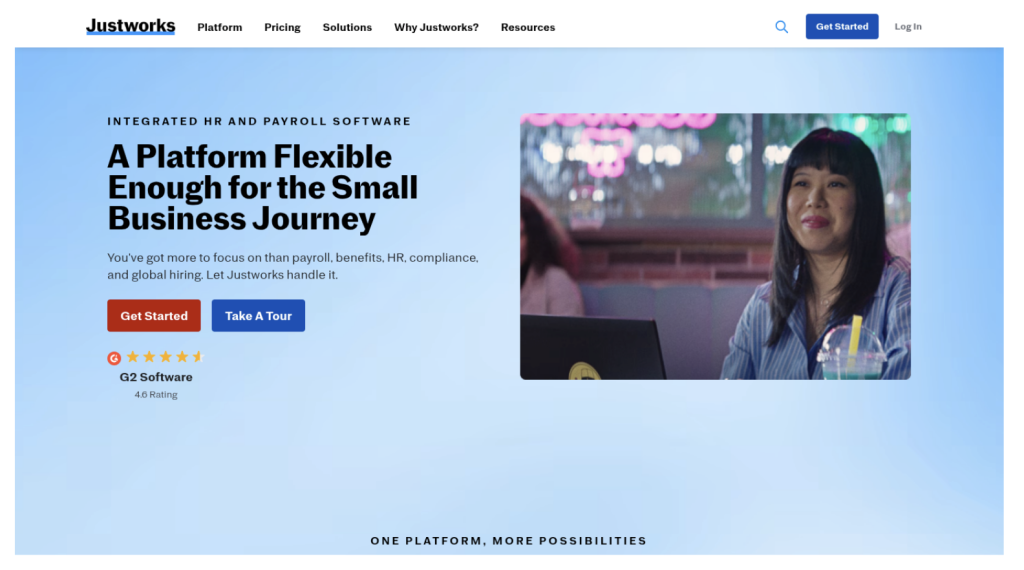
Score: ★★★★½ 4.6/5 (G2, 1,127 reviews)
Best for: small teams that want enterprise-grade benefits and compliance through a transparent PEO.
Justworks is a professional employer organization, or PEO, with pricing clearer than most of its category, and that combination makes it a favorite for small teams that want to offload HR risk. By co-employing your staff, Justworks shoulders payroll and tax filings along with workers’ compensation, and gives small companies access to benefits plans that would otherwise sit out of reach at their headcount. Its support reputation is a standout, and its reviewers rate customer service as a top strength.
The PEO model is also its main caveat. Co-employment is more structure than a company needs if it only wants basic payroll, and health-plan options and carrier networks can vary a good deal by location, so check the benefits for your state before committing. Justworks also offers a standalone payroll plan for teams not ready for a full PEO, which softens the all-or-nothing feel.
Key details
- Ideal use case: Small teams that want the simplicity and benefits buying power of a PEO with predictable, transparent per-employee pricing.
- Strengths: Rare, straightforward per-employee pricing in a category known for opacity, backed by well-regarded support and a simple onboarding experience for new hires.
- Trade-offs: The co-employment model is more than businesses needing only basic payroll require, and plan options vary by region. Reviewers note some missing and limited features compared with broader suites.
- What it costs: PEO plans tend to start around $59 per employee per month and scale down as headcount grows; a lower-cost standalone payroll plan is also available.
A 2026 G2 reviewer titled their write-up “The Best PEO Platform for Ease, Control, and Stellar Support,” which captures why small teams pick Justworks: it trades some flexibility for a hands-off administrative experience.
7. Paycor
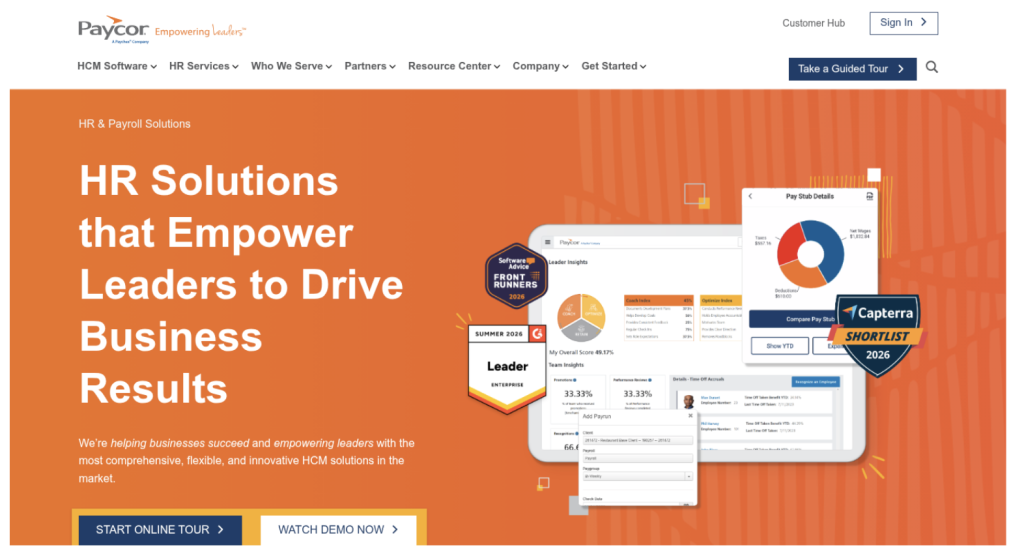
Score: ★★★★ 4/5 (G2, 2,108 reviews)
Best for: growing small businesses that want a scalable HCM with published entry pricing.
Paycor is a human capital management suite that, unlike many enterprise-leaning platforms, publishes small-business bundle pricing online. For a company that wants payroll and HR with talent management under one vendor, without negotiating through an opaque sales process, that transparency is a real draw. The payroll engine is capable, there is a self-service portal and mobile app, and you can bolt on time tracking, then performance reviews or benefits, as the company grows.
Paycor’s 4/5 rating is lower among the scored tools here, and its reviewers point to why: customer support draws the most complaints, followed by missing features and reporting gaps. Buyers should also watch for overage fees if headcount exceeds plan limits, and the most advanced capabilities tend to sit in higher tiers or paid add-ons. It’s a solid scaling option, but service quality is the thing to pressure-test in a trial.
Key details
- Ideal use case: Growing small businesses, about 20 to 100 employees, that want a scalable HCM with strong payroll and the option to add talent modules over time.
- Strengths: Clear, published pricing for small-business bundles, with frequent promotions, and a broad set of HR and talent features under one vendor.
- Trade-offs: Reviewers cite support and missing features, along with reporting issues, and overage fees can apply above plan limits. Advanced analytics often require higher tiers.
- What it costs: Published bundles starting around $99 per month plus about $5 per employee per month, with higher tiers adding onboarding and HR tools. US payroll.
Deja L., a small-business reviewer on G2 in 2026, wrote “Efficient Payroll Management Made Simple,” praising how well Paycor tracks her work hours. For the payroll core, that reliability holds up; the questions to probe are support and reporting depth.
8. Paychex Flex
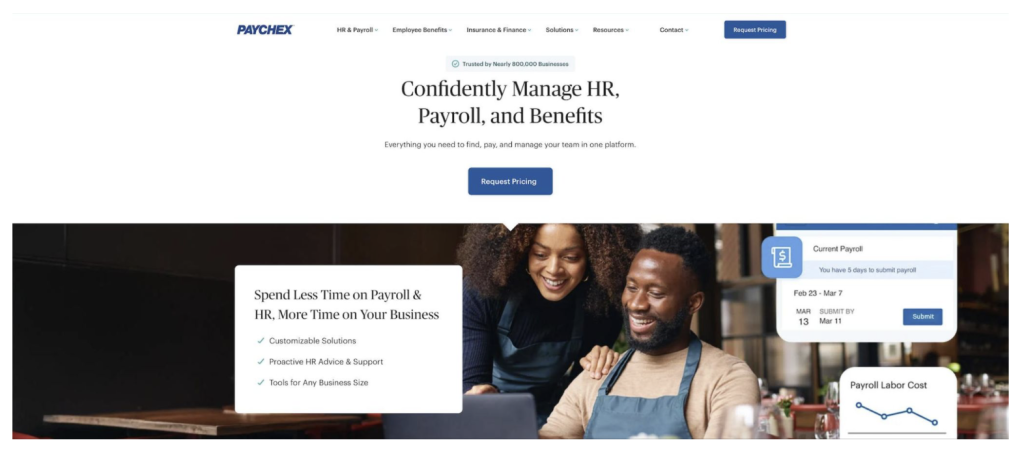
Score: ★★★★ 4.1/5 (G2, 1,747 reviews)
Best for: compliance-focused teams that want the stability of a large, established provider.
Paychex Flex brings decades of payroll and compliance experience to the small-business market, and that experience is its appeal. It pairs full-service payroll, including automated tax payments and filings plus year-end reporting, with HR essentials like onboarding and a document library, and time and attendance on top. Support flexes from self-service all the way to a dedicated HR specialist, and Paychex can also handle retirement and insurance, so some owners consolidate several vendors into one relationship.
The downsides track with its size. Paychex quotes pricing rather than publishing it, and a long list of add-ons can push the total higher than expected, which is why some reviewers flag it as expensive. The interface feels heavier than the SMB-first platforms on this list, and support quality draws complaints in reviews. It’s a dependable, compliance-first choice, though not the most transparent one here.
Key details
- Ideal use case: Small to mid-sized US businesses that want a reliable, compliance-heavy payroll and HR system from a long-established provider with scalable support.
- Strengths: Deep compliance expertise and broad US coverage, plus flexible support levels from do-it-yourself to a dedicated specialist, and extensive retirement and insurance options.
- Trade-offs: Quote-based pricing with many add-ons can raise cost, reviewers report support issues, and the interface feels heavier than newer SMB-first rivals.
- What it costs: Quote-based. Plans start with payroll essentials and scale up to add HR and analytics, then dedicated support.
A 2026 G2 reviewer described “Flexible, Powerful Payroll & HR Reporting with Helpful Support,” which reflects what Paychex does well for teams that prize compliance and stability over a sleek, modern experience.
9. Homebase
Score: ★★★★½ 4.6/5 (G2, 612 reviews)
Best for: teams that clock in and out, in retail and food service, and in healthcare.
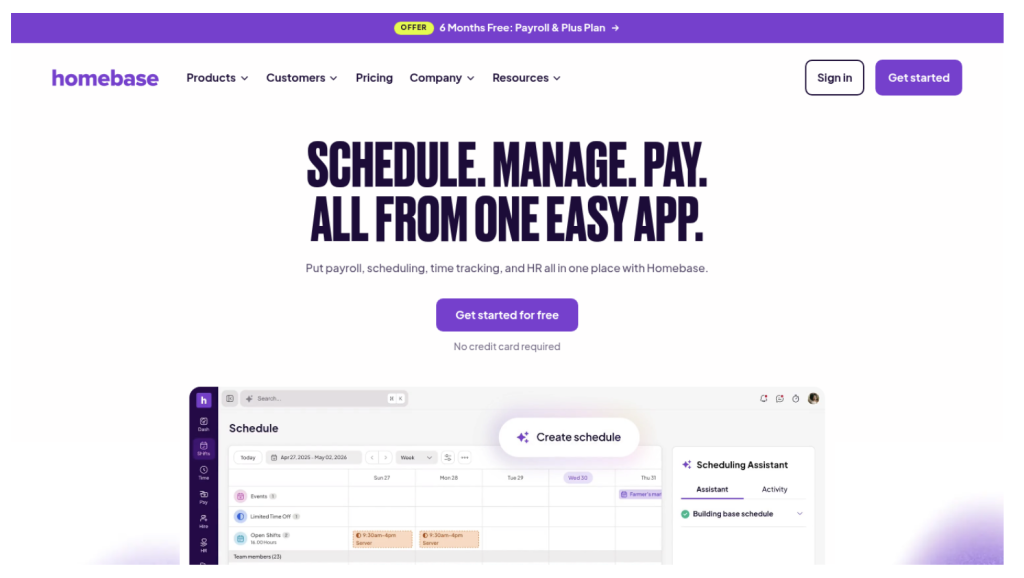
Homebase takes a different shape from the rest of this list. Rather than a traditional HR information system, it’s an operations-first tool built for shift-based teams paid by the hour, and it excels at the daily logistics those businesses live and die by: scheduling and time clocks, team messaging, and hiring, most of it run from a phone. For a single-location shop, the free tier covers a surprising amount, including scheduling and time tracking plus basic hiring, which makes it one of the lowest-risk ways to get organized.
Where it stops is deliberate. Homebase has limited performance management and benefits administration, and thin analytics, so a salaried or distributed team will outrun it fast. Payroll comes as a US-only paid add-on, and the paid plans bill per location, which can add up for multi-site operators. Think of it as the best scheduling and time engine for frontline teams, not a people platform for a scaling company.
Key details
- Ideal use case: Restaurants and retail stores, along with other small businesses that pay staff by the hour, that need strong scheduling and time tracking plus team communication.
- Strengths: Best-in-class scheduling and time clocks for shift-based teams, plus a free plan for one location that covers real work. The mobile app is easy, with messaging built in.
- Trade-offs: Not a full HRIS, with limited performance and benefits tooling and thin analytics. Payroll costs extra and covers the US only, and upper tiers bill per location. Salaried and global teams get less from it.
- What it costs: Free tier for a single location; paid plans about $25 to $100 per location per month, with a payroll add-on around $6 per employee.
Managers of shift-based teams keep rating Homebase near the top for how much easier it makes building schedules and tracking shifts. For that specific job, in 2026 it’s hard to beat; just know what it isn’t built to do.
10. OnPay
Score: ★★★★★ 4.8/5 (G2, 419 reviews)
Best for: very small businesses that want full-service payroll and light HR in one flat price.
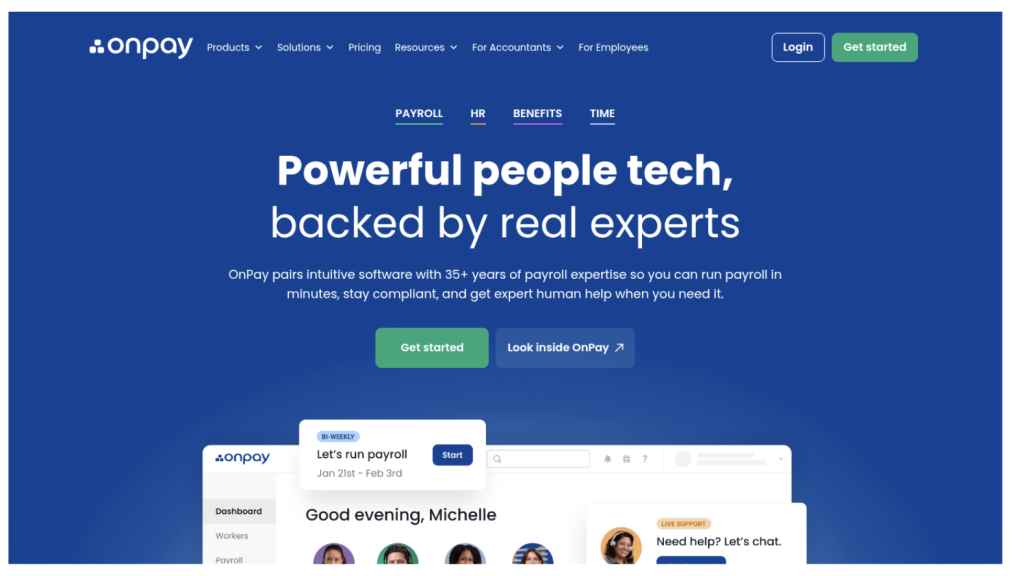
OnPay rounds out the list as the budget-clear payroll pick. Its appeal is a single, transparent plan that bundles full-service payroll and light HR tools with benefits administration, and no surprise add-on tiers. It handles multi-state payroll and unlimited pay runs, files year-end forms including W-2s and 1099s, and routes benefits through in-house licensed agents, which adds a human touch many tiny teams appreciate. Free setup and data migration lower the switching cost further.
The constraints are the familiar ones for a payroll-first tool. Native HR features are lighter than a full suite, with deeper HR capabilities only as a paid add-on, and the platform offers fewer enterprise-style analytics and automation. It’s US-only, integrations are more limited than the larger suites, and there is no same-day deposit. For a company that needs clean payroll at a predictable price more than anything else, though, it does the core job well.
Key details
- Ideal use case: Very small US businesses, most often under 25 employees, that want budget-friendly, all-inclusive payroll with the essential HR and benefits features in one price.
- Strengths: Transparent flat pricing with free setup and data migration, plus unlimited pay runs and full-service tax filing.
- Trade-offs: Lighter HR depth than full suites, with advanced HR as a paid add-on, fewer integrations, US-only coverage, and no same-day deposit.
- What it costs: A single plan at $49 per month plus $6 per person per month covering payroll, HR tools, and benefits administration.
OnPay’s long-standing reputation for high user ratings on G2 reflects a tool that keeps its promise: predictable, all-in payroll for the smallest teams, without the upsell maze that trips up growing companies elsewhere.
Choosing HR management software for small businesses with confidence
Your pick of HR management software for small businesses shapes your operational efficiency and your compliance posture, and over time it shapes your culture too. The platforms above split into clear lanes. Payroll-first tools like Gusto and OnPay make paying people simple. Operations tools like Homebase run shift-based teams. PEOs like Justworks offload administration through co-employment. Scalable suites like Paycor and Rippling add breadth as you grow. A people platform like HiBob then sits above all of that as the one system of record that carries a small business through the mid-market and keeps fitting at enterprise scale, with no rebuild along the way.
Picking well means being honest about where you’re heading rather than only today’s headcount. One thing worth knowing in 2026 is how much the market has consolidated, which affects independence and roadmap. GoCo is now part of Intuit, the maker of QuickBooks, so it reflects an accounting-and-payroll anchor more than a standalone HR roadmap. Zenefits no longer exists as an independent brand; it’s now the TriNet HR Platform after TriNet acquired it. If owning a modern, independent HR system matters to you, that consolidation is a reason to favor a platform whose future is its own.
Synthesizing your needs for the right fit
Before a slick demo or a low headline price sways you, return to your own requirements and answer a few questions straight:
- What is the real pain point today? If it’s payroll and benefits and nothing more, a payroll specialist like OnPay or a PEO like Justworks is the most direct fix. If employee data lives in one place while onboarding and reviews live somewhere else, a people platform or a core HRIS fits better.
- How fast will we grow? A 15-person team and a 150-person company have different needs. If you expect to scale or hire across locations, choose a system built to grow with you, like HiBob, rather than one you’ll migrate off in two years.
- How much time can we give implementation? Be realistic about the hours and skill your team can spare. Homebase and OnPay go live in days; broader suites reward a more deliberate setup.
- Will the tool support our culture? A system that’s painful to use erodes engagement a little more each week. The best HR software for small business is the one your team opens on its own, which is why day-to-day experience belongs near the top of your criteria, not the bottom.
Beyond the demo: the reality of implementation
Once you’re down to two or three contenders, dig past the sales pitch:
- Ask for a real sandbox, not a guided tour. Request a trial with admin access, then run a mock payroll and build a sample review cycle, and post a test job while you’re in there. Hands-on time surfaces friction a demo hides.
- Check references like yours. Ask each vendor for customers close to your size and industry, and ask those references direct questions about onboarding and support quality, and about the surprises they hit.
- Map your data migration early. Know what moves from your current spreadsheets or system, how the import works, and what the vendor needs from you. A clean migration is what makes or breaks launch.
The best HR management software for your small business is the one your team trusts and opens every day while it leaves room to grow. For most small businesses with any ambition to scale, that points to HiBob: an all-in-one people platform that handles core HR and hiring alongside performance and engagement today, adds native US or UK payroll when you need it, and still fits when you’ve tripled in size or grown well past that. Start there, weigh it against the specialist that matches your single biggest pain point, and you’ll choose a system that empowers your people instead of filing them away.