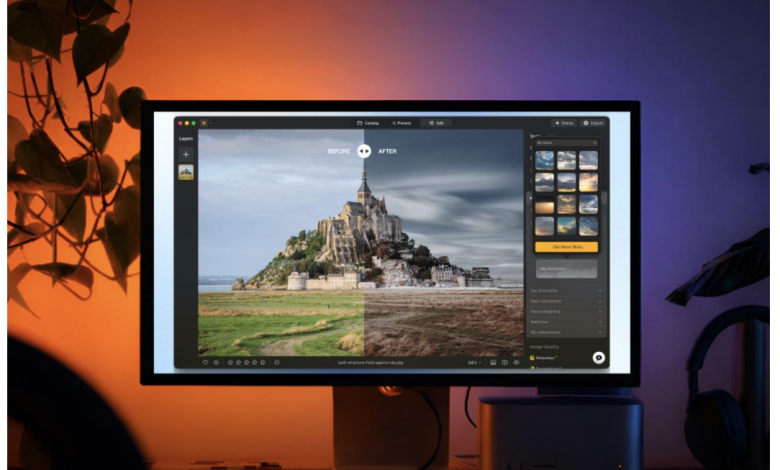
Artificial intelligence has become a practical part of modern photo editing. Instead of relying entirely on manual adjustments, photographers can now use software that analyzes an image, recognizes different elements within it, and applies targeted changes. Luminar is one example of a photo editor built around this approach, combining AI-powered tools with more traditional editing controls.
The role of AI in Luminar is not limited to generating new images. Much of its technology is designed to analyze an existing photograph and assist with specific editing tasks, from improving exposure and color to recognizing skies, faces, and other areas of an image.
How AI works in Luminar
One of the main applications of AI in Luminar is image analysis. When an image is opened, AI-powered tools can identify characteristics of the scene and use that information to determine where an adjustment should be applied.
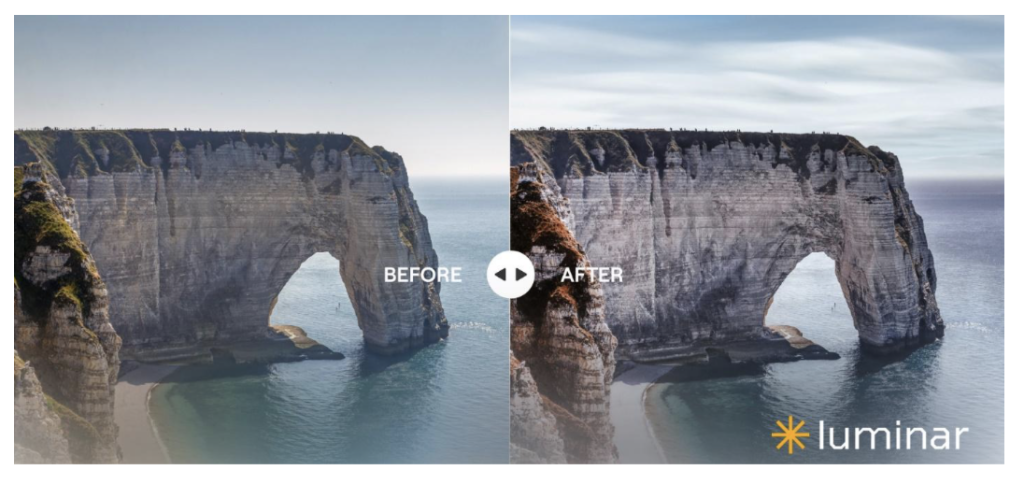
For example, Enhance AI analyzes an image and can adjust several aspects of it, including exposure, contrast, color, tone, and detail. Instead of manually changing multiple sliders, users can start with an automated correction and then adjust its intensity.
Other tools use AI to identify specific parts of a photograph. Sky AI, for instance, detects the sky and separates it from the foreground, allowing users to replace or adjust it without manually creating a selection. The technology can also account for elements around the edges of the sky, which is important for maintaining a more convincing transition between the foreground and background.

AI for more targeted editing
AI can also reduce some of the repetitive work involved in photo editing. Luminar includes tools designed to recognize faces and other portrait elements, allowing users to make targeted adjustments to skin, facial features, and body shape. These tools are based on AI-powered recognition, and simplify what was usually done by manual selection.
A similar principle applies to detail enhancement. Structure AI analyzes textures and edges within an image and can increase clarity while treating areas such as skin differently from highly detailed surfaces. This makes it possible to approach sharpening and texture adjustments selectively rather than across the entire image.
Generative AI is another part of the Luminar workflow. Tools such as GenErase, GenSwap, and GenExpand can be used to remove elements, replace parts of an image, or extend an image beyond its original boundaries. These functions represent a different use of AI: the software generates visual content based on the surrounding image and the user’s prompts.
AI does not replace manual controls
Despite the emphasis on automation, Luminar is not designed around AI alone. Users can combine AI-assisted tools with conventional controls for exposure, color, contrast, cropping, masking, and other aspects of an edit.
This distinction is important because automated editing does not necessarily produce the desired result in every photograph. An AI system has to interpret the image before deciding what needs to change, and unusual lighting, complex subjects, or ambiguous visual elements can make that interpretation more difficult.
For that reason, AI-assisted editing can be viewed less as a replacement for photographic judgment and more as another layer of control. A photographer can use automated adjustments as a starting point and then refine the result manually.

AI Assistant and a more guided workflow
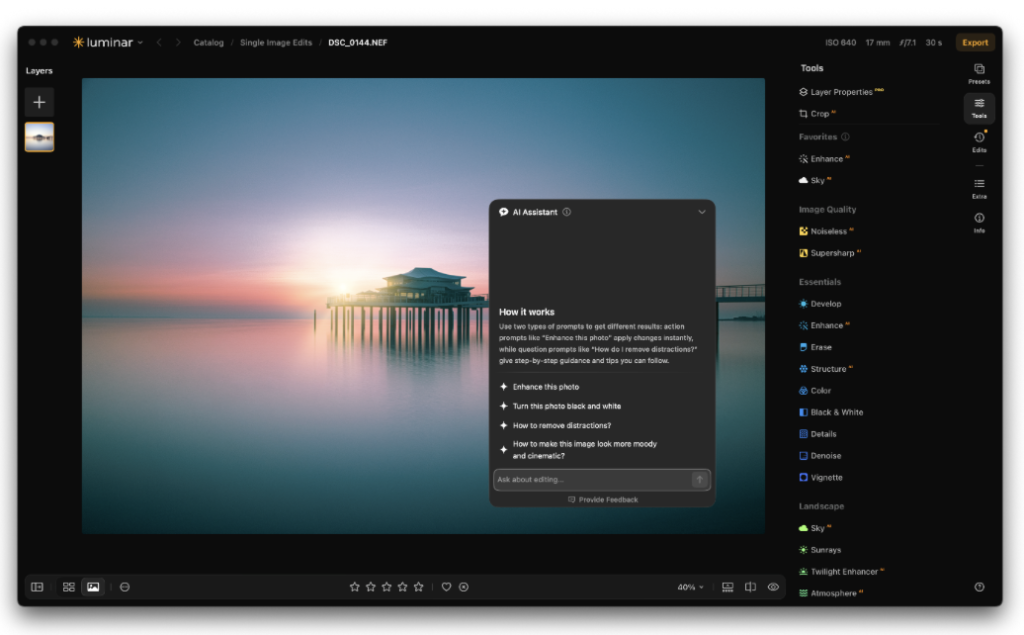
Luminar also uses AI to help users decide which editing tools to use. Its AI Assistant can analyze an image together with a text request and recommend relevant adjustments. Users can then review the suggested changes and access the underlying editing tools to modify them further.
This approach reflects a broader shift in creative software. AI is increasingly being used not only to perform individual tasks but also to help users navigate increasingly complex toolsets.
The role of AI in photo editing
Luminar illustrates one of the ways AI is becoming integrated into photography software: not as a separate feature, but as technology embedded across different stages of the editing process.
For photographers, the practical benefit depends on the type of work they do. Someone processing large numbers of images may value automated corrections and faster repetitive tasks, while another photographer may use AI selectively for masking, retouching, or removing distractions.
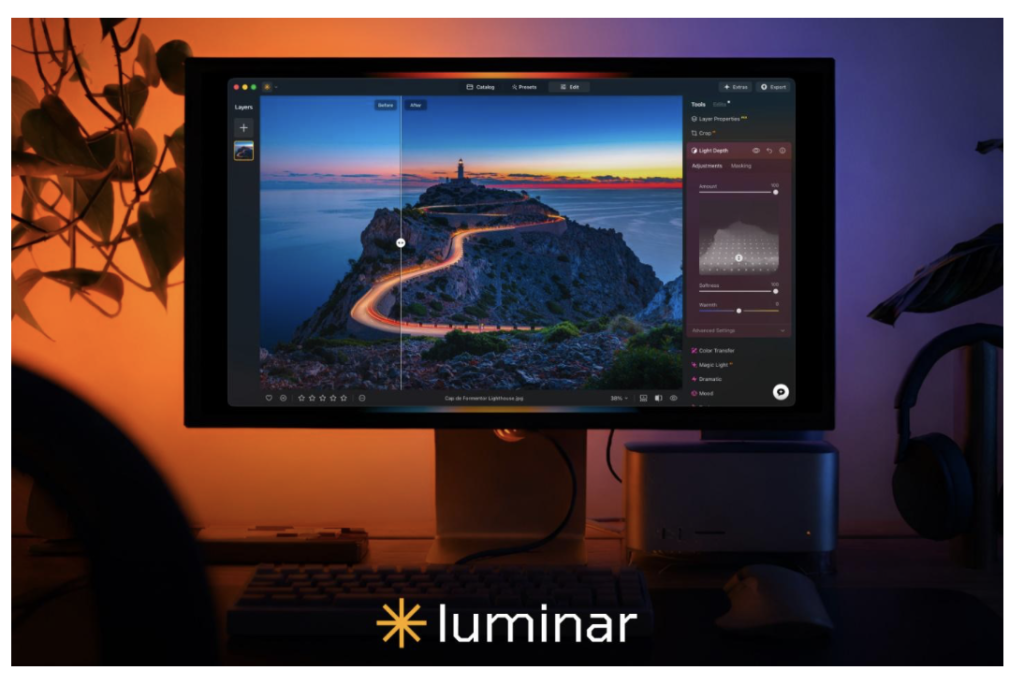
At the same time, AI-assisted editing still requires human input. The software can analyze an image and suggest or apply changes, but deciding whether those changes fit the photographer’s intention remains a creative decision.
As AI technology continues to develop, the distinction between automated and manual photo editing is likely to become less clear. Tools such as Luminar show how the two approaches can already coexist within the same workflow, with artificial intelligence handling parts of the technical process while users retain control over the final image.