
Forms are the silent workhorses of the modern web.
They are the primary bridge between your audience and your business, collecting your revenue, organizing your lead data, and automating your growth. However, a form is only as effective as the logic and infrastructure behind it. In a digital environment where user attention is the ultimate currency, a clunky or irrelevant form isn’t just a minor annoyance; it’s a direct leak in your conversion funnel.
With the market now saturated by “advanced” tools that often add more complexity than value, the challenge is separating the true leaders from the laggards. We’ve done the heavy lifting, testing dozens of platforms for speed and flexibility. We’ve narrowed the field down to the best online form builders that strike the perfect balance between raw power, user experience, and world-class integrations.
TL; DR List For The Best Online Form Makers for Building Workflows
- forms.app: Best for overall Value & AI
- Jotform: All-in-one form builder
- Google Forms: Best for Simple, Free Use
- Fillout: Best for No-Code Complexity
- 123FormBuilder: Best for Enterprise Security
- Typeform: Best for User Experience (UX)
- Cognito Forms: Best for Advanced Logic
- Microsoft Forms: Best for Office 365 Users
- SurveyMonkey: Best for Market Research
- Survicate: Best for In-Product Feedback
- Formester: Best for Marketing Teams
How Did We Test the Online Form Builder Apps?
To find the top 10, we put dozens of builders through a rigorous five-point stress test:
- UX Efficiency: Could we build a form in minutes, not hours?
- True “Free plan” Value: Are the free tiers actually usable for small projects?
- Functional Intelligence: Do the logic and payment tools work flawlessly?
- Mobile-First Design: Does the form look and feel great on any screen?
- Security: Does it meet gold-standard encryption and privacy (GDPR) laws?
10 Best Form Builder Apps for Workflow Automation in 2026
1. forms.app
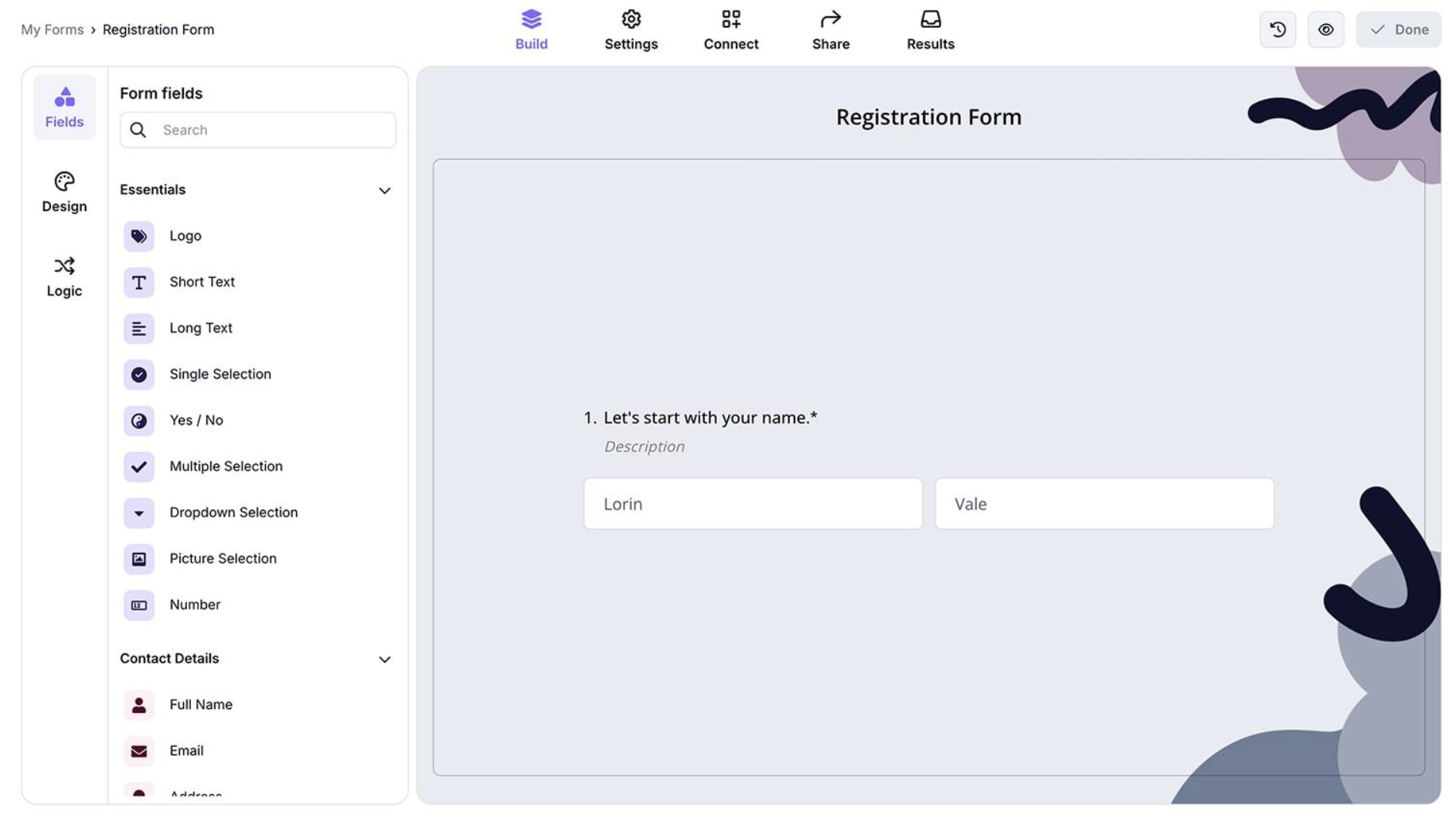
forms.app is an all-around form builder with robust features like payment collection and conditional logic. It is super user-friendly and enables you to build powerful, interactive forms without writing a single line of code. It integrates natively with many popular business tools, such as Google Sheets, MS Excel, Slack, HubSpot, Mailchimp, etc., and works perfectly in custom workflows via 3rd party apps like Zapier.
It has an AI form generator to create a form from text, files, and other form URLs. It also offers many other powerful features that make it the all-rounder we talk about, such as advanced conditional logic, auto-response emails, auto-scoring, custom domain, file uploads, custom PDF generation from submissions, and more. forms.app offers both classic list view form layout and conversational step-by-step layout. forms.app stands out as an easy-to-use form builder that offers the best value overall.
- Pricing Range: Free to $99/mo
- Stands out with: AI Form Generator to build forms from text, files, and URLs.
2. Jotform

Jotform is an all-in-one form builder that offers powerful features like payment collection, conditional logic, workflow automation and AI agents in 2026. It is highly user-friendly and allows you to create professional, interactive forms without coding at any step. The platform has a library of 20,000+ form templates, and integrates with 250+ business tools, making it easy to connect your forms with CRMs, cloud storage apps, and other systems.
It also includes an AI Form Generator that creates forms from natural language prompts. Beyond form creation, Jotform AI helps structure workflows, manage submissions, and generate insights from collected data. With features like automated responses, approval workflows, multilingual support, and real-time analytics, Jotform stands out as the most comprehensive form builder for both simple data collection and complex business processes.
- Pricing Range: Free, paid plans start at $34/mo
- Stands out with: AI form generator, workflow automation, templates and AI agents
3. Google Forms
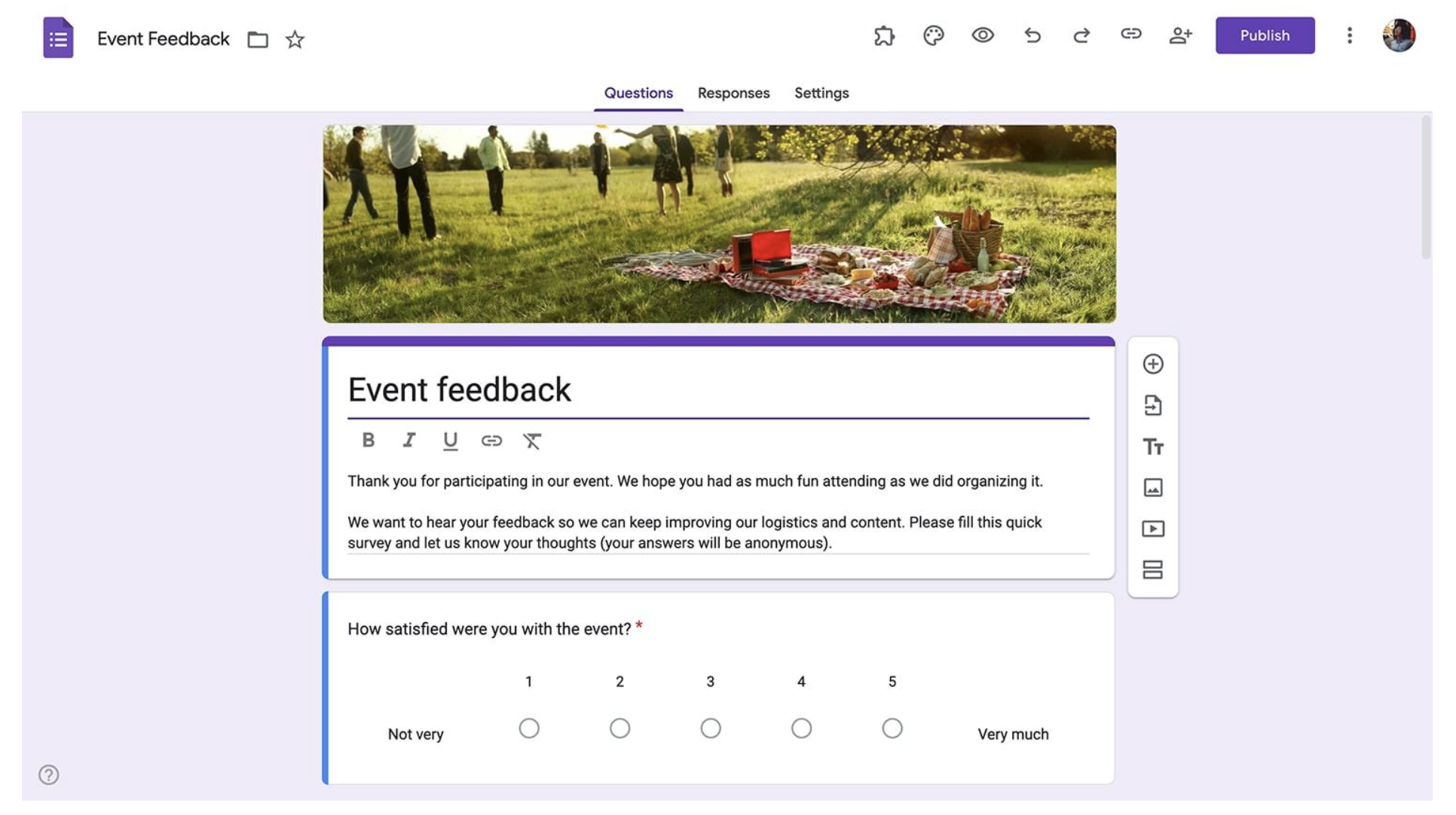
Google Forms is a free-to-use form builder that lets you create, share, and analyze professional surveys and questionnaires in minutes.
While the base tool is simple, you can install third-party plugins to add timers for quizzes and set expiration dates for forms. It is the ultimate “blank canvas” for those who are comfortable using Google Sheets as their primary database.
- Pricing Range: Free for individuals; Workspace starts at $8.40/user/mo.
- Stands out with: Unlimited forms for free and submissions with zero hidden costs.
4. Fillout
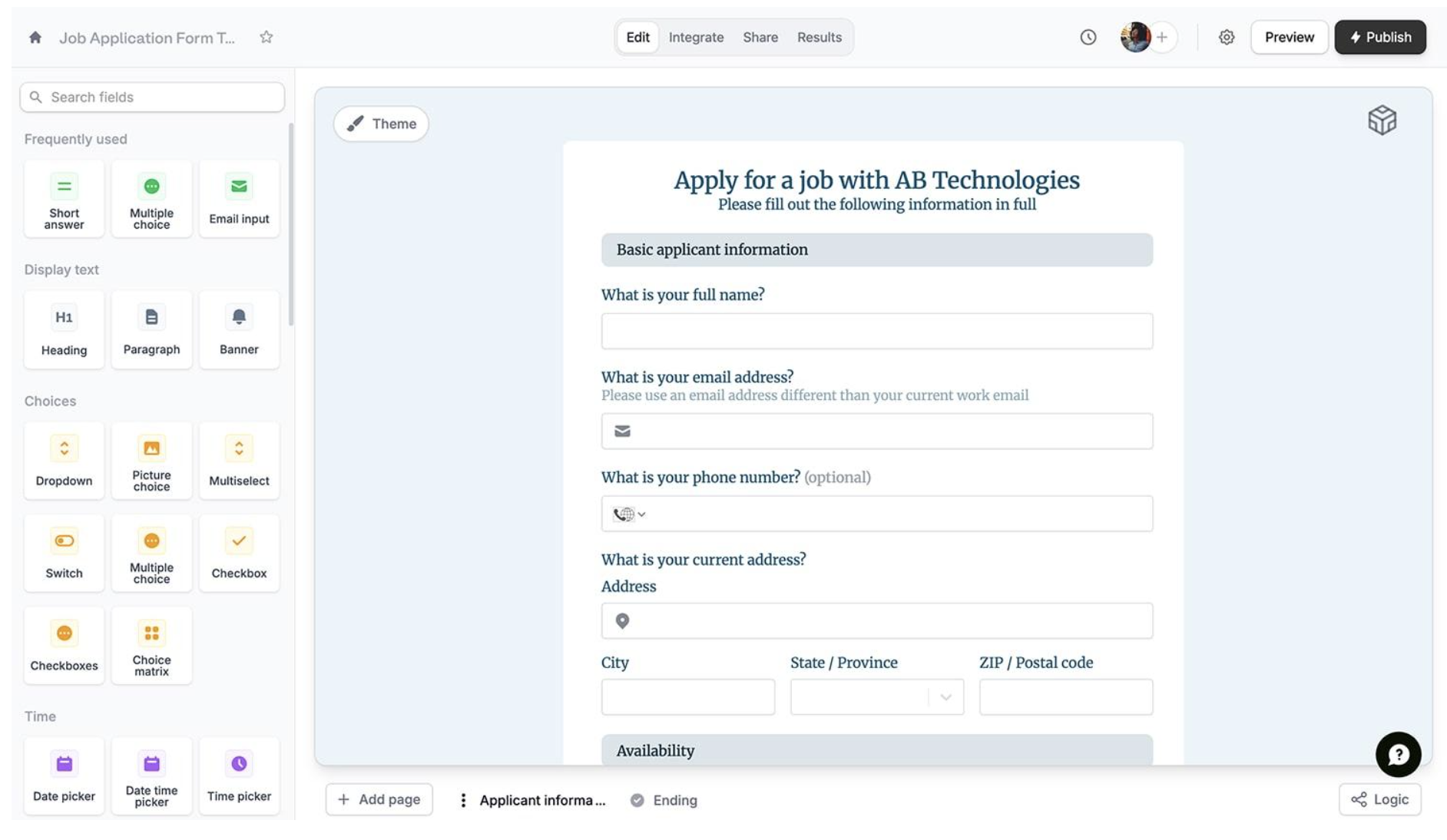
Fillout is designed for users who need their forms to act like apps, offering deep, live integrations with tools like Airtable and Notion.
This user-friendly tool solves the biggest headache in form building: updating existing data. Unlike most builders that only create custom forms, Fillout can pull data from your database, show it to the user in the form, and let them update it.
- Pricing Range: Free to $89/mo
- Stands out with: Advanced multi-page logic and seamless database syncing.
5. 123FormBuilder
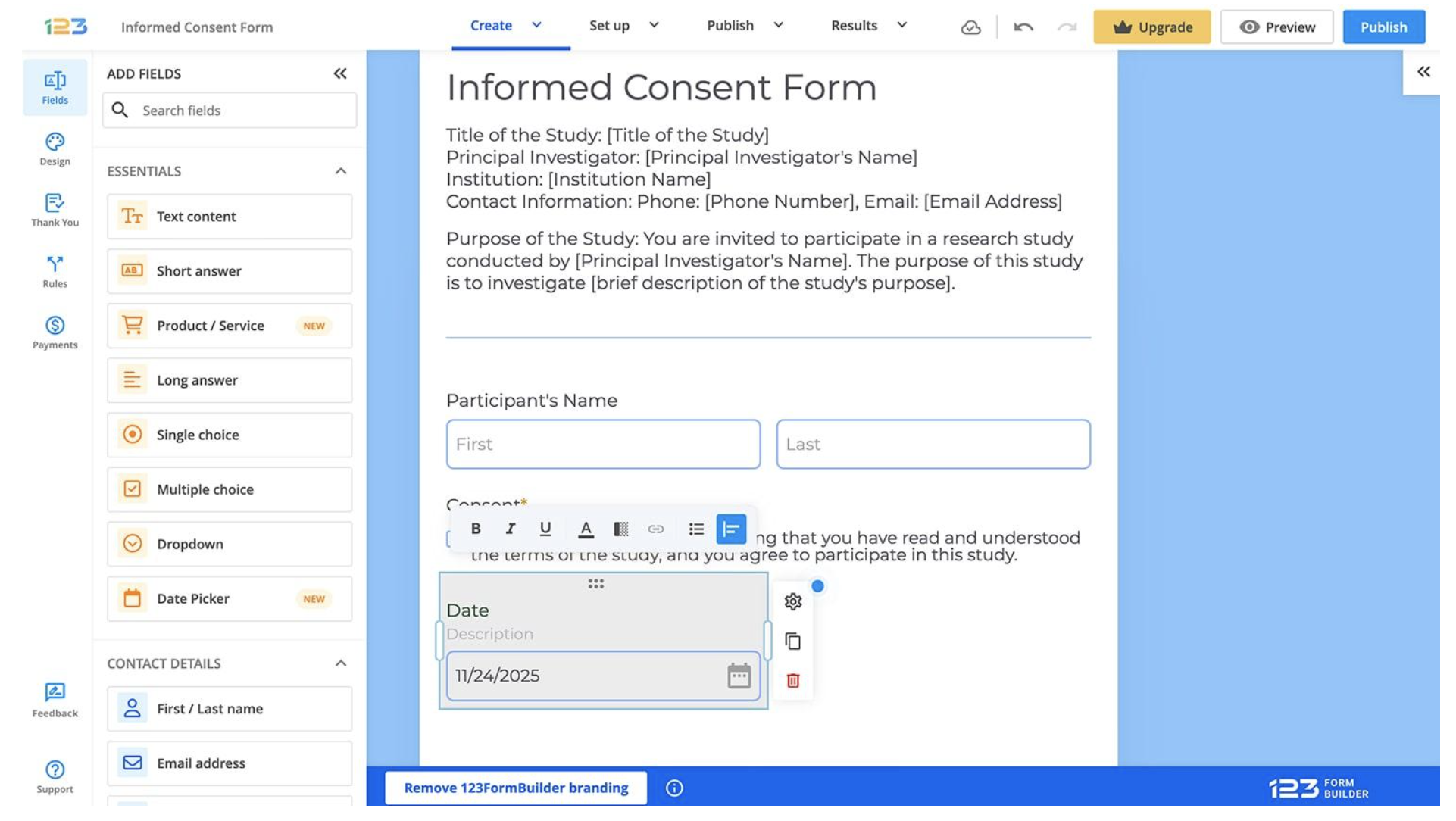
A heavy hitter for sensitive industries, this tool provides secure data pipelines and specialized integrations with Salesforce.
For those in the healthcare or legal sectors, 123FormBuilder is one of the few platforms that offers a Business Associate Agreement (BAA). This ensures that your data collection is legally compliant for medical records. Its Salesforce integration is also “bidirectional,” meaning it can both send data to your CRM and pull data from it to pre-fill fields for your users.
- Pricing Range: Free to $225/mo.
- Stands out with: HIPAA/GDPR compliance and native Salesforce automation.
6. Typeform
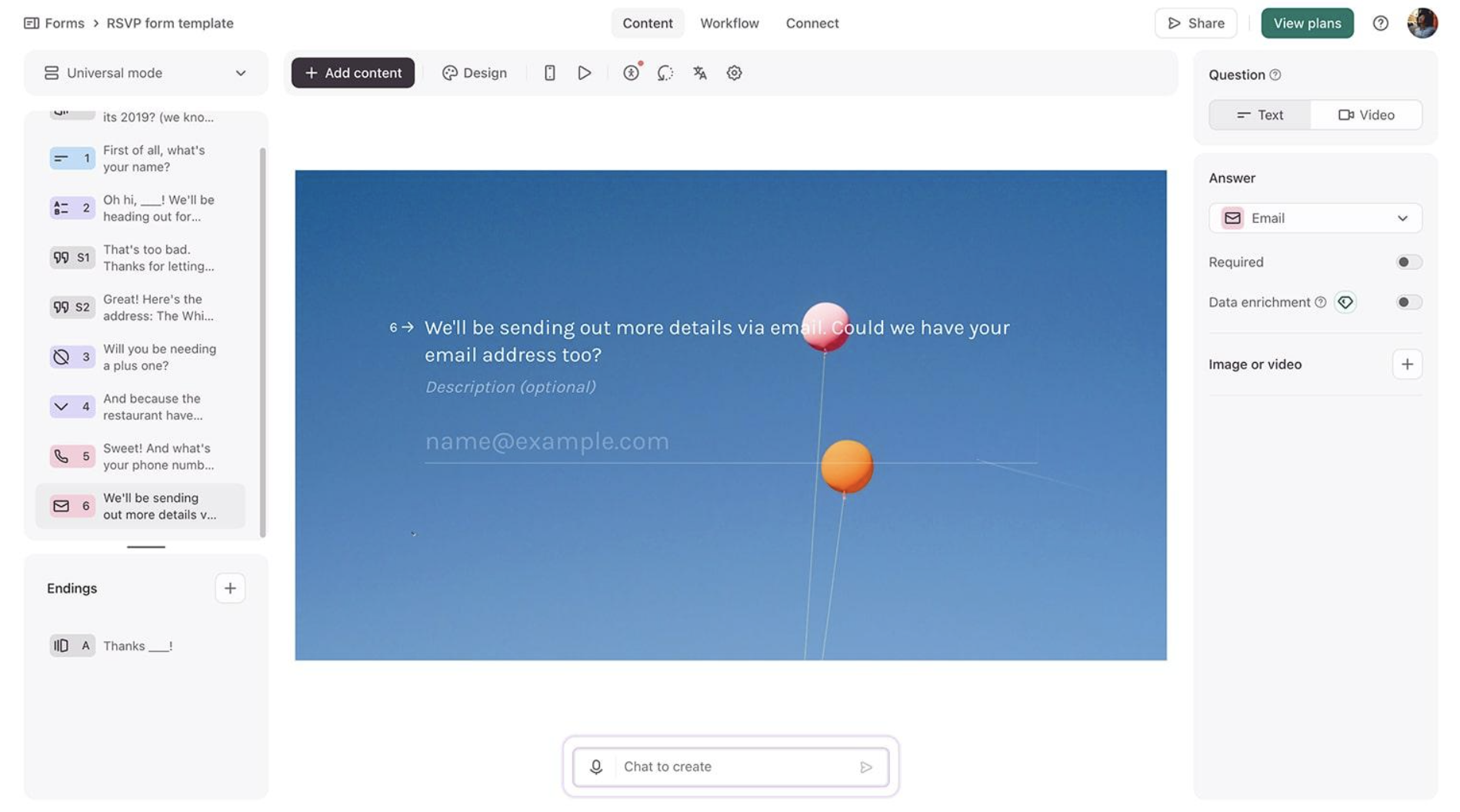
Typeform is known for its “one question at a time” interface. It is a premium-priced tool because it significantly increases lead conversion through its beautiful design.
Typeform excels at Brand Impression. It is frequently used for high-end product recommendations or interactive brand quizzes. Because it feels like a conversation rather than an interrogation, it often achieves much higher completion rates on long forms that would otherwise feel overwhelming.
- Pricing Range: Free to $399/mo
- Top Feature: High-end, “one-at-a-time” conversational interface.
7. Cognito Forms
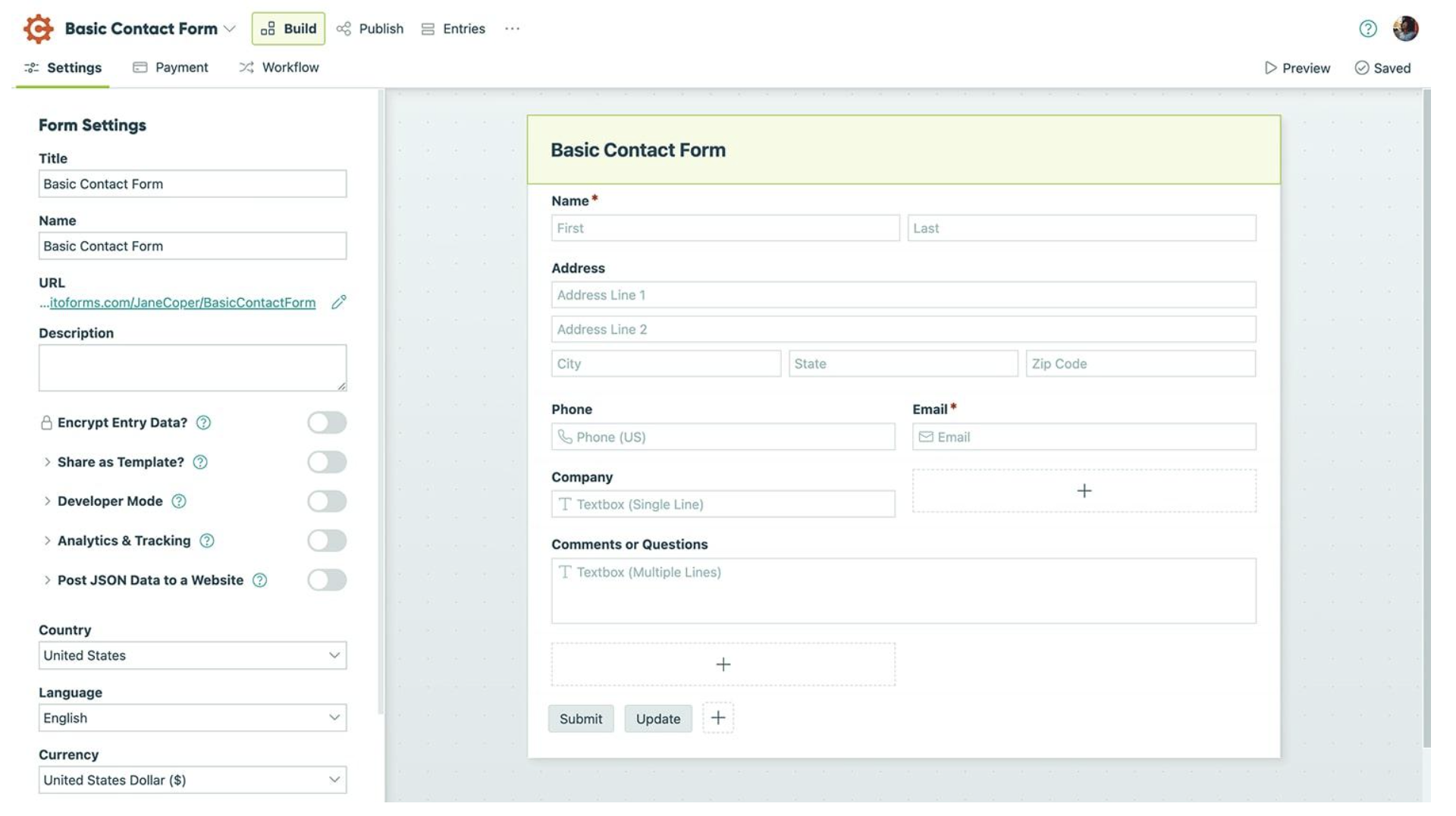
Cognito Forms excels at the “math” of forms. If you need to calculate taxes, shipping, or dynamic quotes, this is the most cost-effective solution.
Its Calculation Engine is essentially Excel built into a form. You can write complex formulas that calculate price totals, date differences, or even scores for a personality test. It also features a “document merging” tool that can convert a user’s form submission into a custom-branded PDF invoice or contract.
- Pricing Range: Free to $129/mo
- Stands out with: Robust calculation fields and document merging.
8. Microsoft Forms
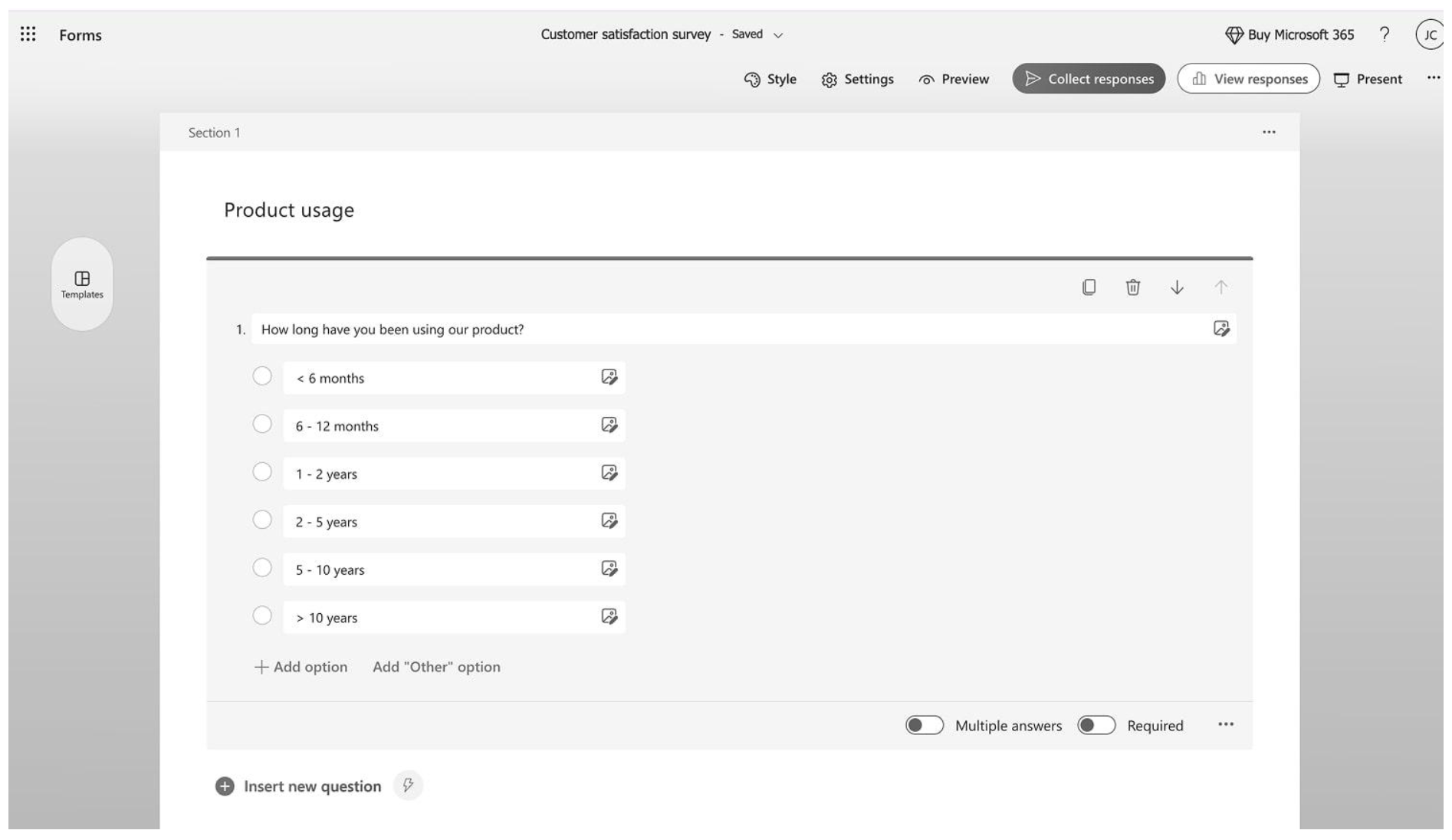
Included with Microsoft 365, this is a “no-extra-cost” tool for corporate teams. It is built for speed and internal data security.
You can set up a “flow” where a form submission instantly triggers a message in a specific Microsoft Teams channel, creates a task in Planner, and emails a personalized response, all without writing a single line of code.
- Pricing Range: Free for personal use
- Stands out with: Native integration with Excel, Teams, and Power Automate.
9. SurveyMonkey
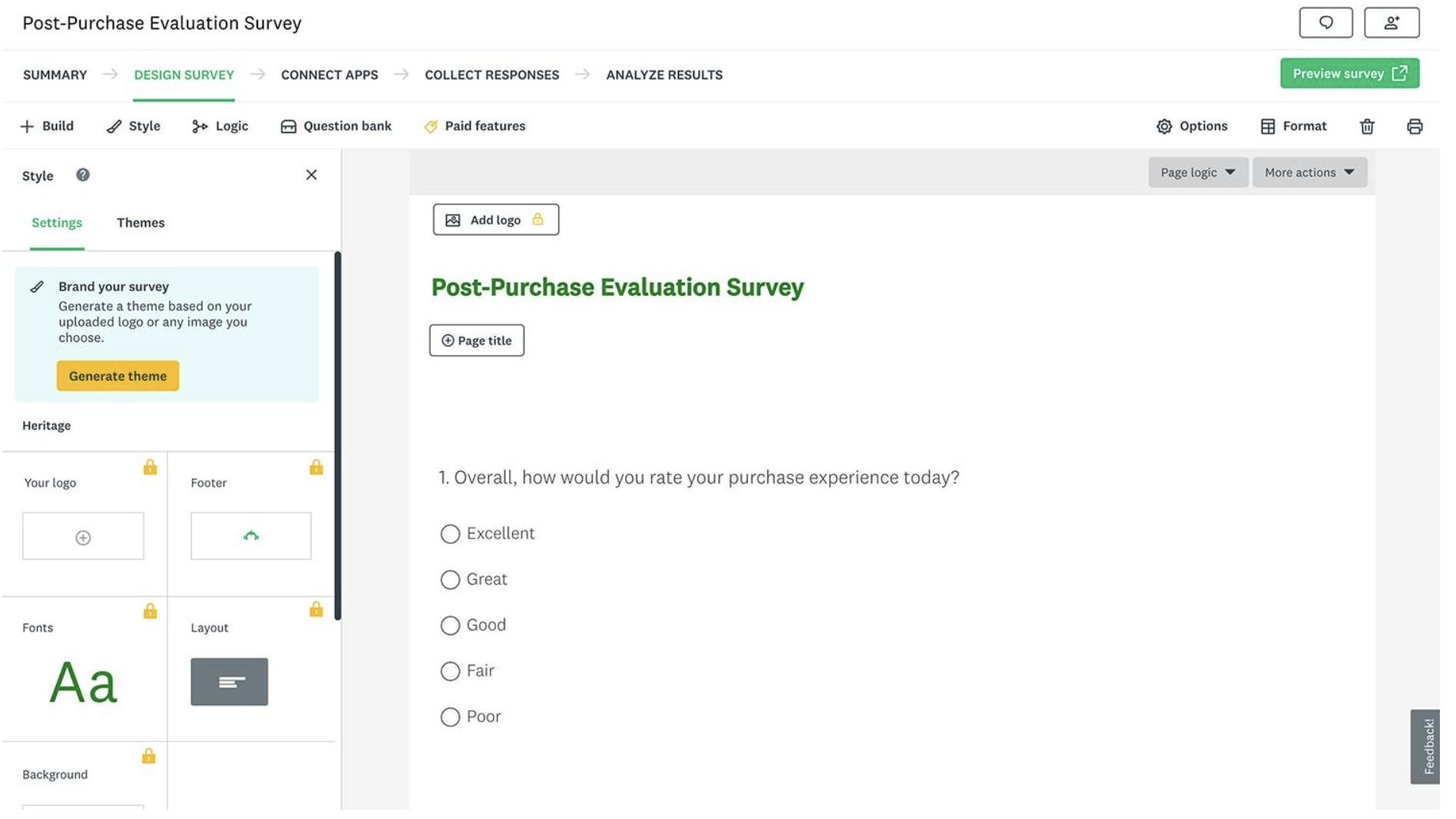
More than just a builder, it’s a research platform. Their integrated analysis tools transform responses into clear, actionable insights.
SurveyMonkey is built for Market Research. It offers “Benchmarking” data that lets you compare your survey results against industry standards. If you want to see how your performance stacks up against the competition, this is the tool for you.
- Pricing Range: Free to $139/mo
- Stands out with: Professional benchmarking and AI-powered statistical analysis.
10. Survicate
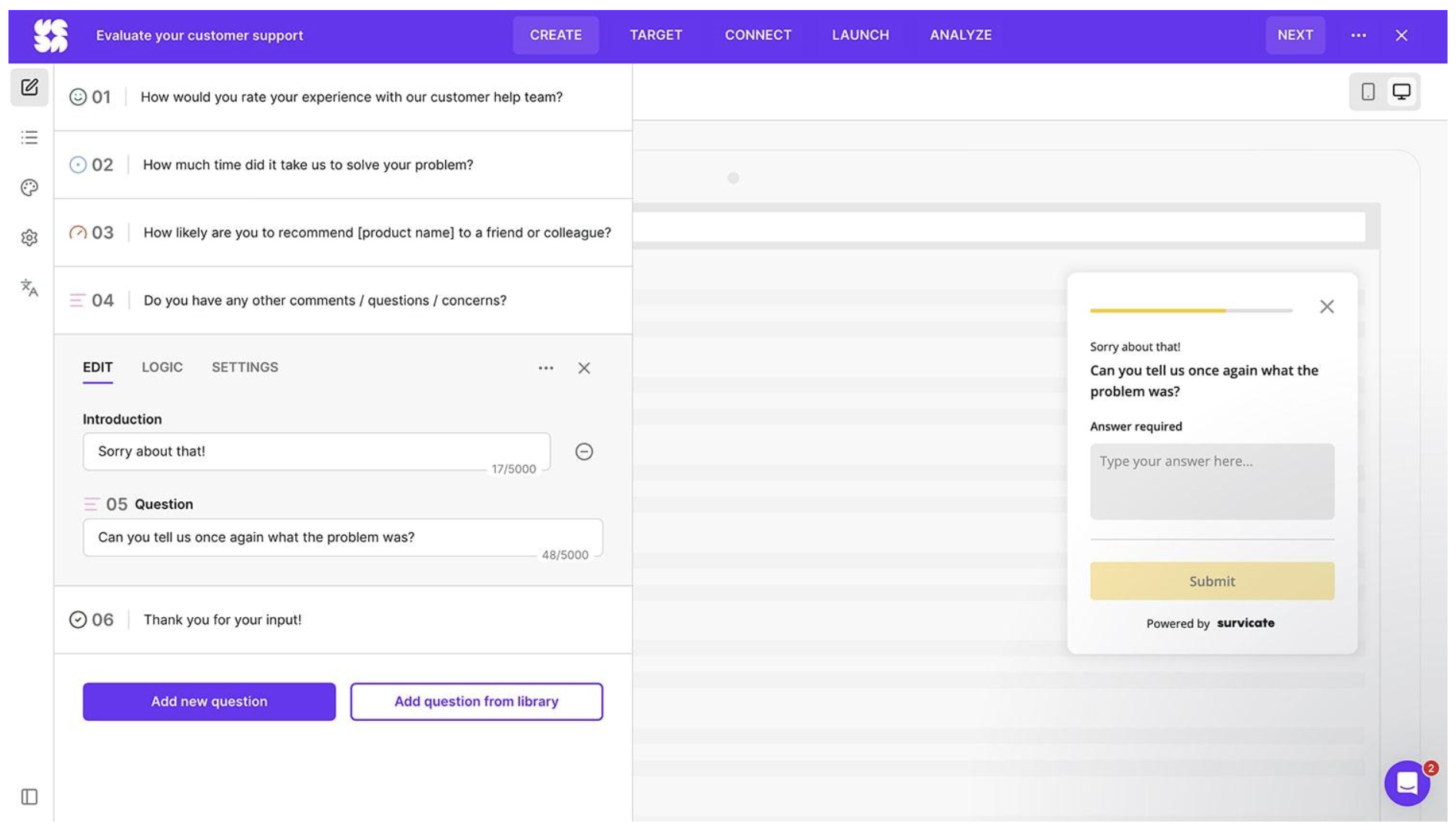
Survicate is a tool designed to be embedded directly into your software to capture customer feedback at the exact moment of interaction.
Survicate is good at Lifecycle Marketing. You can set specific “triggers” so a survey only pops up if a user visits your pricing page 3 times or spends more than 5 minutes on a specific feature. This ensures you are getting feedback from the right people at the absolute peak of their engagement.
- Pricing Range: Free to $499/mo
- Stands out with: Targeted in-app and website survey triggers.
11. Formester
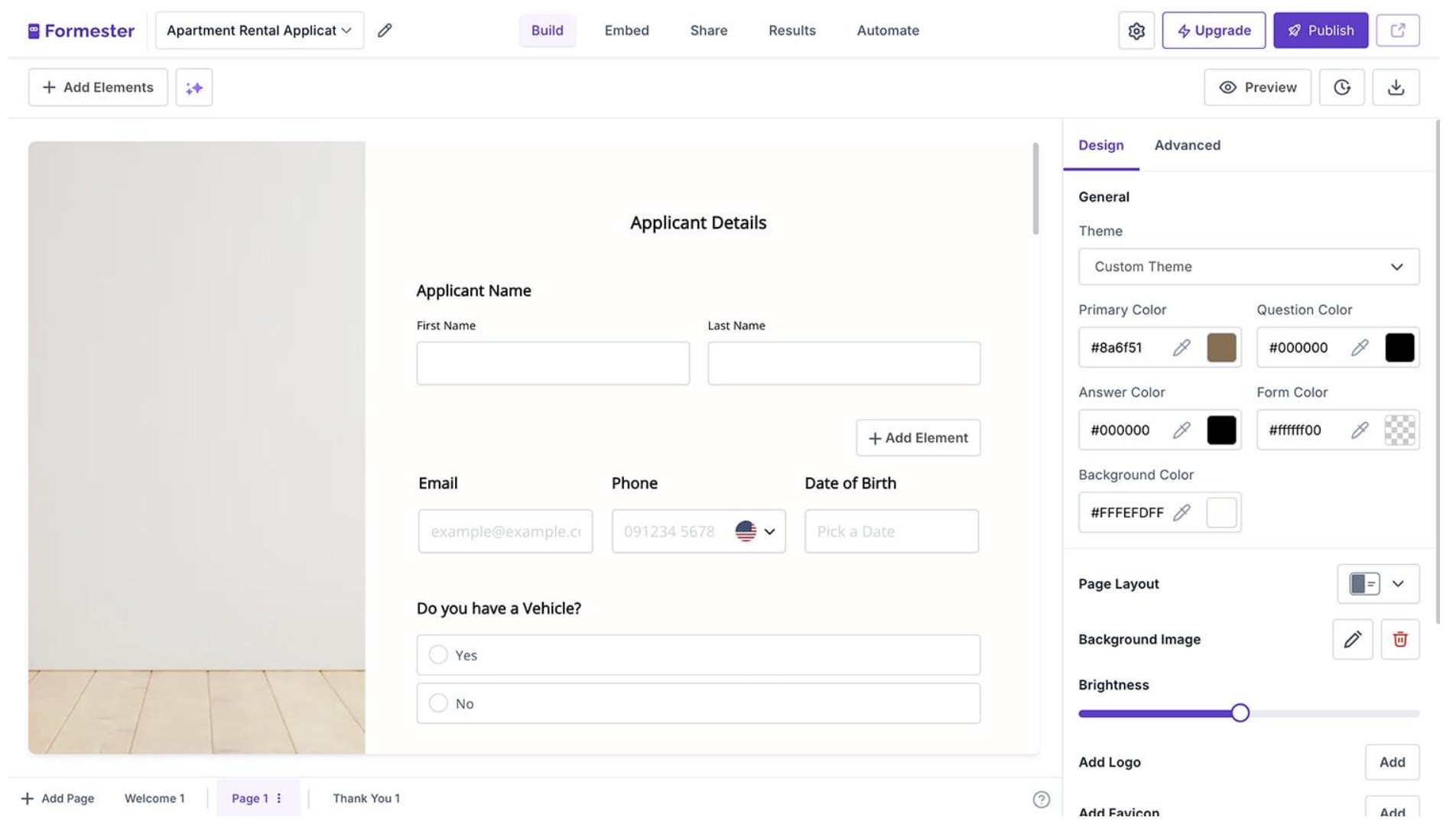
Formester balances ease of use with lead-capture features like “partial submission tracking,” making it an affordable alternative for growing teams.
Its HTML Form Backend is a game-changer for developers. If you have a custom-coded website and just need a reliable way to handle data submission without a “drag-and-drop” UI builder, Formester provides a simple backend endpoint.
- Monthly Pricing: Free to $49/mo
- Stands out with: Partial submission tracking to capture abandoned leads.
Final Thoughts
There are many form creators available; however, choosing the ideal one for your own needs is the critical point. To decide better, ask yourself these questions:
- Which advanced features do I need?
- How will I manage forms? (e.g, solo or team)
- Do I need ready-to-use form templates or AI?
- Where will I share my forms? (e.g, on social media or embed them on a website)
- Do customization options matter to me? (e.g, adding your logo or changing colors)
After considering these questions, the answer will likely become clear. By narrowing down your specific requirements, you can focus on the best form tool for you.