
You record a video, feeling confident. The framing appears to be right, and the message feels strong. Then you watch it back, and something feels off. Your skin seems overly smooth, your face feels flat, and the result doesn’t look like you. This is a common frustration with AI beauty filters. Over-processing, lighting mismatches, and incorrect filter usage often create that “fake” look.
The solution isn’t avoiding filters altogether; it’s about mastering AI video retouching. When you leverage Wondershare Filmora’s AI beauty filter correctly, you can achieve a clean, professional, and natural look that enhances your features without looking artificial.
Part 1: 5 Common Reasons Your AI Beauty Filters Look Unnatural
Most of the time, when the results seem to be very artificial, it is not because the tools are bad. It is mostly due to the way these tools are handled. Knowing these frequent errors allows you to resolve the problem prior to it spoiling your footage.
1. Over-Smoothing Removes Real Skin Texture
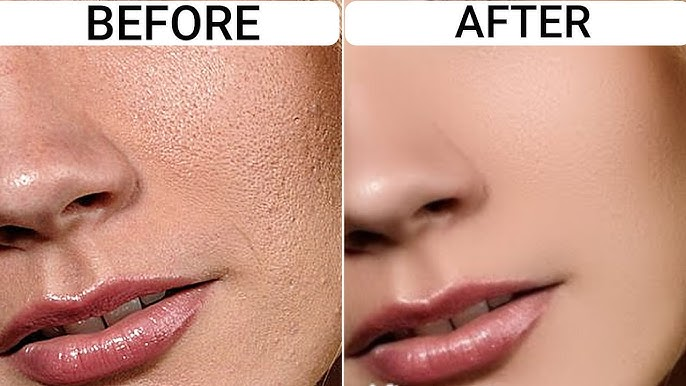
Skin naturally has texture. When an AI beauty filter smooths everything evenly, pores and fine details disappear. The face starts to look flat and plastic. Instead of hiding imperfections, the filter ends up drawing attention to itself.
2. Lighting and Shadows are Ignored
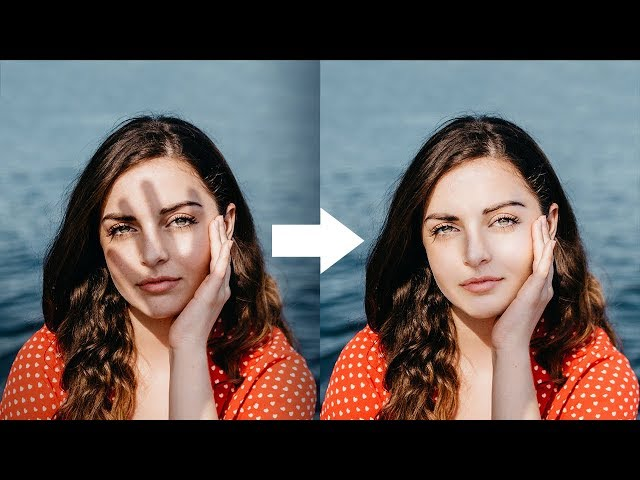
Filters are light-sensitive. If you put on a beauty effect over shadowy or unevenly lit footage, it will show the imperfections even more instead of fixing them. A filter that hasn’t taken lighting into account will have a hard time blending naturally with the shot.
3. Excessive Full-Frame Application
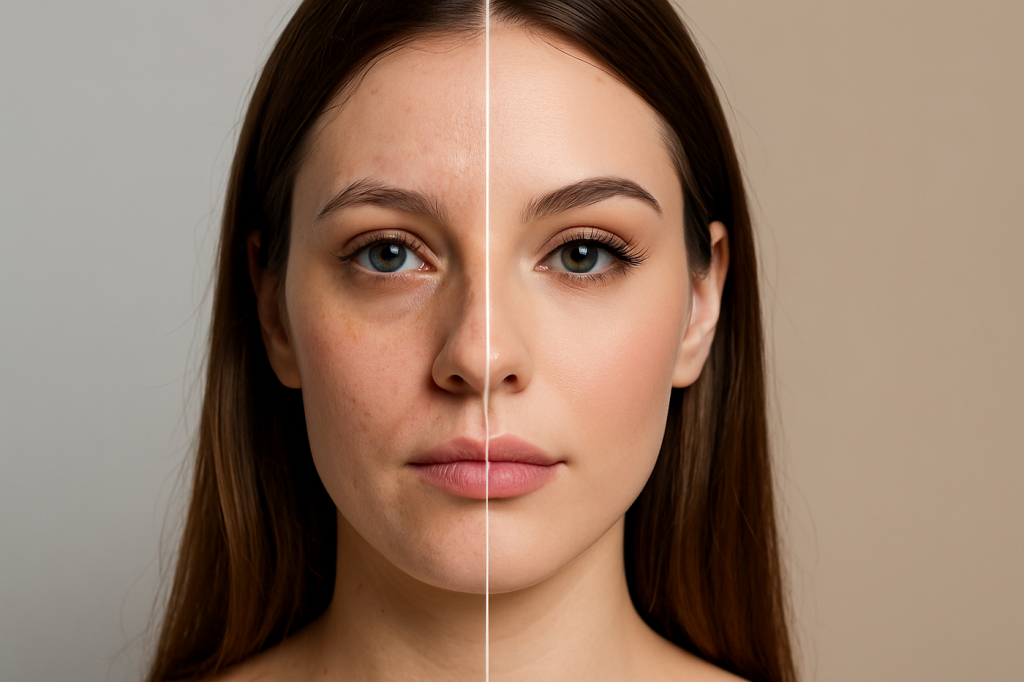 Many creators apply one filter across the entire frame. This affects areas that don’t need enhancement, such as jawlines, hairlines, or even background faces. The result feels heavy and obvious instead of subtle.
4. Motion Issues in Dynamic Shots
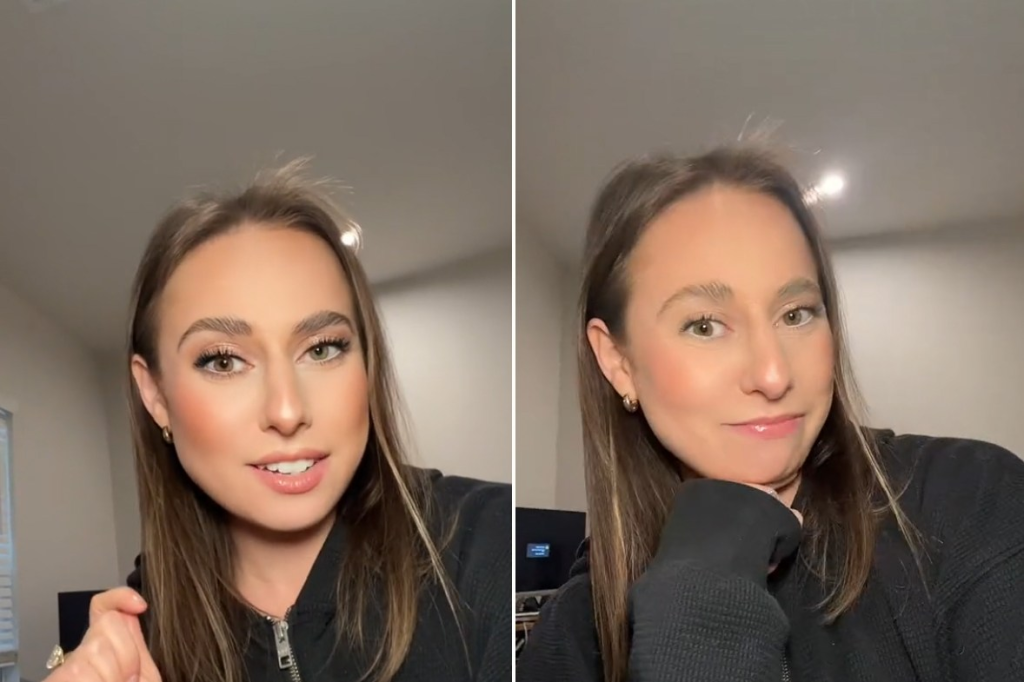 Faces move constantly. In vlogs, reels, and talking-head videos, expressions change every second. Strong filters can lag behind motion, causing flickering or warped features that break realism.
5. “Too Perfect” Feels Unnatural
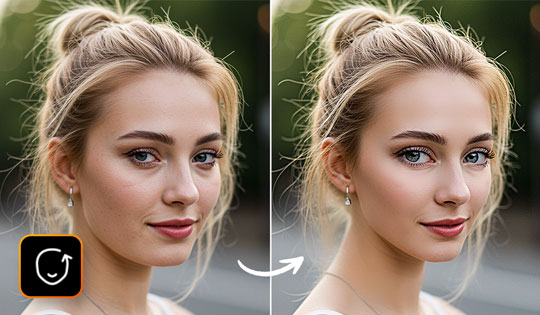
There’s also a psychological factor. Viewers are used to seeing real faces. When skin looks flawless in every frame, it feels artificial. Authenticity is what keeps the trust alive, whereas perfection most of the time has an opposite effect.
The mere fact of not committing these errors is already a step forward in the direction of more honest and trustworthy edits.
Part 2: How to Use Filmora’s AI Beauty Filter for Natural Face Retouching
Real beauty augmented naturally comes from directing your intention, not from using presets. Filmora allows creators to change their appearance in a very quiet and natural way instead of heavily relying on one-click fixes. If they are used wisely, the AI tools of the software are there to make the existing features even better, not to replace them.
Once your clip is on the timeline and ready to edit, these steps help you get the most realistic results possible.
Step 1: Ease Into the Filter Strength
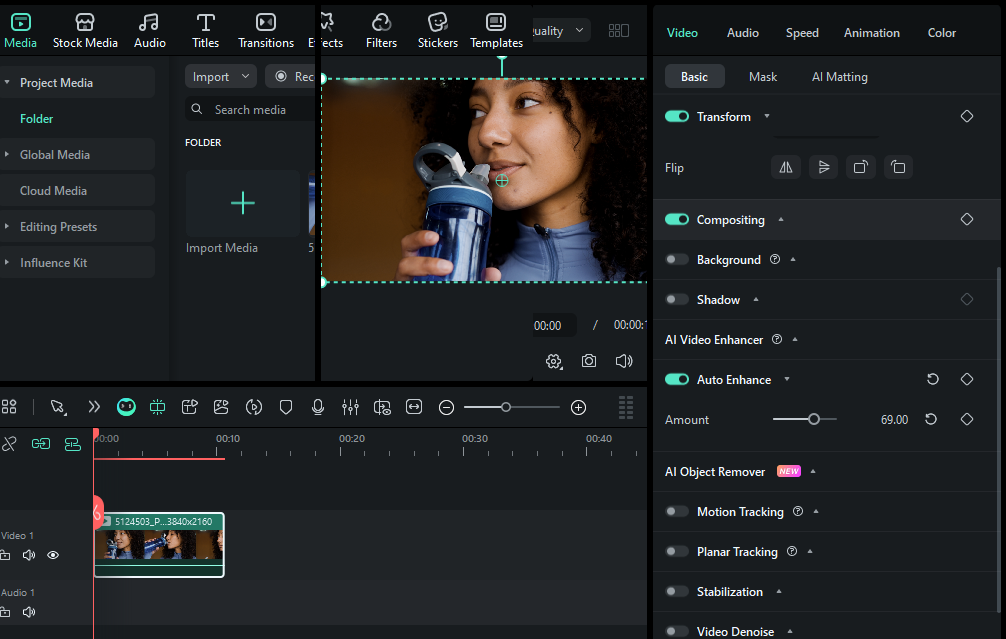 Begin with low intensity and build gradually. Filmora allows precise control, which makes it easier to smooth uneven skin tones without wiping out natural texture. A light touch keeps pores, fine lines, and facial depth intact.
Step 2: Focus on Targeted Enhancement
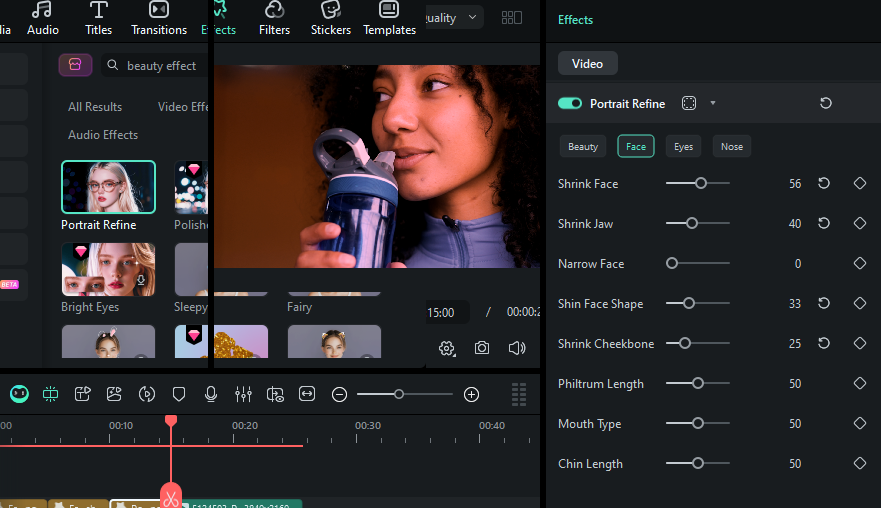
Avoid applying the effect across the entire frame. Faces don’t need equal correction everywhere. Filmora’s face detection helps keep enhancements limited to facial areas, so edges, hairlines, and background details stay unaffected.
Step 3: Balance the Look with Color and Exposure
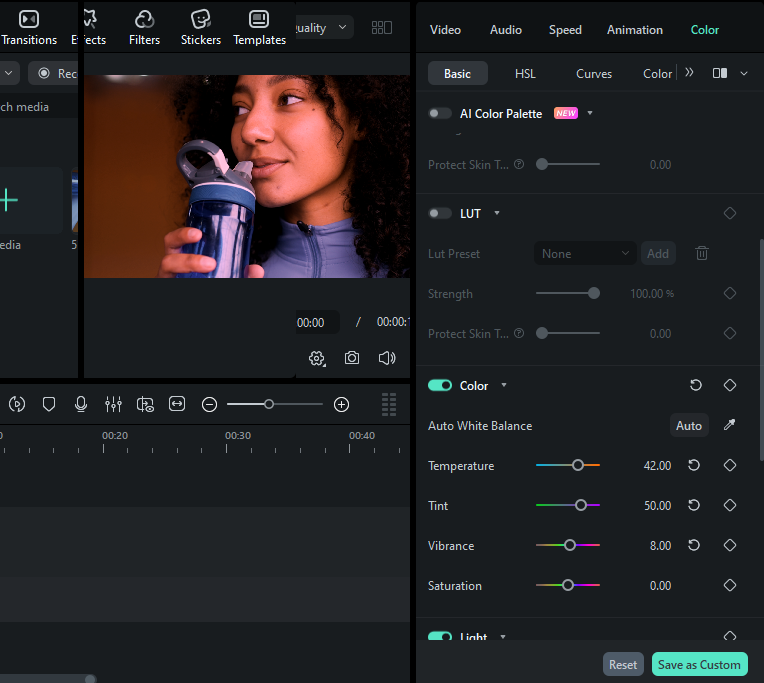
Beauty filters give the most amazing results if the illumination is balanced. So, you should first brighten up, increase the contrast, or adjust the white balance, even if you plan to use an effect with Filmora color tools. The AI beauty filter becomes so invisible that it looks like a natural shot of your video when the lighting is perfect.
Step 4: Preview in Motion to Protect Realism
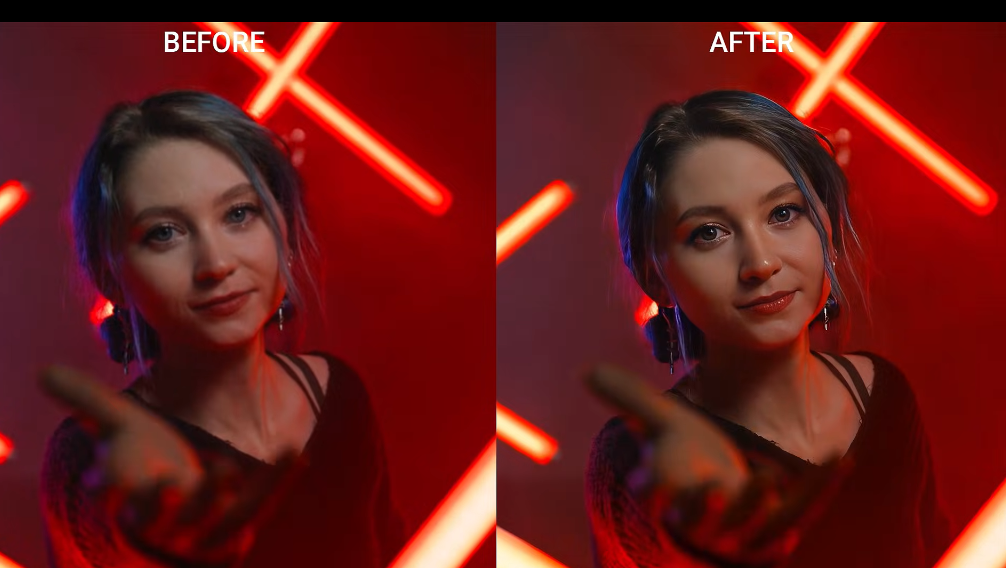 Static frames can be misleading. Use Filmora’s real-time preview to watch expressions and movement. This helps you spot over-smoothing or tracking issues before they become noticeable in the final export.
The final check is simple: does it still look like you? Filmora’s AI beauty filter is designed to support natural features, not replace them. Keeping structure, expression, and texture intact ensures your video feels polished without feeling fake.
Part 3: Pro Tips for Professional and Realistic Results
It is additionally very significant to comprehend the correct method even in the case of having the right instrument. These hands-on practices will empower you to regularly bring about top-quality and successful results.
- Do not overhaul your editing; very few changes will generally appear to be more natural
- Carry out the same settings on different clips for uniformity
- Adjust the filter strength to the light and the atmosphere of the shot
- Do not remove or change the skin texture if you want the face to be real and have expression
- Withdraw and watch your editing once more before saving it to find the places where you have used the effects too much
Most of the time, professional creators have very few heavy effects that they are dependent on. They concentrate on the slight refinement, which is a help to the story rather than a distraction.
Conclusion
It is not that AI beauty filters fail when they are there; rather, they fail because they are frequently overused. An excessive smoothing, a disregard for the light, and a pursuit of perfection can very quickly result in a video that sounds fake. Through recognizing these drawbacks and utilizing Wondershare Filmora’s features in the right way, users can beautify their look without deceiving their followers.
The AI beauty filter of Filmora is equipped with the features, accuracy, and instant control that are necessary for a natural, studio-like result. In case you want to stay realistic and still be a model, Filmora is doing the work of balancing it very effortlessly.