Who still writes code to create or design WordPress websites in this era? Well, if you still do, you’re archaic, and we’ve all left you behind. Whether it’s a portfolio website, bespoke company website, business websites, or a regular blog, page builders have made WordPress website design easier and more fun.
While we’re still thankful to page builders, AI came and disrupted the industry to a height never seen before. Now, you could simply buy a WordPress host, write a prompt, and boom => a WordPress website would be born from scratch (often called vibecoding by some). To stay in business, some developers of WP page building tools had to integrate AI features to refine their products’ capabilities, and that’s where we are now—WordPress AI website builders.
So, in this article, we will consider the best page-building tools for WordPress CMS that support AI features. There are quite a number of them, but let’s go with these very best options that are not only “popular,” but also really useful, flexible, and highly compatible with many WP themes.
Top 7 WordPress AI Website Builders of 2025
If you’re an avid WP designer or developer, you’ve probably used or heard about these page builders.
1. Elementor AI
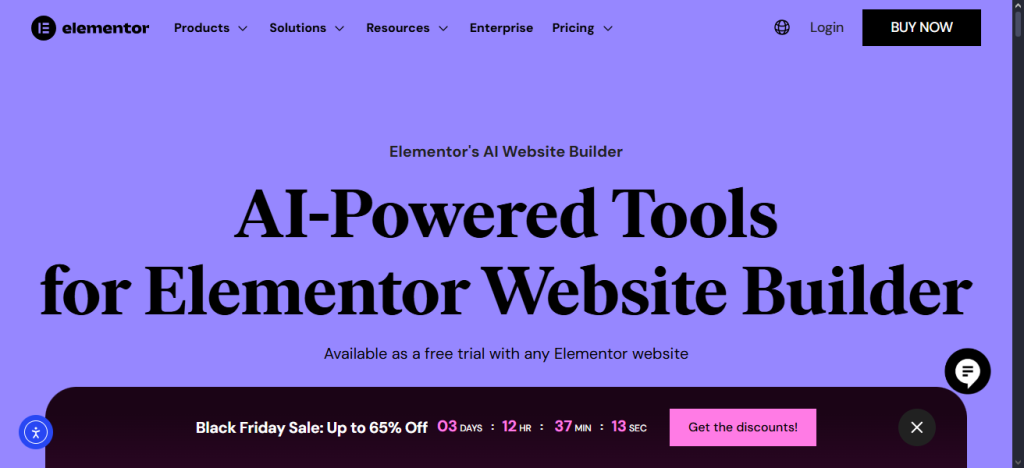
- Content generation
- Define website type
- Layout suggestions via AI
- CCS code generation
- AI image generation
Easily the most feature-rich and flexible WordPress page builder out there, and equally one of the easiest to use. Elementor page builder works with a lot of WordPress themes, and you can also build your own theme using the tool, or use the Hello theme from the developer. That aside, we’re discussing its AI web design features.
Elementor’s AI function isn’t such that it can prompt a website from scratch; instead, the page builder supports AI infusion into its widgets and container settings. So, while you cannot write a prompt to Elementor to build a WP site from scratch for you, you have the choice to leverage several AI features built into the tool to refine your containers’ content and generate content for your design customizations.
In practice, Elementor AI supports image generation, content generation, layout or container generation, image enhancement, and CSS code generation. The core Elementor plugin for WordPress is FREE, but to really get the juice from this powerful tool, you have to opt for one of its paid versions.
2. SeedProd AI

- Build websites using AI prompts.
- Best for landing pages and marketing-centered websites
- AI assistant for generating text and image content
- Fast and flexible
Considered by many designers as the best WordPress page builder, SeedProd is inarguably one of the very best out there. In fact, it is the best for landing pages, one-page websites, or you’re building a website for digital marketing. This does not imply that SeedProd isn’t usable for other WP website types.
One of the standout features of SeedProd is its ability to allow you to create a full WordPress theme from scratch and export it. Also, it has an AI writing assistant that assists you with generating both text and image content for your web design needs; this AI feature of SeedProd can create headlines, FAQ, or product descriptions for online stores.
SeedProd supports drag and drop functionality; it has a free version just like Elementor, but then, the real juice (including the AI functions) is in the paid versions, which start from $39.50. Oh yeah, with SeedPro AI, you only need to describe the type of website or landing page you want to build and wait for the AI to build it for you!
3. Divi AI

- Integrates seamlessly with the Divi theme
- Create webpages from AI prompts
- Generate realistic texts and images using AI
- AI image upscaling
Here is another top-G in the space, the Divi page builder for WordPress. This is one of the most versatile and flexible page builders for WordPress, which you can rely on to build and design any type of WP site, and it is compatible with a lot of free and paid themes. The Divi page builder now integrates AI to simplify designing and add more functions to its toolset.
There’s a lot to love about Divi AI functions; it can create webpages from prompts, as well as perform actions such as content generation, image generation, and all those other features that other AI page builders can do. Yeah, you can trust the Divi AI to help with CSS codes; whether it is generating a new one for you, or refining the one you’ve got for a smoother website feel.
If you’re already invested in the Divi WordPress page builder, further subscribing to the AI package would make your job a lot easier. Divi is very close to Elementor in features and feel; so, if you’ve used Elementor before, Divi would be much easier for you to use. Plus, there’s a free Divi theme for building WordPress websites.
4. 10Web
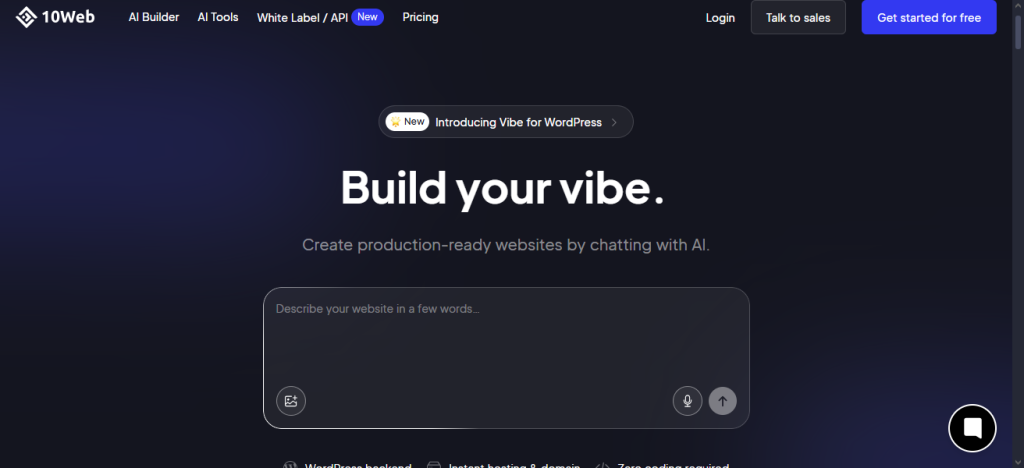
- Build full websites from scratch.
- Logo maker
- Full WordPress backend integration
- Managed WP hosting from 10Web
Talking of vibecoding, tools like 10Web foster that easily—you don’t have to do a thing, literally, except enter your prompt and have your website ready. 10web is a WordPress AI builder that lets you start a new website from scratch without coding, or clone/recreate an existing website from the website URL. Of course, 10web goes on to support APIs and other WP developer options.
Aside from the AI website building capacity, there are a plethora of other tools on the 10Web suite, including logo maker, business name generator, and quite others. So, you can make a full business website with this tool without engaging a third party; all by yourself, and without writing any line of code. 10Web isn’t free, though; it’s available as a Platform-as-a-Service suite with a good number of offerings.
5. Brizy AI
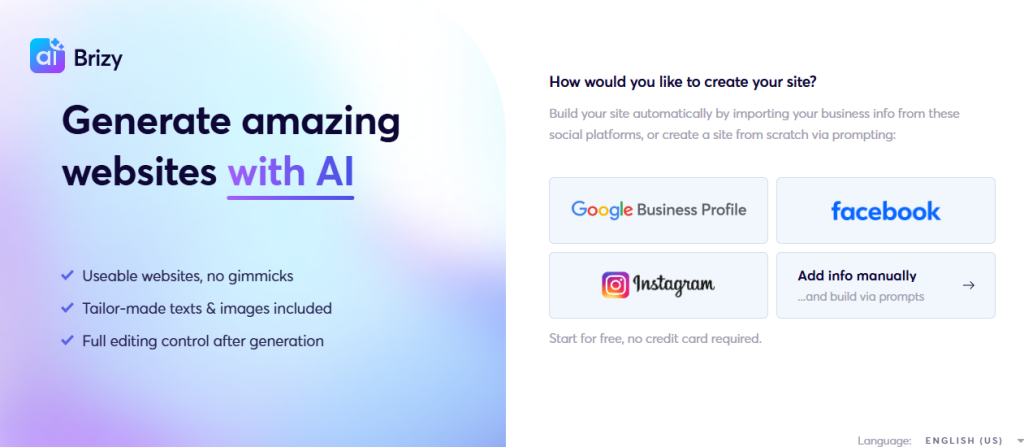
- Create niche-specific websites via AI prompt templates
- Text and image generation
- Drag and drop website layout design
- No credit card required for free trial
Now, this is quite a not-so-popular option, but it’s one of the very best, a true hidden gem for any WP front-end developer that finds it. Brizy AI is more like 10Web; it can create WordPress websites from scratch; all you need do is pass a prompt to it. It is one of the few WordPress AI website builders that allows you free access to explore its features without entering your credit card details.
Of course, you’d have to do custom edits after Brizy AI has built the website you prompted it to design; it’d generate the necessary images and texts needed for your website pages and categories, but you’d have to further edit them to perfection. You can build any WordPress website using this builder.
6. ZipWP
- AI WP website builder
- Niche-based website builder
- Generates full websites in less than 5 minutes
- Intuitive and easy to use
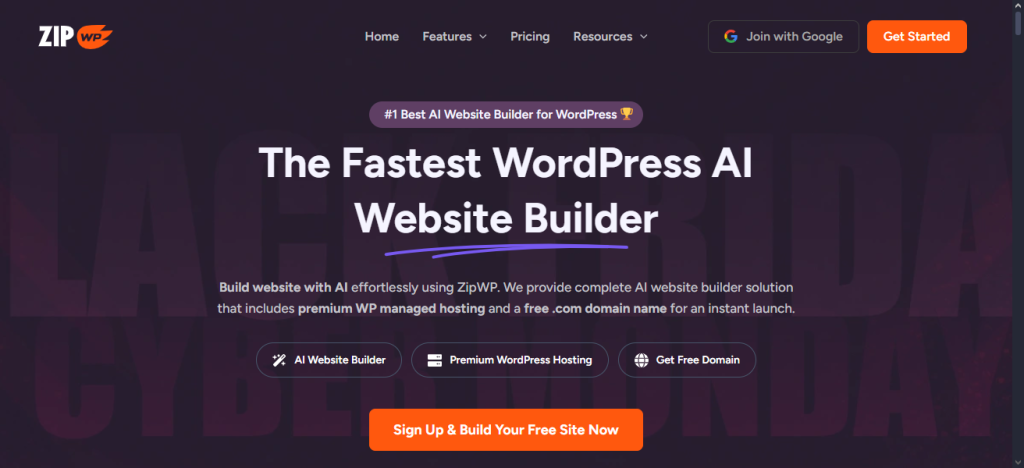
You know about the intuitive, multi-purpose Astra WordPress theme? I bet you loved the theme the moment you used it first. Well, ZipWP is built by the developers of ZipWP; you already know it’d be a super-intuitive tool, and yes, it is. Basically, ZipWP is an AI website builder for WordPress CMS, and it works perfectly for vibecoding and deploying various types of WP websites.
No, this is not about using AI inside a page builder; it’s about building a full WordPress website without any page builder, only AI. You structure the prompts, and the AI builds the site; whether it’s a portfolio site, online store, blog, sports website, or right about any type of website. The caveat here is the premium managed hosting, which is quite expensive.
7. Kubio AI
- Build unique web pages using AI templates
- Block editor feel
- Surprise mode
- AI text and image generation
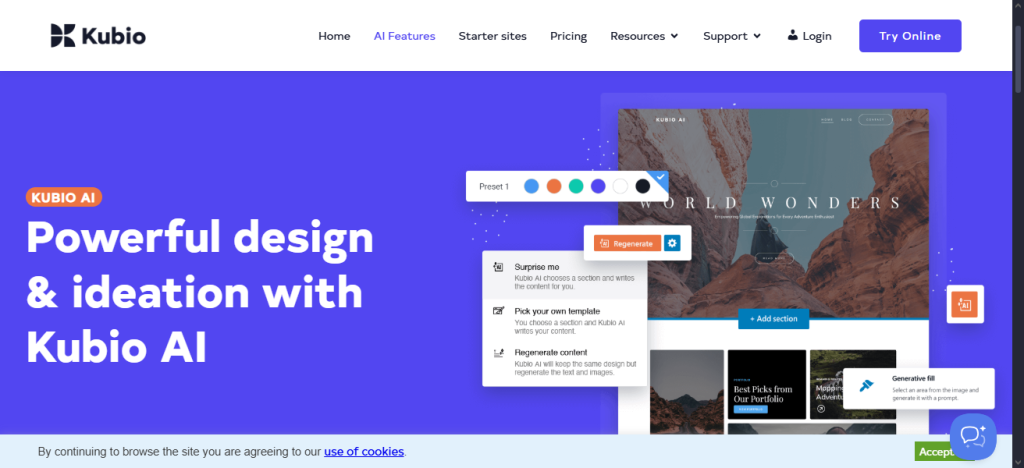
Okay, last on the list is Kubio AI, a distinctive beginner-friendly website builder for WordPress developers. Using Kubio AI, you can prompt a website or have the tool spin off a “Surprise” website for you without any prompt. It’s a fun tool to use, actually.
The interface looks very much like WordPress’s block editor; so, if you’ve used the WP block editor to design a website before now, Kubio AI is about to make things easier for you. There’s a lot you can do with Kubio AI, including generating layouts, page designs, and text or image content. To an extent, Kubio AI is different from the others above, but it’s still a great tool for simplified WordPress sites.
Summary
These are tools and platforms that allow you to leverage AI in different ways to create stunning, unique WordPress sites of all kinds. Apparently, whatever result you get from these AI tools, be sure to custom-edit them to infuse the precise details and design views you wish to see on the website. Is your favorite tool missing? Tell us about it.