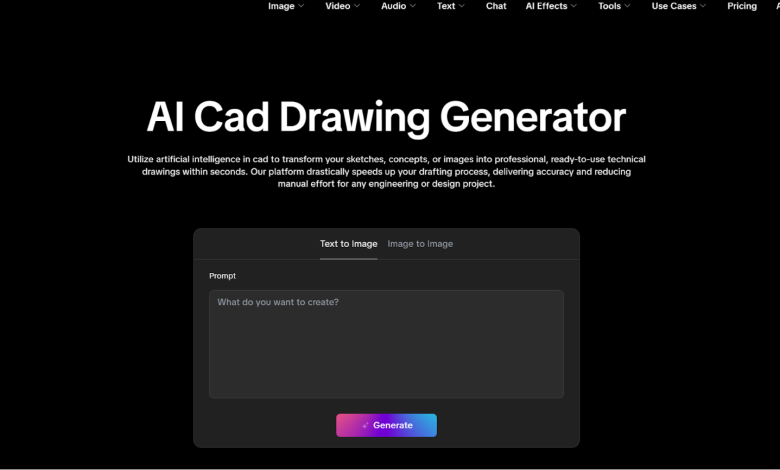
I spent six hours yesterday squinting at a layer-cluttered DWG until my caffeine-induced tremors made it impossible to click a single node. You know the feeling—when the screen starts to burn into your retinas and the grid lines start dancing like some kind of sadistic optical illusion. I was ready to throw my mouse through the monitor. Why? Because I was doing the same repetitive, soul-crushing drafting work that hasn’t changed since the 90s.
For years, I’ve been the first person to be crazy on any AI CAD drawing generator. I’ve tried them all. Most were toys—glorified JPEG makers that handed me a “blueprint” that looked like a fever dream from a stroke victim. You couldn’t snap to a midpoint, the dimensions were hallucinations, and if you tried to export it, your software would probably crash out of pure spite. It was art, not engineering.
But after testing the engine at AIAI.com, my skepticism didn’t just fade—it got steamrolled. We’ve finally moved past the “Sketch Era” and into actual Parametric AI.
Why Most AI CAD is Still Hot Garbage
Let’s get one thing straight: Engineering isn’t like generating a picture of a “cyberpunk city” for your Instagram. In my world, accuracy isn’t a suggestion; it’s a legal liability. If a flange bolt hole is off by 0.5mm, that’s not “creative license”—that’s a pile of expensive scrap metal and a potential lawsuit.
The reason most tools fail is that they lack temporal and Geometric Logic. They try to draw what a CAD file looks like instead of calculating the physics of the lines. If the output isn’t a clean, editable DXF or DWG, it’s just digital noise.
A Bitter Truth from the Trenches: If an AI tool doesn’t offer a direct vector export option, close the tab immediately. Don’t look back. You’re just wasting your finite time on a glorified Etch A Sketch that will leave you tracing lines by hand at 2 AM anyway.
The Great Divide: Professional Engines vs. “Free Online” Junk
I’ve been asked a lot lately why I’m so picky about these tools. Here’s the reality I’ve faced after testing dozens of them.
Most “Free Online” AI tools give you a blurry PNG or a flat JPEG. Think about that for a second. In CAD, a flat image is useless. You can’t toggle layers, you can’t hide the furniture to see the electrical runs, and you certainly can’t measure a distance with any confidence. You’re left with a “picture of a house” instead of a House Design you can actually build.
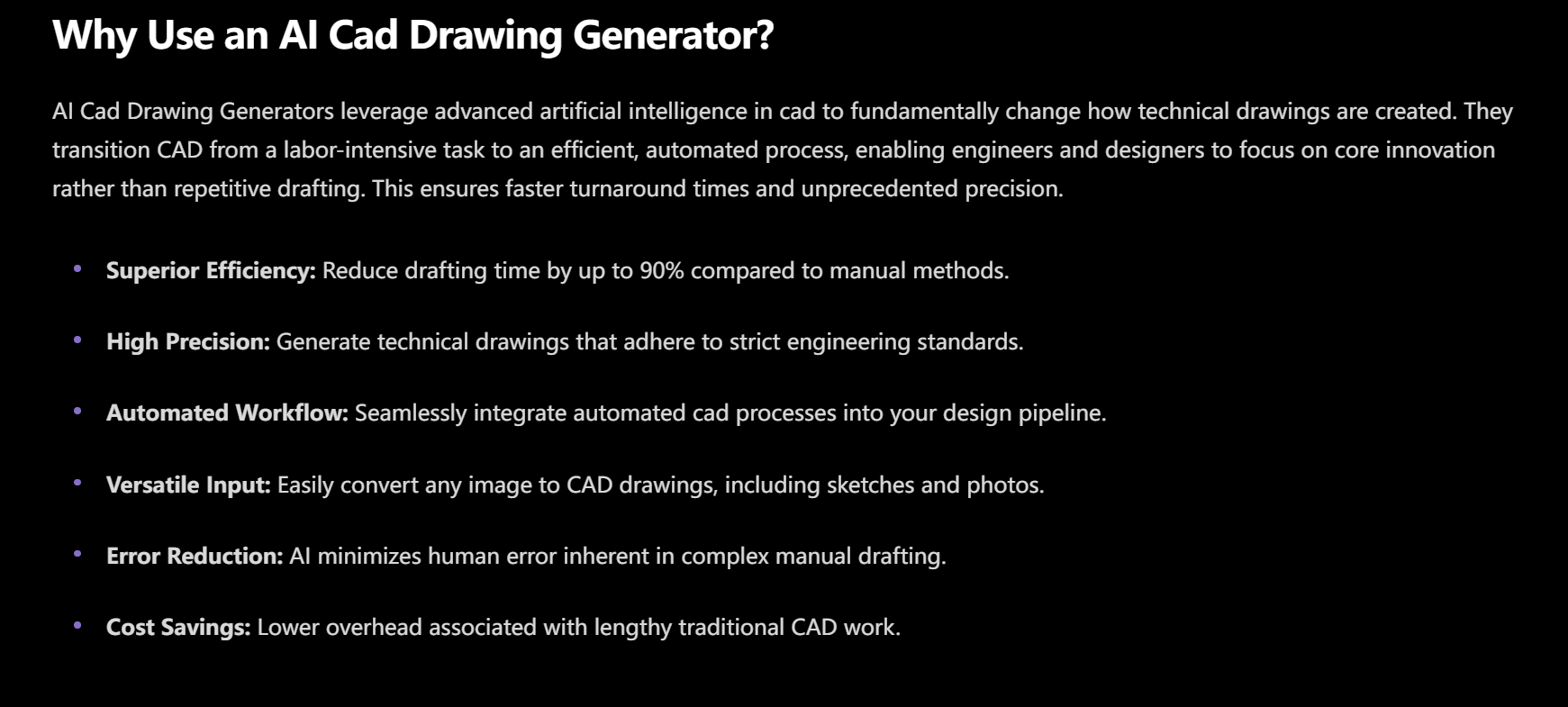
When you move to a professional-grade AI CAD drawing generator like the one at AIAI.com, the logic flips. It doesn’t generate “images”; it generates geometric datasets.
The difference in mental health alone is staggering. With the junk tools, my rage levels would spike because I’d spend more time “fixing” the AI’s mistakes than I would have spent drawing from scratch. With a parametric engine, the AI actually respects structural constraints. If I ask for a 150sqm Floor Plan, it doesn’t give me 148 or 155. It locks the math. It understands that walls have thickness and that doors need clearance. That’s the difference between a toy and a tool.
The Stress Test: Six Disciplines of Chaos
I didn’t just want to see if this thing could draw a square. I wanted to see if it could handle the stuff that usually makes me want to retire to a quiet life of farming.
The Mechanical Part: The Gear That Didn’t Suck
Drawing high-torque gear is a special kind of hell. It means a solid 40 minutes of calculating pitch diameters and involute curves while praying you don’t misclick a single constraint.
The Electrical System: Logic Over Pixels
Wiring diagrams are the ultimate headache. One crossed line and your schematic is a fire hazard. I pushed a messy prompt for a warehouse lighting grid into the AIAI.com generator. It didn’t just draw lines; it organized the system with actual logic gates. It felt less like a generator and more like a junior drafter who actually stayed awake during his sophomore year and understood how a circuit actually functions.
The “Sequin Test” for Engineers: Restoring the Impossible
In my previous work with video, I talked about the “Sequin Test” for detail. In CAD, that test is Transparency, Overlap, and Occlusion.
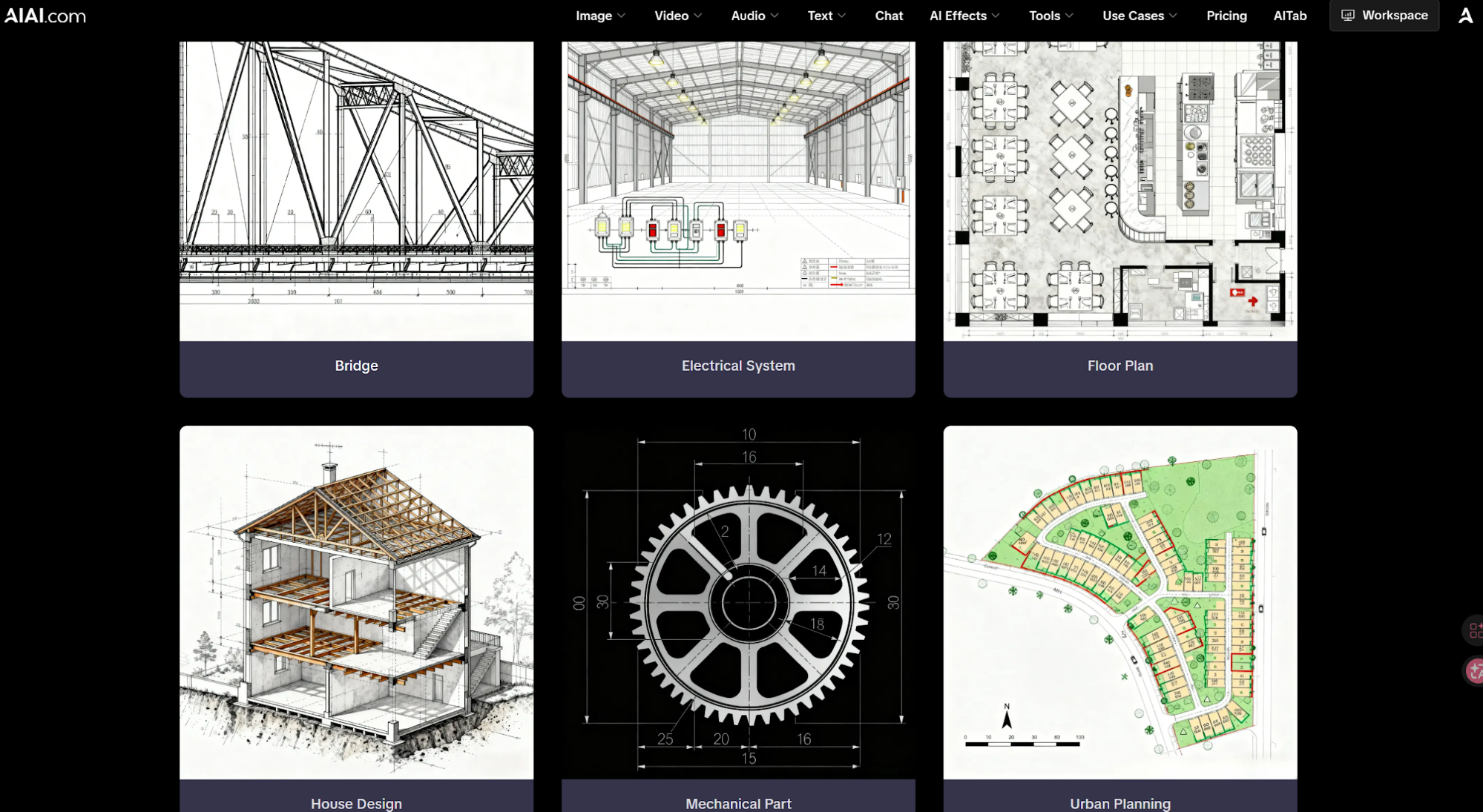
Look at the Bridge and House Design modules. When the AI generates a truss or a multi-story structural view, it isn’t just stacking lines. It’s understanding how objects hide other objects.
If I prompt a complex bridge truss, I need to see exactly how the members intersect at the gusset plates. Traditional AI creates a “line salad”—a tangled mess of overlapping strokes that would take hours to clean up. But look at the output here. It understands the physics of connection points. It’s the difference between a drawing of a bridge and a structural dataset that’s actually ready for a preliminary load-bearing analysis.
Learning to Talk to the Machine (The Hard Way)
My first few prompts were total disasters. I asked for a “modern house” and got something that looked like it was built in Minecraft by an architect on hallucinogens. I was ready to quit and go back to my manual polyline tools.
- The Lesson: Stop being vague. The AI isn’t a mind reader; it’s a high-speed geometric calculator.
- The Amateur Way: “Draw me a floor plan.” (You’ll get garbage).
- The Engineer’s Way: “Generate a 3-bedroom residential Floor Plan, 1:1 scale, with load-bearing wet-walls aligned for plumbing efficiency, 150sqm total, including a 12sqm master bath.”
Once I started talking in Parameters, the AI CAD drawing generator started acting like a pro. Precision is the only language this thing speaks fluently. If you don’t give it constraints, it will give you chaos.
The 90/10 Rule: How Not to Be Replaced by a Script
I hear whispers in the office every day: “Is this thing going to take our jobs?”
Here’s the cold, hard truth: If your only skill is knowing which buttons to click in AutoCAD to draw a straight line, then yes, you should be terrified. The “line-pullers” are a dying breed, and honestly, they should be. But for the rest of us—the designers, the problem-solvers, the people who have to explain to a stubborn client why their “vision” will violate ten different fire codes—this is a godsend.
I use the 90/10 Rule now:
- 90% is the AI: It handles the grunt work, the repetitive drafting, the initial Urban Planning layouts, and the tedious symbols for an Electrical System.
- 10% is Me: I use my 15 years of scar tissue and professional intuition to check the tolerances, verify the safety factors, and add the “Expert Polish” that a machine will never understand.
I’m no longer a drafter. I’m a Conductor.
Urban Planning and the Macro-Scale Challenge
Most tools choke when you move from a single part to an entire site. I tested the Urban Planning module on an irregular 5-acre plot that had been sitting on my desk for weeks. I didn’t want a “pretty map.” I wanted a layout that respected road flow, lot density, and drainage logic.
What usually takes a team of planners three days of back-and-forth sketching was handled in under a minute. It provided a foundation that was 85% there. I didn’t have to fight with the basic geometry of the cul-de-sacs; I just had to refine the green-space placement. It’s about velocity, not just automation.
Final Thoughts: Kill the Blank Screen Before it Kills You
The blank white screen is the most expensive thing in my office. It represents wasted hours, unbilled creative energy, and the inevitable burnout of professional designers.
Using the tools at AIAI.com means I never start from zero again. Whether it’s a Bridge design or a complex mechanical gear, I start at 90% completion. I’m finally spending my time solving high-level problems—like how to make a structure more sustainable or how to optimize a mechanical assembly—instead of fighting with a polyline tool until my eyes bleed.
Stop drawing. Start prompting. Let the AI handle the math of the lines so you can handle the vision of the project. Your CAD software should be a scalpel, not a shovel. Stop digging. Start building.