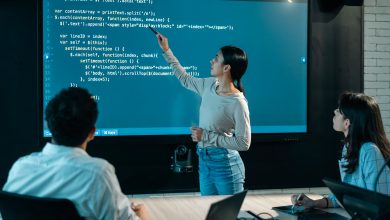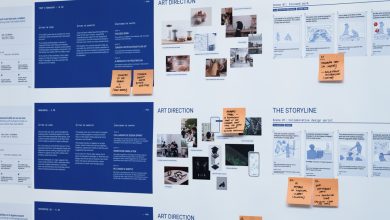
I produce visuals for online courses and training programs. Students learn faster when content looks clean and consistent, yet most course teams do not have time for constant design work. We need realistic images for course covers, module banners, instructor portraits, and promo materials. PhotoGPT works for this because it focuses on photoreal results and keeps the workflow online, covering image generation, editing, and enhancement in one place. PhotoGPT helps me create cohesive visuals that feel like real photography instead of random AI art.
What I need from training visuals
Course visuals need to feel trustworthy. A training product is a promise. If the imagery looks artificial or inconsistent, it can reduce confidence and lower conversion.
My requirements for course assets
A good training visual set needs:
- Consistent framing and lighting across modules
- Clean backgrounds that support text overlays
- Realistic faces and textures that feel credible
- Sharp clarity for platform thumbnails and banners
PhotoGPT aligns with these needs because it targets a camera like photoreal style.
PhotoGPT generation for instructor and cover visuals
Generation helps when we need new cover images fast, or when instructors do not have high quality photos. PhotoGPT responds well to prompts that describe simple studio style portraits and clean promo scenes.
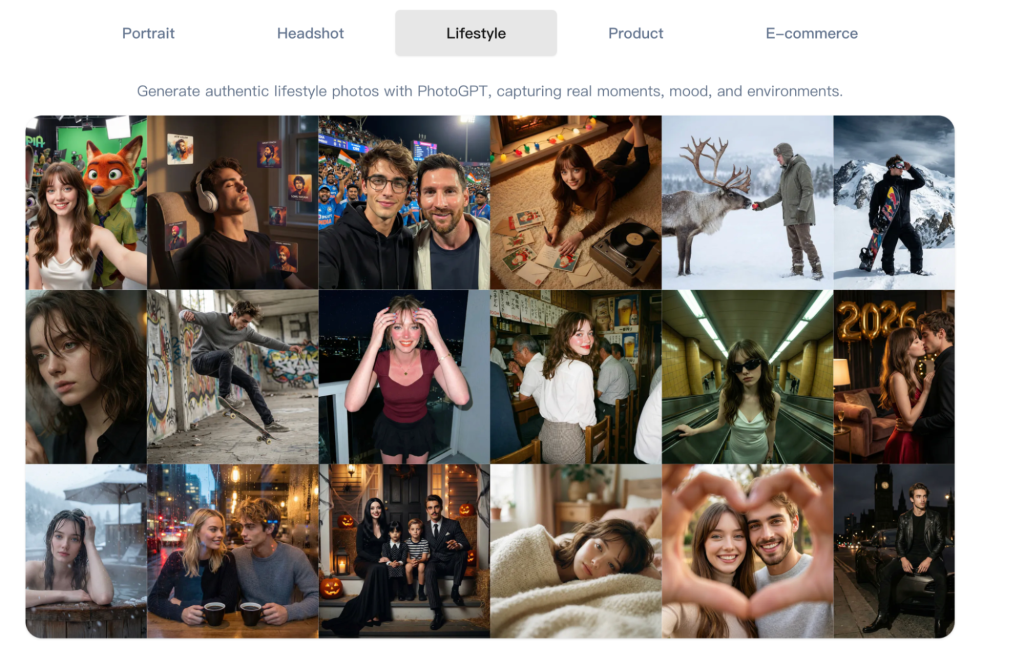
(Any Photo, Any style, All in PhotoGPT)
How I prompt for course consistency
I use a “course style guide” in prompts:
- Same lighting style, soft studio or bright natural light
- Same background family, neutral wall or subtle gradient
- Same framing, usually chest up or close portrait
- Photoreal cues, natural skin texture, controlled depth of field
This produces a set that looks like one coherent course brand.
Where generation helps most in production
I use generation for:
- Course cover visuals for different modules
- Instructor promo images and speaker cards
- Story based promo visuals for ads and social
- Supporting visuals for landing pages and email campaigns
It gives me enough variety to test without losing consistency.
PhotoGPT editing for updates and localization
Courses get updated. We refresh modules, add new lessons, and update promo materials. Editing helps adjust assets without starting from scratch.
Edits I use in course workflows
- Simplifying backgrounds so module titles stay readable
- Aligning style across instructor photos from different sources
- Creating variants for different promo angles
- Making small improvements that keep realism intact
The goal is always the same: clean, believable visuals that support learning.
PhotoGPT enhancement for platform readiness
Course platforms compress images heavily. Enhancement helps keep the visuals crisp and professional, especially for small thumbnails.
Where enhancement saves time
I use enhancement for:
- Sharper module thumbnails
- Cleaner text overlay areas and edges
- Standardizing quality across a long course library
This helps the training brand feel consistent and well maintained.
RoomDesign for background scenes and learning spaces
Some course brands rely on a “learning environment” identity: studio sets, home office vibes, or classroom style visuals. When the environment is part of the story, RoomDesign becomes useful. RoomDesign focuses on room visuals and interior concepts, which helps create clear learning space imagery.
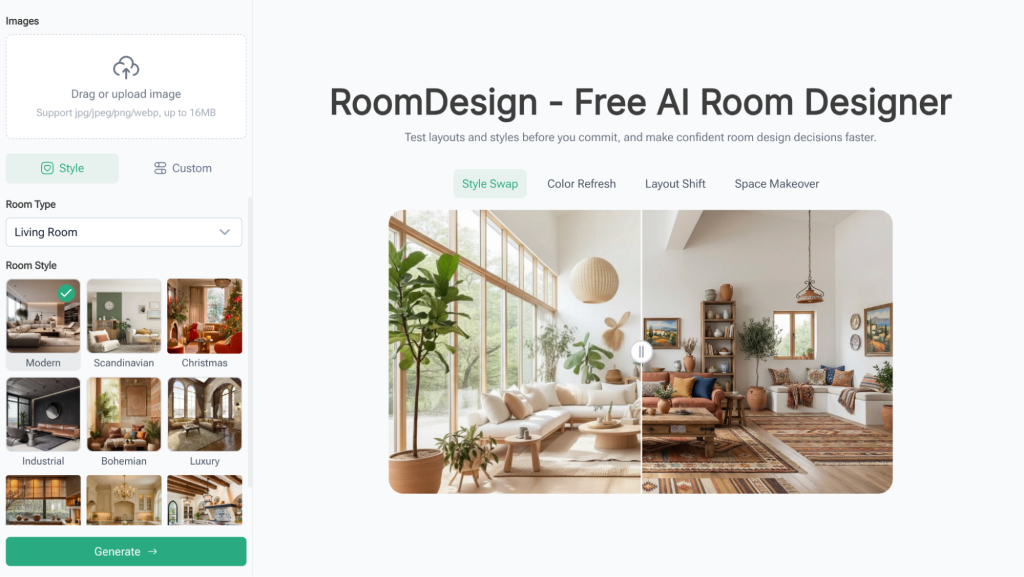
(RoomDesign Homepage)
Where RoomDesign supports course branding
RoomDesign is useful for:
- Background room scenes for course promos
- Set and studio concept visuals for instructor brands
- Workspace mood images for module sections
- Interior themed visuals for social content and banners
It helps build a consistent environment style without renting a set.
Conclusion
PhotoGPT (https://photogpt.io/) delivers a realistic photo centered workflow for generating, editing, and enhancing images online, making it easier to create cohesive photoreal course assets for covers, modules, and instructor promos. RoomDesign (https://roomdesign.io/) supports fast interior concept exploration and room focused visuals, helping course teams define learning space aesthetics with clear, shareable room scenes.
Try PhotoGPT: https://photogpt.io/