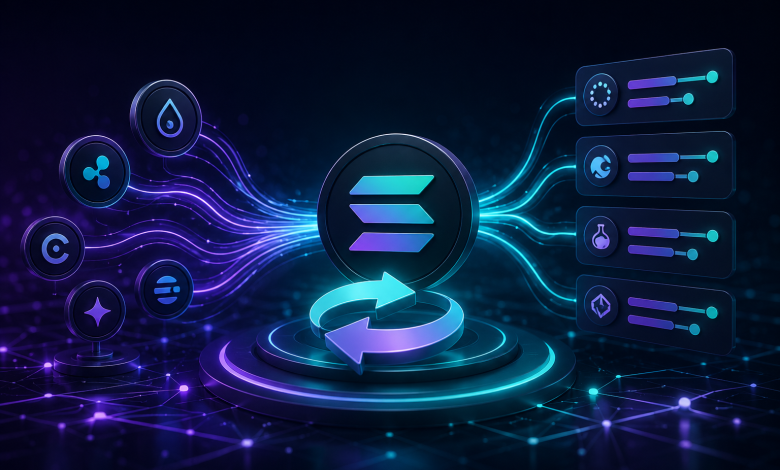
The Solana network handles thousands of transactions every second. Its high speed and low costs attract many users interested in decentralized finance. As more assets move onto the chain, the need for efficient token swapping grows. You might need to change your holdings to access different decentralized apps or participate in liquidity pools. To perform a swap Solana action effectively, you need tools that organize market data. This is where an aggregator, such as SwapSpace, becomes an essential part of your toolkit.
An aggregator collects information from various sources to give you a clear view of market options. It does not hold your funds. It provides you with a path to execute a trade across multiple pools at once. This guide provides a step-by-step look at how to use these services to manage your tokens with clarity and control.
Understanding Solana Token Swapping Mechanics
In decentralized finance, a swap is not the same as a trade on a centralized exchange. When you use a decentralized approach, you interact with Automated Market Makers, or AMMs. These are smart contracts that hold pools of tokens. You trade against these pools rather than against another specific person.
The pricing mechanism relies on mathematical formulas within these pools. The ratio of tokens in the pool determines the price you receive. As you remove one token and add another, the ratio changes, which impacts the final price. This is why the price can shift slightly during the time it takes to sign and confirm your transaction.
Key Solana Assets Eligible for Swapping
The Solana ecosystem supports a vast array of SPL tokens. Users frequently look to swap native SOL for other assets. Common tokens include:
- USDC on Solana: A stablecoin used for preserving value.
- PYTH: A popular oracle token for price data.
- BONK: A widely traded meme token on the network.
- JUP: A governance and utility token.
Aggregators scan the specific markets for these assets. When you input your tokens, the service searches for liquidity pools that support the pair you want. This allows you to find available routes for your specific asset.
The Role of Aggregators in the Solana Landscape
An aggregator functions as a data tool. It connects to various decentralized protocols to pull real-time pricing information. Because it functions strictly as an aggregator, it provides the data you need to make informed choices. SwapSpace, for example, operates as an aggregator. It identifies routes across the network so you can execute a swap Solana transaction.
It does not hold your funds. Your wallet remains in control throughout the entire process. This design differs from centralized models where you must deposit assets into a company-controlled account. By using an aggregator, you maintain custody of your assets until the moment of the trade.
Transaction Fees and Network Costs on Solana
Solana is known for low transaction costs. These fees are paid in SOL, the native currency of the network. They are often referred to as costs for “gas” or “compute.”
Your aggregator may also include a service fee. This covers the cost of searching for data and maintaining the interface. When you initiate a swap Solana command, look at the final quote. This total usually includes the network fee required by the blockchain and any fees charged by the protocol or service.
Pre-Swap Preparation: Wallet Setup and Security Essentials
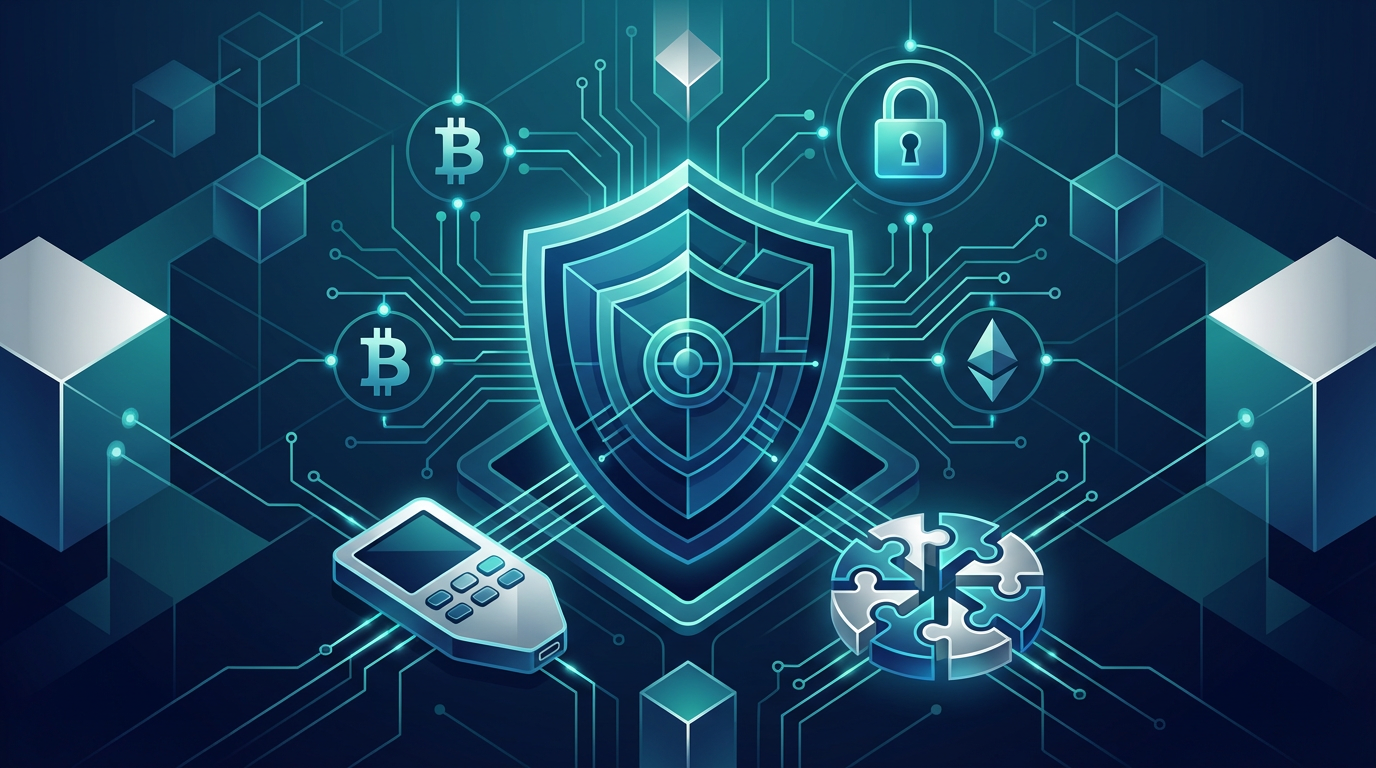
Before you interact with any decentralized tool, you must secure your wallet. You are the only person responsible for your funds. If you lose your keys, you lose your assets.
Selecting and Securing a Compatible Solana Wallet
You need a non-custodial wallet to interact with the network. Popular options include Phantom and Solflare. These tools allow you to manage your private keys directly.
Follow these security steps:
- Store seed phrases offline: Never keep your seed phrase in a cloud document or email.
- Check URLs: Always double-check the website address before you connect your wallet. Phishing sites often look like the real ones.
- Use Hardware Wallets: Connect a hardware device like a Ledger to your software wallet for an extra layer of protection.
Funding the Wallet for Swap Operations
You cannot swap tokens without enough SOL to pay for network fees. Even if you are swapping tokens you already own, the network requires a small amount of SOL to process the transaction. Keep a small reserve of native SOL in your wallet at all times. This ensures your transactions do not fail due to insufficient gas.
Verifying Token Addresses (Spl-Token Program Integrity)
Scammers often create tokens with names similar to popular projects. Before you perform a swap Solana action, verify the token address. You can check the official contract address on a block explorer or the project’s official website. If you swap for a malicious token, you may not be able to trade it back later.
Executing the Swap Solana Action via an Aggregator Interface
Once your wallet is ready, the actual swapping process is straightforward. Focus on the data presented on the screen before you sign anything.
Inputting Swap Parameters and Route Selection
Go to the aggregator interface. You will see fields to select the ‘from’ token and the ‘to’ token. Input the amount you wish to trade. The aggregator will then scan available liquidity pools. It looks for the path that allows you to complete the trade based on the input amount.
Analyzing Aggregated Rate Outcomes
The aggregator displays the expected output for your trade. It might show “Receive 0.987 XYZ per 1 SOL input.” This is a specific claim based on current market data. You will also see a setting for “slippage tolerance.” This setting tells the system how much of a price change you are willing to accept before the transaction fails. If the price moves too much while the transaction is pending, the slippage setting protects you from getting a bad deal.
Approving Transactions and Confirming the Swap
After you review the data, you initiate the trade. Your connected wallet will pop up and ask for approval. Review the details inside the wallet window. If they match the aggregator’s data, approve the transaction. This sends your signed message to the Solana network. The network validators will then process the swap.
Post-Swap Verification and Troubleshooting
Confirmation does not happen instantly. It takes a few seconds for the network to process the blocks.
Tracking Transaction Status on a Solana Explorer
If you want to be sure, use a block explorer like Solscan. Copy your transaction ID from your wallet history. Paste it into the search bar on the explorer. This will show you the exact status of your transaction. It confirms if the trade succeeded or failed.
Common Issues and Troubleshooting Specific to Solana Swaps
Sometimes a transaction fails. This often happens because of network congestion. If the network is busy, the transaction might time out.
- Insufficient SOL: If you run out of SOL, the transaction will fail.
- Congestion: High traffic can cause delays. Try waiting a few minutes and submitting the transaction again.
- Slippage too low: If you set your slippage too tight, the trade will fail if the price moves even a fraction of a percent. Try increasing your slippage tolerance.
Reconciling Token Balances in the Wallet
Sometimes, your wallet does not show the new token immediately. This is a display issue, not a problem with the trade. Refresh your wallet interface. If the token still does not appear, use the “Add Token” function in your wallet. You will need the correct contract address for the new token to make it visible.
Strategic Considerations for Regular Solana Token Swappers
If you trade tokens often, you can improve your process by using the aggregator’s features.
Utilizing Aggregator Features for Efficiency
Check if your aggregator stores your recent transaction history. This helps you track what you have done in the past. Some aggregators also allow you to save your preferred settings. This saves time so you do not have to adjust your slippage or wallet settings every single time.
Timing Swaps Based on Network Congestion
Solana is fast, but it has busy periods. During peak times, you might notice the network takes longer to confirm trades. You might also notice slightly different rates because of how the network processes data. If you are doing a large trade, check the network status first. If traffic is high, wait for a quieter period to get a more stable result.
Understanding Regulatory Implications for Token Swaps
Decentralized finance does not remove your personal tax obligations. In many places, every token swap is a taxable event. Keep a record of your transactions. If you trade frequently, consider using tracking tools that can export your data for tax reporting purposes. The responsibility for reporting these activities rests entirely with you.
Conclusion: Optimizing Your Solana Token Swapping Strategy
Using an aggregator provides a clear way to handle your assets. These tools offer a transparent view of the market, letting you execute a swap Solana trade with confidence. By focusing on wallet security and verifying token addresses, you protect your capital.
Aggregators like SwapSpace simplify the process by connecting you to liquidity across the network. They provide the data, but you remain in control of the execution. Keep your wallet secure, monitor your slippage settings, and stay informed about network conditions. By mastering these steps, you can navigate the Solana ecosystem with precision and efficiency.