

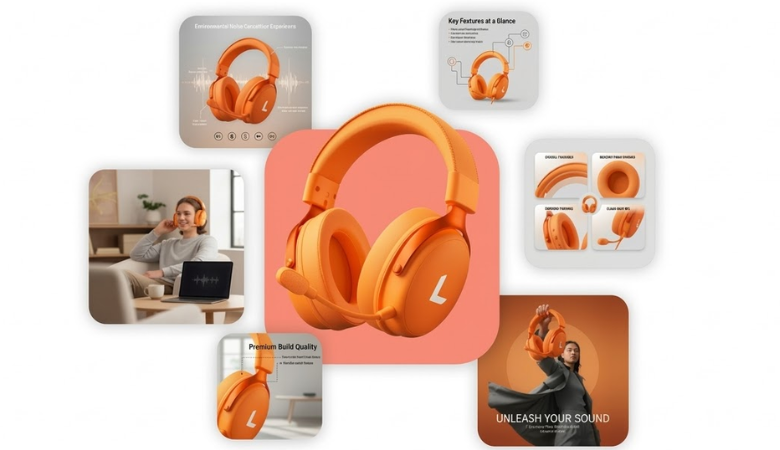
Online shopping is visual. A shopper scrolls through dozens of products in seconds. The images decide what gets attention and what gets ignored. That is why product listing images carry so much weight in e-commerce.
Clean visuals help customers understand the product quickly. Messy visuals slow things down.
Traditional design workflows can take hours. Sometimes days. Designers build graphics, adjust layouts, add feature text, export images, and repeat the process for every product.
Modern tools have changed that routine. Platforms like Designkit help sellers generate listing visuals much faster. Upload a product photo, choose a style, and produce ready-to-use listing images within minutes.
This guide walks through the entire process in detail.
Why Product Listing Images Matter
Product pages usually contain multiple visuals.
One main image rarely does the job. Shoppers want to see details, features, benefits, and real-life use cases.
Strong product listing images help communicate all of that quickly.
Common image types used in listings include:
- Main product images with clean backgrounds
- Feature highlight graphics explaining key functions
- Usage images showing the product in context
- Comparison graphics that show advantages
These visuals act as silent salespeople.
They explain the product even before the customer reads the description.
What Designkit Actually Does Here
Designkit is an AI e-commerce design platform. It’s one of the few tools that approach listing images as a set rather than individual outputs. Most AI photo tools handle one image at a time.
Designkit’s AI product listing image generator reads your product description and target marketplace, then generates a complete visual package in one go: main image, lifestyle shots, feature graphics, and dimension charts, all from a single sentence of input.
That distinction matters in practice. You’re not stitching together outputs from five different tools. One workflow, one place, one export.
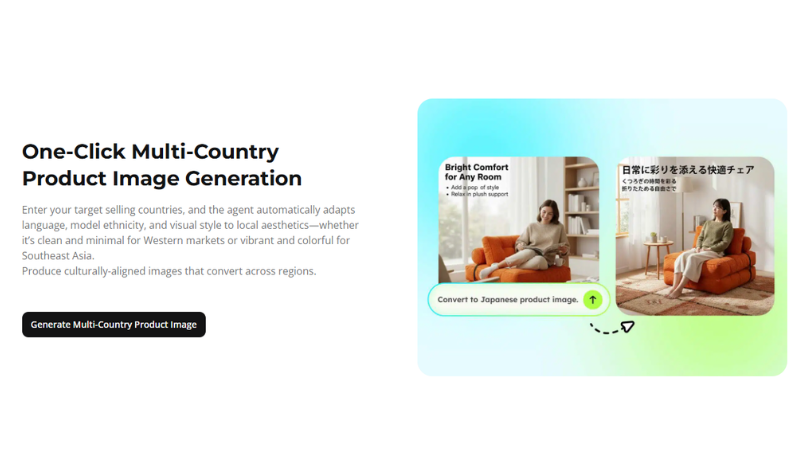
The platform also handles localization — adapting visual style, model ethnicity, language elements, and color palette to match the aesthetic expectations of different regional markets. Selling on Amazon US and Amazon Japan simultaneously? The AI produces culturally appropriate versions for both without you having to brief a local photographer in two countries.
Step-by-Step: How to Generate Product Listing Images with Designkit
Step 1: Set Up Your Free Account
Go to the Design Kit and sign up. Free. No credit card required. You get 20 credits on first login — enough to properly test the tool across a few products before deciding on a paid plan.
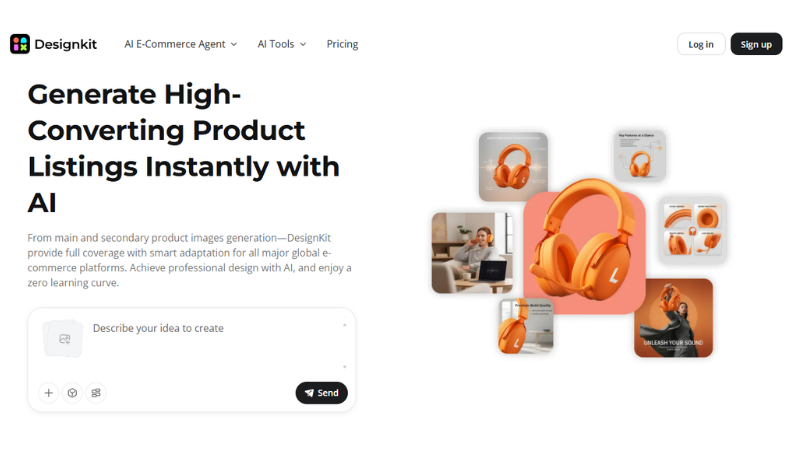
Once you’re in, head to the AI Product Listing Images Generator from the main navigation. The interface is clean and doesn’t require any prior design experience. If you can fill out a text field and click a button, you’re qualified.
Step 2: Upload Your Product Photo & Give Prompt
Drag the image into the upload area. You can also click to browse your files. Designkit supports single uploads. It also supports batch uploads. If you have several SKUs, upload them together. No need to repeat the process for every product.
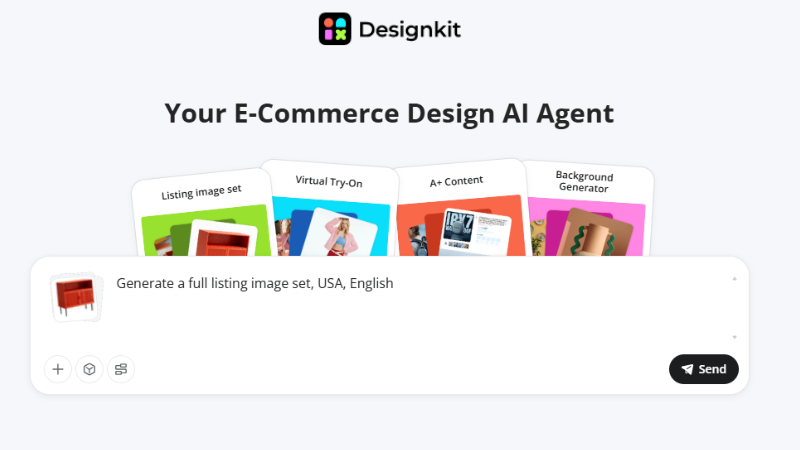
Now, describe the product and the target marketplace in plain language — one sentence, no brief required.
Something like: “Minimalist ceramic coffee mug, selling on Amazon US, targeting a modern home goods buyer.”
That’s enough. The AI interprets the product category, the platform’s visual standards, and the likely buyer aesthetic — then builds a concept plan. Sometimes it asks short follow-up questions. This helps it gather a bit more detail. The extra input helps shape the final result. It does not feel like a typical photo editor. It works more like a quick creative assistant. One that already knows how e-commerce visuals work.
Step 3: Review the AI’s Concept Plan
Before generating any images, Designkit presents a concept plan — a breakdown of the proposed image types, scenes, and visual approach for the full listing set. This is the stage where you can push back, adjust, or redirect before any credits get spent.
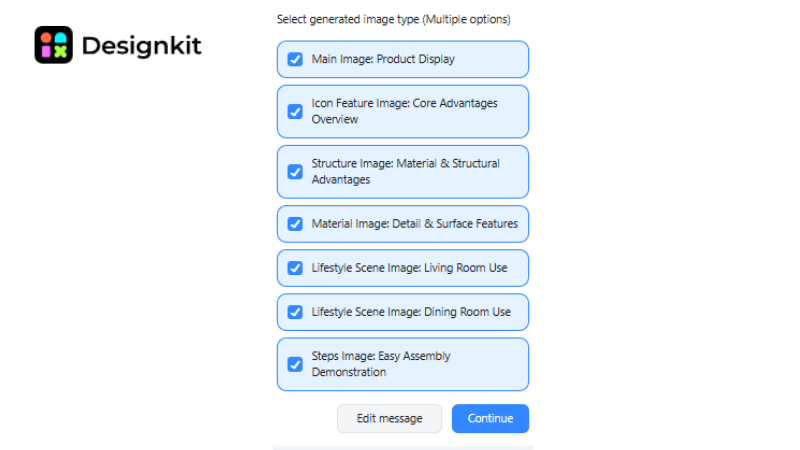
Want a warmer lifestyle scene? Say so. Need a different background color for the main image? Edit it here. The concept plan is fully adjustable, and saving a refined version as a “recipe” — Designkit’s term for a saved workflow — means you can reapply the exact same visual strategy to other products in your catalog with one click.
Step 4 — Generate the Full Image Set
Hit generate. The AI runs everything simultaneously — background removal, scene compositing, lighting optimization, text overlay for feature graphics — and delivers the full set. Resolution exports are available at 1K, 2K, and 4K. For main listing images on Amazon, 2K is the practical minimum. For A+ content or detail shots where shoppers zoom in, go to 4K.
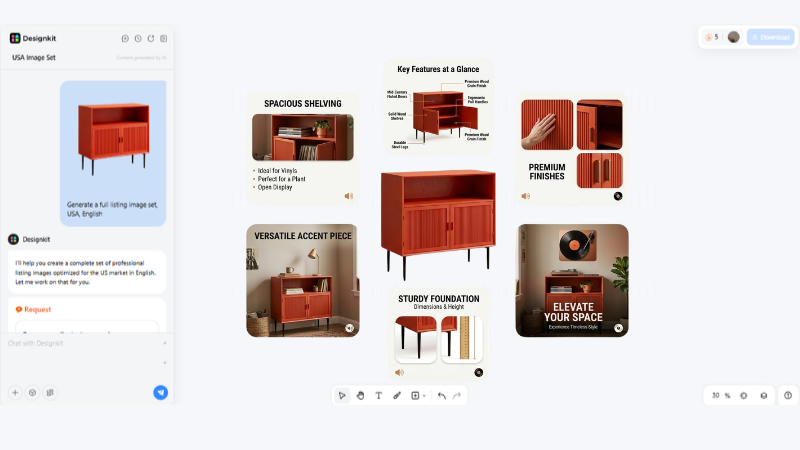
What makes the output worth using is that Designkit preserves texture detail through the process — fabric weave, metallic sheen, food surface, ceramic glaze. Tools that smear these details to make images look smoother aren’t doing you any favors. Shoppers who zoom in on a sweater and see a blurred approximation of wool don’t convert.
Step 5 — Edit, Download, and Upload to Your Platform
Review each image in the set. Regenerate any that aren’t quite right — the AI produces a different composition each time. Once you’re satisfied, download the full set in your chosen resolution. Batch download is available so you’re not clicking through one by one.
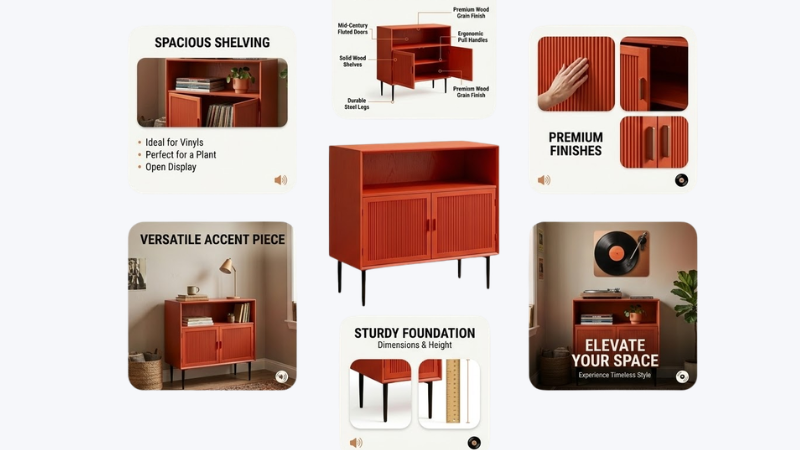
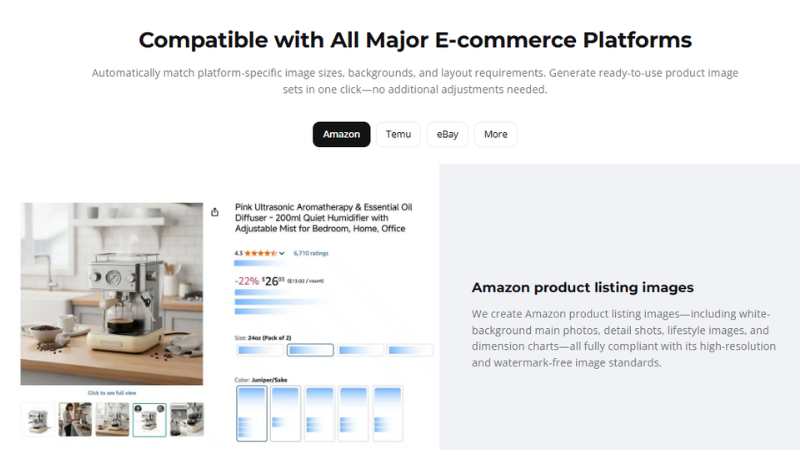
Platform formatting is handled automatically. Designkit knows Amazon needs a pure white background for the main image, eBay requires multi-angle display, and Shopify converts better with lifestyle context. The output is ready to upload without additional adjustments.
Platform-Specific Image Requirements at a Glance
| Platform | Main Image Requirement | Secondary Images | Ideal Resolution |
| Amazon | Pure white background, product fills 85%+ | Lifestyle, detail, dimension chart | 2K minimum, 4K preferred |
| eBay | High-res, no watermarks | Multi-angle, spec diagrams | 2K |
| TEMU | Feature-focused, promotional style | Lifestyle, comparison shots | 2K |
| Etsy | Styled, artisan-feeling | Flat lay, lifestyle, scale reference | 2K |
| Shopify | Flexible — lifestyle works well | Full gallery recommended | 2K–4K |
Designkit auto-formats outputs to match each platform’s specifications. Select the target marketplace during setup. The tool then applies the correct dimensions. Background treatment adjusts automatically. Layout requirements are handled as well. No manual resizing is needed later.
Final Thoughts
Creating product visuals used to require photographers, lighting equipment, and hours of editing. Small brands rarely had the resources for that setup.
Today the process looks very different. Tools like Designkit allow brands to generate polished product images using a simple photo and a few clicks. Upload the product, choose a scene, generate the image, and export it. That speed makes it easier for small businesses to compete with larger brands. Because, when product visuals improve, listings become stronger. Which usually leads to more clicks. And hopefully more sales.