
With the rapid growth of online video platforms, users increasingly want the freedom to enjoy their favorite content offline. Whether it’s music videos, educational tutorials, short clips, or full-length entertainment, having a reliable video downloader can make a big difference. This is where VidMate comes in—a powerful and user-friendly solution designed to simplify video and music downloads across multiple platforms.
In this guest post, we’ll explore how video downloading works, why offline access is valuable, and how VidMate helps users download videos quickly and efficiently.
Why People Prefer Downloading Videos for Offline Use
Streaming content online requires a stable internet connection, which isn’t always available. Downloading videos allows users to:
- Watch content anytime without buffering
- Save mobile data and reduce streaming costs
- Access videos while traveling or in low-connectivity areas
- Organize favorite media in one place
For music lovers, downloading audio files also means uninterrupted listening without ads or network issues.
What Is VidMate?
VidMate is a free video downloader app that allows users to download videos and music from a wide range of websites and platforms. It supports multiple formats, including MP4 for videos and MP3 for audio, making it easy to store content in the format that best suits your needs.
One of the biggest reasons users choose VidMate is its speed and flexibility. The app is known for fast download performance, wide compatibility, and the ability to choose video resolution—from low-quality files that save storage to high-definition videos for the best viewing experience.
Key Features of VidMate
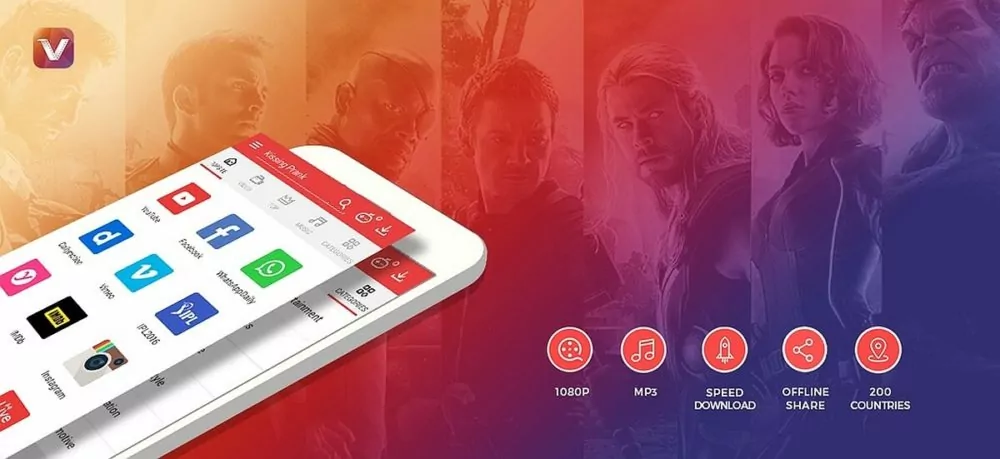
VidMate stands out from many other downloader apps due to its practical features:
1. Multiple Format Support
Users can download content in MP4, MP3, and other formats, allowing both video and audio-only downloads.
2. Resolution Selection
VidMate lets you choose the resolution before downloading. Whether you want 144p to save space or HD quality for clarity, the choice is yours.
3. Fast Download Speeds
Thanks to its optimized download engine, VidMate delivers quick and stable downloads even for large files.
4. Wide Platform Compatibility
The app works with various video-sharing and entertainment websites, making it a versatile tool for content lovers.
5. Offline Access
Downloaded files are saved directly to your device, allowing offline viewing or listening anytime.
How to Download Videos Using VidMate
Downloading videos with VidMate is straightforward, even for first-time users. Here’s a simple step-by-step overview:
- Install the App
Download and install the video downloader apk from a trusted source, as VidMate is not available on standard app stores. - Open VidMate and Browse Content
Launch the app and browse supported platforms directly or paste the video link into the search bar. - Select Your Desired Video
Once you find the video, tap the download button. - Choose Format and Resolution
Select whether you want MP4 or MP3 and pick the resolution that fits your needs. - Start Downloading
Confirm your selection, and VidMate will begin downloading the file to your device. - Access Offline Content
Once the download is complete, you can watch or listen to the content anytime without an internet connection.
Why VidMate Is Popular Among Users
VidMate’s popularity comes from its balance of simplicity and power. Unlike many downloaders that limit formats or websites, VidMate offers flexibility without complicated steps. Its clean interface makes navigation easy, while advanced features remain accessible to experienced users.
Another advantage is its ability to function as both a video and music downloader, eliminating the need for multiple apps. This all-in-one approach saves storage space and improves convenience.
Final Thoughts
As online video consumption continues to grow, having a reliable downloader can enhance how users interact with digital content. VidMate provides a practical solution for downloading videos and music efficiently, offering speed, quality control, and offline access in one app.
Whether you want to save educational content, enjoy music on the go, or watch your favorite videos without interruptions, VidMate is a dependable option worth considering. Its wide compatibility and user-friendly design make it an excellent choice for anyone looking to take control of their offline media experience.