Online forms are one of the most reliable ways to collect data, qualify leads, accept payments, and automate routine work. In 2026, forms sit at the center of sales funnels, onboarding flows, customer feedback loops, and internal operations.
Modern form builders have replaced manual data entry, email back-and-forth, and spreadsheet tracking. Instead of copying responses into other tools, teams now rely on connected forms that pass data automatically to CRMs, email platforms, project tools, and payment systems.
The market for online form builders is crowded, though. Some tools focus on speed and simplicity. Others focus on branding, logic, or complex automations. This guide compares the best form builders in 2026, based on how they perform in real business scenarios in terms of customization, logic, integrations, data handling, and fit for different teams.
The best online form builders in 2026
Jotform
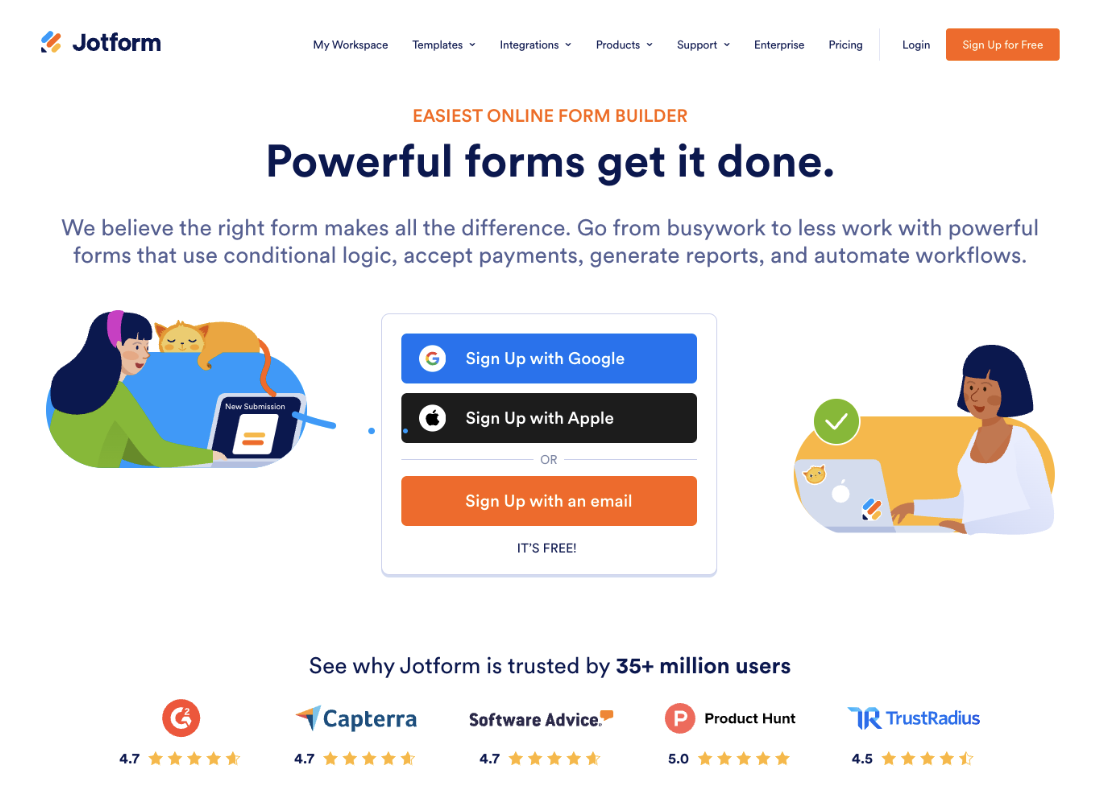
Image source: Jotform
Jotform is the most complete and flexible form builder available in 2026. It supports everything from basic contact forms to AI agents and complex workflows with approvals, payments, and conditional paths. The platform balances power with usability, making it suitable for both non-technical users and advanced teams.
Jotform stands out for how much can be done with it without any external tools. Features like form approvals, PDF generation, e-signatures, AI agents, and payment processing are built directly into the platform. It also offers tools for other platforms, such as an AI form builder for Google Workspace, and a wide integration library.
Jotform Pros
- Drag-and-drop builder with a low learning curve
- Very large template library across industries
- Advanced conditional logic with no coding
- Built-in payments, approvals, AI agents, and PDF workflows
- Strong integration support with CRM and automation tools
- Forms are mobile-ready by default, no code app building available
Jotform Cons
- Higher-tier plans needed for large response volumes
Jotform Pricing Summary
- Free forever plan with all features available
- Bronze: $34/month
- Silver: $39/month
- Gold: $99/month
- Enterprise: Custom pricing (contact sales)
Jotform Is Best For
Businesses and teams that need full control over form logic, data handling, and workflows without coding.
Google Forms
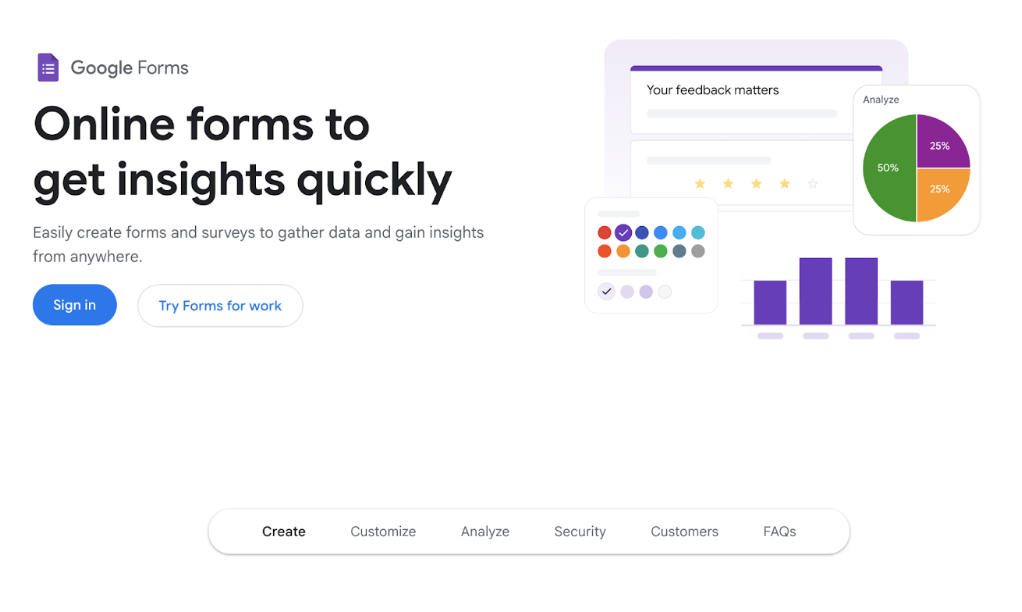
Image source: Google Workspace
Google Forms remains one of the simplest online form builders available. It is designed for quick data collection rather than branded customer-facing experiences. The tight connection with Google Sheets is its main strength.
In 2026, Google Forms is still widely used in education, internal surveys, and early-stage projects where speed matters more than presentation.
Google Forms Pros
- Completely free to use
- Extremely easy to set up and share
- Automatic syncing with Google Sheets
- Reliable performance at scale
Google Forms Cons
- Very limited design and branding options
- Basic logic only
- No native payment or automation features
Google Forms Pricing
Free with a Google account.
Google Forms Is Best For
Internal surveys, classroom use, and simple data collection where appearance and workflow automation are not priorities.
Typeform
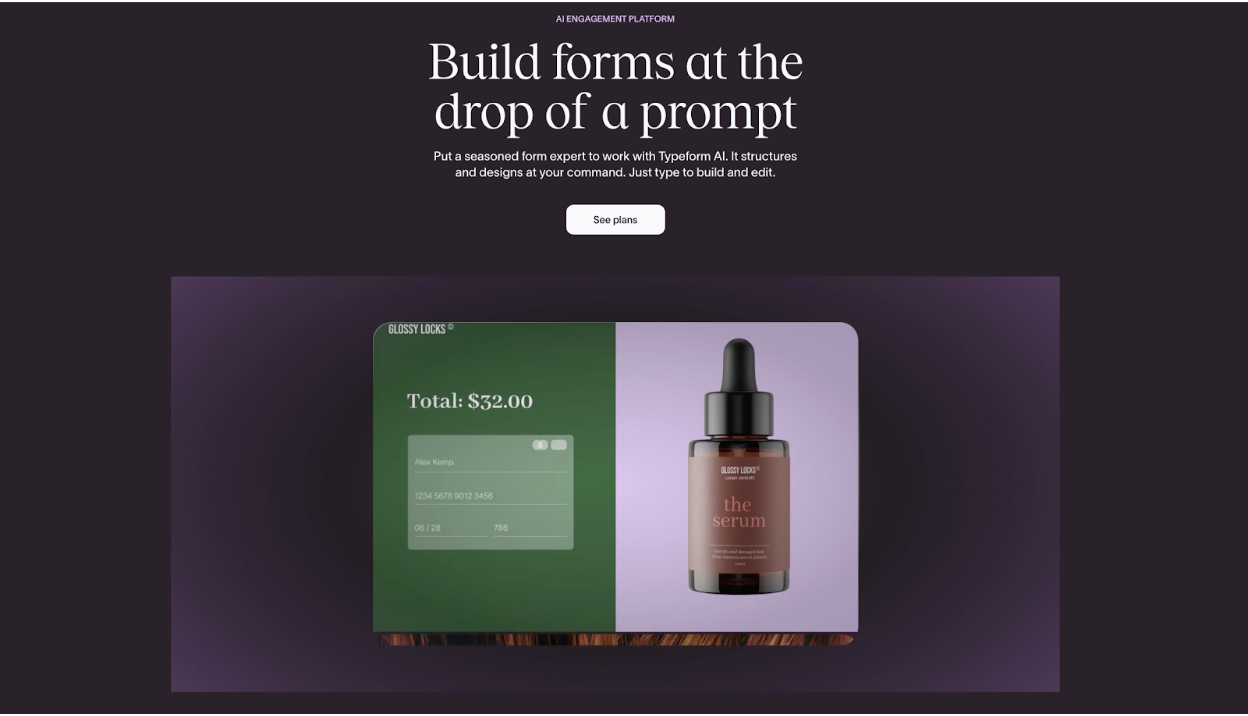
Image source: Typeform
Typeform focuses on conversational, one-question-at-a-time forms. The experience feels closer to a guided interview than a traditional form. This approach can improve completion rates for marketing and feedback use cases.
The tradeoff is flexibility. Typeform is less suited for complex internal workflows or large multi-step submissions.
Typeform Pros
- Clean, modern user experience
- High completion rates for short forms
- Strong branding and design controls
- Solid integration with marketing tools
Typeform Cons
- Pricing increases quickly with response volume
- Limited layout options
- Not ideal for long or complex forms
Typeform Pricing Summary
- Free plan with limited features available
- Plans for everyone:
- Basic: $25/month
- Plus: $50/month
- Business: $83/month
- Enterprise: Custom
- Plans for marketers:
- Growth Essentials: $166/month
- Growth Pro: $291/month
- Growth Custom: Custom
- Plans for HR:
- Talent: $141/month
- Enterprise: Custom
Typeform Is Best For
Marketing teams and creators who care most about presentation and engagement.
Microsoft Forms
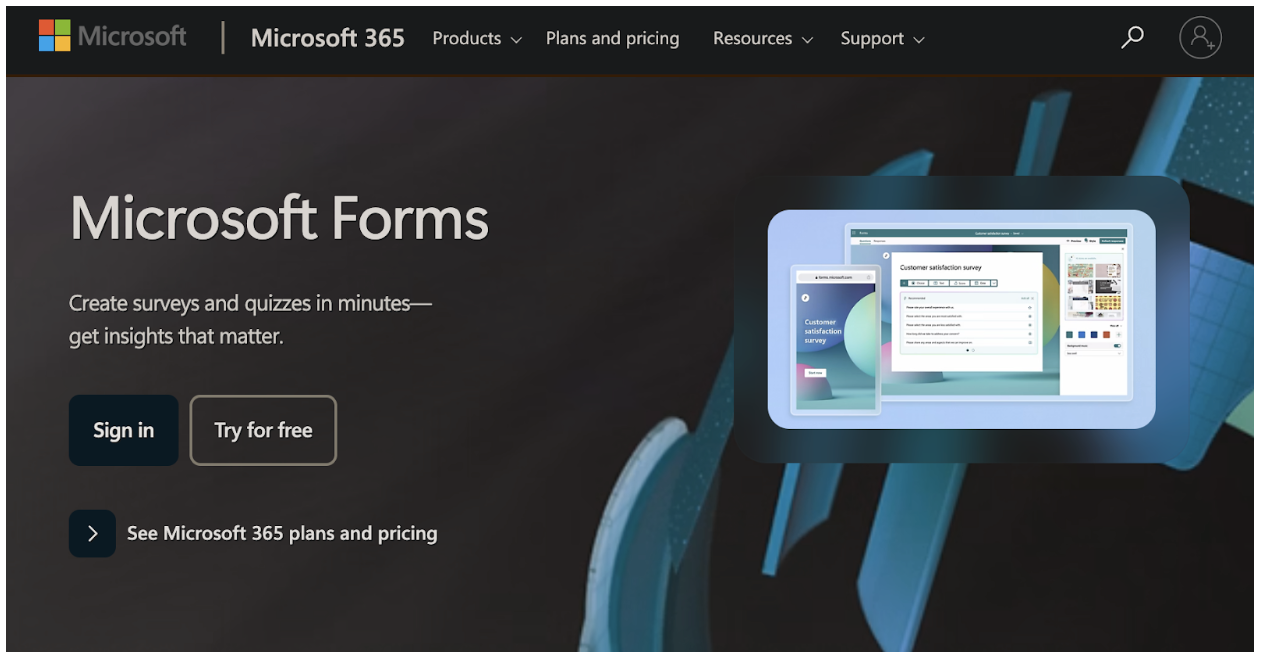
Image source: Microsoft
Microsoft Forms is part of the Microsoft 365 ecosystem. It focuses on internal data collection rather than customer-facing forms. The interface is clean and intentionally simple.
For teams already using Microsoft tools, Forms provides a convenient way to gather feedback and run internal surveys.
Microsoft Forms Pros
- Included with Microsoft 365 subscriptions
- Simple interface with low setup time
- Good for internal sharing and permissions
- Works well with Excel
Microsoft Forms Cons
- Limited customization and logic
- Not specifically designed for public-facing lead capture
- Few direct integrations outside Microsoft
Microsoft Forms Pricing
Included in Microsoft 365 plans, no standalone pricing.
Microsoft Forms Is Best For
Organizations already using Microsoft 365, for internal surveys and basic data capture.
Tally
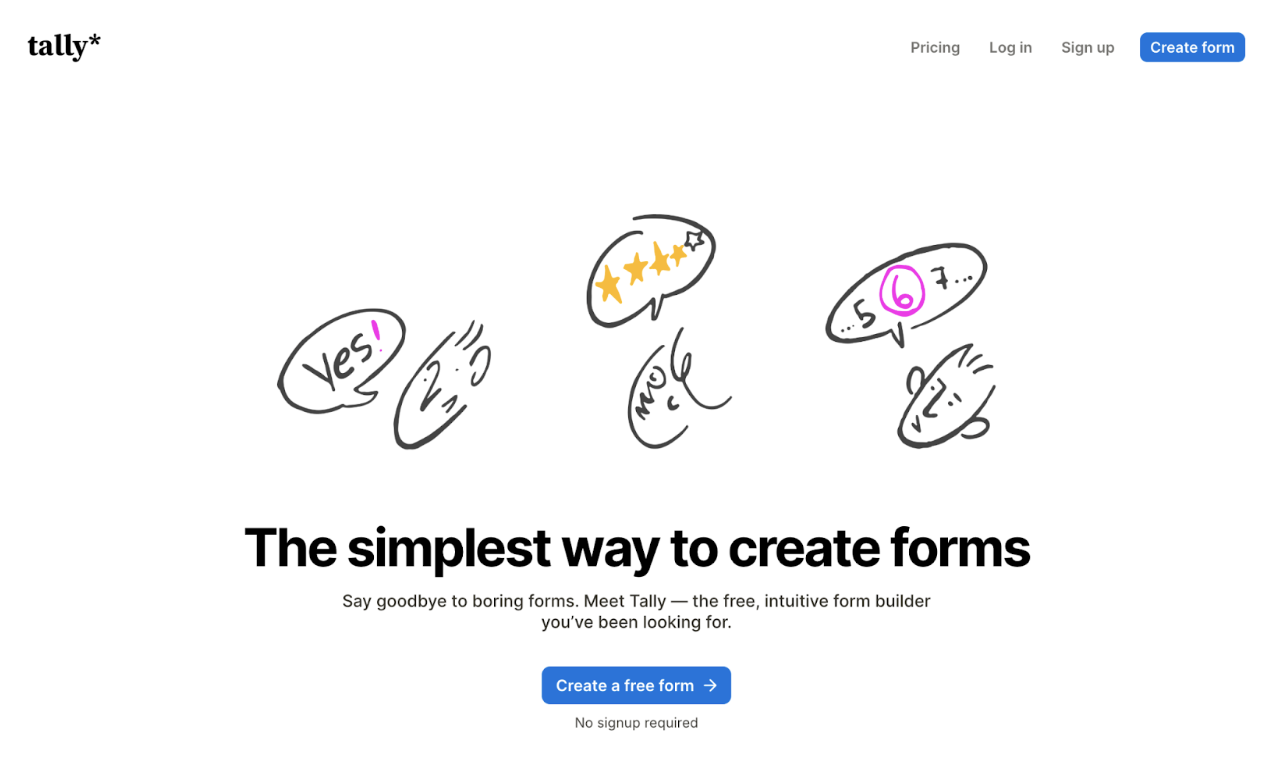
Image source: Tally
Tally is a text-first, minimal form builder that feels closer to writing a document than designing a form. It runs inside the browser and supports logic, payments, and embeds despite its simple appearance.
The tool has gained popularity among solo founders and creators who want speed without visual clutter.
Tally Pros
- Fast form creation
- Clean, distraction-free interface
- Generous free plan
- Supports conditional logic and payments
Tally Cons
- Limited visual customization
- Not ideal for branded enterprise use
- Fewer integrations compared to other dedicated form builders
Tally Pricing Summary
- Free plan available with most core features
- Pro: $24/month
- Business: $74/month
Tally Is Best For
Creators and small teams who want fast, no-friction form creation.
Fillout
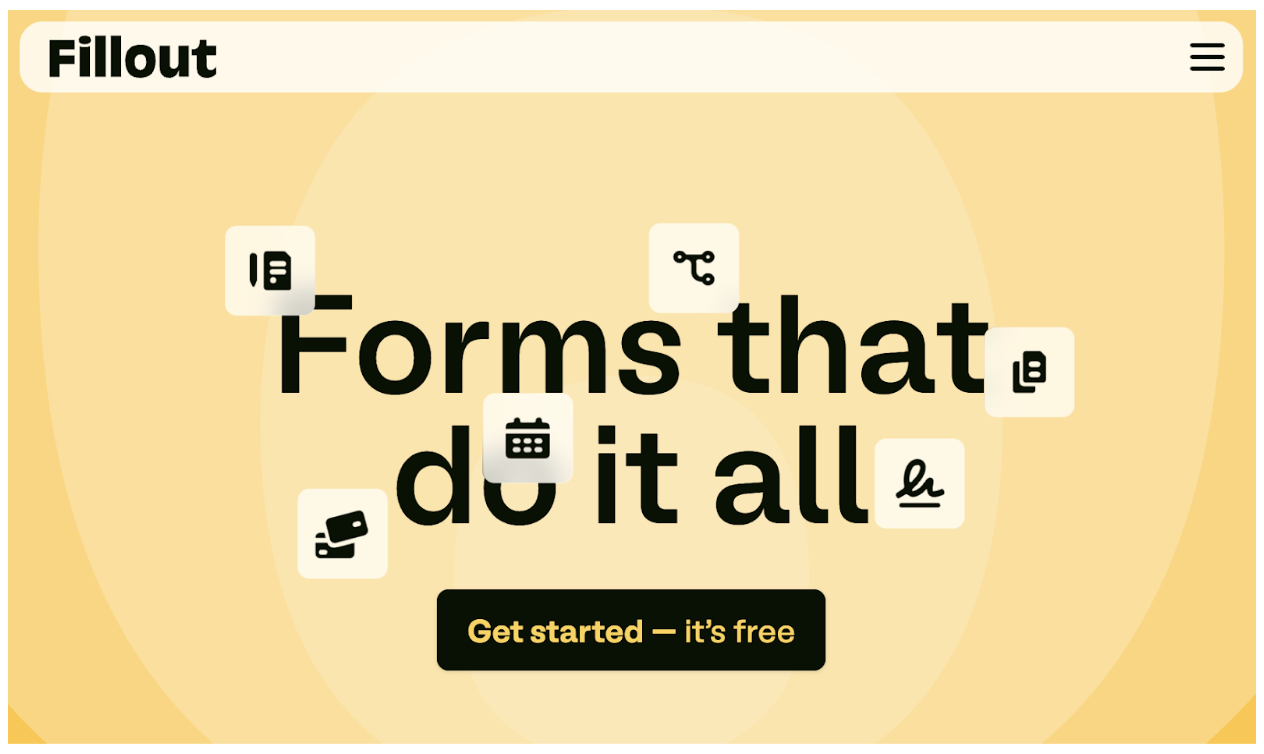
Image source: Fillout
Fillout positions itself as a modern no-code form builder with strong database and integration support. It is often used alongside tools like Airtable and Notion.
The builder supports complex logic while keeping the interface approachable.
Fillout Pros
- Strong logic and data connections
- Modern, clean design
- Works well with no-code databases
- Responsive forms
Fillout Cons
- Smaller template library
- Fewer native workflow features
- Less suited for offline or kiosk use
Fillout Pricing Summary
- Free tier with some features available
- Starter: $15/month
- Pro: $40/month
- Business: $75/month
Fillout Is Best For
No-code builders and teams working with structured databases.
123FormBuilder
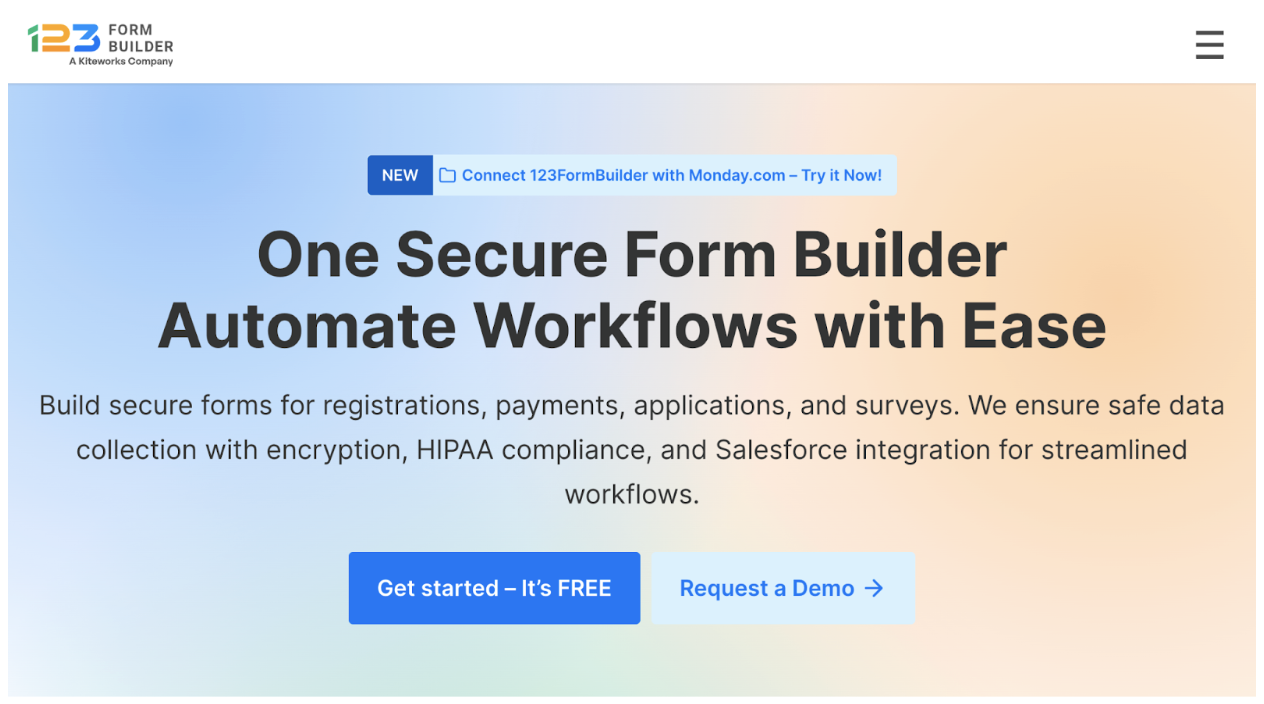
Image source: 123FormBuilder
123FormBuilder has been around for many years and focuses on secure data collection and compliance. It offers solid features for regulated industries and enterprise users.
The interface feels more traditional compared to newer tools, but the functionality remains reliable.
123FormBuilder Pros
- Strong security and compliance support
- Payment and logic features included
- Suitable for enterprise environments
123FormBuilder Cons
- The interface may feel dated
- Design options are limited
- Setup can take longer
123FormBuilder Pricing Summary
- Free plan with core features available
- Gold: $18.50/month
- Platinum: $24.50/month
- Diamond: $49.50/month
- Enterprise: Starting from $225/month
123FormBuilder Is Best For
Organizations that prioritize compliance and structured data collection.
WPForms
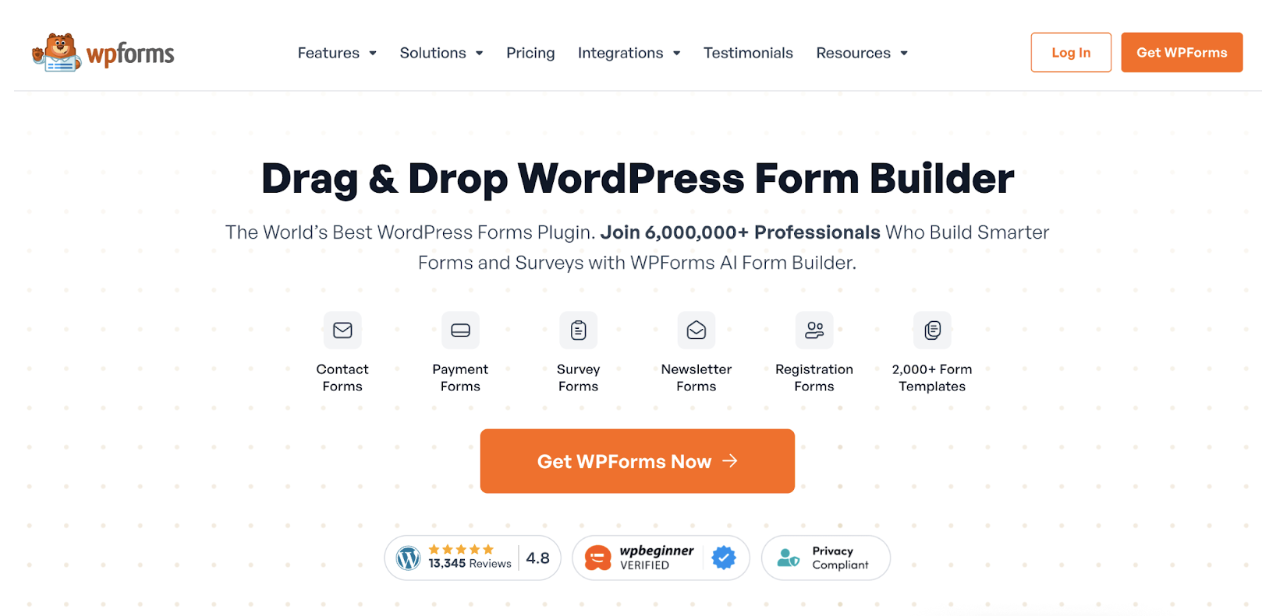
Image source: WPForms
WPForms is a form builder plugin for WordPress. It runs entirely within WordPress and is designed for site owners who want forms tightly integrated with their content.
The experience depends heavily on your WordPress environment.
WPForms Pros
- Native WordPress integration
- Beginner-friendly builder
- Solid choice for contact and lead forms
- One-time license options available
WPForms Cons
- Requires WordPress
- Limited outside the plugin ecosystem
- Advanced features require higher plans
WPForms Pricing Summary
- A free lite version called WPForms Lite is available
- Basic: $49.50/year
- Plus: $99.50/year
- Pro: $199.50/year
- Elite: $299.50/year
WPForms Is Best For
WordPress site owners who want simple forms without connecting external tools.
HubSpot Forms

Image source: HubSpot
HubSpot Forms is part of the HubSpot CRM platform. The main purpose is lead capture rather than general data collection. Forms feed directly into contact records and automation flows.
HubSpot Forms works best when used inside the full HubSpot system.
HubSpot Forms Pros
- Native HubSpot CRM connection
- Easy lead tracking
- Works well with HubSpot automation
- No extra setup for basic use
HubSpot Forms Cons
- Limited customization
- Not suitable for complex workflows with external tools
- Tied closely to the HubSpot ecosystem
HubSpot Forms Pricing Summary
Free with HubSpot CRM. Advanced features require paid HubSpot plans.
HubSpot Forms Is Best For
Marketing teams already using HubSpot for lead management.
How to choose the best form builder in 2026
Choosing the right online form builder depends on the forms used day to day. When forms involve multiple steps, logic, payments, file uploads, or approvals, a flexible platform such as Jotform or Typeform is needed. Basic contact forms, quick surveys, or internal requests can work fine with simpler tools like Google Forms or Microsoft Forms. Jotform covers both ends of this range, making it a strong default choice as form needs become more complex.
Team size and data flow are also important when choosing a form builder. Solo creators may prefer fast setup tools like Tally or Typeform, while WordPress sites can rely on WPForms. Marketing teams may lean toward HubSpot Forms. For teams that expect growth, shared access, and reliable integrations, Jotform offers broader coverage without forcing a switch later. Its pricing and feature depth make it easier to scale forms as workflows expand.
Form builders in 2026: comparison table
| Form builder | Use case | Ideal for |
| Jotform | Full workflows | Most teams and industries |
| Google Forms | Internal surveys | Students, individuals, teams who conduct internal surveys |
| Typeform | Engagement | Marketing teams that value design |
| Microsoft Forms | Internal teams | Teams already on Microsoft 365 |
| Tally | Fast setup | Small teams that value speed |
| Fillout | No-code stacks | No code enthusiasts and teams |
| 123FormBuilder | Compliance | Large teams that work with sensitive data |
| WPForms | WordPress sites | WordPress site owners |
| HubSpot Forms | Lead capture | Marketing and sales teams who use HubSpot |