People search for how to view a Private Profile on Tiktok for a simple reason. They want quick context without logging in, especially when doing brand checks, creator vetting, or basic research. Sometimes it’s curiosity. Sometimes it’s safety. Often it’s just “is this profile real?”
One important reality keeps this whole topic honest. Private TikTok accounts require approval, and private posts are not meant to be browsed by strangers. TikTok’s own privacy settings are built around that idea.
So the useful tools in this space are the ones that help with public checks, public analytics, and public signals, not tools that claim to bypass privacy.
Best 7 TikTok Private Account Viewer Tools
This section compares tools that can help with public TikTok checks. Each tool overview starts with what it’s good for, then a short feature list so it’s easy to scan.
Retrievetik is positioned as a browser-based TikTok viewer that focuses on looking up profiles by username, with an emphasis on no-sign-up browsing. The practical value is speed. It’s best used as a quick way to check public-facing profile context and basic visible signals without opening the TikTok app. It’s also a useful “sanity check” tool when a user is trying to avoid risky pages that push logins, downloads, or endless verification loops. Use it for what is publicly available and treat private content as off-limits by design.
Key Features
- Username-based lookup for quick profile context
- No-sign-up browsing approach
- Helpful for fast public checks when time is limited
2. Urlebird
Urlebird is a web-based TikTok viewer that markets anonymous browsing of TikTok profiles and trending content through a browser, without needing the TikTok app or an account. For public checks, it can be useful when someone wants to review public posts, trending videos, hashtags, or a creator’s public profile layout without signing in. The main benefit is convenience. The main caution is staying in the “public only” lane and avoiding pages that ask for credentials or push downloads.
Key Features
- Browser viewing of public TikTok profiles and content
- “Anonymous” browsing positioning (no app needed)
- Useful for checking public trends and hashtags
3. Exolyt
Exolyt is a TikTok analytics and social intelligence platform built for deeper analysis of organic TikTok content, including accounts, videos, trends, and social listening-style insights. It’s not just a “viewer.” It’s more like a research dashboard for teams that need reporting, comparisons, and broader market context. Exolyt positions itself around analytics on public profiles and content, which makes it relevant for agencies and brands doing influencer vetting or topic research.
Key Features
- TikTok analytics and insights for accounts and videos
- Account overview and monitoring features
- Trend and research support for public opinions/topics
4. Countik
Countik offers TikTok analytics tools and a profile viewer experience that focuses on real-time style stats and quick profile analysis. It’s useful when a user wants a fast snapshot rather than a full intelligence dashboard. Countik’s pages describe entering a username to analyze a profile, and it also markets follower counter functionality. If your workflow is “quick public stats check, then move on,” Countik is the type of tool that fits.
Key Features
- Free profile analytics lookup by username
- Real-time follower counter positioning
- Public stats snapshots like average performance and hashtags
5. Social Blade TikTok
Social Blade is a well-known stats platform that tracks creator metrics across platforms, including TikTok. For TikTok, it’s commonly used to view public statistics, track growth patterns, and compare accounts over time. It’s not a tool for browsing posts. It’s more useful for evaluating public account performance and directional trends. If someone needs a lightweight “numbers view” for a creator before reaching out, Social Blade is often the simplest starting point.
Key Features
- TikTok stats pages for accounts (public analytics)
- Broader platform tracking and comparison context
- Helpful for quick growth and activity checks
6. NoxInfluencer
NoxInfluencer is positioned as an influencer marketing and analytics platform that covers TikTok among other networks. It offers creator discovery, rankings, and analysis, and it’s often used by brands to find creators or evaluate performance at a higher level than “just viewing.” If the goal is to shortlist creators by niche, region, or audience signals, NoxInfluencer is more relevant than a basic viewer. It also appears on major software directories as a marketing platform focused on discovery and campaign workflows.
Key Features
- Influencer discovery and ranking features
- Marketing campaign and analytics positioning
- Useful for agency-style creator research workflows
7. Analisa.io
Analisa.io is an analytics platform that provides insights for public profiles and hashtags across TikTok and Instagram. It’s typically used for performance insights, content analysis, and influencer evaluation signals like follower demographics and campaign performance. Some descriptions emphasize AI-powered analytics, with a free basic tier and paid upgrades for deeper reporting. As a tool choice, Analisa.io fits teams that want structured reporting, campaign tracking, and profile analysis beyond surface-level stats.
Key Features
- Analytics for public profiles and hashtags
- Basic analytics plus advanced paid tiers
- Useful for influencer evaluation and reporting workflows
Why People Look for a Private TikTok Viewer?
Most people are not trying to be shady. The demand usually comes from practical needs:
- Brand teams checking whether a creator is consistent and credible
- Parents or guardians trying to understand what’s public around an account
- Users trying to confirm identity when impersonation is suspected
- Researchers and marketers mapping trends and public sentiment
That’s why the best approach to a Private TikTok Viewer search is “public checks only.” If the account is private, the safest answer is consent. If the account is public, these tools can help gather context faster.
What TikTok Privacy Settings Hide on Private Accounts?

TikTok explains privacy through account settings and per-post visibility. A private account requires approval for followers to see posts, and post visibility can further limit who sees a video.
So private accounts generally hide:
- Private videos and content feeds from non-approved users
- Certain engagement contexts that only followers can see, depending on settings
- Any content limited to followers/friends-only audiences
This matters because it sets expectations. Any tool claiming it can view private content without approval is promising something that conflicts with how TikTok is designed to work.
How to Use Retrievetik for Public Profile Research?
If someone wants a simple workflow for public checks, Retrievetik can be used as a “quick context” step before deeper analytics tools.
Search a Username and Review What Is Publicly Available
Start by searching a username and reviewing visible profile signals. The goal is public context, not private access. Look for consistency across the handle, bio, and any links that are visible.
Use It for Quick Context Checks Without Signing In
This is the main benefit for people who want to avoid logging into TikTok on shared devices or who want a quick look without swapping accounts. No-login browsing also reduces exposure to phishing-style login traps. TikTok warns about fraudulent message attacks that try to trick users into giving personal information.
Avoid Any Viewer That Asks for TikTok Credentials
If a page asks for a TikTok password, verification code, or “confirm your account” step, that’s a risk signal. Stick to tools that do not request credentials for public checks, and use TikTok’s own security options when in doubt.
How Analytics Tools Help When Accounts Are Public?
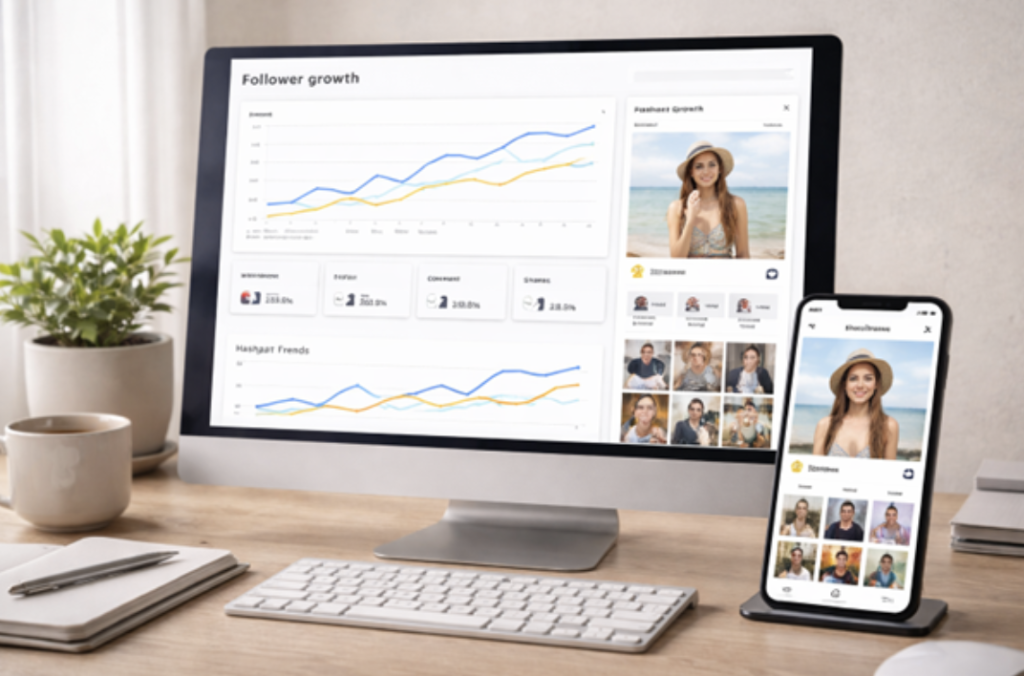
When an account is public, analytics tools become genuinely useful. Instead of “viewing,” the real goal becomes understanding performance and fit.
Here’s what analytics tools can help with:
- Growth trends and posting patterns (Social Blade-style)
- Performance snapshots and hashtag patterns (Countik-style)
- Deeper research: trend tracking, topic analysis, and reporting (Exolyt, Analisa.io)
- Creator discovery and campaign workflows (NoxInfluencer)
This is where “viewer” language can be misleading. The real value is research and verification, not “seeing private.”
Conclusion
A Private TikTok Viewer search is best treated as a public-research problem. For public checks, tools like Retrievetik, Urlebird, and analytics platforms can help you gather context quickly. For deeper evaluation, Exolyt, Analisa.io, Social Blade, and NoxInfluencer support reporting and trend insight.
The safest rule stays the same in 2026. Private accounts require approval, and public-only workflows keep your checks clean, defensible, and low-risk.
Frequently Asked Questions
Can a tool view private TikTok accounts without approval?
TikTok privacy settings are built around approval for private accounts and controlled visibility for posts. Any claim of “guaranteed private access” should be treated as a red flag.
What is the safest use of a “viewer” tool?
Use it for public profile checks only, without logging in, and avoid tools that ask for credentials or push installs. TikTok warns about fraudulent message attacks used to steal personal information.
Which tools are best for analytics when accounts are public?
Exolyt and Analisa.io are positioned around analytics and reporting, while Social Blade and Countik support lighter public stats checks.
Does “anonymous viewing” mean safe?
Not always. “Anonymous” claims can still involve ad funnels, redirects, or phishing risks.