People search how to view private profile on Instagram for a bunch of reasons, and most of them are pretty normal. Quick context. Checking if an account looks real. Seeing what’s public before sending a follow request. The problem is that “private viewer” is also a magnet for sketchy pages that push logins, pop-ups, and downloads.
This comparison sticks to public-only viewing tools and what they claim to do. No magic access, no bypassing private settings. Just a practical look at options that can load fast and help you check what’s already public.
Best 6 Instagram Private Account Viewer Tools
Below are six tools people commonly use for public Instagram checks. Each section starts with a short overview, then key features.
1. Goonview
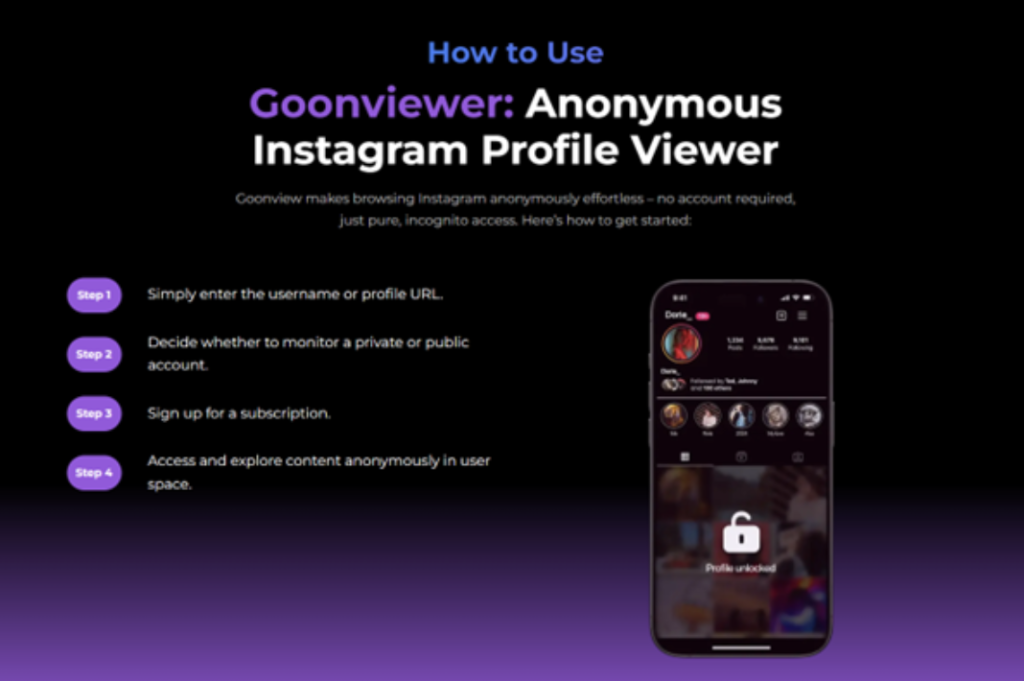
Goonview markets itself as an Instagram viewer that works without an Instagram account. You enter a username, and it pulls up what’s available to view publicly. The main appeal is speed and simplicity. It’s built around “no sign-up” browsing, which helps reduce the risk of landing on fake login screens. It also positions itself as a public-only style option, meaning private posts still stay private. That makes it better suited for quick reality checks than for chasing “private access” promises.
Key Features
- No sign-up or Instagram account required
- Username-based lookup for public profile viewing
- Positions itself around public material and safer browsing habits
2. Intact Instagram Viewer
Inflact offers an Instagram Viewer with separate pages for viewing profiles, stories, and posts without logging in. It frames the tool as anonymous viewing for public accounts, and also includes options around stories and post viewing. Like most viewers in this category, it’s only as good as what’s publicly available at the time you search. If an account is private or content is restricted, you should expect gaps or nothing to load.
Key Features
- Anonymous viewing for public profiles, posts, and stories (by tool description)
- No Instagram login required for viewing public content
- Separate viewer pages for different content types (profile, stories, posts)
3. Bumpor
Dumpor positions itself heavily around story viewing, with “no login” and “public profiles only” language right on the page. It also mentions viewing and downloading public stories, highlights, reels, and profile photos. In plain terms, it’s a public story viewer first. If you want quick public story checks without signing in, it’s one of the more direct options, as long as you stick to public accounts and avoid copycat sites.
Key Features
- Public profiles only, no login required
- Focus on stories, highlights, reels, and profile photos (public)
- Browser-based use (no app required, per site FAQs)
4. Imgin
Imginn is commonly described as a web viewer that lets people search and view public Instagram content without logging in. It’s often used for public photos, videos, and sometimes stories or reels, depending on availability. As with many third-party viewers, reliability can vary, and what loads depend on what is public at the moment. If you try it, treat it as a public-content browser only, not a private workaround.
Key Features
- Search and view public Instagram content without login (by tool description)
- Often used for public photos, videos, stories, and reels (when available)
- Web-based browsing flow (no Instagram account required)
5. Picuko
Picuki is widely known as an Instagram viewer and editor style tool, often used for browsing public profiles, stories, and tags. Some sites also position it as a way to view stories and highlights anonymously. Just keep your expectations realistic: public content only, and any claim that sounds like “no restrictions” should be read carefully. Use it for quick public checks and avoid giving permissions or credentials to anything pretending to be Picuki.
Key Features
- Public viewing of stories/highlights/profile content (as described by related pages)
- Often used for browsing tags and profiles without an account (by description)
- Mix of viewing and “editor” style positioning (varies by page/app)
6. Retrievetik
Retrievetik frames itself as an anonymous Tiktok viewer that works without an account or login, aimed at discreet browsing. It claims you can browse posts, stories, highlights, and other profile elements. As always, what you can actually see depends on whether the content is public or accessible. If a tool suggests it can view “limited access” content, treat that as marketing language and keep your guard up. The safest use case is still public checks without entering credentials.
Key Features
- No account or login needed (as described)
- Anonymous browsing positioning
- Mentions access to posts, stories, highlights, and tagged content (availability varies)
Why People Search “Private Instagram Viewer” in the First Place?
Most searches are not about doing something shady. They’re about speed and certainty.
Common reasons:
- Checking if an account looks real before replying
- Confirming a brand page, seller, or freelancer profile
- Looking at what’s public before sending a follow request
- Parents want safer habits and fewer risky clicks
The issue is that scammers know these reasons too. They build pages that look clean and “helpful,” then push you into a login box or endless “verification” loops.
What Instagram Private Accounts Hide (And What Still Shows Publicly)?
Instagram private accounts restrict posts and stories to approved followers. That’s the whole point of private mode.
What still tends to be visible publicly is basic profile-level information like the username, profile photo, and bio details, depending on settings and what the user shares.
So if you’re using a viewer tool, your baseline expectation should be:
- Public account: You may see posts, reels, stories, tagged content, and bio links (depending on what’s actually public).
- Private account: You should not expect private posts or private stories to appear unless you are an approved follower.
Any tool that promises private access “every time” is where trouble usually starts.
How to Use Goonview for Public Instagram Checks?
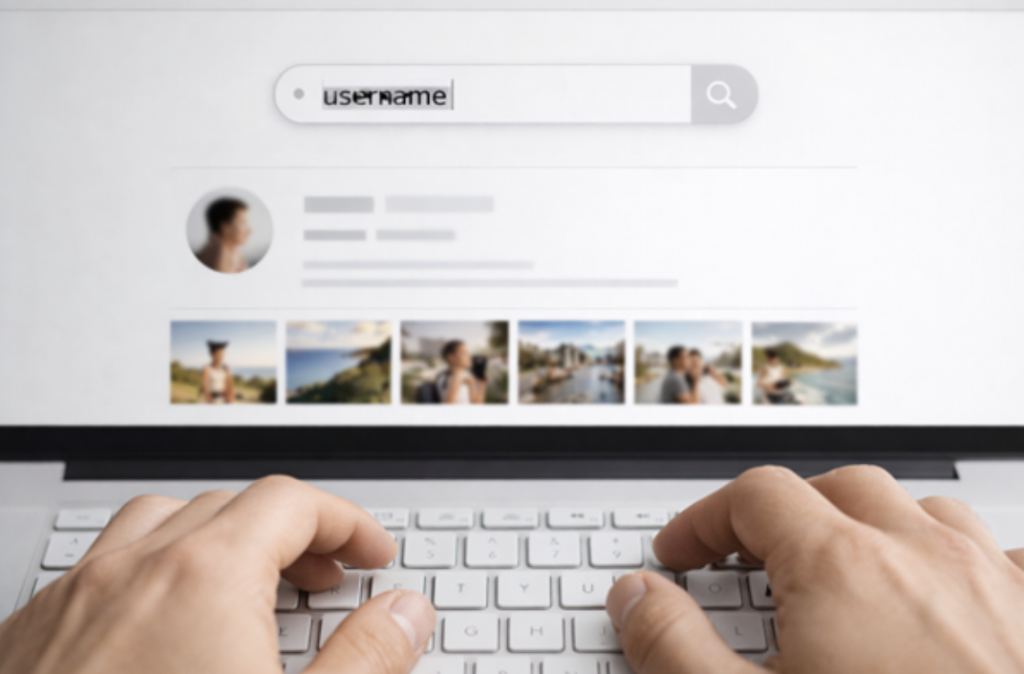
Goonview is best treated like a public-content checker. The goal is quick context, not private access. If you keep that boundary clear, it becomes a simple way to confirm what’s real and what’s just marketing noise.
A helpful mindset is “public signals first.” You’re looking for consistency, not perfection. If something feels off, you don’t need to keep digging. You just stop and move on.
Enter A Username And Open The Profile Preview
Type the username (without extra symbols) and open the preview. If the account is public, you should see public profile details and public content elements that the tool supports. If the account is private, treat that as the answer. Don’t chase “one more site” hoping for a different result. That’s how people end up on phishing pages.
Review Public Posts, Reels, And Tagged Content When Available
Scan for basic consistency: bio link matches, content style fits the account’s claimed identity, and public posts look normal. Remember, “normal” does not mean “good,” it just means “not obviously fake.” Also, check simple details that scammers often mess up, like mismatched names across platforms, weird link shorteners, or posts that look copied from other accounts.
Use It As A Safer Alternative To Login-Based Pages
The safer angle is the no-login flow. Once a page asks for Instagram credentials, you’re one bad click away from a phishing trap. A tool that doesn’t ask for your password removes that risk point. If any page claims it can show private posts but “needs your login to confirm,” close it. Public-only checks should never require handing over your account.
Limits You Should Expect Before Trying Any Viewer
Even the best public-only tools have limits. If you expect these upfront, you’ll be less tempted by sketchy promises.
Common limits:
- Private posts stay private
- Stories can expire quickly, so they may not load later
- Some content types may not show consistently across tools
- Public visibility can change anytime if the account owner updates the settings
If a tool isn’t loading, the safest response is not “try another shady site.” It’s “assume it’s private or unavailable.”
Safety Rules That Prevent Most Scams
If you only remember a few rules, make them these:
- Never enter your Instagram password into third-party pages. Phishing pages often look real and exist to steal credentials.
- Avoid downloads, extensions, and notification prompts. Those are common ways scam pages escalate from “viewer” to “device problem.”
- Treat endless “verify you’re human” loops as a trap. They’re built to wear you down.
- Stick to public-only tools. If the tool is honest about limits, it’s usually safer than one claiming miracles.
- If you already typed credentials somewhere suspicious, change your password using Instagram’s official flows and review account security settings.
Conclusion
A Private Instagram viewer search should not end with a hacked account or a browser full of spam. The safest approach is simple: use public-only tools for public checks, and ignore any site promising guaranteed private access.
If you want the most straightforward no-login workflow, Goonview is built around quick public browsing. If you want extra options, Inflact, Dumpor, Imginn, Picuki, and Peekviewer each cover different public viewing angles, with varying reliability. The key is keeping expectations realistic and staying away from login prompts.
Frequently Asked Questions
Can any tool show private posts without approval?
Private posts are restricted by design. If a tool claims guaranteed access, treat it as a red flag.
Which tool is best for quick public profile checks?
Goonview is positioned for no-login public checks.
Which tool focuses most on stories?
Dumpor positions itself heavily around public story viewing with no login.
Is it safe to log in on a “viewer” website?
Entering your password on a third-party page increases phishing risk.