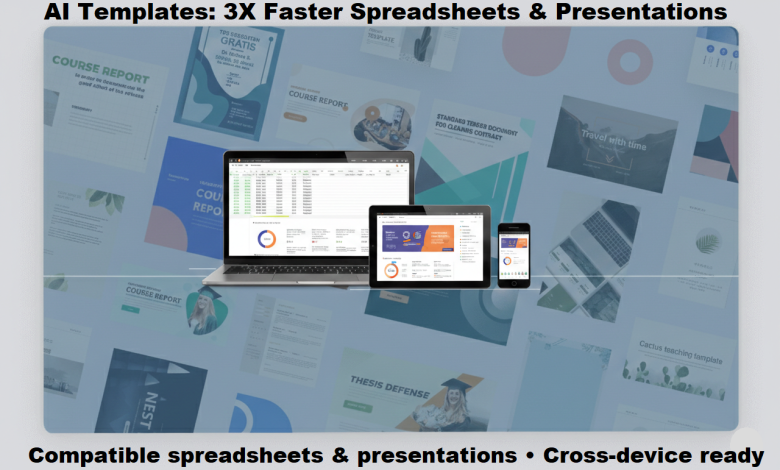
Creators, freelancers, and small teams don’t struggle because they lack ideas. They struggle because turning ideas into structured spreadsheets and polished presentations takes time. Building formulas from scratch takes too much time. So does fixing layouts every time a file moves between devices. Artificial intelligence is changing that. AI tools now suggest formulas, build templates, and format slides. What used to take hours takes minutes.
Templates fix that. Instead of starting from a blank page, creators use AI-recommended layouts that are ready to go. The right spreadsheet and presentation tools—enhanced by AI — cut the time it takes to get to a finished file.
Why AI-Powered Templates Matter More Than Features
Many professionals don’t need complex software. They need tools that open standard formats and work across devices. Templates solve a practical problem: they remove setup time. AI takes this a step further by learning from how users work and surfacing the most relevant templates automatically.
Skip building a cash-flow sheet from scratch—let AI suggest a template with the formulas already set up. Skip designing slides by hand. AI tools pick a template that fits and fill in the structure for you.
The result is simple: less time configuring tools, more time producing work.
Building Spreadsheets Faster with AI and a Compatible Excel Download
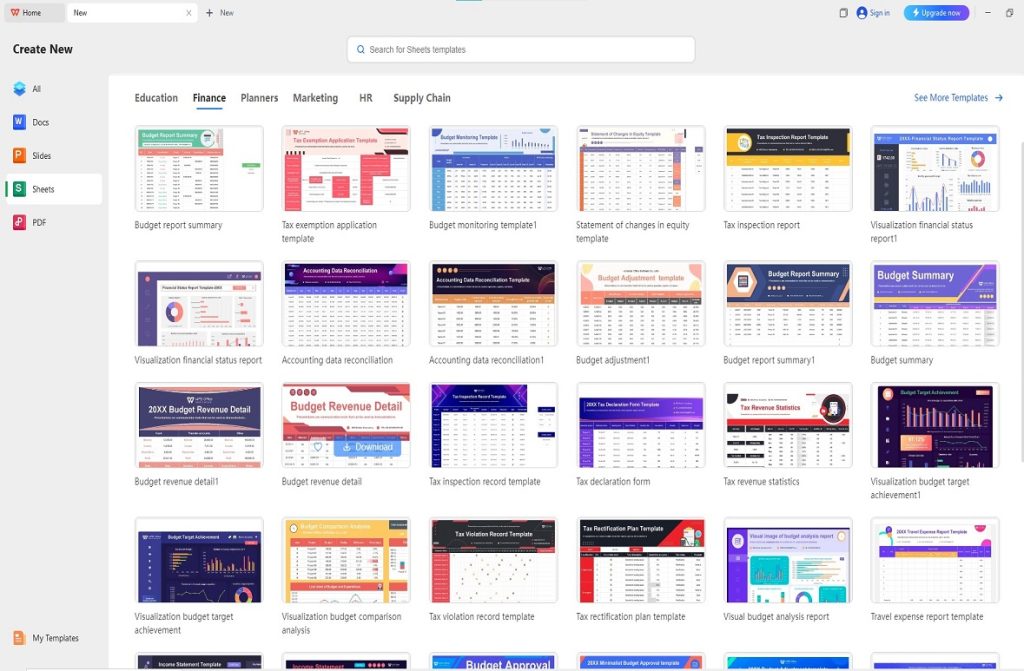
A modern Excel download that supports .xlsx lets creators work in familiar structures. Compatibility matters—spreadsheets move between teammates, clients, and departments. When formulas, charts, and formatting stay intact, work stays smooth. AI built into spreadsheet tools fills in formulas, spots patterns, and catches errors before they cause issues.
AI-enhanced template libraries save even more time. Common spreadsheet categories include:
- Budget planners
- Inventory trackers
- Content calendars
- CRM dashboards
- Project timelines
- KPI monitoring sheets
Adapting an AI-generated layout is faster than building from scratch. It also keeps formula logic intact when files move between systems.
Another benefit is working across devices. Spreadsheet tools that work on Windows, macOS, and Linux are worth it. Teams can open and edit files on any device, wherever they are. A marketing lead updates numbers on a laptop. Finance checks the same file on another device. Same format, no issues.
It’s not about dumbing things down. It’s about cutting unnecessary setup, and AI makes that possible faster than ever.
Creating Polished Slides with AI and a PowerPoint Download
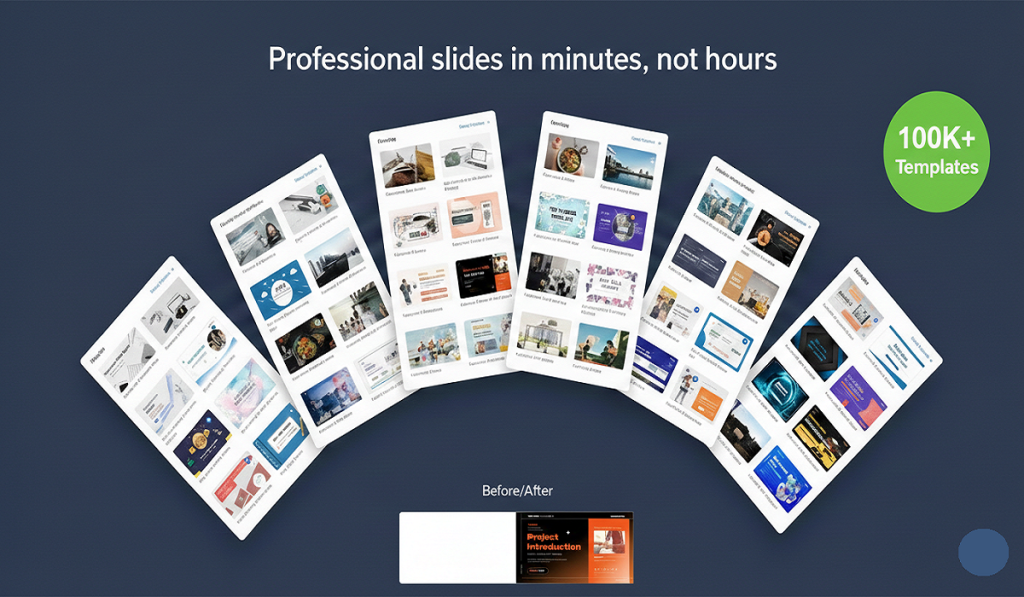
Good presentations need structure and a consistent look. A reliable PowerPoint download that supports .pptx is worth it. Animations, transitions, and layouts hold up on any platform. AI presentation tools suggest layouts and recommend visuals. They can even draft speaker notes based on what you’ve written.
Most AI-enhanced presentation tools include ready-made designs for:
- Business pitches
- Training decks
- Product launches
- Educational lessons
- Marketing reports
- Investor updates
Good AI-powered templates take the design work off your plate—swap in your content, adjust the colors, and done. Open it on any system, and the formatting stays put. No fixes needed before a client presentation.
Export options help too. Saving as PDF makes sharing easier across devices.
The 3-Step AI-Powered Template-First Workflow
The process is simple.
1. Download the Compatible Tool
Start with a tool that supports Microsoft formats and has AI built in. No complicated setup—open and go. It keeps existing files open and new files easy to share.
2. Select an AI-Recommended Template
Let the AI suggest a template based on your task—budgeting, reporting, or pitch decks. Starting with an AI-curated structure eliminates repetitive formatting and gets you to a working file faster.
3. Customize and Collaborate
Input your data, adjust branding elements, and share the file. AI-assisted comments and version tracking cut confusion and duplicate work. Teams can refine documents together without creating many conflicting copies.
This workflow focuses on results, not setup.
Reducing Errors Through AI and Format Compatibility
One of the most common productivity drains is formatting inconsistency. Broken formulas and shifting layouts waste time. AI tools can now detect these issues automatically—flagging misaligned cells, inconsistent fonts, or broken data links before you even notice them.
Tools that support .xlsx and .pptx stop formatting problems from happening in the first place. Charts keep data links. Text alignment stays consistent. Embedded objects behave as expected.
For remote teams, this reliability is essential. Files move through email, cloud drives, and shared folders. A stable file format means the document looks the same wherever it’s opened.
Cross-Device Access Without Disruption
Modern workflows rarely happen on a single device. A project might start on a desktop and finish on a phone. AI sync keeps edits up to date across devices. Open the file on another device and everything is already there.
Tools that work across operating systems keep things consistent. This is especially valuable for:
- Distributed teams
- Freelancers working on the go
- Educators are preparing materials off-site.
- Agencies are collaborating with clients in different regions.
The goal is smooth handoffs between devices.
AI-Powered Templates as a Scalable Productivity System
Templates are not shortcuts; they are frameworks. And AI makes them smarter. A budgeting template works for a small project or a full department report—and AI can adapt it automatically based on the scale of the data. A slide template works for a team meeting or a big presentation, with AI suggesting the right number of slides and content density.
AI-powered templates keep formatting consistent. That means less mental effort every time you start a new file. Creators do not need to reinvent structures every time. Instead, they improve content inside a structure that AI has already optimized.
This approach supports:
- Faster turnaround times
- Cleaner documentation
- More consistent branding
- Reduced setup errors
Over time, that adds up.
A Balanced Approach to AI-Enhanced Software Choices
Some professionals prefer paid office suites with premium AI features. Others want something free that works with standard formats and still includes basic AI assistance. The real question is not which brand—it’s what works for your team.
Compatible AI-enhanced spreadsheet and presentation tools can give teams:
- Standard file format support
- AI-assisted template suggestions
- Access across many operating systems
- Built-in template libraries
- Export options for sharing
- Structured collaboration features
When tools align with how teams actually work—and when AI handles the repetitive parts—productivity improves.
Final Thoughts
Creators and small teams don’t need more features. They need fewer things slowing them down.
Starting with AI-powered templates cuts repetitive setup. Tools that preserve .xlsx and .pptx keep formatting intact. Cross-device access keeps teams moving. AI covers the whole workflow—from picking a template to catching errors. Less friction at every step.
The right Excel download and PowerPoint download, combined with AI, cut setup time dramatically. That means more time doing actual work.
Efficiency isn’t about working harder. It’s about starting right—and AI helps you do exactly that.
Frequently Asked Questions
- How to get free Excel without paying?
Download a free office suite that supports .xlsx files. No credit card, no trial that expires after 30 days. Your existing Excel files open fine, formulas work, and everything stays compatible. Many of these free tools now include basic AI features too.
- Is Microsoft Excel no longer free?
Excel itself now sits behind a Microsoft 365 subscription. But that doesn’t mean you’re stuck. Plenty of free tools open and edit .xlsx files without paying anything. You just need one that keeps formatting intact.
- How to use Excel without buying Microsoft 365?
Download a free office suite that handles XLSX. Open your files, run your formulas, and build your charts. Nothing is locked behind a paywall, and there’s no subscription quietly renewing every month.
- Can I download PowerPoint on Mac?
Yes. Several free presentation tools support .pptx and run on macOS. Download, install, and open your files. No Microsoft subscription is required, and nothing breaks when you share files with Windows users.
- Does Mac have its own PowerPoint?
Mac comes with Keynote built in. It’s Apple’s take on presentations, and it handles .pptx files reasonably well. If you need full PowerPoint compatibility, though, a free office suite that supports .pptx is the safer bet.
- Can I still use Office 365 without a subscription?
No—once your subscription lapses, Office 365 locks you out of editing. The files don’t disappear, but you can’t do much with them. Free office suites that support the same formats and increasingly include AI features are a good backup for exactly this reason.