Do you feel tired of manual data entry from search engine pages? Many marketers and data analysts spend hours every day on this task. They do it to track rankings or monitor competitor moves. This process is slow and often leads to errors. If you want to scale your business, you need a faster way to get insights. This guide teaches you how to scrape Bing search results effectively. It covers everything from simple Python scripts to no-code tools.
The Core Challenge: Why You Need a Proxy for Bing Scraping
Bing often seems easier to handle than Google. However, it still uses advanced anti-bot systems. If you send too many requests from one IP address, you face big obstacles. You will see CAPTCHAs or risk having your IP address banned. Sometimes the server sends fake data to trick your bot.
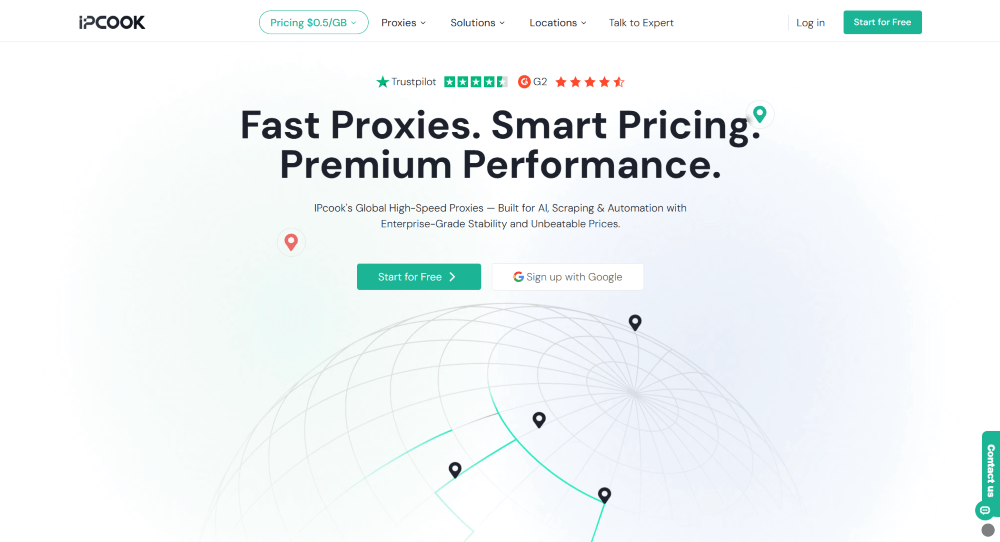
To succeed, you need a professional proxy infrastructure. This is where the IPcook web scraping proxy excels as a dependable option for the sector. IPcook provides a reliable network for anyone who wants to scrape Bing without interruption. This service focuses on high anonymity and elite performance. It specializes in Bing proxies that mimic real residential users from all over the world. This makes your Bing scraper nearly impossible to detect.
Here are the main benefits of IPcook:
- Massive IP Pool: Access 55M+ ethically sourced residential IPs to avoid detection.
- Global Reach: Utilize proxies in over 185 countries to access localized search results.
- Lightning Speed: Benefit from a response time under 0.5s to finish tasks fast.
- Rock-Solid Stability: Rely on 99.99% uptime to keep your scraper active at all times.
- Cost-Effective Pricing: Enjoy low residential proxy rates at $0.5/GB, with volume discounts.
How to Scrape Bing Search Results: 4 Effective Methods
No single method fits everyone. Your choice to scrape Bing search depends on your skills and data volume. Whether you are a coder or a beginner, one of these four ways will work. Let us look at the details.
Method 1: Python Libraries for High-Speed Data Harvesting
Python remains the premier choice for developers who need to scrape Bing search results at a massive scale. This programming language offers a robust ecosystem that simplifies complex web tasks. This specific method is ideal for static HTML pages where speed is your highest priority. You can handle thousands of keywords efficiently without the overhead of a full browser. The core of this strategy involves the Requests library to fetch raw page data and BeautifulSoup to parse the structure.
However, high speed often attracts unwanted attention from server security. To keep your script running long-term, you must integrate an IPcook proxy into your workflow. This layer of protection stops Bing from flagging your automated requests as suspicious activity.
Detailed Operation Steps:
- Set up your environment by installing libraries with pip install requests beautifulsoup4.
- Construct a target URL that incorporates your search terms into the Bing query format.
- Configure your IPcook proxy settings within a dictionary to mask your real identity.
- Send the GET request with a custom User-Agent to mimic a popular web browser.
- Use BeautifulSoup to locate the .b_algo containers and extract the title, link, and snippet.
Python Code Example (Scraping iPhone 16 Reviews):
| import requests from bs4 import BeautifulSoup # IPcook proxy configuration proxies = { “http”: “http://[email protected]:port”, “https”: “http://[email protected]:port” } headers = { “User-Agent”: “Mozilla/5.0 (Windows NT 10.0; Win64; x64) AppleWebKit/537.36” } url = “https://www.bing.com/search?q=iPhone+16+reviews” response = requests.get(url, headers=headers, proxies=proxies) soup = BeautifulSoup(response.text, ‘html.parser’) results = [] for item in soup.select(‘.b_algo’)[:10]: title = item.select_one(‘h2’).text link = item.select_one(‘a’)[‘href’] snippet = item.select_one(‘.b_caption p’).text if item.select_one(‘.b_caption p’) else “” results.append({“Title”: title, “URL”: link, “Snippet”: snippet}) for res in results: print(res) |
Method 2: Advanced Scraping with Selenium or Playwright
Static scrapers often hit a wall when Bing delivers content through complex JavaScript. If you want to grab AI-generated summaries, interactive maps, or sidebar widgets, you need a tool that renders the full page. Playwright and Selenium simulate a real browser environment to handle these challenges. This approach is the most reliable way to scrape Bing search results when the data is hidden behind dynamic scripts or lazy-loading elements.
Specific Example: Extracting AI Advice on Web Proxies. Imagine you want to know what Bing AI suggests for the query How to choose a web proxy. You need the summary text and the reference links it lists.
Detailed Operation Steps:
- Set up a Playwright environment in your Python project using pip install playwright.
- Launch a headless Chromium browser instance to perform the search quietly in the background.
- Navigate to the Bing search URL that contains your target query.
- Use a dedicated wait function to ensure the AI summary container (often .cia_container) is fully visible on the screen.
- Capture the inner text and the source URLs from the AI box to save for your report.
- Close the browser instance to free up system resources.
Playwright Code Example:
| from playwright.sync_api import sync_playwright with sync_playwright() as p: browser = p.chromium.launch(headless=True) page = browser.new_page() page.goto(“https://www.bing.com/search?q=how+to+choose+web+proxy”) # Wait for the specific AI container class page.wait_for_selector(“.cia_container”) ai_summary = page.inner_text(“.cia_container”) # Find all reference links provided by the AI sources = page.locator(“.cite_line a”).all_attribute_values(“href”) print(f“AI Summary: {ai_summary}”) print(f“Reference Sources: {sources}”) browser.close() |
Method 3: No-Code Scraping for Fast Deployment
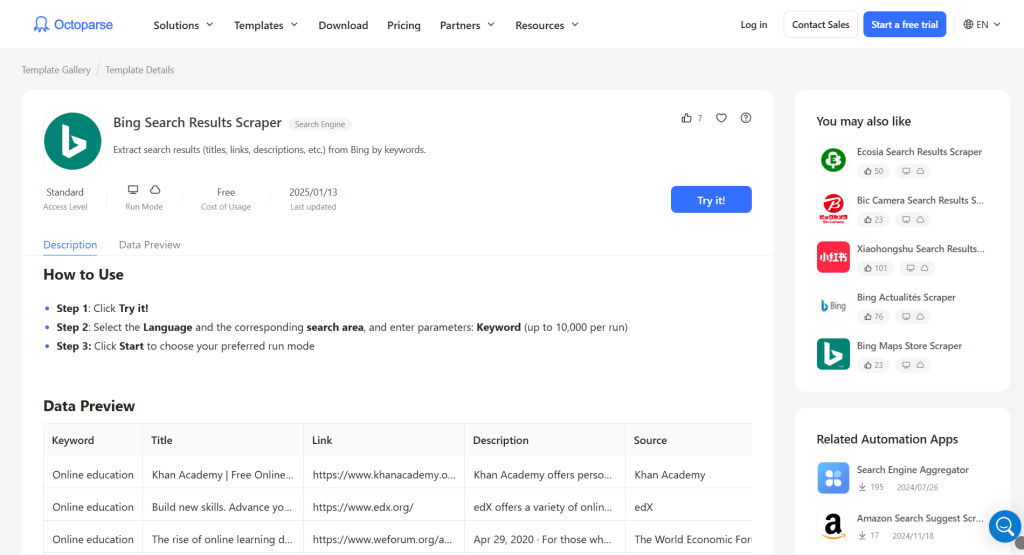
You can scrape Bing search results without writing any code. Tools like Octoparse, ParseHub, or Browse.ai are great for this. They allow you to build a Bing scraper by clicking on the screen. This is ideal for teams that need data fast.
Example Tools:
- Octoparse: Best for complex pagination and cloud extraction.
- ParseHub: Good for desktop-based visual selection.
- Browse.ai: Excellent for monitoring changes on search pages.
Step-by-Step with Octoparse:
- Open Octoparse and paste the Bing search URL into the search bar.
- Click the Start button to load the page in the built-in browser.
- Click on the Auto-detect web page data option in the tips panel.
- Verify the detected fields, like Title and URL, in the data preview.
- Select the Next button on the Bing page, choose Loop, and click the next page.
- Click Create Workflow and run the task on your local machine to export it to Excel.
Method 4: Browser Extensions for Instant On-Page Scraping
When you do keyword research, you might want to scrape Bing-related searches immediately. Browser extensions are perfect for this light work. You can extract data from the page you see right now. This is the fastest way to scrape Bing search results for a single keyword.
Example Tools:
- Web Scraper (Chrome extension): Best for building simple maps of page data.
- Data Miner: Offers many pre-made recipes for search engines.
- Simplescraper: A fast tool for quick table extraction.
Step-by-Step with Web Scraper:
- Open Bing and search for a term like best laptops 2026.
- Open the Web Scraper tab in your browser’s dev tools.
- Create a new sitemap and add a selector for the Related Searches section at the bottom.
- Set the type to text and select all related keywords.
- Click Scrape and download the results as a CSV.
How to Identify Key Elements in Bing SERP
To scrape Bing search engine results with precision, you must master the layout of the Search Engine Results Page (SERP). Bing uses specific HTML classes to organize data. Identifying these elements allows your Bing scraper to pull clean data without noise.
- Organic Results: These are the primary listings. Bing wraps each entry in a container with the “.b_algo” class. The title usually sits within an “h2” tag, while the source link is in an “a” tag.
- Descriptions: The summary text for each result is found under the “.b_caption” class. You need this to scrape Bing search results for content analysis.
- Related Searches: Located at the bottom, these sit in the “.b_rs” section. Target this to scrape Bing-related searches for keyword research.
- URL Patterns: Use the “q=” parameter for queries and “first=” for pagination. Understanding these helps you scrape Bing search across multiple pages.
Conclusion
Mastering how to scrape Bing search results gives you a massive advantage in today’s data-driven market. Throughout this guide, we explored various methods to collect information, from Python automation and Playwright for dynamic content to simple no-code tools and browser extensions. Each approach helps you build a more efficient Bing scraper to monitor competitors and track rankings.
Success depends on your ability to navigate the SERP structure and bypass anti-bot filters. Using a reliable proxy service like IPcook is the most effective way to ensure your requests remain anonymous and uninterrupted. By choosing the right strategy, you can scale your data collection and gain deep insights into any niche.