Open-source large language models have closed the gap with commercial APIs faster than most people expected. The remaining question for developers and small teams is not whether an open model is good enough, it’s where that model actually runs. Every prompt sent to a hosted API leaves a trace on someone else’s infrastructure, and for teams working with proprietary code, internal documents, or client data, that trace is a growing liability.
Ollama has become the default way to solve this by making it simple to pull, run, and serve open-source LLMs from your own machine or server. This piece looks at what changes once you move inference in-house, and how to build a setup that holds up under real, daily use rather than just a weekend demo.
Why Teams Are Moving Inference In-House
The appeal of a self-hosted open source llm setup isn’t philosophical, it’s practical. Cloud API costs scale linearly with usage, which turns into a real budget problem once a model gets embedded into a daily workflow like code review, internal search, or customer support drafting. Running the same model locally converts that recurring cost into a fixed hardware investment, and for teams with predictable, high-volume usage, the math tips in favor of self-hosting within months.
The other driver is data handling. Legal and healthcare teams in particular can’t route client documents through a third-party API without triggering compliance reviews that slow everything down. Keeping inference local sidesteps that entirely, since nothing about the prompt or the response ever leaves infrastructure the team already controls.
Getting Ollama Running Without the Guesswork
The installation itself is straightforward: pull the runtime, pull a model, and you have a working chat interface within minutes. The harder part is everything after that first successful test. Which model size fits your hardware, how you expose the API to other internal tools, and how you keep the whole thing running reliably once more than one person depends on it.
Choosing a Model Size That Matches Your Hardware
A 7-billion parameter model runs comfortably on a decent consumer GPU and handles most general tasks well. Push into 30B+ territory and you need serious VRAM or you’ll be waiting on painfully slow CPU inference. The practical approach is to start small, benchmark actual response quality against your specific use case, and only scale up hardware once you’ve confirmed the smaller model genuinely falls short for your team’s tasks.
Exposing the Model to Your Existing Tools
Ollama runs a local API that mimics common LLM interfaces closely enough that most existing integrations need minimal changes. This is where the setup starts paying off: a code editor plugin, an internal Slack bot, or a documentation search tool can all point at the same local endpoint instead of juggling separate API keys and billing for each cloud provider.
Running It Reliably Over Time
A model that works in testing needs a bit more scaffolding to survive daily use by a team. Automatic restarts after a crash, disk space monitoring since model files run into the tens of gigabytes, and a plan for updating models without breaking whatever depends on them are the unglamorous parts that actually determine whether the setup sticks around past the first month.
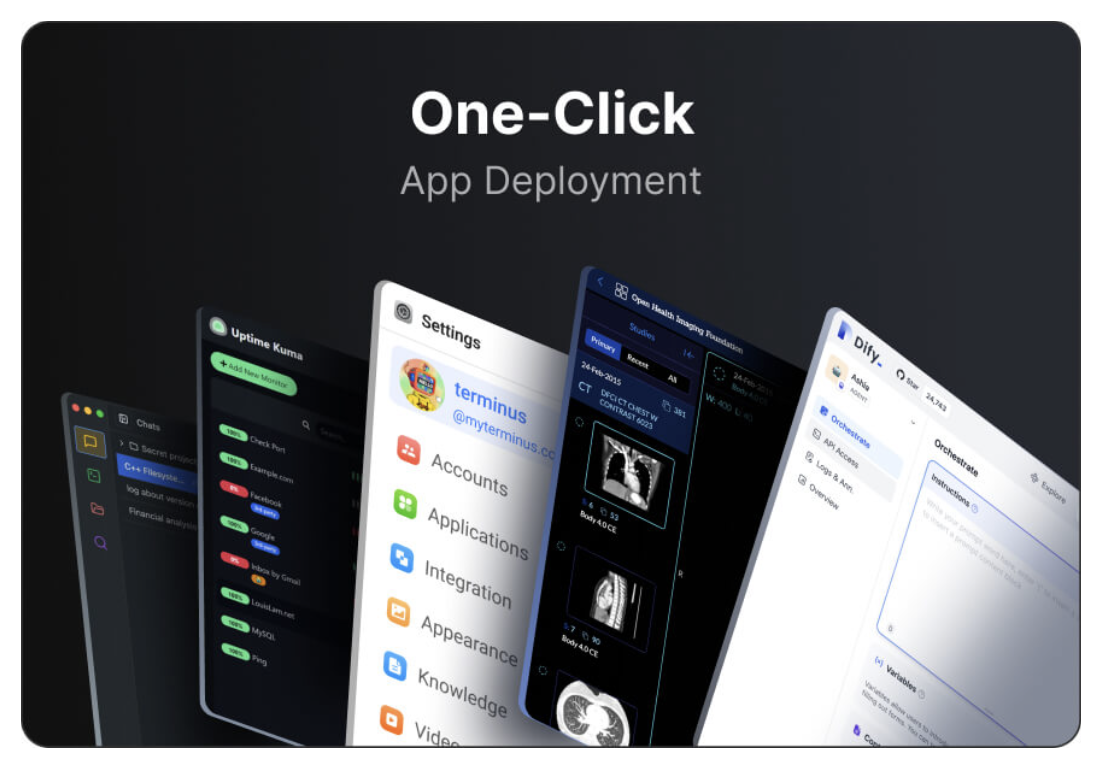
This is also where a self-hosted platform earns its keep. Olares packages Ollama alongside the other infrastructure a private AI setup needs, so instead of manually wiring together storage, networking, and process management, those pieces come configured out of the box. It doesn’t remove the need to understand what’s running, but it removes a lot of the tedious setup work that causes people to abandon self-hosting halfway through.
What Changes for Your Workflow Day to Day
Once the model is running reliably, the day-to-day difference is mostly about latency and control. Local inference on decent hardware often responds faster than a round trip to a cloud API, especially for shorter prompts. And because you control the model version, nothing changes underneath you without warning, which matters a lot for workflows built around a specific model’s quirks and behavior.
Building an AI Setup That Answers Only to You
Self-hosting an open source LLM with Ollama trades a bit of setup complexity for real control over cost, data, and reliability. The initial hours spent picking the right model size and wiring up integrations pay off in a system that doesn’t bill you per token and doesn’t send your team’s work anywhere you didn’t choose.
Start with a model that fits comfortably on the hardware you already have, get one real workflow running against it, and expand from there once you’ve seen it hold up under actual use.