Ten AI app builder and vibe coding platform picks, reviewed on what each one hands back after the prompt
Plenty of shortlists of the best AI app builders for 2026 read like they were written from the vendors’ homepages. This one comes from using every tool on it. I built with each of the ten, from a prompt through to an app someone else could log into, and paid attention to the parts a demo skips: what the prompt returns, what it costs to change the result on a Tuesday, whether a client can sign in without an engineer wiring it, and who is left holding the app once it has real users.
Each entry explains what the tool is, how you build with it, where it shines, where it strains and the situation it fits. The entries run long because the differences live in the details, and a one-line verdict would hide most of them. Prices reflect annual billing on the vendors’ pricing pages as of September 2026 and change often.
Can you build a real app with AI in 2026? Yes, on every platform below. What you get back varies a lot, from a finished app with permissions and hosting handled to a repository your team now owns, and that difference shapes the price you’ll pay in month six and whether the person who built the thing can still change it after the AI credits run out.
The 10 best AI app builders, reviewed
1. Softr 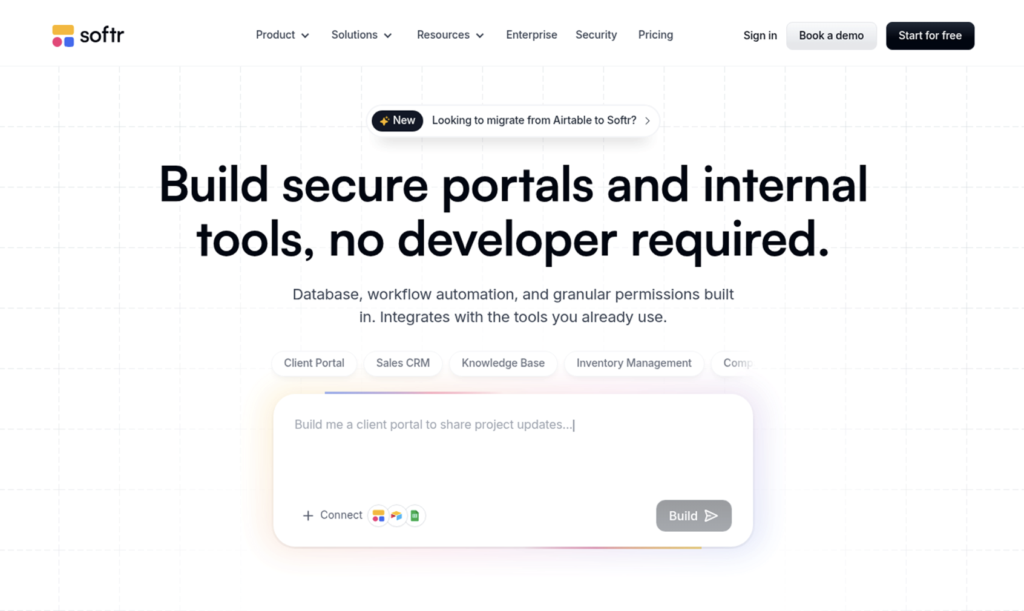
What it is: Softr exists for operations teams that need secure client portals, internal tools and business apps without writing code or waiting on developers, and it calls itself an AI app builder for that job and no other. The company reports more than a million builders and over 7,000 organizations on the platform, from solo founders to enterprises including Google, Netflix and Stripe. The product is a full stack in one place: Softr Databases for the data, an app layer for portals and dashboards, Softr Workflows for automation and Softr Forms for intake, so a team doesn’t patch together three subscriptions to ship one tool.
How you build: You describe the app in a sentence, something like “a vendor onboarding portal where suppliers upload documents and my team approves them,” and the AI Co-Builder generates the relational database, the pages and layouts, and the user groups and permissions. Everything arrives connected and ready for real users, and the Co-Builder can then help set up workflows for approvals and notifications as a next step.
From there you keep working in whichever mode suits the change: prompt the Co-Builder again, or open the visual editor and adjust the block, the role or the automation by hand. There’s no generated code to maintain, which is the line between a governed platform and a vibe-coded app that someone has to debug and host down the line, and the pricing FAQ makes a point that matters on a Tuesday afternoon: when the monthly AI credits run out, you keep building in the editor. If your team already works inside Claude, ChatGPT, Codex or Cursor, Softr’s MCP server lets that agent create and update databases, pages, custom blocks and workflows in Softr, on every plan and without spending Softr credits.
Advantages: The permission model is the reason portals work here. Admins see everything, clients see their own records, and global data restrictions enforce that at the row level on the server rather than in a script somebody has to remember to update. Softr connects to the data a company already runs on, including Airtable, HubSpot, SQL databases, Google Sheets and Notion, or stores it in Softr Databases with no third-party API limits and instant syncing to the app.
Hosting sits in Frankfurt, Germany, and Softr is GDPR compliant with a SOC 2 Type II report. Pricing follows an app-user model rather than traditional per-seat licensing, which makes external portal audiences more predictable to price.
Limitations: Softr optimizes for desktop use; apps are responsive and can install as PWAs, but a team whose users live on phones will find a mobile-first builder more natural. Designers who want pixel-level control over animations and unusual layouts will hit the edges of the block system. Some governance features, such as global data restrictions and installable mobile apps, start at the Business plan ($329 a month on annual billing), with Basic at $19 and Pro at $99, and a Free plan that includes unlimited apps and five app users. A team that wants a fully white-labeled portal needs Pro, where Softr branding comes off and granular permissions unlock.
Where it fits: A department lead who has been running client updates through spreadsheets and email and needs the portal live this week, with server-side permissions designed for business use and a bill that finance can forecast. and a bill finance can forecast. It also fits the enterprise team that wants SSO, SCIM and audit logs from the Enterprise plan without adding a codebase to the security review, and the agency that stands up one portal per client and would rather count app users than seats.
2. Glide
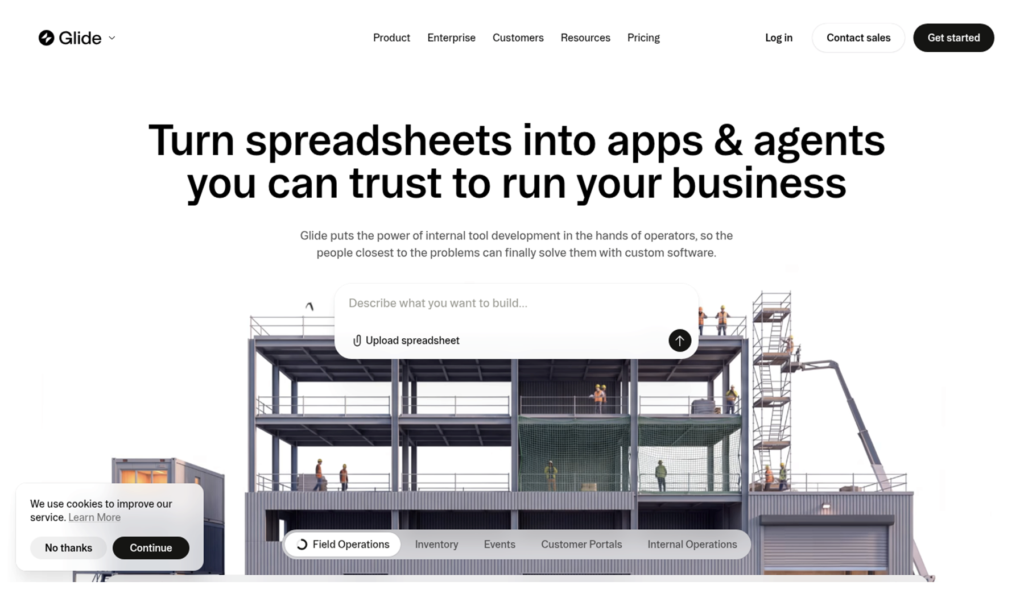
What it is: Glide turns spreadsheets and prompts into business apps and agents, with a heritage in mobile-first internal tools. Its current positioning is “AI app builder for internal business apps,” and it carries one of the larger review bases in this category, a 4.7 rating from about 820 reviews on G2 under its Glide Classic listing.
How you build: Start from a Google Sheet, an Excel file or Glide Tables, or describe the app and let the AI lay it out. The editor is visual and forgiving for a first-time builder, and the resulting apps look good on a phone without extra work, which is the reason field teams and small operations groups keep choosing it. Glide’s AI columns and agents can enrich or summarize rows inside the table, and a template gallery covers the common internal-tool shapes, so a first version seldom starts from a blank screen.
Advantages: Glide is the better mobile-first builder in this group. Setup from a spreadsheet takes minutes, the component library is coherent, and agents can automate routine data work inside an app. For a team whose users are on the move, that combination is hard to beat.
Limitations: Cost is the recurring complaint from Glide’s own reviewers, who describe pricing that climbs as an app grows and a fixed app structure that limits design once requirements get complicated. Plans run Free, Basic at $25, Plus at $50 and Pro at $125 a month, metered by credits and team members, so external users and heavier data sources push the bill up in steps. External data connections beyond spreadsheets are thinner than on portal-focused platforms, and complex relationships and permissions take workarounds.
Where it fits: A mobile-heavy internal tool built on data that already lives in a spreadsheet, where the user count stays modest and the design can follow Glide’s structure rather than a brand guideline.
3. Knack
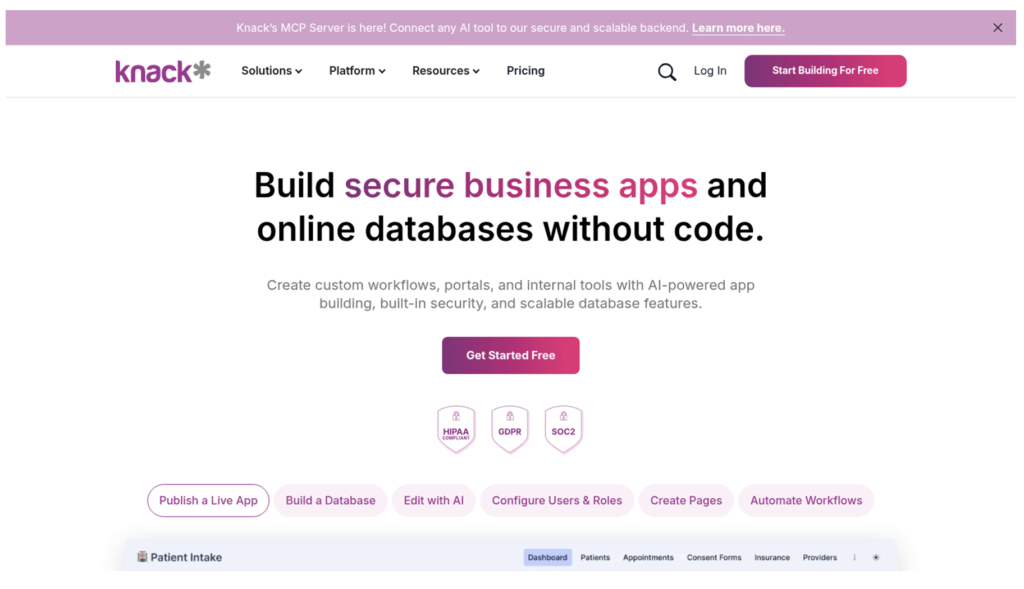
What it is: Knack is a long-running no-code platform for database-driven business apps and online portals, now with an AI builder layered on top. It sells on unlimited users and roles at every tier, and holds a 4.3 rating from 115 G2 reviews.
How you build: Model the database first (Knack is opinionated about structure), then compose pages, forms and views over it, with the AI assistant drafting tables and screens from a description. It rewards teams that think in records and relationships, and its portal features, such as user logins, role-restricted pages and payment forms, sit inside the same builder rather than in a separate product.
Advantages: Unlimited users on every plan makes Knack one of the few options where a portal for hundreds of members doesn’t change the price. Record-based tiers (20,000 records on Starter, 50,000 on Pro) are easy to reason about, and 2FA for app users arrives on Pro.
Limitations: Reviewers on G2 flag missing features and limited customization as the main frustrations; the visual layer feels dated next to newer builders, and the AI generation covers less of the app than platforms that produce workflows and permissions in the same pass. List prices are $59 (Starter) and $130 (Pro) a month, with promotional rates well below that, so quotes need checking at purchase time. Advanced SSO is a paid add-on.
Where it fits: A records-heavy application for a membership organization, a school or a small agency that values unlimited users over polish and has a builder willing to plan the data model up front.
4. Bubble
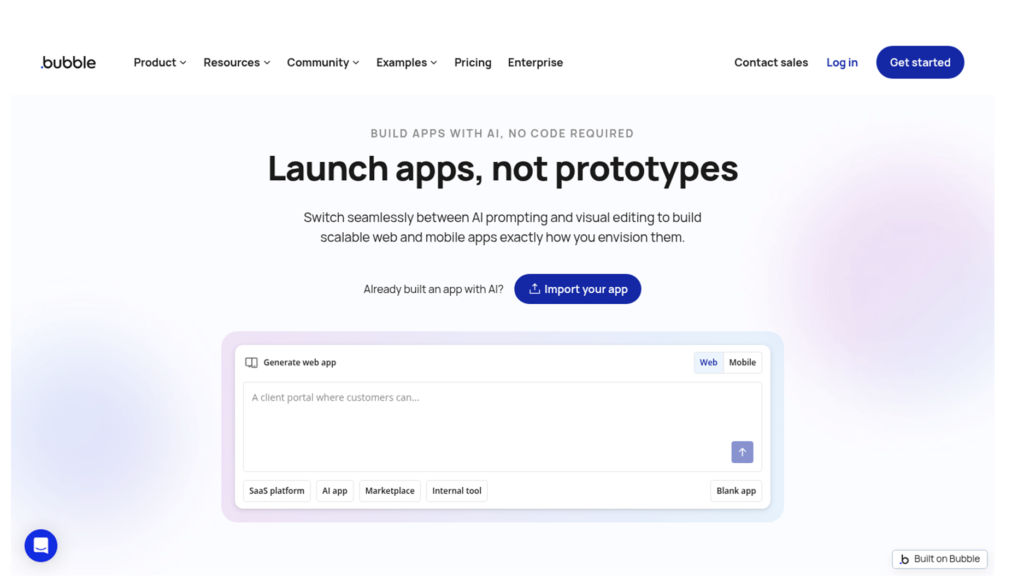
What it is: Bubble is the veteran no-code platform for full web and mobile apps, now marketed as an AI app builder that lets you “build with AI when you want speed, edit in the visual editor when you want precision.” It owns design, database, logic and privacy rules in one environment and carries a 4.4 G2 rating across 166 reviews.
How you build: Prompt Bubble for a starting point, then work in its editor, which exposes pixel-level layout control and a workflow system deep enough to build a SaaS product. Native iOS and Android output is part of the current product, and the database, logic and privacy rules all live inside the same project, so a determined builder can ship a complete application without a second tool.
Advantages: If the app needs fully custom layouts, interactive animations or heavy branding, Bubble gives you more room on the front end than any other no-code platform on this list. Its plugin ecosystem and community are the largest in no-code.
Limitations: That freedom comes with a learning curve reviewers describe as steep, and permissions, login pages and onboarding flows have to be built rather than switched on, so a client portal takes longer to reach a state a compliance officer will sign off. Pricing is metered in workload units (50,000 a month on the Free plan, scaling through Starter, Growth and Team tiers), which makes the bill harder to forecast than a per-user or per-app-user model. Bubble’s own pricing page lists the current dollar tiers; the Starter plan has started around $29 a month on annual billing in recent published tiers.
Where it fits: A product team building a consumer-grade web or mobile app with custom design requirements and someone on staff who can invest weeks in the editor.
5. Retool
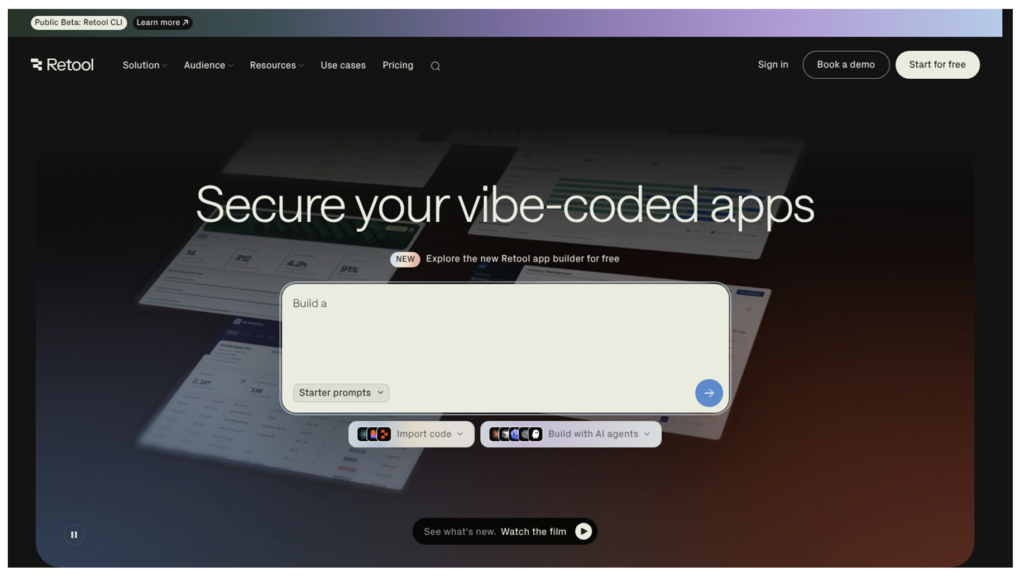
What it is: Retool is the internal-tools platform engineering teams reach for, connecting to any database, API or model and now leading with AI generation and a “secure your vibe-coded apps” message. It rates 4.6 on G2 from 360 reviews.
How you build: Drag components onto a canvas, then wire them to queries. SQL and JavaScript show up fast, because that’s how Retool expresses logic, permissions and row-level filtering. AI can scaffold an app and write queries, but the result lives in a developer’s mental model, and Retool Workflows for scheduled jobs and automations assume the same scripting comfort.
Advantages: Version control, audit logs and role-based access are mature, and self-hosting is an option. Engineering teams like it because it behaves like software they already understand and connects to everything.
Limitations: Retool is a technical product with a complex setup for anyone who doesn’t write SQL, and G2’s summary of reviewer complaints leads with the learning curve and feature gaps that need workarounds. External-facing portals aren’t its focus; client logins and onboarding have to be engineered. Pricing charges per user for builders and for end users (Team at $10 per standard user and $5 per end user a month, Business at $50 and $15), which scales in the wrong direction for a customer or partner portal.
Where it fits: Internal admin tools owned by an engineering group that wants code-level control and audit trails.
6. Microsoft Power Apps
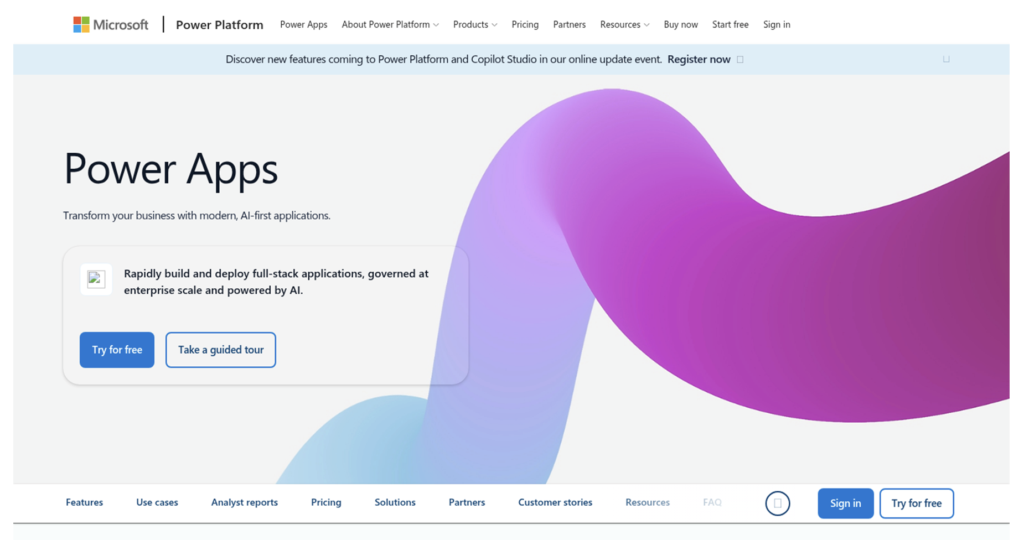
What it is: Power Apps is Microsoft’s low-code builder inside the Power Platform, with Copilot generating apps from descriptions and Dataverse underneath. For organizations standardized on Microsoft 365, it’s the default enterprise answer, rated 4.3 on G2 from 570 reviews.
How you build: Describe the app to Copilot, or start from a SharePoint list or Excel table, then refine in the studio. Deep integration with Teams, SharePoint and Dynamics is the whole point, and Power Automate handles the workflow side, so an organization that already pays for Microsoft 365 finds much of the plumbing in place.
Advantages: Governance is the strength: environments, data-loss policies, admin controls and identity all come from the same tenant IT already manages. Reviewers praise how the ecosystem fits together.
Limitations: The same reviewers report a steep learning curve for anything past a simple form app, slow performance on large datasets and costs that climb at scale. Licensing runs $20 per user per month on the Premium plan (or $12 with a 2,000-seat minimum), and every external client, vendor or partner who logs in needs a license or a pay-as-you-go charge of $40 per active user per app each month, which is the opposite of what an external portal wants.
Where it fits: Internal apps inside a Microsoft-standardized enterprise where the IT team already administers Power Platform.
7. Lovable
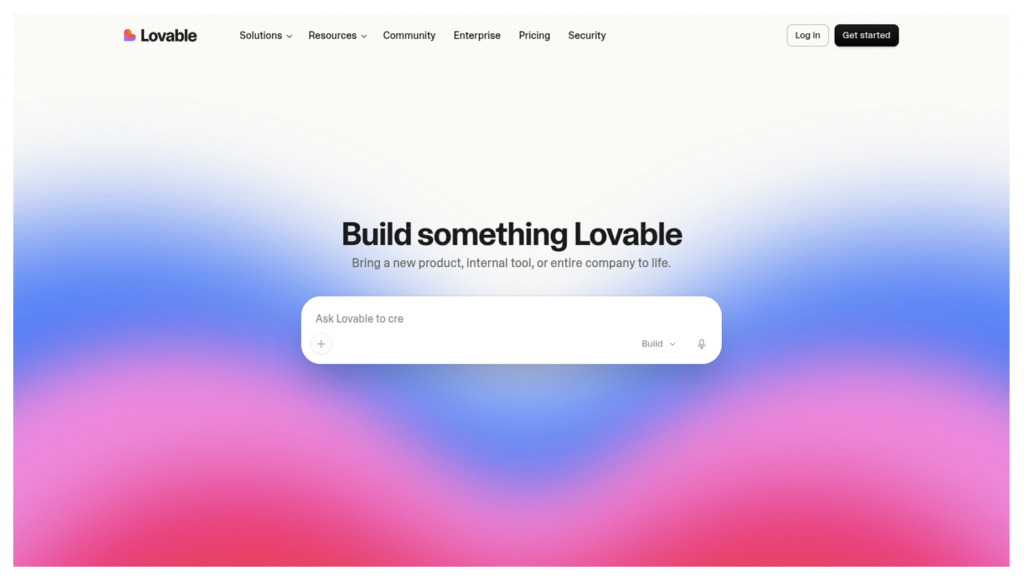
What it is: Lovable is the most visible vibe coding platform of 2026, an “AI software engineer” that turns a chat into a full-stack web app with a React front end and a Supabase backend. It rates 4.6 from 428 G2 reviews, with ease of use as the top praise.
How you build: Chat, preview, chat again. Each prompt spends credits; the app updates in a live preview; code syncs to GitHub. A visual editing mode handles small adjustments, but anything structural goes back through the prompt, and an Agent Mode lets the AI work through multi-step tasks on its own, exploring the codebase and debugging as it goes, at a higher credit cost.
Advantages: Nothing gets from idea to a clickable, deployed prototype faster. The code uses mainstream frameworks, so a developer can pick it up later, and export means no lock-in.
Limitations: Lovable’s reviewers describe credit use as unpredictable, with a documented “credit system” complaint cluster on G2, and note that a small request can introduce regressions elsewhere in a complex project. Even cosmetic changes consume credits when they go through the prompt. Permissions, external user flows and governance require custom implementation, and the finished product is code somebody has to secure and maintain, which is why teams that begin here often end up hiring an engineer. Plans: Free, Pro at $25 a month for 100 credits, Business at $50.
Where it fits: A founder validating an idea, a product manager building a demo, or a developer who wants a head start on a codebase.
8. Bolt
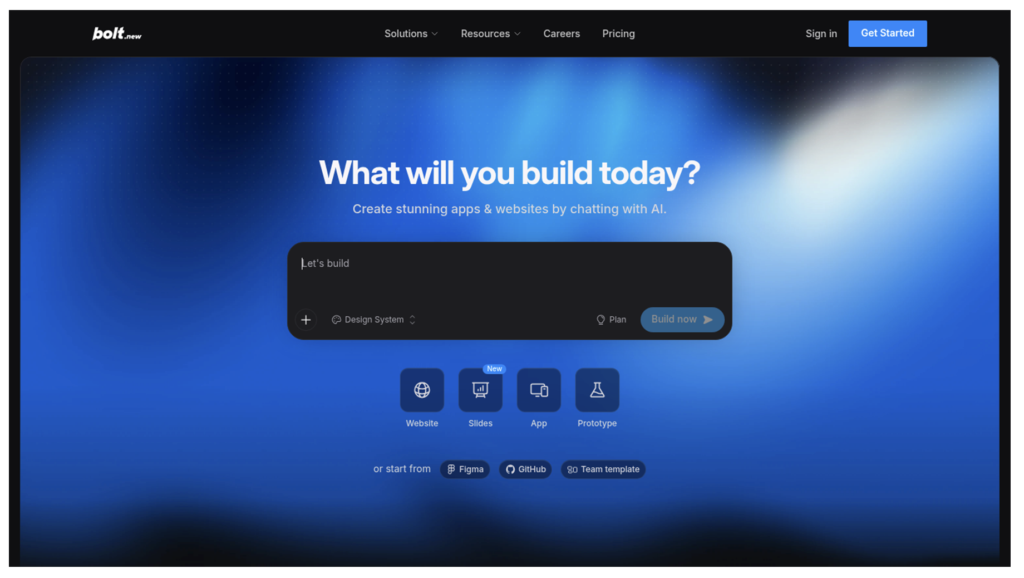
What it is: Bolt (bolt.new) is a browser-based AI builder that generates full-stack applications, React and Node with a Postgres schema, and deploys them in a click. It holds a 4.3 rating on G2 from 95 reviews.
How you build: Prompt, watch the code stream in, preview and iterate. Bolt syncs the whole project to the model on each prompt, which is what makes it capable and also what makes it consume tokens in proportion to project size. The whole environment runs in the browser through WebContainers, so there’s nothing to install, and deployment to Netlify is a single click once the preview looks right.
Advantages: Full ownership of a standard stack, GitHub sync, one-click deployment and a choice of database provider on paid plans. For a technical builder, it compresses days of scaffolding into an afternoon.
Limitations: Bolt’s reviewers report that token consumption is hard to estimate, that the AI sometimes makes broader changes than asked, and that generated code gets messy as a project grows and needs refactoring before production. There’s no native permission model or user management for business users; those are code you write, and once the app is live the repository, its hosting and its security patches belong to your team rather than to Bolt. Free includes one million tokens a month with a daily cap; Pro is $25 a month for ten million tokens; Teams runs $30 per user.
Where it fits: Rapid SaaS prototypes and demos by developers who intend to keep the code.
9. Replit
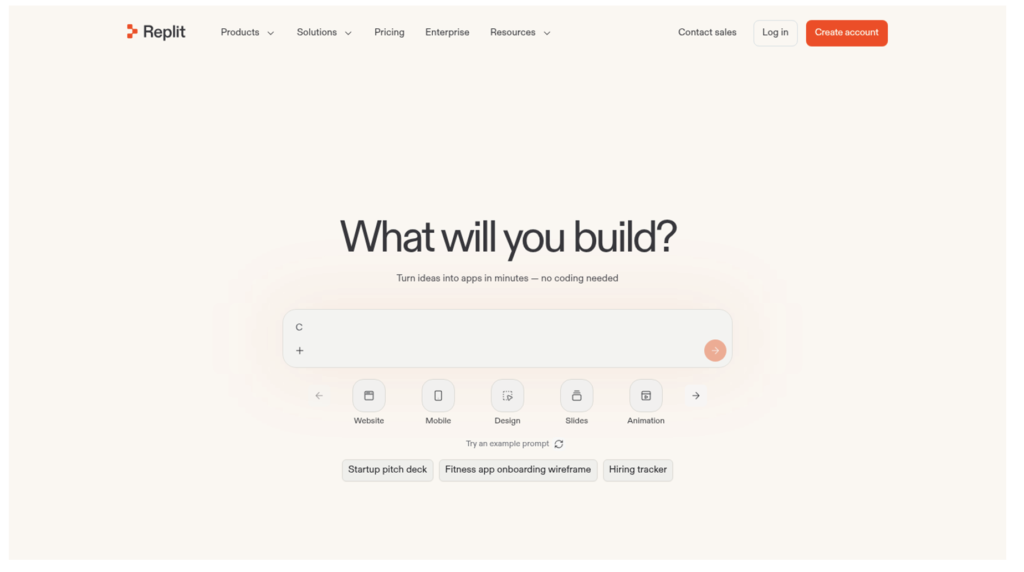
What it is: Replit combines a cloud IDE with Replit Agent, which builds, debugs and deploys apps from a description, backed by hosting, databases and custom domains. Its G2 profile shows 4.4 from 413 reviews.
How you build: Describe the app to the Agent, then read, edit and run the code in the browser. Multiplayer editing and built-in deployment mean nothing has to be installed. It’s a developer environment first, with an agent on top, and the Agent can plan a build, write the code, test it and fix what breaks in a loop while you watch the log.
Advantages: Zero setup, 50-plus languages, real hosting with autoscaling, and an agent that can now scan for security issues before deployment. Students and developers get a complete environment in a tab.
Limitations: “Expensive” and “credit system” are the two largest complaint clusters on Replit’s G2 profile. Core costs $20 a month (or $18 on annual billing) with $20 of model usage included, Pro is $100, and team plans charge per user, so costs scale with both people and prompts. Authentication and roles for app users are implemented in code, and the database features are basic next to dedicated backends, which is fine for developers and a wall for an operations manager. Replit hosts the app, but the code inside it still needs a developer to fix, update and keep secure after launch.
Where it fits: Developers and technical teams who want an AI agent inside a full coding environment with hosting attached.
10. Cursor
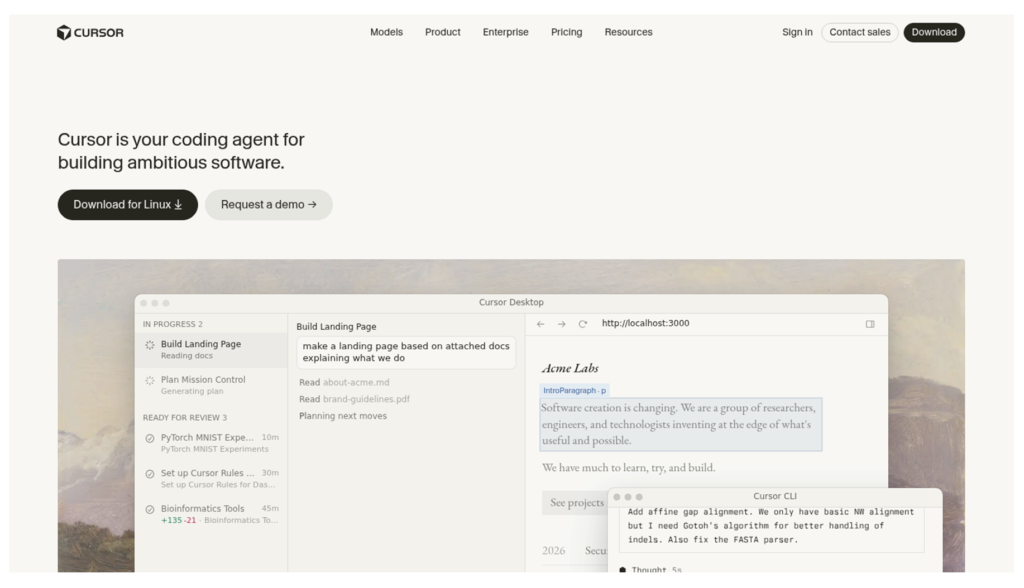
What it is: Cursor is an AI coding agent built into a VS Code-style editor, “your coding agent for building ambitious software.” It’s the tool professional developers use to write code faster, rated 4.6 on G2 from 323 reviews.
How you build: Open a repository, hand tasks to agents that edit across files, review diffs, run Bugbot on pull requests. Cursor doesn’t generate a business app for a non-developer; it accelerates someone who already builds software, and it does that across the entire project rather than one file at a time, which is what separates it from an autocomplete plugin.
Advantages: Multi-file agents, background agents and project-wide context make it the strongest pure coding assistant on this list. Pricing is simple: Pro at $20 a month, Teams at $40 per user.
Limitations: It belongs among the best AI app builders only as the developer end of the spectrum. There’s no database, hosting, auth or permission layer unless you build them, everything Cursor produces is code your engineers will maintain for the life of the app, and G2 reviewers note usage limits on heavier plans and occasional poor suggestions. A Cursor user who wants a governed business app can point the editor at Softr’s MCP server and build there instead.
Where it fits: Engineering teams shipping production software who want an agent in the loop, not a platform.
How to pick among the best AI app builders in 2026
Which is the best AI app builder depends on the answer to a single question: who maintains the app after launch? If the honest answer is “nobody technical,” Softr leads on the strength of an AI Co-Builder that returns the database, the pages and the permissions in one pass, a visual editor that costs nothing to use, EU hosting with SOC 2 Type II behind it and a bill that tracks app users instead of seats. If the answer is “our developers,” Lovable, Bolt, Replit and Cursor give you ownership and speed, with the maintenance that ownership implies. Answer that question first and the brand choice gets much easier.