Paying for three separate premium AI plans can push your monthly bill toward $60 before you add any specialist tools. It also splits your conversations, files, and workflows across several apps. We compared multi-model AI platforms by model access, billing flexibility, ease of use, privacy controls, and suitability for everyday chat.
The best option depends on whether you want a polished chat app, pay-as-you-go access, an API, or a bring-your-own-key interface. These seven alternatives let you use multiple AI model families without maintaining three separate consumer subscriptions.
Key points
- Multi-model platforms combine access to GPT, Claude, Gemini, and other model families through one interface, but usage limits and model availability vary.
- NanoGPT is the best overall alternative for flexible users because it offers pay-as-you-go chat at listed model rates, an optional subscription, and no need to fund three recurring plans.
- Poe and ChatHub are easier for subscription-first users, while OpenRouter and TypingMind better suit developers and people who want more control.
Quick answer: the best alternatives to separate AI subscriptions
- NanoGPT: Best overall for using leading AI models through one privacy-focused, pay-as-you-go chat platform.
- Poe: Best for people who want a consumer-friendly app with many official and community-created bots.
- OpenRouter: Best for developers who want one API for hundreds of models and providers.
- TypingMind: Best for users who prefer a polished bring-your-own-key chat interface.
- Merlin: Best for browser-based productivity, web summarization, and writing assistance.
- ChatHub: Best for comparing answers from several AI models side by side.
- Perplexity: Best for citation-led research and current web questions rather than general-purpose model switching.
Comparison of the best multi-model AI platforms
| Platform | Best for | Billing model | Main advantage |
| NanoGPT | Flexible everyday use | Pay as you go; optional subscription | Multiple leading models with transparent per-use costs |
| Poe | Simple consumer experience | Free access and subscription plans | Large catalog of official and custom bots |
| OpenRouter | Developers and API users | Prepaid usage credits | One API across hundreds of models |
| TypingMind | BYOK power users | Interface license plus provider costs | Strong chat workspace using your own API keys |
| Merlin | Browser productivity | Free tier and subscription | Works across websites, search, email, and social apps |
| ChatHub | Side-by-side comparisons | Free tier and subscription | Sends one prompt to multiple models |
| Perplexity | Web research | Free tier and subscription | Answers grounded in linked web sources |
How we evaluated these platforms: We prioritized access to more than one major model family, total cost flexibility, ease of switching models, practical chat features, and clear trade-offs. Model catalogs and limits change frequently, so confirm that your preferred model is included before depositing funds or buying a plan.
1. NanoGPT — best overall alternative
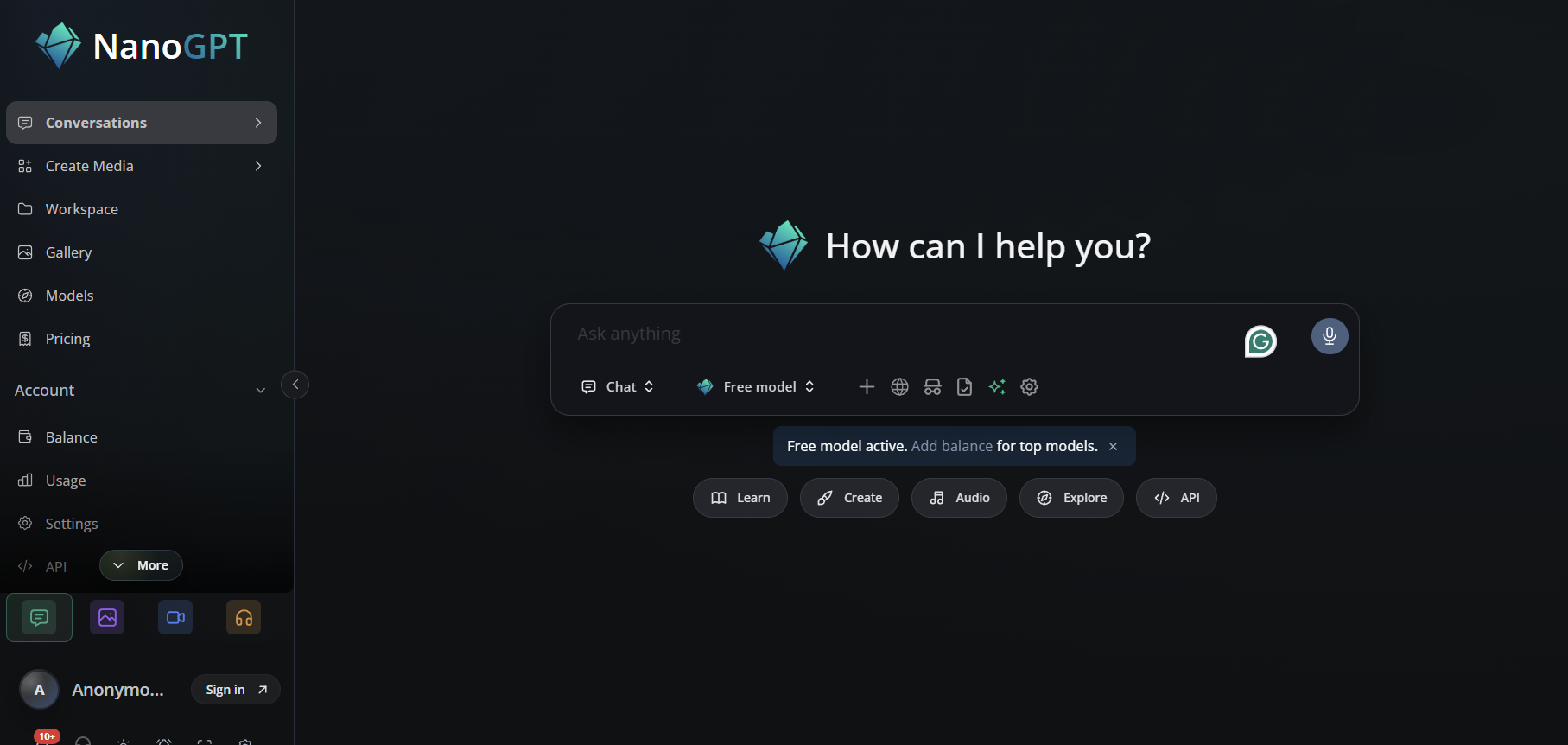
Best for: People who want ChatGPT, Claude, Gemini, and other leading models in one place without committing to several monthly subscriptions.
NanoGPT combines a multi-model web chat with pay-as-you-go billing. You can choose a specific model or use Auto Model Selection to route a task to a suitable option. The platform also supports image, video, audio, and API workflows, making it broader than a basic text-only chat aggregator.
The main advantage is cost control. NanoGPT says text usage in its web chat and API is charged at provider list prices without a percentage markup, except for optional features such as manually pinning a provider or bring-your-own-key requests. Deposits can start from $0.10 with crypto or $1 by card, and an optional $12 monthly subscription is available for users who prefer a plan. Its site also states that chats are stored locally and are not used for training.
Pros
- Pay only for the model usage you consume.
- Access multiple text, image, video, and audio models from one account.
- Auto Model Selection reduces the need to choose a model manually.
- Low minimum deposit and optional subscription.
Cons
- Heavy users must still monitor token and media-generation costs.
- Third-party access may not include every native feature offered inside ChatGPT, Claude, or Gemini.
2. Poe — best for a simple all-in-one consumer app
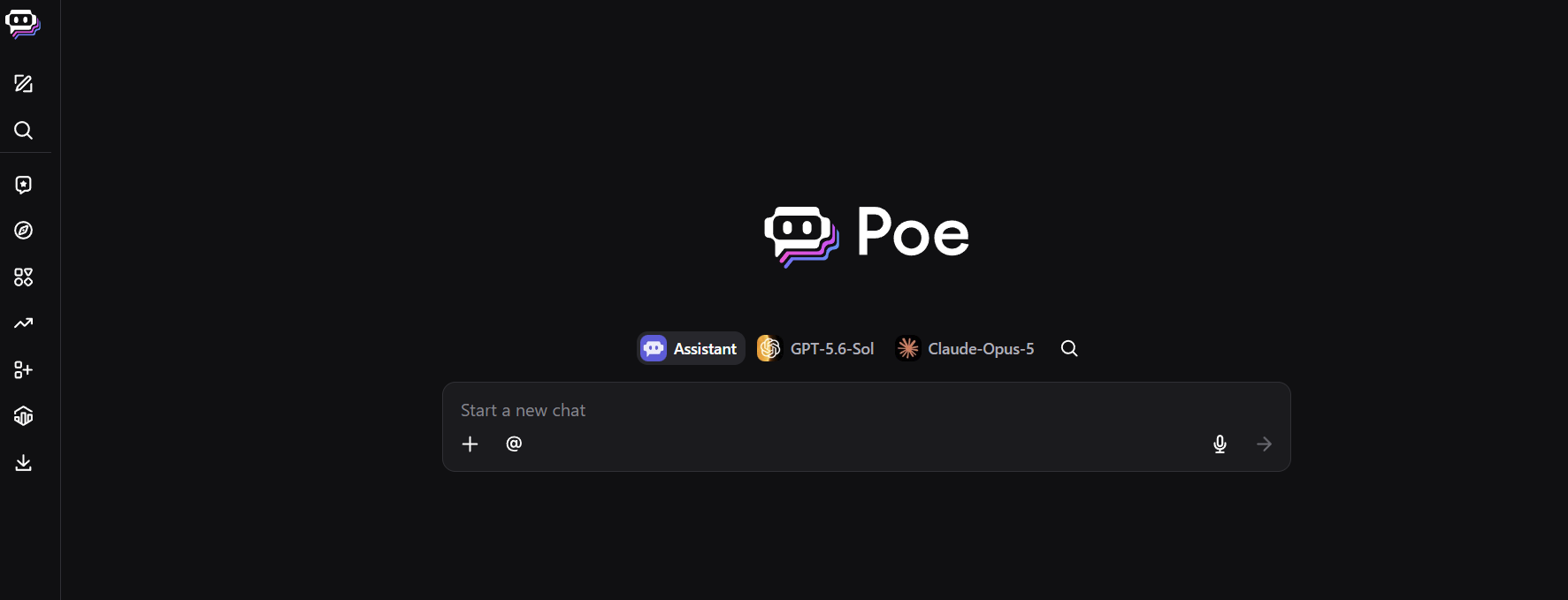
Best for: Users who want an easy chat experience, mobile apps, custom bots, and a broad model catalog.
Poe packages many AI experiences into one consumer-facing product. Its catalog includes bots powered by GPT, Claude, Gemini, Grok, DeepSeek, image generators, video models, and community-built assistants. It also supports multi-bot chat, web search, custom bot creation, group chat, and cross-device history.
Poe is easier to approach than an API marketplace because users spend platform compute points rather than configuring individual provider keys. That convenience comes with a trade-off: different bots consume points at different rates, and access to the most expensive models can use an allowance quickly. It is a strong fit if you value variety and simplicity more than granular token-level billing.
Pros
- Large selection of text and media-generation bots.
- Consumer-friendly web and mobile experience.
- Supports custom bots and conversations with multiple bots.
- Free access is available for testing the platform.
Cons
- The points system can make true per-request cost harder to compare.
- Premium models may consume allowances quickly.
3. OpenRouter — best for developers and API access
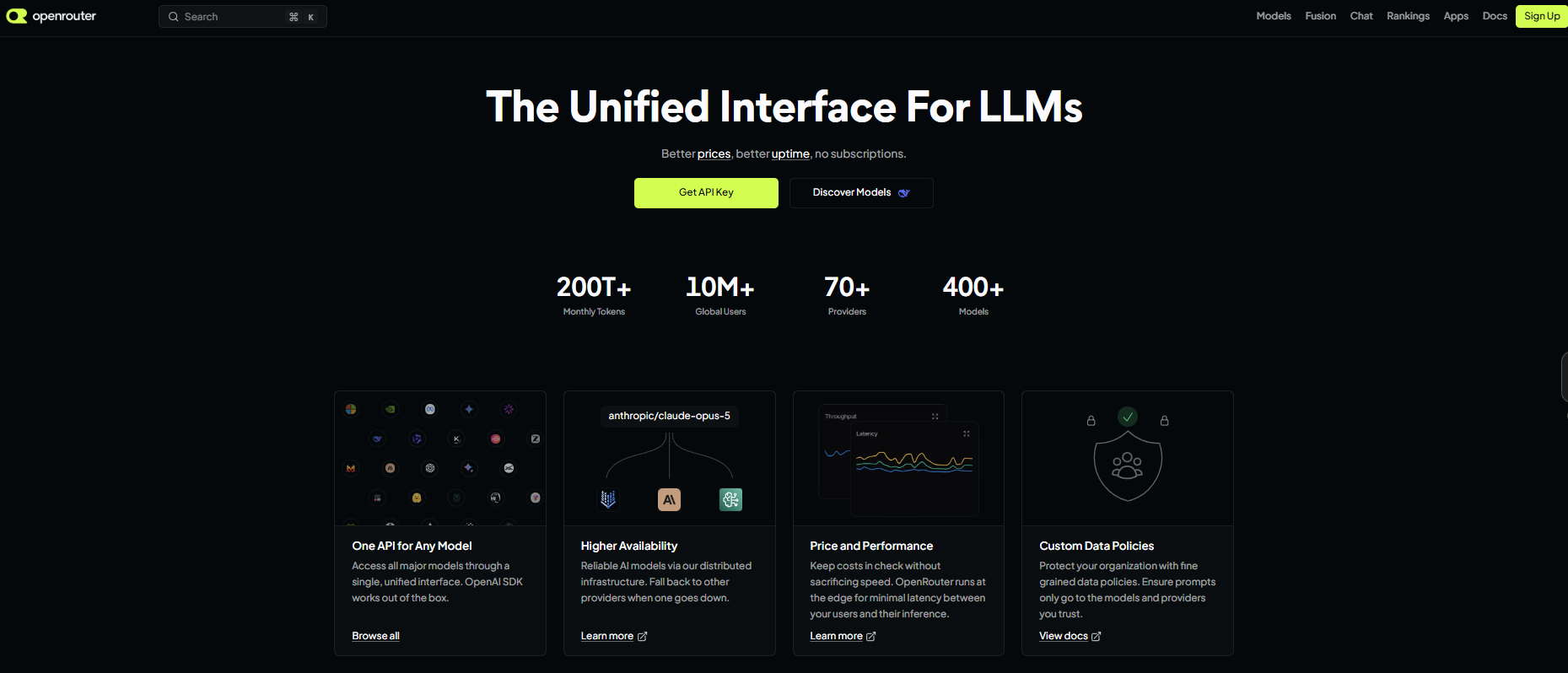
Best for: Developers, technical users, and teams that want one API endpoint for many model providers.
OpenRouter is a unified LLM gateway rather than a direct replacement for the polished ChatGPT consumer app. It provides access to hundreds of models from dozens of providers through an OpenAI-compatible API. Users buy credits, select a model, and can configure routing based on price, performance, availability, or data policies.
This makes OpenRouter useful for coding tools, automations, internal apps, and AI chat front ends. Its provider routing can also improve resilience when one host is unavailable. The drawback is setup: nontechnical users may need a separate interface, and they must understand API keys, model identifiers, context limits, and usage charges.
Pros
- One API for a very large model catalog.
- No recurring subscription is required.
- Provider routing, fallbacks, and data-policy controls.
- Compatible with many apps built for the OpenAI API format.
Cons
- Less beginner-friendly than a dedicated consumer chat app.
- Usually requires a separate front end for a polished chat experience.
4. TypingMind — best bring-your-own-key interface
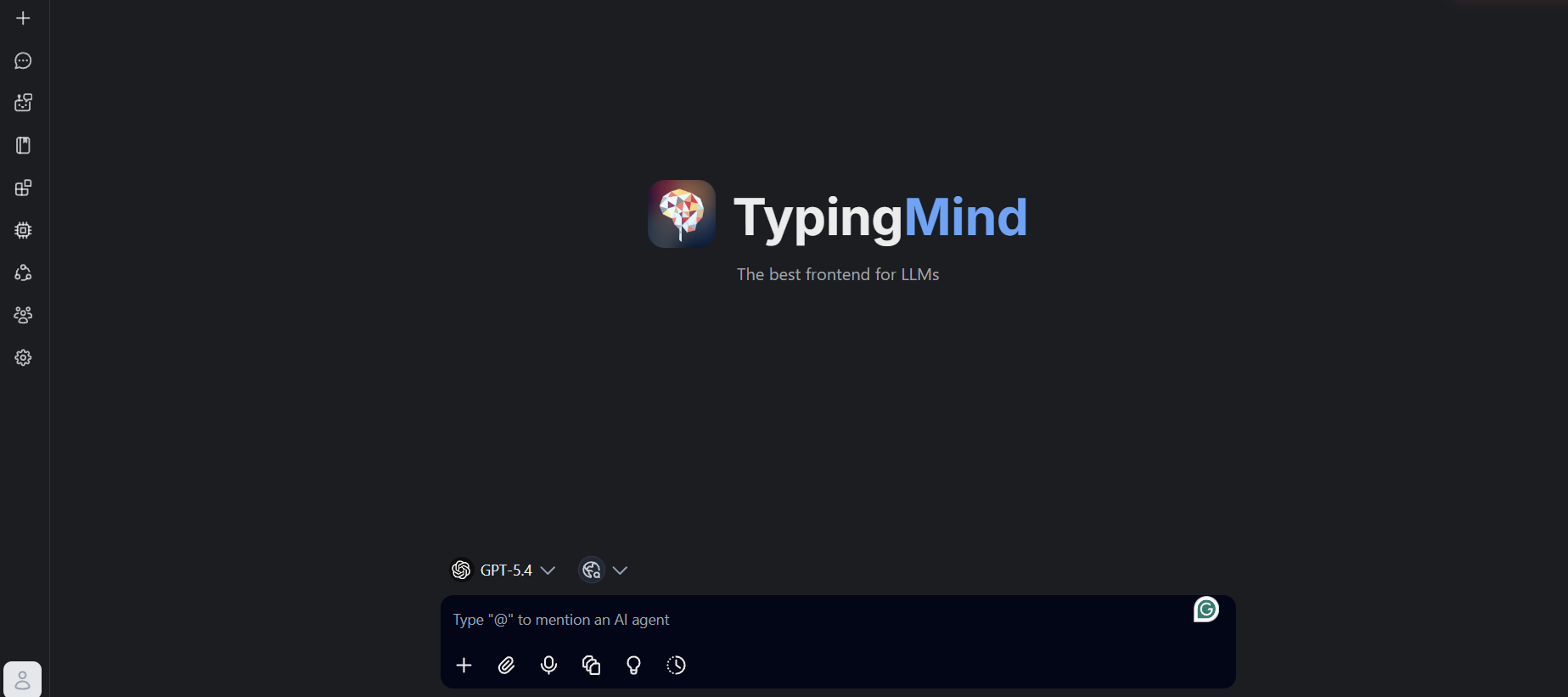
Best for: Power users who want a refined AI workspace while retaining control over provider accounts and API keys.
TypingMind is a front end that can connect to multiple AI providers. Instead of paying TypingMind to bundle every model request, users typically supply their own API credentials and pay the underlying providers for usage. The interface adds practical features such as prompt organization, model switching, chat folders, document interaction, plugins, and custom agents.
This setup separates the cost of the interface from the cost of inference. It can be efficient for users who already have API access and want more control than an all-in-one subscription offers. However, it is not truly one bill: you may still manage balances or invoices with multiple API providers, and API access does not automatically reproduce native features from each vendor’s consumer app.
Pros
- Polished workspace for several model providers.
- Users control their own API keys and provider relationships.
- Useful organization and power-user features.
- Good fit for custom workflows and self-hosted deployments.
Cons
- Requires API setup and separate provider billing.
- The interface license is an additional cost beyond model usage.
5. Merlin — best for AI inside the browser
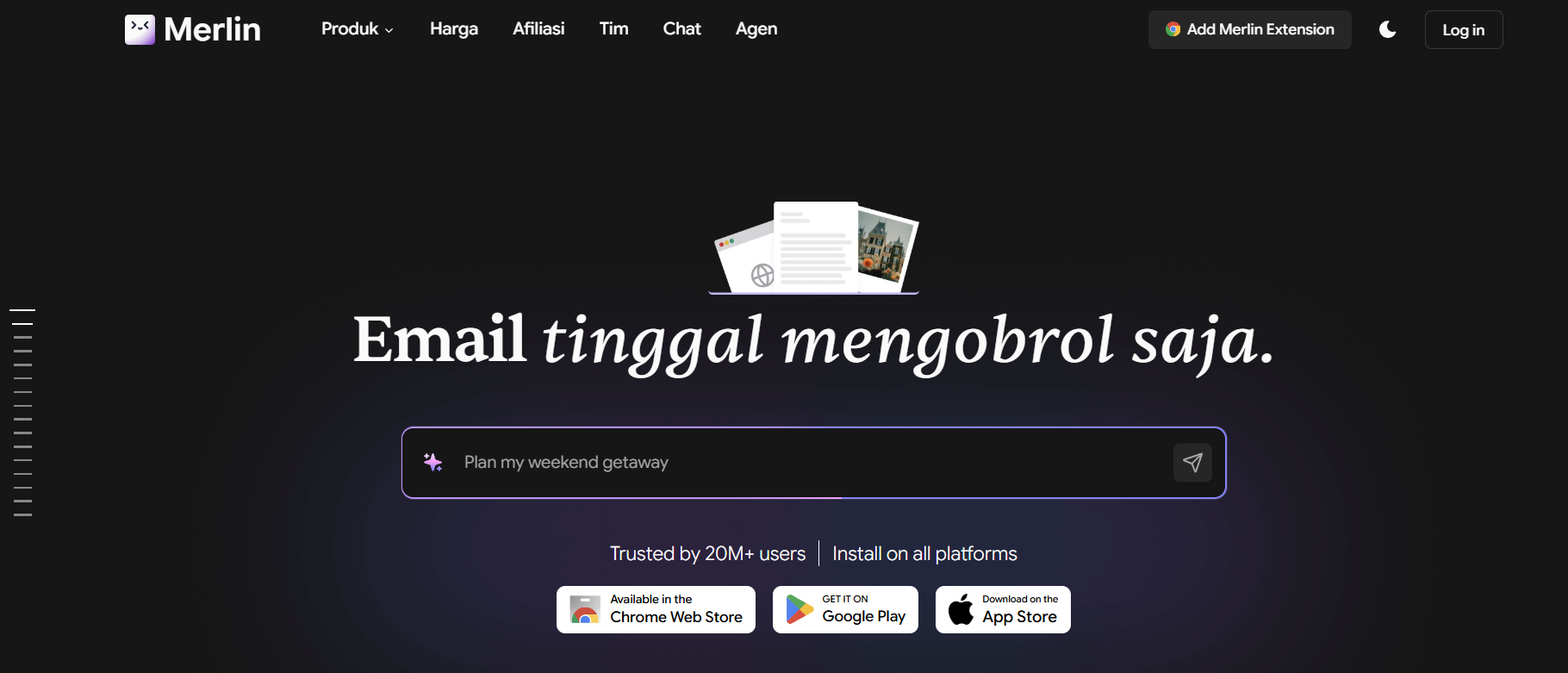
Best for: Marketers, students, researchers, and professionals who want AI assistance without constantly switching tabs.
Merlin combines a web app with a browser extension that can summarize pages and videos, draft email and social content, answer search questions, analyze uploaded files, and access multiple AI model families. Its cross-site workflow is the differentiator: the assistant can work alongside Google Search, Gmail, YouTube, LinkedIn, and other browser-based tasks.
Merlin offers free usage and paid plans with query-based allowances. It is more of a productivity bundle than a transparent model marketplace, so users should check how many queries a particular premium model consumes. It makes the most sense when browser integration saves more time than precise per-token billing would save money.
Pros
- Works directly across common websites and web apps.
- Supports multiple leading and open model families.
- Includes summarization, content, research, and document tools.
- Available through web, browser extension, iOS, and Android.
Cons
- Query allowances vary by model.
- Less transparent than direct usage-based token pricing.
6. ChatHub — best for comparing AI answers side by side
Best for: Researchers, writers, and analysts who want to send the same prompt to several models and compare the responses.
ChatHub is built around simultaneous model comparison. It supports GPT, Claude, Gemini, and more than 20 additional chatbots, with one-prompt-to-many-model workflows that make differences in reasoning, tone, and factual coverage easy to spot. It also includes file analysis, web search, image generation, code preview, and a prompt library.
The platform is available on the web, mobile, and desktop. A free tier helps users test the experience, while premium access expands usage and features. Sending every question to several models can consume an allowance faster than using one model at a time, so comparison mode is best reserved for high-value prompts.
Pros
- Excellent side-by-side answer comparison.
- Supports major models plus additional chatbots.
- Includes file upload, search, code, and image tools.
- Available across several device types.
Cons
- Multi-model queries can use credits or limits more quickly.
- Not necessary for users who rarely compare answers.
7. Perplexity — best for citation-led web research
Best for: People whose main reason for paying for AI is current research, source discovery, and web-grounded answers.
Perplexity takes a different approach from general multi-model chat hubs. It searches the web, synthesizes an answer, and provides links to supporting sources. Paid users can typically choose among several advanced models for eligible searches, but the experience is optimized around research rather than exposing every feature of each underlying model.
That focus can replace several subscriptions for journalists, analysts, students, and knowledge workers who mostly ask factual or current questions. It is less suitable if you need native ChatGPT tools, Claude-specific project workflows, Gemini’s deep Google ecosystem integration, or unrestricted API-style model switching.
Pros
- Source links make research claims easier to verify.
- Strong workflow for current information and follow-up questions.
- Access to multiple model options on eligible paid searches.
- Useful free tier for testing.
Cons
- Research-first interface is less flexible for some creative workflows.
- Does not reproduce the full native feature set of each model provider.
How to choose an alternative to three separate AI subscriptions
Choose pay as you go if your usage changes each month
A usage-based platform is usually the better deal when you use premium models occasionally or switch between cheap and expensive models depending on the task. Check deposit minimums, token rates, media-generation charges, and whether unused balances expire.
Choose a subscription if you want predictable access
A single multi-model subscription is easier to budget, but “access” rarely means unlimited use of every model. Review premium-model limits, point consumption, context-window restrictions, and fair-use policies before subscribing.
Choose BYOK or an API gateway if you need control
Bring-your-own-key interfaces and unified APIs are better for automations, coding assistants, agents, and team applications. They require more setup but usually expose clearer usage data and configuration options.
Check which native features you would lose
Third-party platforms generally provide model access, not an exact copy of each vendor’s app. Features such as custom GPTs, Claude Projects, Google Workspace integration, memory, voice modes, or vendor-specific research tools may remain exclusive to native subscriptions.
Review privacy and data-routing policies
Your prompt may pass through the aggregator, an inference provider, and the model developer. For sensitive work, check retention settings, training policies, provider selection, regional processing, and whether chats can remain local.
Frequently asked questions
What is the best alternative to paying for GPT, Claude, and Gemini separately?
NanoGPT is the best overall alternative for most flexible users because it combines leading model families in one interface and supports pay-as-you-go billing. Poe is simpler for users who prefer a conventional subscription, while OpenRouter is better for API-driven workflows.
Can one app give me access to ChatGPT, Claude, and Gemini?
Yes. Multi-model platforms can provide access to models from OpenAI, Anthropic, Google, and other developers in one interface. However, they may not include every model or reproduce native app features such as projects, memory, custom assistants, or ecosystem integrations.
Is pay-as-you-go AI cheaper than a monthly subscription?
It can be. Pay-as-you-go billing is often cheaper for light or irregular use because you pay only for consumed tokens or generations. A subscription may be more predictable for heavy daily use, although premium-model limits still matter.
What is the best AI chat app with no monthly subscription?
NanoGPT is a strong no-subscription AI chat option because users can add a small balance and pay per prompt across multiple models. OpenRouter also avoids a required subscription, but it is primarily designed for APIs and technical tools rather than casual chat.
Do multi-model AI apps provide the same experience as the official apps?
No. The underlying model may be similar, but the surrounding product can differ. Official apps may offer exclusive voice modes, memory, project organization, connectors, custom assistants, larger allowances, or early access to new capabilities.
Is it safe to use a third-party multi-model AI platform?
Safety depends on the platform’s retention rules, security controls, and provider routing. Avoid entering confidential data until you have reviewed how prompts are stored, whether they are used for training, and which third parties process them.
Can I use these platforms for coding and API automation?
Yes, but OpenRouter and NanoGPT are the most direct options in this list for API-based automation. TypingMind is better as a user interface connected to your keys, while Poe, Merlin, ChatHub, and Perplexity are primarily consumer applications.
Bottom line
You do not need to maintain three separate premium subscriptions just to switch among GPT, Claude, and Gemini. The most economical setup depends on your usage pattern: choose pay as you go for flexibility, one bundled subscription for convenience, or a BYOK/API platform for control.
For most users who want a single chat interface without another large recurring commitment, NanoGPT’s pay-as-you-go pricing offers the strongest balance of model choice, transparent usage costs, and low commitment. Before switching, list the native features you rely on and confirm that your preferred third-party platform supports them.