

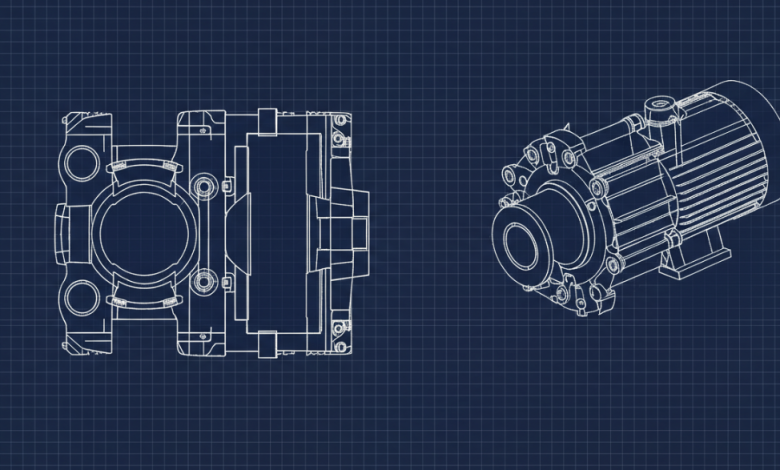
I spend a lot of time staring at grid lines on my monitor. If you work in design or drafting, you know what I am talking about. But the real bottleneck is never the drafting itself. If you hand me a spec sheet with exact dimensions, I can model the part no problem. The actual headache is the early concept phase. It’s that awkward period when a client wants to see five different variations of a custom enclosure before they even know what size it needs to be.
A few weeks ago, I had a client asking for a custom retail display. They had no idea what they wanted. They just asked me to mock up a few different options to see what looked good.
However, CAD software is built for absolute math and precision. It demands exact measurements, constraints, and solid logic. But early client brainstorming is the exact opposite. It’s messy, vague, and constantly changing. You don’t want to spend four hours setting up a beautiful parametric model just to have a client tell you they actually wanted a whole different thing.
That is the exact reason an AI CAD drawing generator has become my favorite shortcut. It’s definitely not about replacing your actual engineering skills. It’s about skipping the heavy modeling work until everyone agrees on a visual direction.
Getting Quick Approvals with Text to Image
Let’s say you are pitching a new product idea. Instead of spending your entire morning modeling different drafts, you can lean on text to image generative design.
You just type a few plain words describing a concept into the prompt box. Maybe you ask for a brushed aluminum housing unit with vented sides. The tool kicks back a batch of concepts in seconds. You can pick out the ones that have no flaws and show those images to the client. After they pick the style they like, you can do the actual precision drafting on the winning design. You just saved yourself a morning of wasted modeling on ideas that were destined for the trash bin.
Translating Those Rough Sketches
Sometimes, the situation is the other way around: your boss or the client has what they want in mind, but their terrible napkin sketch or that blurry photo of a whiteboard scribble just doesn’t translate to a clear visual in your head.
Instead of guessing what those squiggly lines are supposed to be, you can use image to image generation. By uploading a sketch photo, the system turns the messy outline into a clean, readable concept render. Now you can send it right back to the team and ask if this is what they meant. It’s a brilliant way to clarify the scope of a project before you even open your drafting program.
How to Actually Add This to Your Workflow
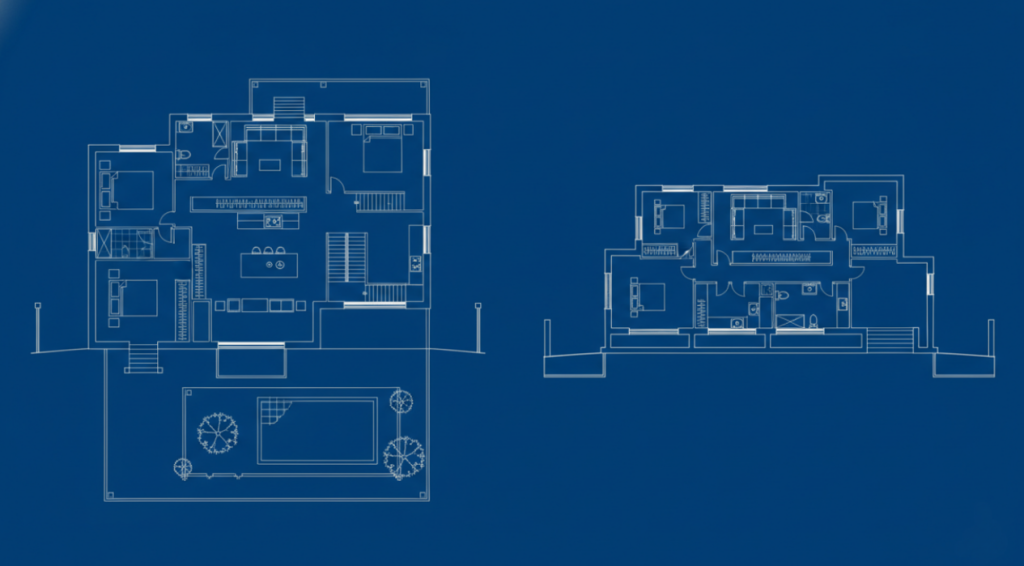
You don’t need to change your whole routine to test this out. If you’ve encountered those annoying situations, it’s worth playing around with an AI CAD drawing generator to see how it fits your workflow.
A good tool lets you handle both text to image and image to image inputs without making you navigate a complicated interface. You just drop in your prompt or a photo (could be a sketch or an inspo moodboard) and get your visuals right away.
Getting your first usable draft only takes three steps:
Step 1: Feed the system your idea.
Open up AIAI.com’s AI CAD Generator. You can either upload a photo of a hand drawn sketch or just type a detailed text description of what you need. A quick picture from your phone works perfectly.
Step 2: Pick your style parameters.
Tell the software what kind of output you are looking for. You can specify if you need a mechanical gear layout, an architectural floor plan, or a simple structural outline.
Step 3: Generate and export.
Hit the button and let the system get to work. Within a few seconds, you will get a clean visual representation. Download the image and bring it into your main drafting software to use as a baseline for your real engineering work.
A Few Questions People Always Ask Me
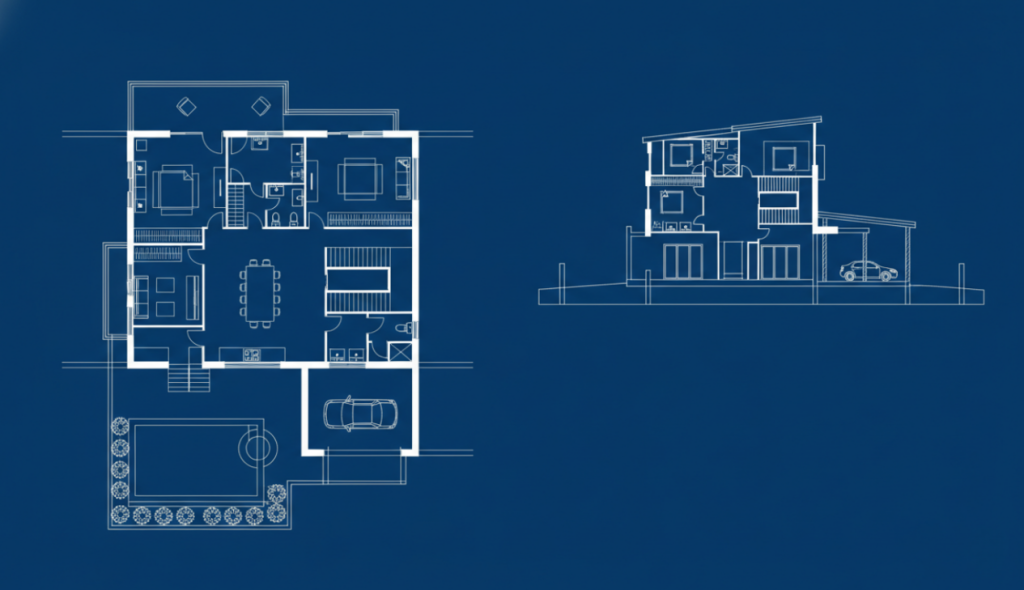
Whenever I show this setup to other designers, I usually get the same few questions. Here is the honest truth about how the technology works.
Is it actually free to try?
Yes, most reliable platforms offer a free tier. You can run a few test drafts and generate a handful of concepts without spending any money. It’s a great way to see if it actually saves you time before you commit to anything.
Will it replace my main CAD software?
Let’s be completely realistic about the technology. This software is not going to output a flawless manufacturing file ready for the CNC machine. The generated images are highly detailed and great for getting visual approvals, but AI drafting software does not understand local building codes, material thickness, or structural loads. You still have to do the real engineering work yourself. But as a communication tool, it’s incredibly useful. It gets everyone on the same page visually.
What kind of files can I upload?
If you are trying to turn a rough sketch into a clean draft, you can upload standard image formats like JPEGs or PNGs. The system is surprisingly good at reading messy inputs and turning them into structured layouts.
Do I need a background in coding to figure this out?
No. The whole point of the tool is to save time, not create a new learning curve. The interface is built for beginners. If you know how to type a basic sentence or upload a photo, you are completely ready to go.