

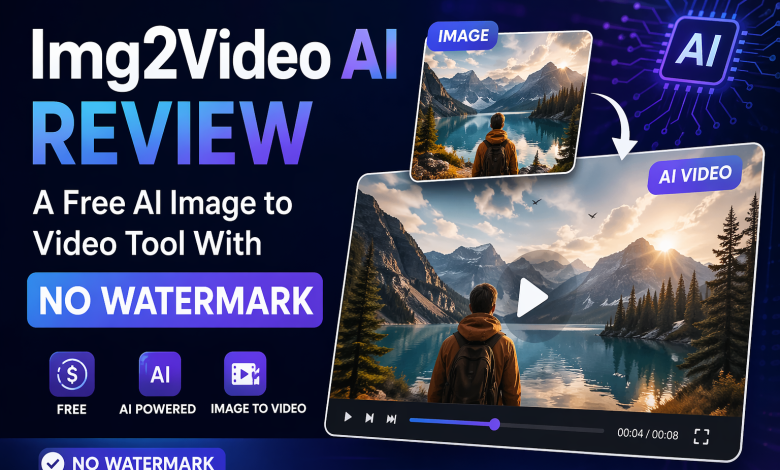
Image-to-video tools are having a moment for a simple reason: they promise one of the fastest ways to turn a static visual into something that feels more alive, more shareable, and more useful for modern content workflows. If you already have product photos, old family photos, character art, meme images, or social assets, the idea is appealing. Instead of planning a full video production workflow, you upload one picture, write a prompt, and let the model generate movement.
That is the promise. The harder question is whether a specific product is actually convenient enough to use, transparent enough to trust, and focused enough to justify choosing it over broader AI video suites.
In this img2video ai review, the strongest case for Img2Video AI is not that it makes the boldest claims on the page. A lot of AI video tools do that. Its real advantage is that the product presents an unusually approachable public workflow. The homepage does not feel like a vague teaser page that hides everything behind sign-up walls. It shows a live generator, visible guest credits, a visible generation cost, a straightforward pricing section, and a clear image-to-video flow.
That makes Img2Video AI easy to understand quickly.
At the same time, this review needs to stay honest. What I could verify directly is the public workflow, the visible UI, the pricing structure shown on the site, and the way the product positions itself. What I did not independently benchmark in this pass is whether every generation quality claim or no-watermark claim holds equally across all models, settings, and usage cases. So this article focuses on what is verifiable, what looks genuinely useful, and where some caution is still warranted.
What I could verify directly from the public site
The most important thing I found is that Img2Video AI exposes a real public-facing workflow before asking the user to commit too much.
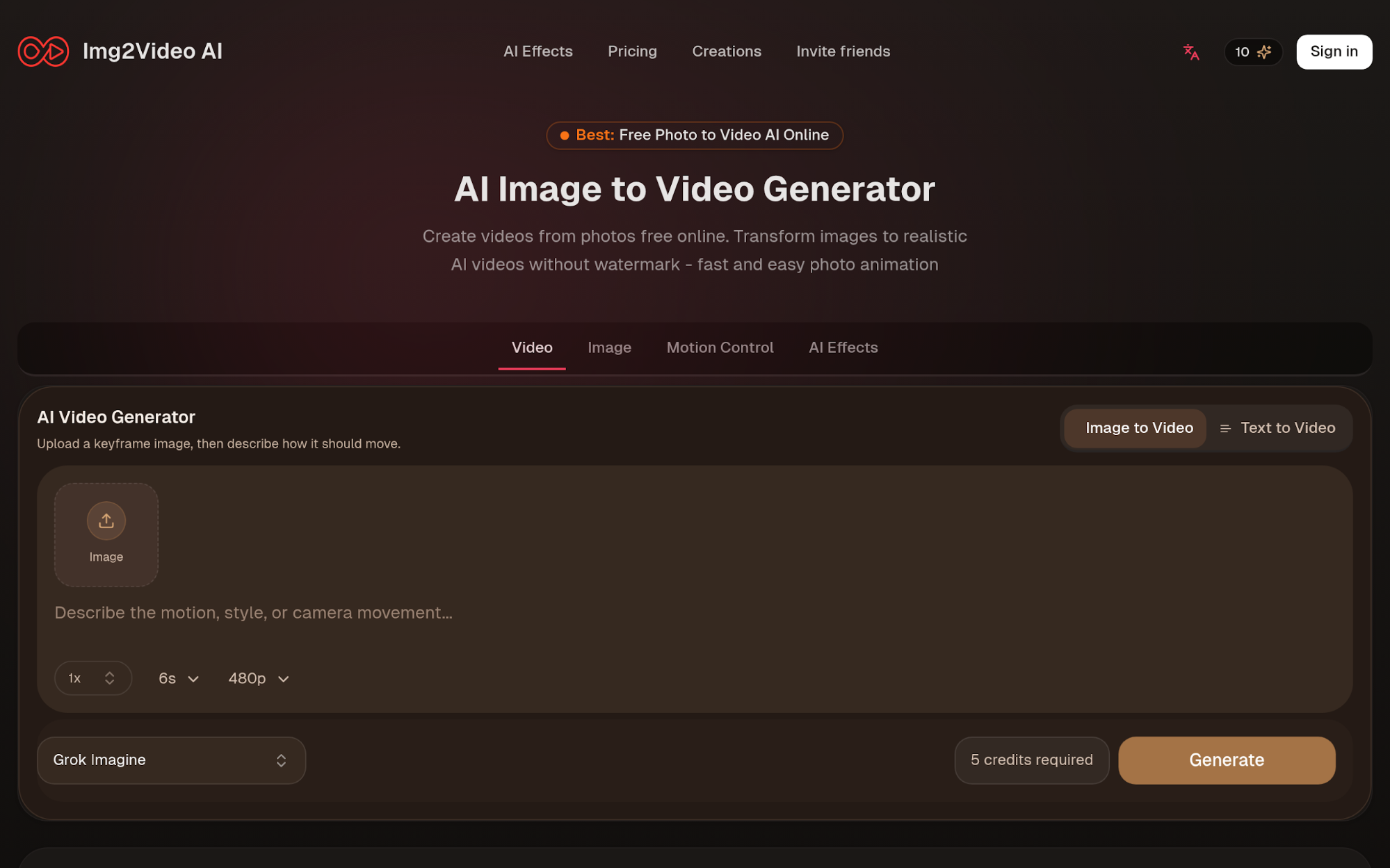
On the homepage, the product presents a visible AI Video Generator with an Image to Video tab and a Text to Video option beside it. The visible helper line says users can upload a keyframe image and describe how it should move. The prompt box is already there, with a placeholder asking for motion, style, or camera movement. The surrounding controls also make the workflow easy to read at a glance.
From the public UI, I could verify the presence of:
– a visible guest-credit counter showing 10 guest credits
– a generation cost label showing 5 credits required
– a visible Generate button
– a duration control showing 6s
– a resolution control showing 480p
– a scale selector showing 1x
– a visible model selector showing Grok Imagine
That matters more than it may sound.
A lot of AI tools are hard to evaluate. Their public pages tell you what the company wants you to believe, but they do not show the real workflow. Img2VideoAI does better than that. Even before you sign up, you can see what kind of product it is: a lightweight prompt-and-generate tool for short AI image animations. It also clearly targets users looking for image to video ai free tools.
The public copy keeps the same message across the landing page, metadata, FAQ, and workflow sections. It focuses on free online image-to-video generation, no watermark, and fast results. These are still product claims, not neutral test results. But they are clear and consistent throughout the site.
Img2VideoAI Screenshot
Why the workflow feels easier than many AI video tools
The most convincing part of Img2VideoAI is not some grand claim about replacing professional video production. It is the lower-friction entry point.
The site clearly tries to remove three common barriers:
- trial friction
- pricing ambiguity
- workflow confusion
Trial friction is low because the page shows guest credits and a usable public interface instead of forcing you to guess what is behind the wall. Pricing ambiguity is lower than average because the landing page openly shows that the product uses a one-time credit model. Workflow confusion is low because the basic action is obvious: upload an image, describe the movement, choose settings, generate.
That sounds simple, but in this category it is a real product strength.
Some competing platforms are broader and more powerful, but they also feel heavier. They present a larger creative universe of models, apps, workflows, or account layers. That is useful for power users, but it can also slow down a normal user who just wants to animate one image for a social post, ad test, product teaser, or fun clip.
Img2VideoAI appears designed for that more immediate use case.
The homepage also expands the product beyond a single generic image-to-video box. It visibly promotes AI effects such as dancing, baby dance, kissing, and twerk generation. It also showcases use-case categories including portraits, cartoons, old photos, cars, product images, and memes. That gives the product a more practical feel. It is not only saying “we have a model.” It is saying “here are the kinds of things people are likely to try.”
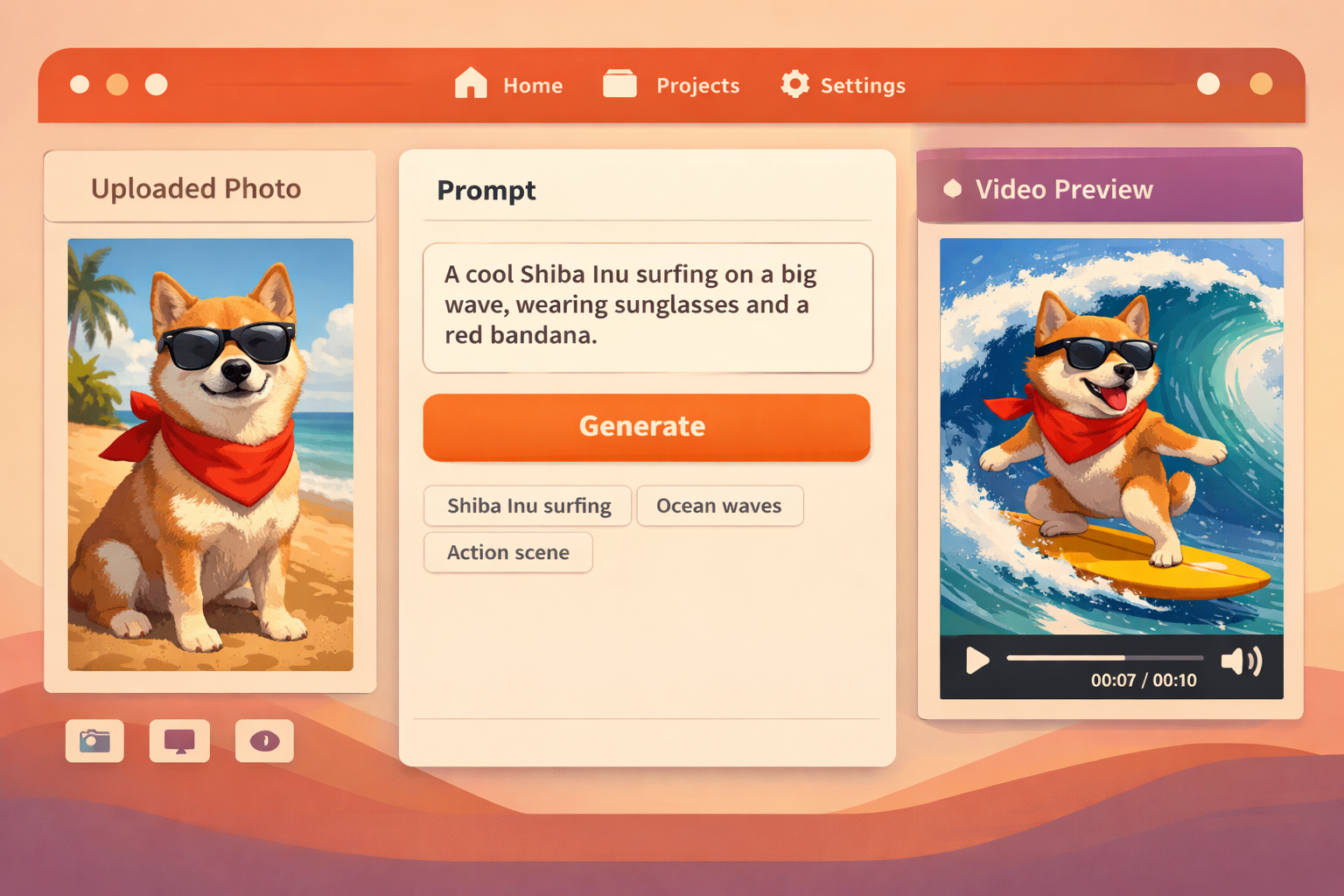
Workflow Snapshot Illustration
What stands out in the pricing model
Another thing I like in this img2video review is that the product makes pricing easier to understand than many AI tools do.
The public page explicitly says:
– No subscription needed
– Buy once, never expires
– No card required for the free start
At review time, the site also showed:
– 10 free credits
– 10 credits daily, 20 on day 7
– one-time credit packs starting at 300 credits for $9.99
Whether those exact numbers change later is a separate issue, but the structure itself is clear. For many buyers, that is a real advantage. A simple credit-pack model is easier to reason about than a complicated subscription ladder when you only need occasional generations.
The site also presents an enterprise option with custom pricing, priority support, and tailored workflows. That does not turn Img2VideoAI into a heavy enterprise suite overnight, but it does suggest the team wants to cover more serious business use cases too.
If you are evaluating tools as a solo creator or small team, the clearest takeaway is this: Img2VideoAI currently looks friendlier to light, occasional usage than products that immediately push the user toward a bigger all-in subscription environment.
Where Img2VideoAI looks strongest
### 1. Quick social and creator use cases
Img2VideoAI is well positioned for creators who already have still images and want motion fast. That includes short clips for TikTok, Instagram, X, Shorts, product promos, lightweight storytelling, and meme formats.
The site’s own examples reinforce that angle. Portraits, old photos, product photos, and memes all make sense in a tool like this because they start from a strong single frame. That is the kind of content where image-to-video generation often feels most natural.
### 2. Simple product and marketing animation
One homepage example explicitly highlights product-image animation. That is a useful signal. It suggests Img2VideoAI is not only trying to win on emotional or novelty use cases like old-photo revival. It also wants to be useful for marketers who need a static product image to feel more dynamic in feeds, landing pages, or ads.
That does not mean it replaces a full ad-production workflow. But if your starting point is one strong hero image and a short motion concept, this kind of tool can be helpful.
### 3. People who hate subscription-first trial flows
This may be the most underrated strength of the whole product.
Some readers searching for an img2video review are not looking for the most advanced model stack on paper. They are looking for the easiest product to try right now without committing to a big platform. Img2VideoAI looks especially good for those users because the public page reveals more of the actual product experience upfront.
Where I would stay cautious
The biggest caution is simple: public AI marketing pages are good at promising quality, speed, and convenience. They are less good at showing edge cases.
In Img2VideoAI’s case, the site repeatedly claims:
– realistic animations
– fast generation
– no watermark
– professional-quality outputs
Those may be directionally true for the product experience it wants to deliver, but they should not be repeated as universal guarantees.
A careful review should acknowledge at least four open questions:
– how consistent the results are across different image types
– how often the motion quality matches the marketing examples
– whether every free-flow output stays watermark-free in practice
– how the product performs compared with larger creative suites on harder prompts
So the honest conclusion is not “Img2VideoAI definitely beats everything else.”
The honest conclusion is narrower and more useful: Img2VideoAI looks very approachable, clearly packaged, and well optimized for simple image-animation workflows, but its boldest quality claims still deserve hands-on validation per use case.
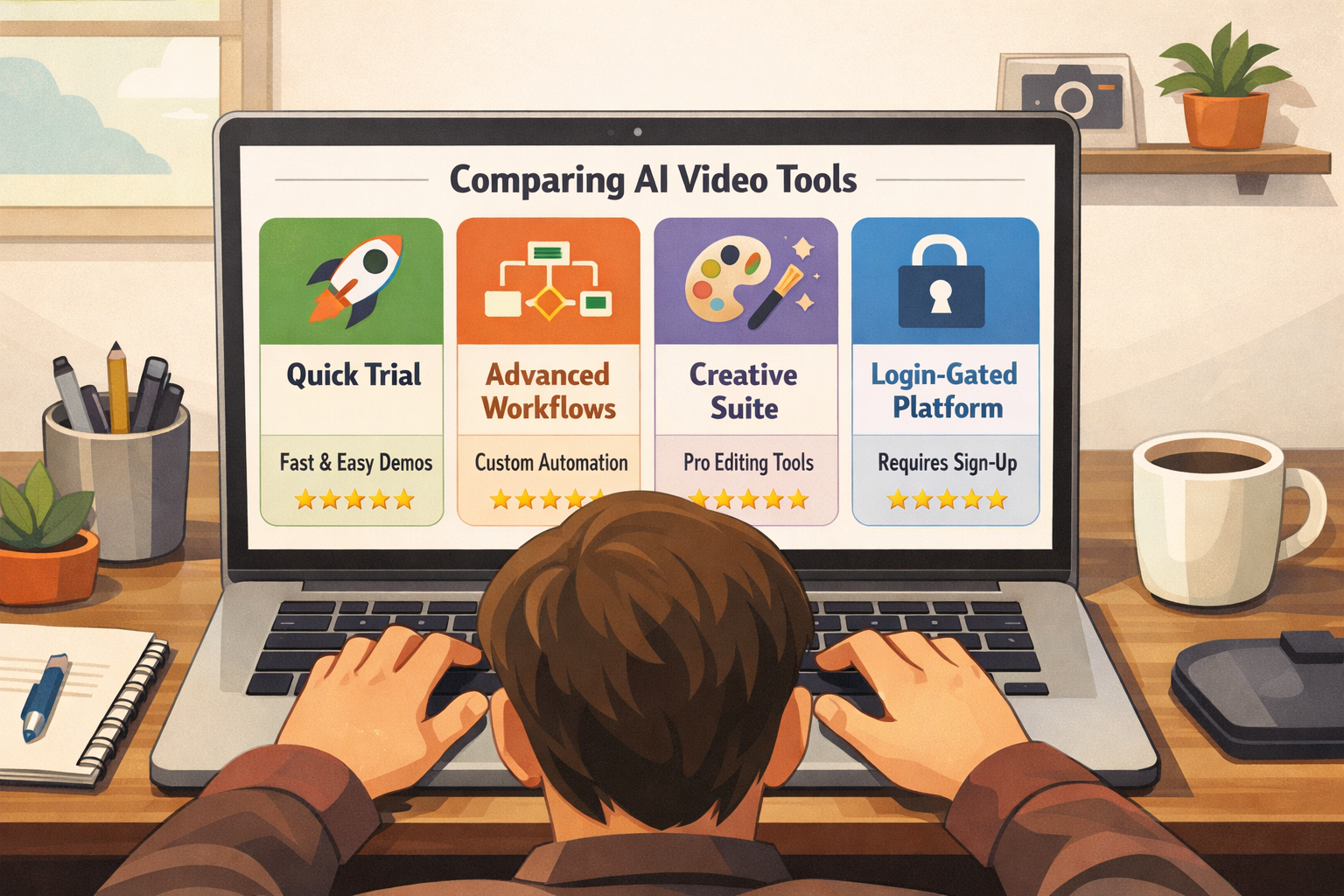
Quick comparison table
| Tool | Best for | What is clearly visible from official pages | Public trial friction | Main reason to choose it |
| Img2VideoAI | Fast image-to-video trials and lightweight creator workflows | Public generator, guest credits, image-to-video UI, one-time credit packs, effect pages | Low | Easiest-looking quick trial and clearest lightweight packaging |
| Runway | Broader AI creative production | Official product page positions it as an AI image and video generator plus a larger creative toolkit with apps and workflows | Medium | Better if you want a wider creation suite beyond one simple motion tool |
| Kling AI | Users wanting more video-generation modes | Official page data lists text to video, image to video, video extension, lip sync, video effects, and elements reference | Medium | Better if you want a broader task menu and more advanced workflow options |
| Pika | Idea-to-video creative experimentation | Official positioning describes it as an idea-to-video platform; public fetch currently redirects to login | Higher | Better if Pika’s specific creative style fits you and you do not mind a more gated entry |
Best alternatives to Img2VideoAI
If you search for the best alternatives to img2video, the right answer depends less on hype and more on what kind of user you are.
### Runway
Runway is the clearest alternative if your needs are broader than quick image animation.
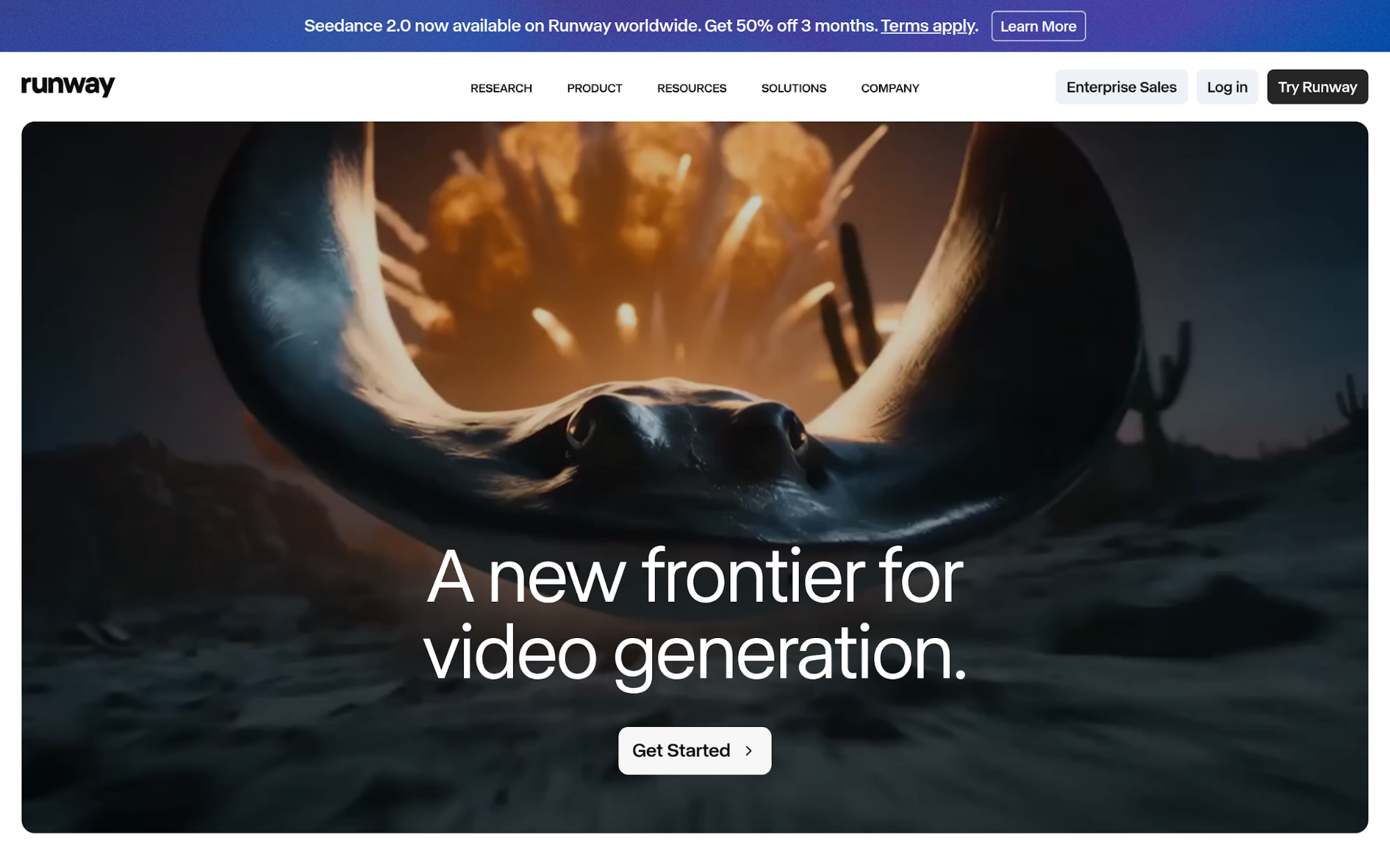
Its official product page describes it as an AI image and video generator and frames the platform as a larger creative toolkit with video, image, audio, editing, language models, apps, and workflows. That positioning is very different from Img2VideoAI’s landing page.
So if you want one product for a wider production stack, Runway makes more sense. If you want the simpler-looking “upload image, add motion prompt, generate” experience, Img2VideoAI currently feels easier to approach.
Runway Screenshot
### Kling AI
Kling AI is a strong alternative if you care about generation breadth.
Official page data on Kling’s site lists a broader video-generation menu, including Text to Video, Image to Video, Video Extension, Lip Sync, Video Effects, and Elements Reference. That is a wider task set than what Img2VideoAI publicly emphasizes on its landing page.
In other words, Kling looks better suited to users who want a more expansive AI video toolbox. Img2VideoAI looks better suited to users who want less complexity and faster initial clarity.
Kling AI Screenshot
### Pika
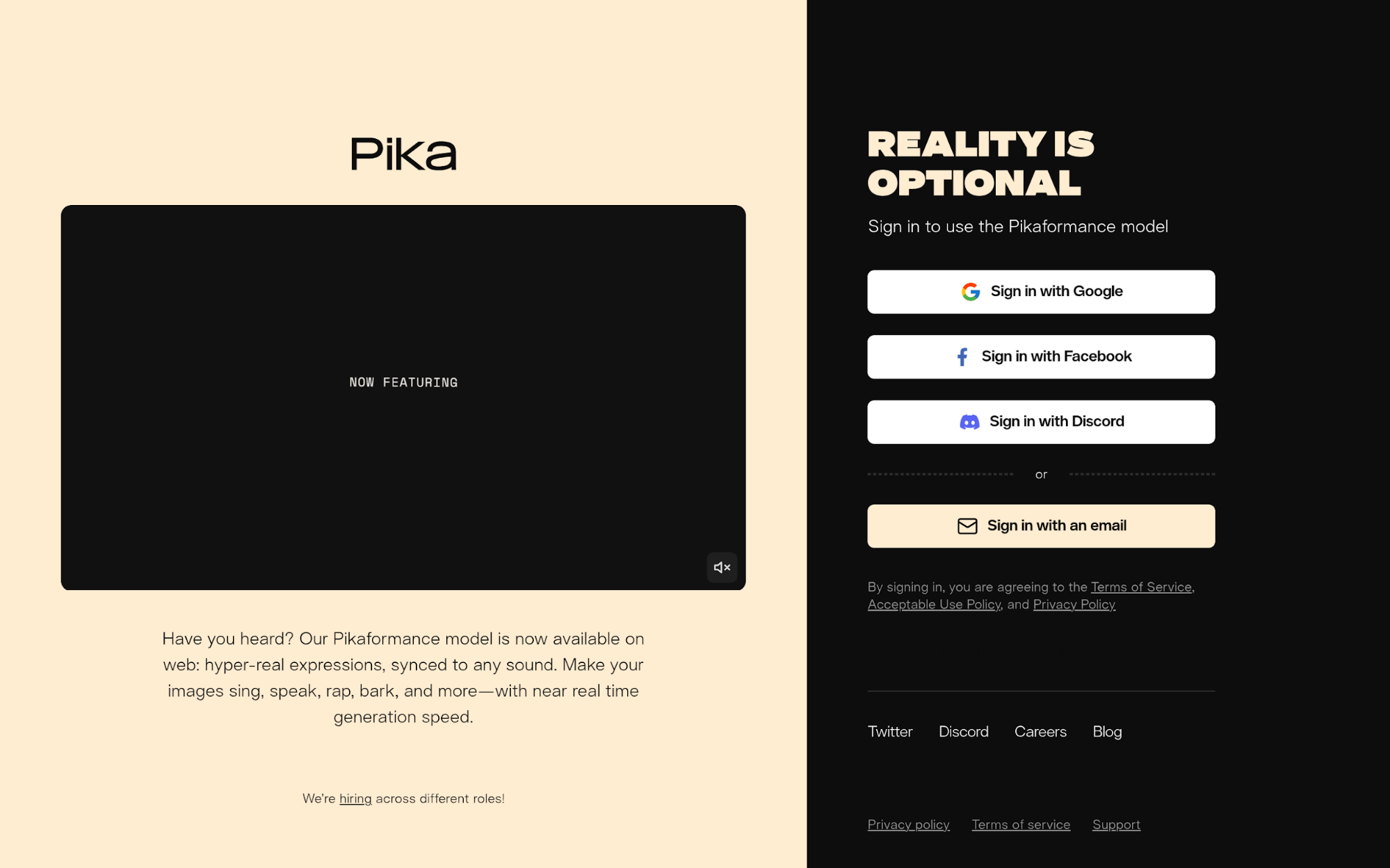
Pika is still relevant in any alternatives conversation because its official positioning is very clear: it is an idea-to-video platform.
What stands out, though, is that the public flow appears more gated. In public fetch results, the site redirects to login, which creates a different first impression from Img2VideoAI’s visible guest workflow.
That does not make Pika worse. It just means the evaluation experience is different. If you already know you want Pika’s creative environment, the sign-in requirement is not a big deal. But if you are comparing tools quickly and want to see the workflow before committing, Img2VideoAI has an advantage.
Pika Screenshot
Who should actually choose Img2VideoAI?
Img2VideoAI makes the most sense for people in these situations:
– you already have still images and want short animated clips quickly
– you value a public trial path more than a giant feature catalog
– you prefer visible one-time credits over immediate subscription pressure
– you want an approachable tool for social, creator, product, or fun personal use cases
It is a weaker fit if you already know you need deeper workflow orchestration, a larger generation toolkit, or a platform built around more advanced video-production control.
That is where alternatives like Runway and Kling AI start to look more compelling.
Alternatives Comparison Illustration
Final verdict
So, is Img2VideoAI worth trying?
Based on the public site and workflow I could verify directly, yes.
The strongest reason is not that Img2VideoAI makes the biggest promises. It is that the product feels easier to evaluate and easier to start using than many AI video tools in the same broad category. The visible guest credits, public generator, clear image-to-video controls, and simple one-time credit pricing all reduce friction in a way that many users will appreciate.
That makes this a positive img2video review, with one important caveat: the workflow and packaging are easier to verify than the site’s broadest quality claims. So if you need a quick, approachable tool for animating still images, Img2VideoAI looks genuinely promising. If you need a broader creative production stack, the best alternatives to Img2VideoAI are likely Runway, Kling AI, or Pika, depending on whether you prioritize breadth, workflow depth, or platform style.
My bottom line is simple: Img2VideoAI looks strongest when convenience, clarity, and lightweight image-to-video generation matter more than owning the biggest AI studio in one product.