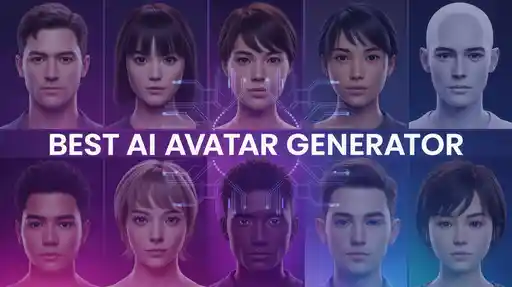
Today, In this article we are going to list Best Ai Avatar Generator in 2026. Creating videos used to take a lot of time, effort, and equipment. You needed a camera, proper lighting, and sometimes even a team to get good results.
Now, AI avatar generators have changed that completely. You can create a digital version of yourself or a virtual presenter that speaks your script without recording anything. This makes content creation much faster and easier, especially for creators, marketers, and businesses.
These tools are becoming popular because they help produce videos at scale. Instead of recording multiple times, you can reuse the same avatar again and again. Whether it’s for YouTube, training, or marketing, AI avatars allow you to stay consistent while saving time. As video demand keeps growing, these tools are now a practical solution for everyday content creation.
What Are AI Avatar Generators?
AI avatar generators are tools that create digital human-like characters that can speak and present content. You simply enter your script, and the tool generates a video where the avatar delivers the message with voice and facial expressions. These avatars are designed to look realistic and move naturally.
Unlike traditional video production, you don’t need actors or recording setups. The system handles voice generation, lip-sync, and animation automatically. Many tools also support multiple languages, which helps create content for global audiences. These platforms are widely used for marketing, education, and social media because they simplify video creation.
How AI Avatar Generators Work?
AI avatar generators combine different technologies to create videos. First, you input your script or upload text. The system converts that text into speech using AI voices. Then, it generates a digital avatar that speaks the script with synchronized lip movements.
The platform maps facial expressions, head movement, and gestures to match the voice. This makes the avatar look more natural instead of robotic. Some tools also allow customization, such as changing backgrounds, adjusting tone, or selecting different avatars. Everything is automated, so you can generate videos in minutes without editing.
Key Features of the Best AI Avatar Generator
The best AI avatar generators include features that make video creation simple and effective:
- Realistic AI avatars with natural expressions
- Text-to-video (script-based video creation)
- Accurate lip-sync and voice synchronization
- Voice cloning and AI voice generation
- Multi-language support for global content
- Custom backgrounds and scenes
- Fast video rendering
These features help creators produce professional videos without technical skills or expensive tools.
Benefits of Using AI Avatar Generator
AI avatar generators save a lot of time. You don’t need to record videos or edit footage, which makes the process faster. This is useful for people who create content regularly and need to stay consistent.
They also reduce costs. Instead of hiring actors or setting up equipment, you can generate videos using AI. This makes video production accessible for individuals and small businesses. Another advantage is scalability. You can create multiple videos quickly, which helps in marketing and content creation.
5 Best AI Avatar Generators
AI avatar tools have improved a lot in recent years. Some focus on realism, while others prioritize speed or ease of use. Below are the best tools based on performance, features, and usability.
Zoice
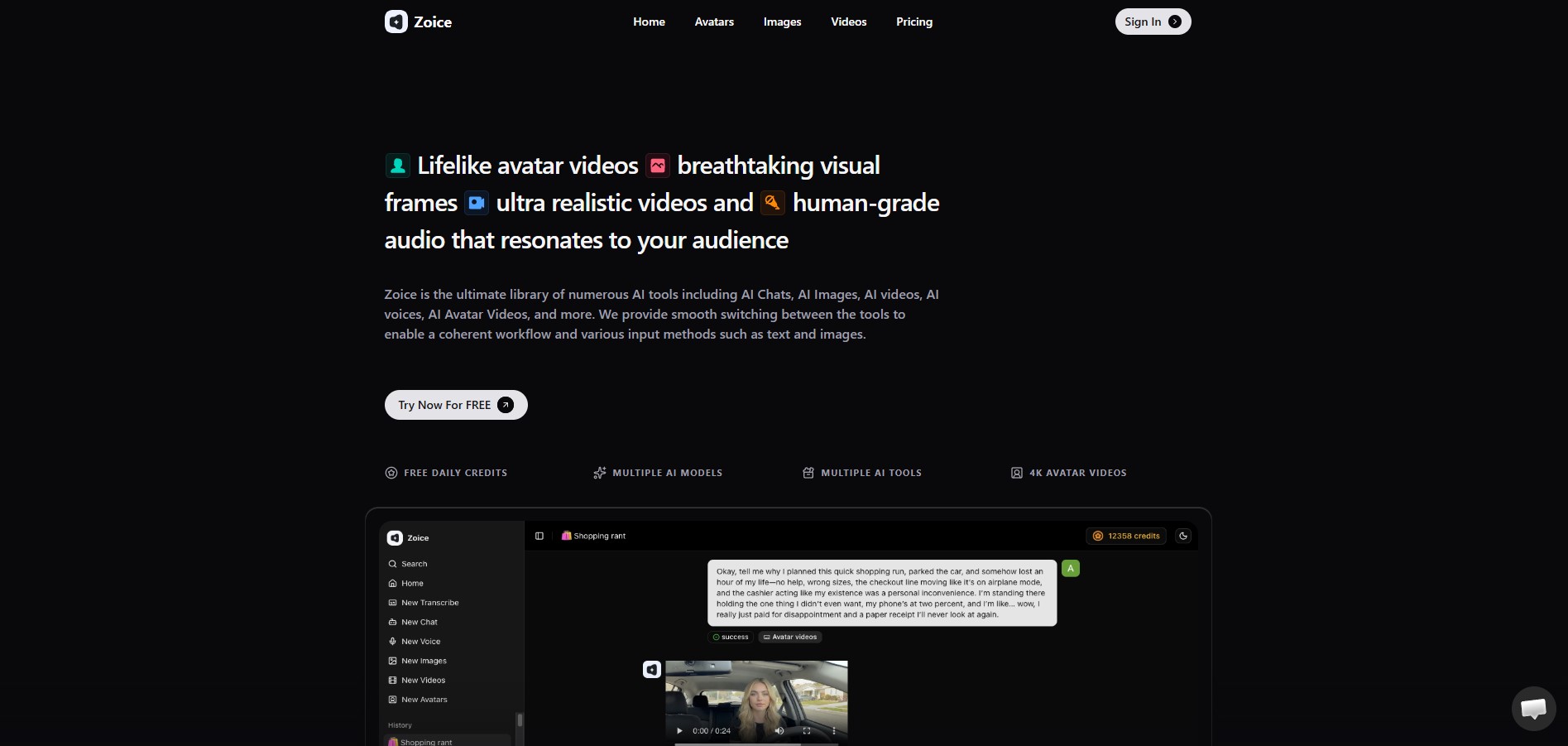
Zoice is one of the most advanced AI avatar generators built for creators, marketers, and businesses who want to create videos without recording themselves again and again. The platform focuses on AI twin creation and script-to-video workflows, which means you can turn written content into videos using realistic digital presenters. This is especially useful if you want to maintain a consistent on-screen presence while saving time on production.
What makes Zoice different is how simple and flexible it feels during actual use. You can create videos in multiple languages, customize backgrounds, and control how the avatar presents the content. The platform is designed for fast and scalable video creation, making it suitable for YouTube videos, marketing campaigns, educational content, and personal branding. It offers a good balance between quality, ease of use, and pricing, which makes it practical for both beginners and experienced users.
Key Features
- AI talking avatars with realistic expressions
- Script & Photo to video generation
- Voice cloning for consistent branding
- Multi-language support
- Customizable video backgrounds
- BYOK Feature for Elevenlabs, LMNT etc and other Leading Voice Model
- Public Voice Library
- Public Avatar
- Expression, Gesture and Body Movement Control using Action Prompts.
Why Zoice is Best AI Avatar Generator
Zoice stands out because it focuses on consistency and usability rather than complexity. It allows you to create videos quickly while still maintaining good visual and voice quality. The combination of AI Avatar technology with Zoice Avatar X Model and a simple workflow makes it a strong option for anyone who wants to produce content regularly without spending time on recording and editing.
How Expressive and Natural are the Avatars?
Zoice avatars are designed to deliver information clearly rather than focusing on dramatic expressions. Movements are subtle, including controlled gestures and natural pacing, which works well for tutorials, explainers, and business videos. The overall presentation feels stable and easy to follow, which is important for most real-world use cases.
You can also add more Body Movement, Expressiveness and Gesture Control using Action Prompts.
At the same time, the platform allows some level of customization. You can adjust presentation style and visuals, which helps create different types of content while keeping a consistent identity. This balance between simplicity and control makes it practical for regular content creation.
How Good are Voice and Lip Sync?
Voice quality in Zoice is clear and natural, which helps keep the content easy to understand. The voice cloning feature is especially useful if you want to maintain the same tone across multiple videos. This is important for branding and long-term content strategies.
Zoice Avatar X Model is Audio Driven which makes Lip sync accuracy reliable. Even with longer scripts, the timing stays aligned with the speech, which avoids common issues like delayed or mismatched audio. This makes the final video feel smoother and more professional.
How Strong is Localization and Multilingual Support?
Zoice supports multiple languages, which makes it useful for creators targeting different audiences. You can generate the same video in different languages without needing to record separate versions. This helps save time and expand reach.
Due to Integration of Models like Elevenlabs, LMNT, etc it adds up more option to create better Multilingual Videos for Localization.
Zoice works well for everyday content creation. The voice clarity remains stable across languages, which is enough for most use cases.
What Use Cases Does Zoice Excel At?
From practical use, Zoice performs best in situations where you need fast and consistent video production:
- YouTube videos
- Social media content
- Marketing and promotional videos
- Educational explainers
- Personal branding
- Onboarding Videos
- Training Videos
- Explainer Videos
- Product Demos
It is especially useful when you need to create content regularly without recording each video manually.
Zoice Pricing
Here is the Zoice Pricing.
- Free – $0/month (50 credits/day)
- Starter – $7.99/month
- Basic – $29.99/month
- Creator – $49.99/month
- Agency – $89.99/month
HeyGen
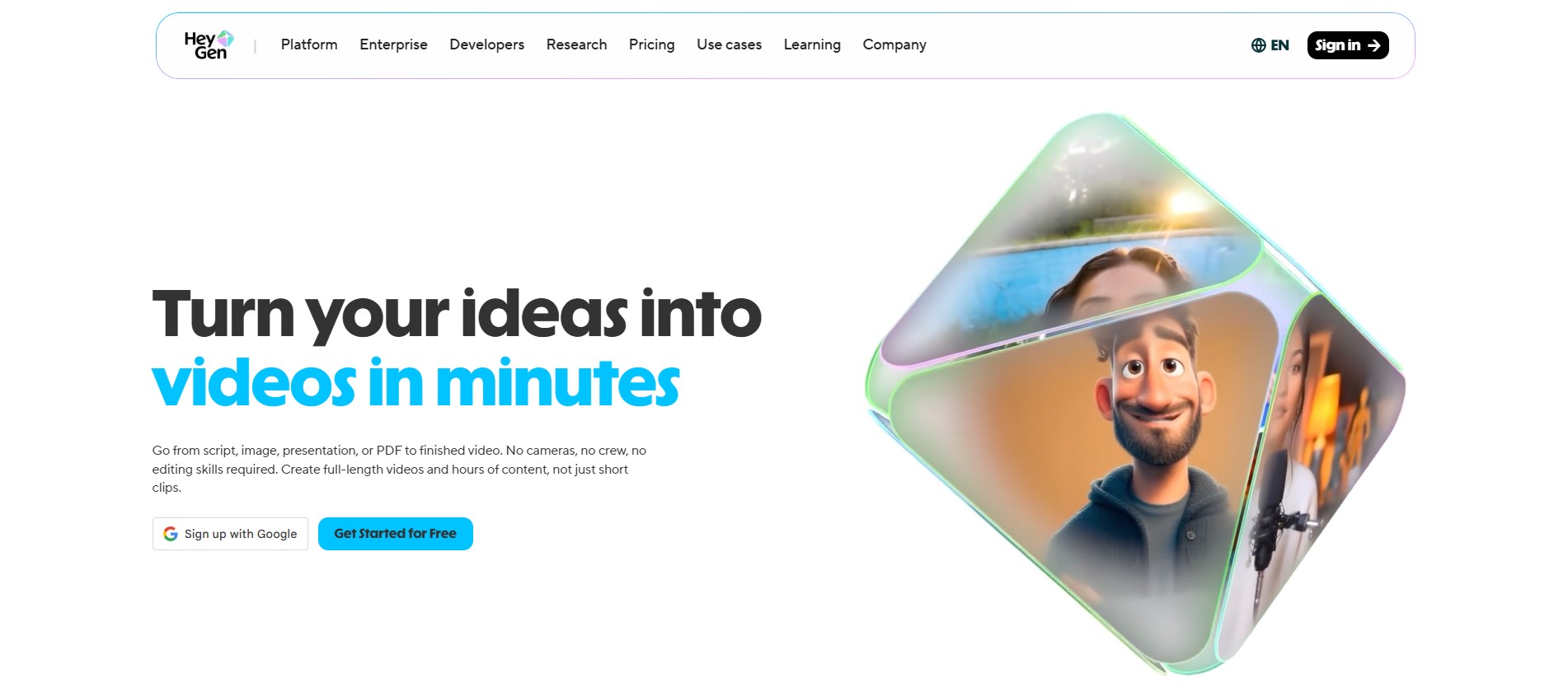
HeyGen is a popular AI avatar platform known for its ease of use and fast video generation. It allows users to create videos by entering text and selecting an avatar. The platform is beginner-friendly, which makes it suitable for people who are new to AI video tools.
It supports multiple languages and offers customization options for avatars. This makes it useful for marketing and social media content. The main advantage is speed, as videos can be created quickly without complex setup.
Key Features:
- AI avatars with natural voice
- Text-to-video generation
- Multi-language support
- Custom avatars
Synthesia
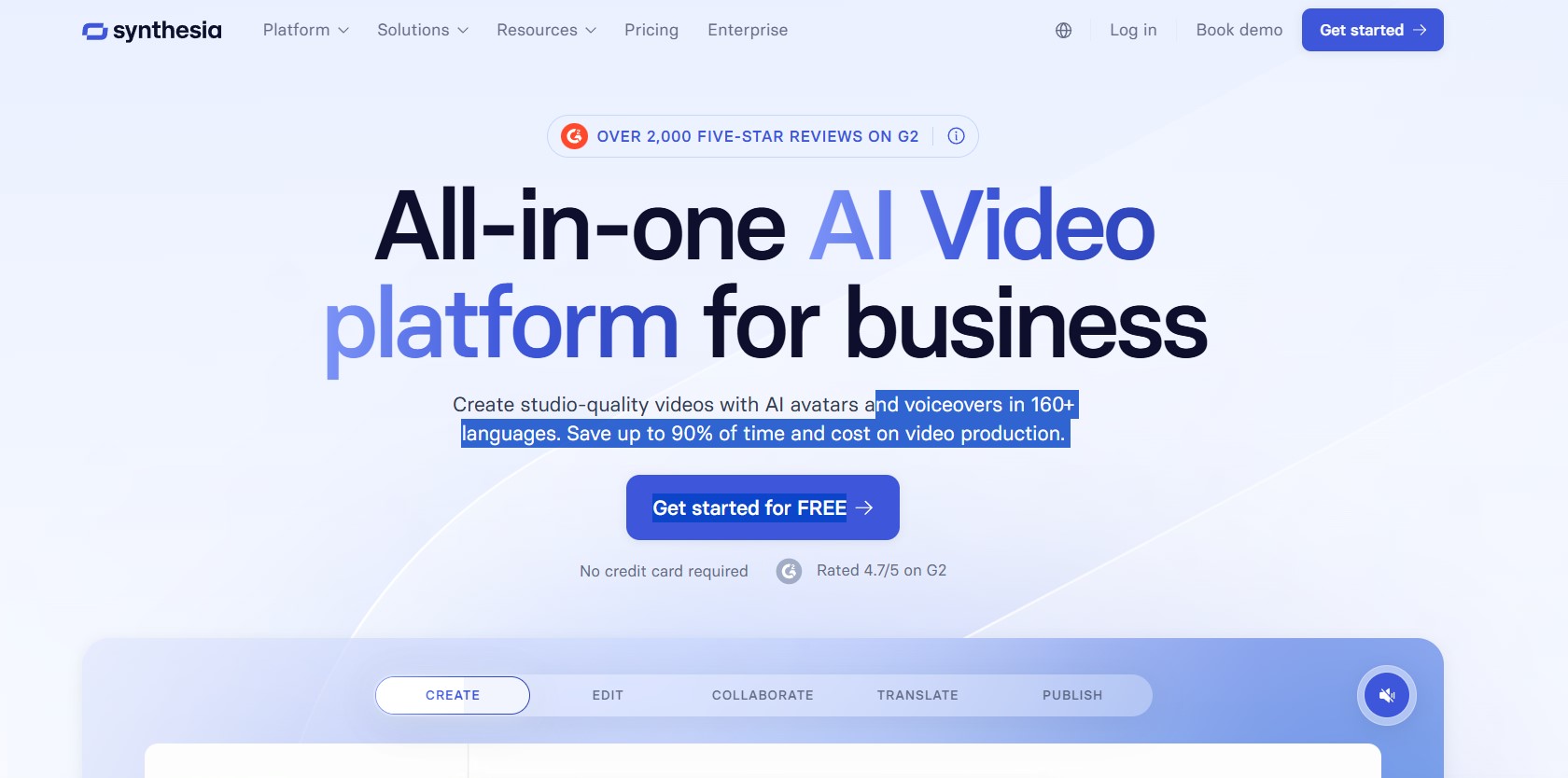
Synthesia is one of the most widely used AI avatar generators, especially for business and training videos. It offers a large library of avatars and supports many languages, which makes it suitable for global content creation.
The platform is structured and reliable, which is why many companies use it for professional content. It allows teams to create videos without recording, making it a strong option for corporate use.
Key Features:
- 240+ AI avatars
- Text-to-video conversion
- Multi-language support
- Professional templates
D-ID
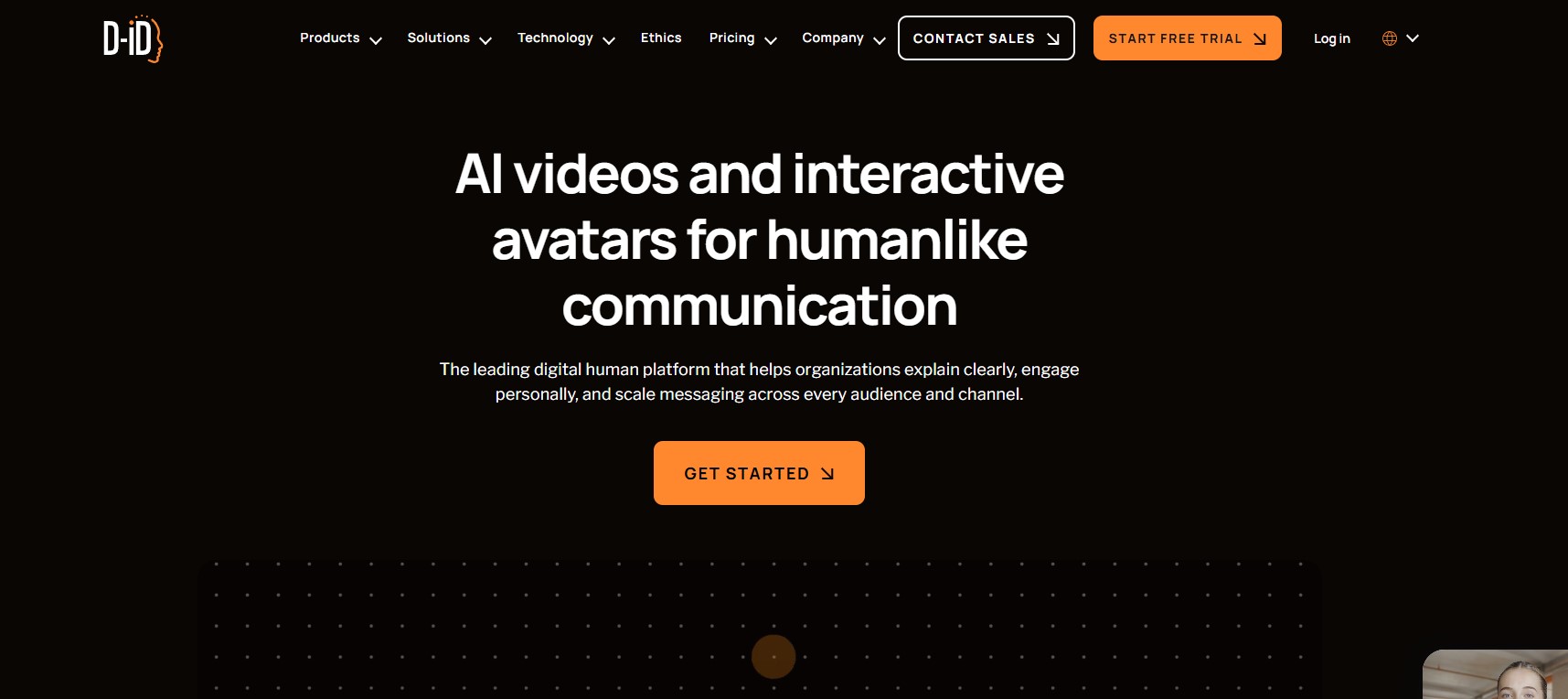
D-ID is known for its image-to-avatar technology. It allows users to turn photos into talking avatars, which makes it different from traditional avatar tools. This is useful for quick video creation and personalized content.
The platform is simple and fast, which makes it ideal for beginners. However, it offers fewer customization options compared to full avatar generators.
Key Features:
- Photo-to-avatar animation
- AI voice generation
- Realistic facial movement
- Fast rendering
Colossyan
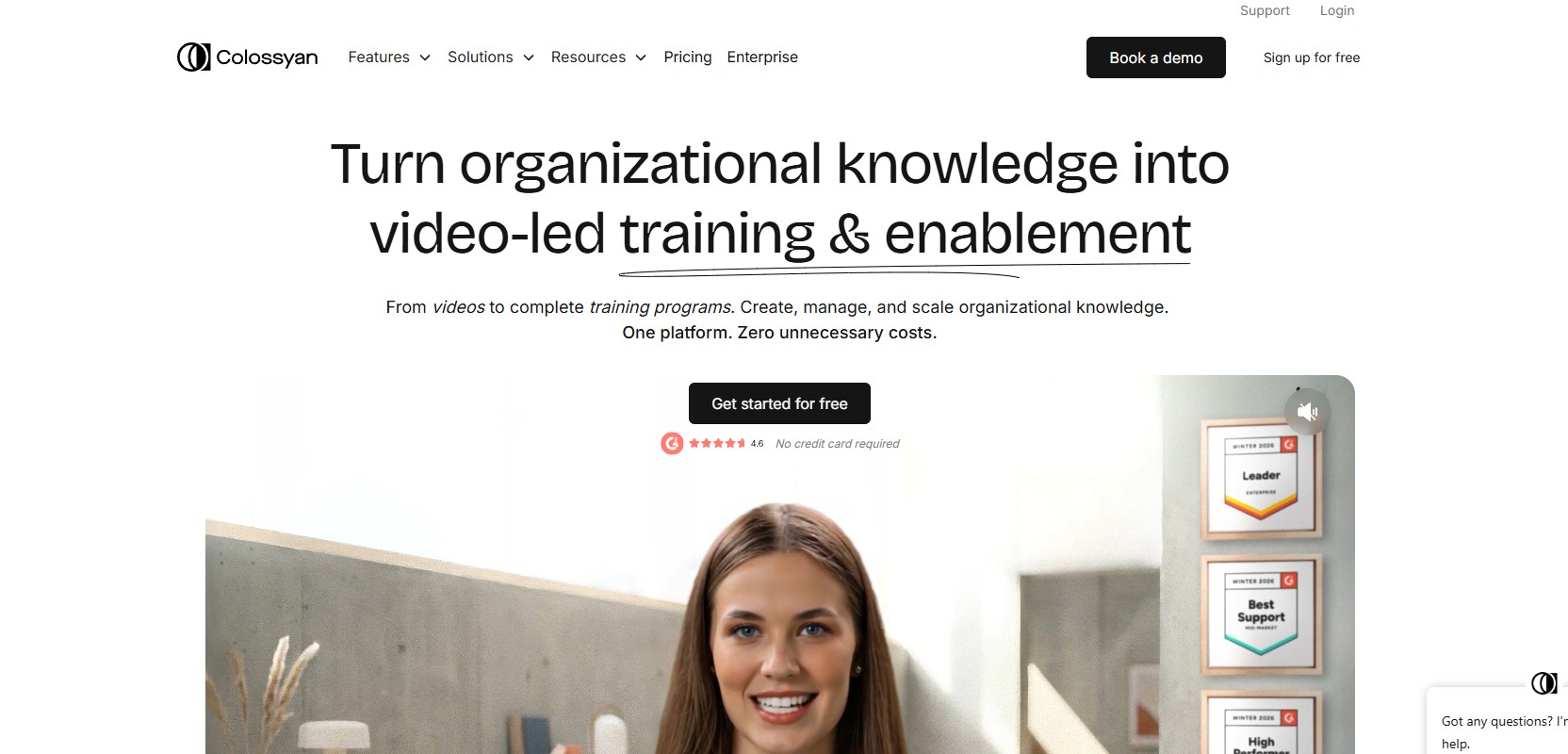
Colossyan is designed for structured video creation. It is commonly used for training, tutorials, and educational content. The platform includes a scene-based editor, which helps organize videos clearly.
It supports multiple languages and text-to-video generation, making it useful for global content. While it is not the most expressive tool, it works well for professional use.
Key Features:
- AI presenter avatars
- Scene-based editor
- Multi-language support
- Text-to-video
How to Choose the Best AI Avatar Generator?
Choosing the right AI avatar generator depends on your needs. Some tools are better for quick content, while others are designed for professional use.
Avatar Realism
Look for tools that provide natural expressions and accurate lip-sync. This improves video quality and engagement.
Voice Quality
Clear and natural voices make the content more professional. Voice cloning can help maintain consistency.
Customization
Features like background control and avatar style help create unique videos.
Pricing
Choose a tool that fits your budget and scales with your usage.
Ease of Use
A simple interface helps you create videos faster and consistently.
How We Tested AI Avatar Generators?
To compare the best AI avatar generators, we followed a structured, real-world testing process. The goal was simple: check how these tools perform in actual use, not just based on features listed on their websites. This approach helped us evaluate each platform on usability, quality, and overall value so you can choose the right tool with confidence.
1. Ease of Use
We started by testing how quickly someone can go from signup to creating their first video. Tools with confusing dashboards or too many steps were harder to use and scored lower. Platforms that offered a clean interface and simple workflow performed better.
For example, tools like Zoice stood out here because the process is straightforward. You can go from script to video without needing tutorials or extra setup, which makes it beginner-friendly.
2. Output Quality
Next, we looked at how the avatars actually appear in videos. This included facial expressions, overall realism, and visual clarity. A good AI avatar should look clean and natural enough to be used directly without heavy editing.
We also checked whether the output is consistent across different videos. Tools that produced stable and polished results scored higher compared to those with noticeable glitches or uneven quality.
3. Lip Sync and Voice Matching
We tested each platform using scripts in multiple languages, including English, Spanish, and Japanese. This helped us see how well the lip movement matches the voice across different languages.
Some tools showed slight delays or mismatched timing, which can make videos feel unnatural. Platforms with accurate lip-sync and smooth voice pacing performed better, especially for longer scripts.
4. Flexibility and Features
We evaluated how flexible each tool is when it comes to content creation. This included customization options like avatars, backgrounds, voice control, and overall workflow.
Tools that allow users to create different styles of videos, reuse content, and generate variations scored higher. Flexibility is important if you plan to create videos regularly for different use cases.
5. Pricing and Transparency
Pricing was another important factor. Some platforms look affordable at first but charge extra for features like HD exports, custom avatars, or additional languages.
We gave higher scores to tools that offer clear pricing and good value.
6. Post-Production Effort
Finally, we looked at how much editing is needed after generating a video. Some tools produce clean output that can be used directly, while others require manual fixes like background adjustments or timing corrections.
Tools that delivered ready-to-use videos with minimal editing scored higher. This is especially important if you are creating content in bulk and want to save time.
Final Testing Approach
Along with hands-on testing, we also checked real user feedback from platforms like Reddit, G2, and Product Hunt. This helped us understand common issues such as rendering delays, export problems, or support quality.
You can follow this same approach when choosing a tool. Testing based on real usage will help you avoid hidden limitations and find a platform that actually fits your workflow.
How Do These AI Avatar Generators Compare?
| Tool | Key Features | Language Support | Best For | Notable Pros | Notable Cons | Pricing |
| Zoice | AI Avatar Generation, script & Photo to Avatar videos, voice cloning | 100+ | Content creators, marketing, Best overall | Flexible, easy workflow, consistent output | Limited advanced editing | Free + paid |
| HeyGen | Custom avatars, automation | 175+ | Social media & marketing | Fast, user-friendly | Less deep control | From $29/mo |
| Synthesia | 240+ avatars, templates | 160+ | Business & training | High quality, reliable | Slower workflow | From $29/mo |
| D-ID | Image animation | Multi-language | Quick videos | Fast and simple | Limited customization | From $5.90/mo |
| Colossyan | Scene-based editor | 80+ | Training content | Structured workflow | Less expressive | From $27/mo |
What to Watch Out for When Choosing the Best AI Avatar Generators
When selecting an AI avatar generator, it’s important to look beyond just features and pricing. Many tools look impressive at first, but the actual performance can vary once you start using them regularly. Paying attention to a few key factors will help you avoid common issues and choose a tool that fits your needs.
Technical Limitations
Some AI avatar tools still struggle with perfect synchronization and smooth interactions. You may notice slight delays in lip-sync or unnatural facial movements, especially in longer videos. While this is improving, it’s something to test before relying on a platform for important content.
Customization Restrictions
Many platforms offer pre-built avatars and limited styling options. This makes things easy, but it can also result in similar-looking videos across different users. If branding matters to you, choose a tool that allows deeper customization so your content stands out.
Quality vs Speed Trade-off
There is often a trade-off between how fast a video is generated and how realistic it looks. Faster tools may produce simpler animations, while high-quality rendering can take more time. Depending on your use case, you need to decide what matters more.
Voice Naturalness
Not all AI voices sound the same. Some tools offer clear and natural voices, while others may sound slightly robotic. This can affect how professional your videos feel, especially in marketing or educational content.
Pricing and Scaling
Some tools seem affordable at the start but become expensive as your usage grows. Credit-based systems or limited plans can restrict how many videos you create. Always check how pricing scales before committing.
Pro Tips to Get Better Results with AI Avatar Generators
Using an AI avatar generator is simple, but getting high-quality results depends on how you use it. Small improvements in your workflow can make your videos look more natural, engaging, and professional. These tips will help you get better output without extra effort.
Keep Your Script Simple and Conversational
AI avatars perform best when the script feels natural. Avoid long, complex sentences and write the way you speak. Short sentences with clear pauses help improve voice flow and lip-sync accuracy. This small change alone can make your videos feel more human.
Choose the Right Voice for Your Content
Not every voice works for every type of video. A formal voice may suit training content, while a more casual tone works better for social media. Try different voice options before finalizing. If you are using a platform like Zoice, voice cloning can help maintain a consistent tone across all your videos.
Use Custom Backgrounds and Visuals
Default backgrounds can make your videos look repetitive. Adding custom backgrounds or matching visuals to your topic helps improve engagement. Even simple changes in color, layout, or scene can make your content feel more unique and branded.
Test Before Publishing
Always preview your video before exporting. Check lip-sync, voice clarity, and overall flow. Small issues like timing or pronunciation can be fixed quickly if you catch them early. This step helps avoid publishing content that feels slightly off.
Create Multiple Variations
Instead of creating just one video, try making a few variations with different scripts, voices, or styles. This works especially well for marketing and social media content. Some tools, including Zoice, make it easy to generate multiple versions quickly, which helps improve performance.
Focus on Consistency, Not Perfection
AI avatars are not perfect, and that’s okay. Instead of trying to achieve 100% realism, focus on delivering clear and consistent content. Regular posting and good messaging matter more than perfect animation.
Common Mistakes to Avoid When Using AI Avatar Generators
AI avatar tools are easy to use, but many people don’t get the best results because of small mistakes. These tools work well only when you use them properly. Avoiding a few common issues can make a big difference in how your videos look and feel.
Using Poor Scripts
Many users focus on the tool but ignore the script. If your script sounds unnatural or too complex, the final video will also feel off. AI avatars perform best with clear, simple, and conversational sentences. Writing like you speak usually gives better results.
Ignoring Voice Selection
Choosing the wrong voice can reduce the quality of your video. Some voices sound more natural than others, and not every voice fits every type of content. Always test a few options before finalizing your video to find the best match.
Overusing Default Avatars
Using the same default avatar without any customization can make your content look generic. Many users make this mistake, which leads to videos that don’t stand out. Even small changes in background, style, or voice can make a big difference.
Not Testing Different Settings
Most platforms offer multiple settings for voice, speed, or presentation style, but many users stick to default options. Testing different combinations can improve the final output and help you find what works best for your content.
Expecting Perfect Realism
AI avatars are good, but they are not perfect. Expecting fully human-like performance can lead to disappointment. These tools are best used for practical content where clarity matters more than perfect realism.
Not Optimizing for Platform
Creating one video and using it everywhere without adjustments is another common mistake. Different platforms require different formats and styles. Short videos work better for social media, while structured content is better for training or education.
FAQs
What is the Best AI Avatar Generator?
Zoice is one of the best options because it offers strong features with an easy workflow.
Can I create videos without recording?
Yes, AI avatar tools allow you to generate videos using scripts.
Are AI avatars realistic?
Most tools provide realistic results, though not perfect.
Do I need editing skills?
No, most platforms are beginner-friendly.
Can I create videos in multiple languages?
Yes, many tools support multiple languages.
Conclusion
AI avatar generators have made video creation faster and more accessible. They help creators and businesses produce content without recording or editing. These tools save time while maintaining consistency.
Among all options, Zoice stands out because it offers a simple workflow with strong features. If you want to create videos regularly without extra effort, it is a reliable choice.