Why I Actually Tried Zoice
I didn’t start using Zoice just to test another AI tool. I needed it for a real problem.
I was working on content that required consistent video output. Not just one or two videos, but multiple pieces every week. Recording myself every time wasn’t practical. Scheduling, retakes, editing, all of it was slowing things down. And honestly, it wasn’t scalable.
So the idea was simple. Find a way to create videos without depending on recording every time.
That’s when I came across Zoice. It wasn’t just another avatar tool claiming “realistic AI videos.” What caught my attention was how it focused on repeatable workflows like script-to-video and AI twins. It looked like something built for actual usage, not just demos.
I decided to test it properly with real content, not just sample scripts.
The Problem I Wanted Zoice to Solve
 Before using any tool, I usually define one thing: what exact problem am I solving?
For me, it was this:
- Create videos without recording every time
- Keep output consistent across videos
- Reduce production time without losing clarity
Most tools can do one of these well, but not all three together. Either they look good but take too long, or they are fast but feel inconsistent.
So the expectation from Zoice was not perfection. It was reliability.
My First Setup and Initial Testing
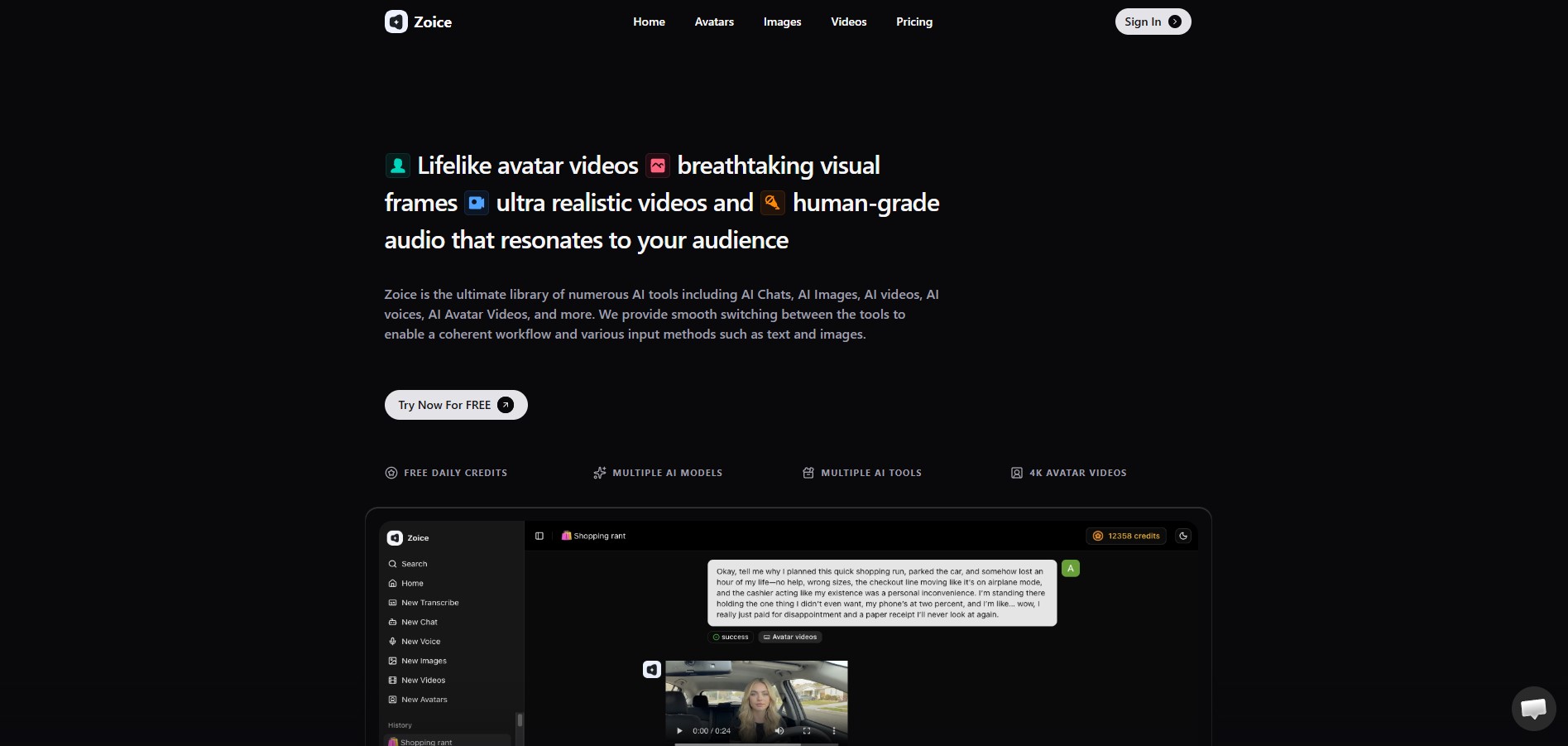
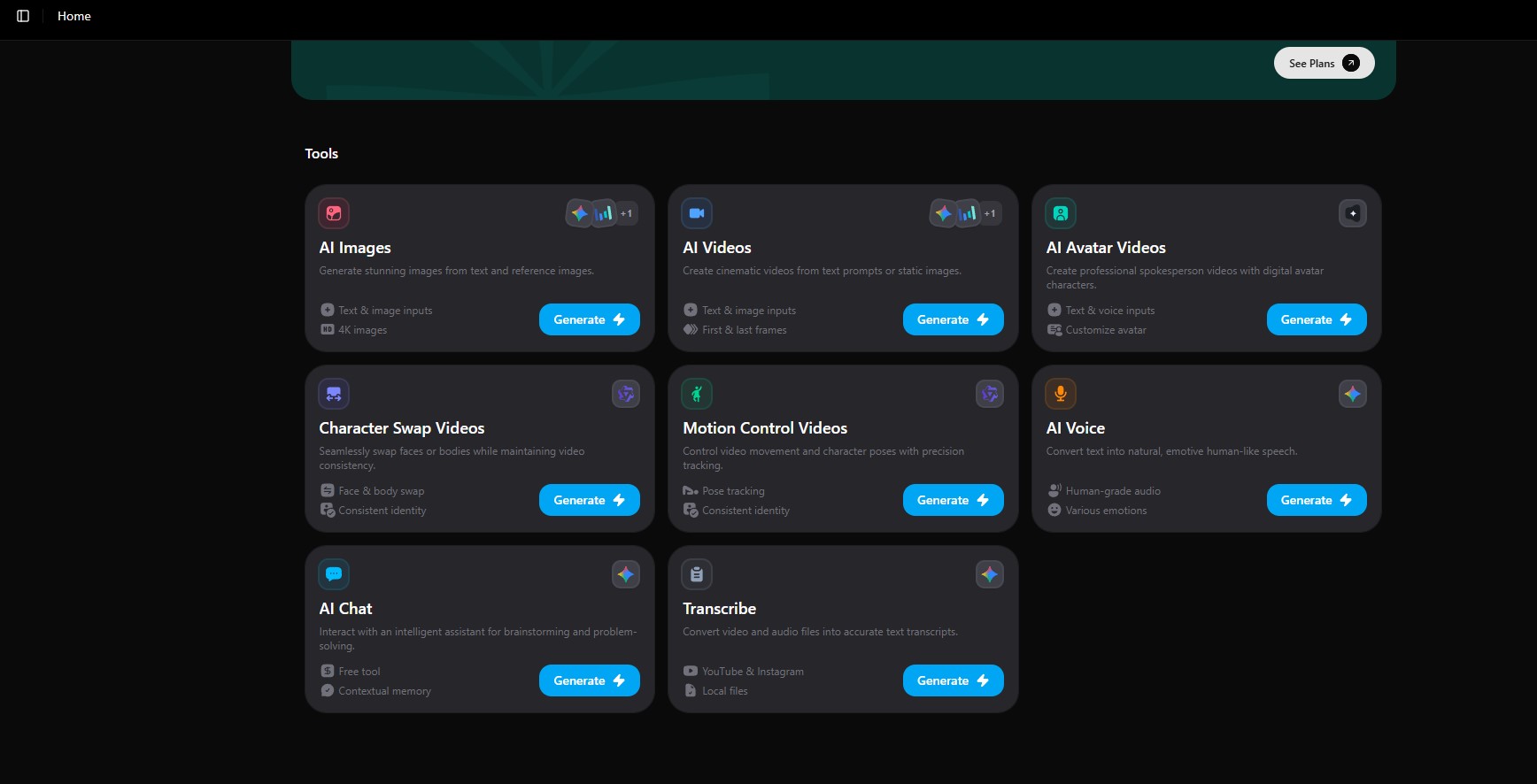 When I logged into Zoice, the experience was simple. No unnecessary steps, no confusing onboarding.
I went straight into creating a video.
The process looked like this:
- Add script
- Choose avatar or image
- Select voice
- Generate video
That’s it.
I created my first test video using a short explainer script. The output came within a few minutes. What I paid attention to was not just how it looked, but whether I would actually use it in real content.
And the answer was yes.
What Happened After Creating Multiple Videos
Testing one video doesn’t tell you much. The real test starts when you create multiple videos.
So I created a batch of videos using different scripts. Some short, some longer.
Here’s what I noticed:
- The output stayed consistent across videos
- The avatar didn’t randomly break or glitch
- Lip-sync remained stable even in longer scripts
This is where Zoice felt different.
Many tools look good in one demo video but start showing issues when you scale. Zoice felt more stable when used repeatedly, which is actually more important.
The Features That Actually Mattered (Not Everything, Just What I Used)
Instead of listing all features, I’ll focus only on what I actually used in real workflows.
AI Avatar or AI Twin Creation
This is the core of Zoice.
You can create a digital presenter that represents your content. It’s not just about visuals, it’s about consistency. Once you use the same avatar across videos, your content starts feeling connected.
One thing I noticed is that Zoice avatars are not overly expressive. They are controlled and structured. This works well for explainers, tutorials, and marketing content.
It doesn’t try to be cinematic. It tries to be clear.
And that actually works better for most use cases.
Script-to-Video Workflow
This is where Zoice becomes useful.
Instead of recording anything, you write your script and generate the video. That sounds simple, but the impact is huge.
Earlier, creating a video meant:
- Recording
- Editing
- Fixing mistakes
With Zoice, the process becomes:
- Write
- Generate
- Adjust
This changed how I worked. I spent more time improving scripts instead of dealing with production.
Voice Cloning and Voice Output
I didn’t expect this to matter as much, but it did.
Once you set a voice, you can reuse it across videos. That consistency becomes important when you’re creating content regularly.
But here’s something important I learned:
The tool doesn’t fix bad scripts.
If your script is too long or written like documentation, the voice will sound rushed. I had to start writing scripts more conversationally, with pauses.
Once I adjusted that, the output improved significantly.
Multi-Language Support
I tested this feature lightly, mainly to see how practical it is.
It works well for generating versions of the same content in different languages. You don’t need to recreate everything manually.
For everyday content, this is useful. But for highly sensitive or technical content, you still need to review carefully.
Workflow Speed and Repeatability
This is probably the biggest reason to use Zoice.
Once I understood the process, creating videos became predictable. Not perfect, but predictable.
Instead of spending hours on one video, I could create multiple videos in a single session.
That’s where the real value is.
The Friction Points I Faced
Zoice works well, but it’s not perfect. And these are the things I actually noticed during usage.
Script Dependency
The output quality depends heavily on your script.
If your script is poorly structured, the video will feel off. The tool doesn’t automatically fix pacing or tone.
This means you need to adjust how you write.
Zoice vs Other Tools (Real Perspective)
After using Zoice and comparing it with other tools, the difference becomes clear.
- Some tools focus on realism
- Some focus on features
- Zoice focuses on workflow
It’s not trying to be the most advanced platform. It’s trying to be the most usable one.
And honestly, for daily content creation, that matters more.
Zoice vs HeyGen vs Synthesia (Output Quality Comparison)
After testing Zoice, HeyGen, and Synthesia using the same scripts and similar workflows, I wanted to see how each platform performs in real conditions. Instead of focusing on features, I focused on actual output quality, including avatar realism, lip-sync accuracy, and how consistent the videos look when you create them in batches. This is where the real difference shows up, not in demo videos but in repeated use.
From my testing, Zoice clearly delivered the best overall output quality. The videos were clean, stable, and consistent across multiple generations, and I didn’t have to fix lip sync or adjust anything after rendering. The avatars felt natural for structured content, and the voice output remained clear even in longer scripts, which made the videos ready to use immediately.
When compared with other tools, the difference becomes noticeable in real usage. Zoice maintained consistent quality across multiple videos, while other platforms felt less reliable when used repeatedly. This consistency is what actually matters when you are creating content regularly. Overall, Zoice proved to be the most dependable option for real world video creation, especially when scaling content production.
Comparison Table
| Tool | Output Quality | Avatar Realism | Lip-Sync Accuracy | Voice Quality | Consistency | Overall Verdict |
| Zoice | Clean, stable, and production-ready across all videos | Natural and well-balanced for real use | Highly accurate even in longer scripts | Clear, consistent, and reliable | Very High | Best overall for real-world content creation |
| HeyGen | Good quality but less stable in repeated use | Expressive but less controlled | Accurate but can vary slightly | Natural but depends on script handling | Medium | Works for short-form but less reliable at scale |
| Synthesia | Structured and professional output | Slightly rigid and less natural | Stable but more formal delivery | Clear but less flexible | Medium | Better for corporate use, not regular content creation |
When Zoice Makes Sense (And When It Doesn’t)
Zoice works best if:
- You create videos regularly
- You want to avoid recording
- You care about speed and consistency
It may not be ideal if:
- You need cinematic videos
- You want full editing control
Final Verdict: Is Zoice Worth It?
After using Zoice across multiple videos, my view is simple.
It’s not the most advanced tool. But it’s one of the most practical ones.
It removes the biggest bottleneck in video creation, which is recording and editing repeatedly. Once your workflow is set, creating videos becomes faster and more consistent.
FAQs
Is Zoice good for beginners?
Yes, Zoice is very beginner-friendly. The interface is simple, and you can create your first video without needing any technical skills or prior experience.
Can I create videos without recording myself?
Yes, that’s the main purpose of Zoice. You just need to write your script, and the platform generates a video using AI avatars and voice.
How long does it take to create a video in Zoice?
Most videos are generated within a few minutes, depending on the script length. Once you understand the workflow, you can create multiple videos quickly.
Is Zoice suitable for YouTube content?
Yes, Zoice works well for YouTube, especially for faceless videos, explainers, and educational content. It helps maintain consistency without recording every time.
Can I use Zoice for marketing videos?
Yes, it is commonly used for ads, product demos, and promotional content. You can create multiple variations quickly for different campaigns.
Does Zoice support multiple languages?
Yes, Zoice supports multiple languages, which makes it useful for reaching a global audience without creating separate recordings.
Is Zoice worth using regularly?
If you create videos often, Zoice can save a lot of time and effort. It makes content creation faster and more consistent, which is useful for long-term use.
One Practical Tip
Don’t try to make perfect videos in the beginning.
Start with short scripts. Test different voices. Adjust your writing style.
Once you find what works, the tool becomes much more powerful.