More than 33,000 companies operate in the AI space, so developing artificial intelligence software requires balancing powerful backend processing with intuitive frontend design to compete successfully. To ensure users can effectively interact with, trust, and oversee complex model outputs, your application should utilize specific, well-tested UI components.
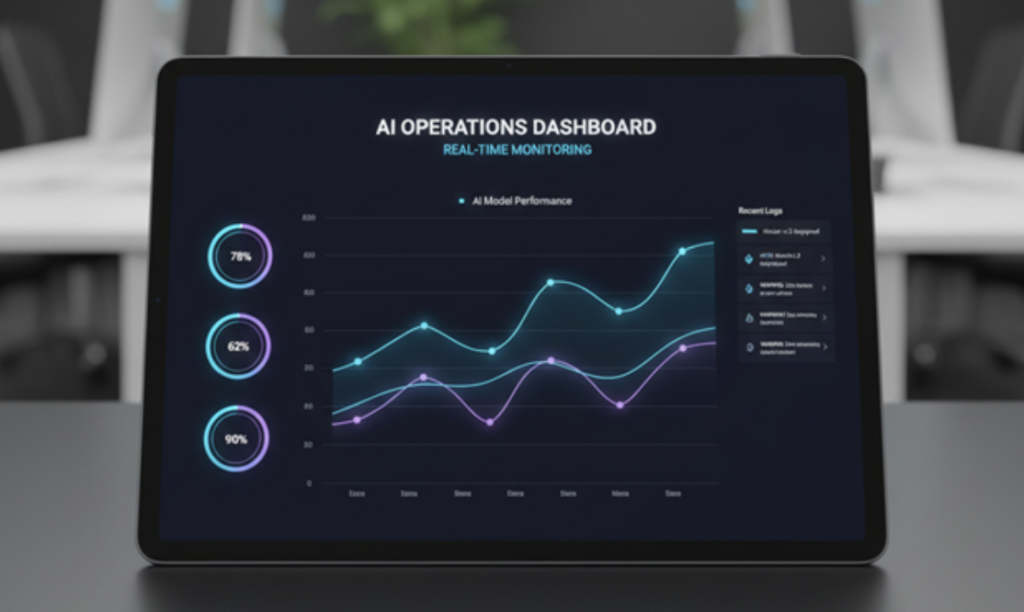
Image Source: Google Gemini
1. High-Performance Data Grids
AI applications frequently process massive datasets that must be presented clearly to the user. A high-performance data grid allows users to scroll through, sort, and filter millions of records without encountering performance bottlenecks. This component is foundational for any tool where users need to verify or manipulate underlying data points that inform the AI’s logic.
2. Model Performance Charting
Transparency is key to building trust in AI systems. Specialized charting libraries enable engineers and users to visualize critical metrics such as model accuracy, error rates, and drift over time. Providing clear graphical insights helps stakeholders understand the model’s performance in real time.
3. Intelligent Input & Prompt Engineering
Instead of relying on simple text boxes, modern AI apps benefit from enriched input components. For instance, spreadsheet-like inputs allow for structured data entry, while intelligent text areas can provide semantic matching or prompt suggestions. Utilizing enterprise-grade JavaScript and .NET Developer Components can significantly accelerate your delivery while ensuring these advanced inputs perform reliably at scale.
4. Document Viewer with Redaction & Annotation
In enterprise environments, data privacy and human oversight are paramount. An integrated document viewer that supports native annotation and redaction allows users to securely handle sensitive documents. These tools empower human operators to review content, mask private information, or provide feedback before the AI processes the data further.
5. Human-in-the-Loop Scheduler
To mitigate risks such as AI hallucinations, your application must include a task-management interface that allows human operators to review outputs. A dedicated scheduler or approval dashboard ensures that critical AI-generated actions are audited by a human before moving forward, turning the system from a “black box” into a collaborative colleague.
6. Dynamic Chat & Citation Interfaces
Conversational interfaces must be more than simple message bubbles. Advanced chat UI components should feature auto-scrolling containers, streaming response indicators, and, crucially, citation rendering. Surfacing the sources that the AI used to generate a specific answer is vital for accountability and enables users to verify the information independently.
7. Accessibility-Ready Controls
AI tools are only as effective as they are accessible. Your UI must utilize accessibility-ready controls, such as proper keyboard navigation, high-contrast states, and screen-reader-friendly labels, to ensure that all users can effectively navigate and utilize your application. Prioritizing accessibility from the start prevents costly redesigns and ensures your product remains inclusive and compliant with industry standards.
8. Explainable AI (XAI) Interfaces
Trust often breaks down when users view the AI as an opaque “black box.” Providing explainable interfaces, such as “Why this result?” links, confidence meters, or visual decision trees, helps non-technical users grasp the underlying system logic.
When users understand the factors that influenced a recommendation, they are more likely to accept the AI’s output as a reliable assistant. It’s impactful in a security context, as well as across other software niches.
9. Progressive Disclosure Systems
AI applications can easily overwhelm users with data, complex settings, or too many feature options. Implementing progressive disclosure allows you to present the primary AI actions first, while hiding secondary contexts and advanced configuration settings behind “Learn More” or “Advanced Settings” toggles. This design approach ensures that your interface remains intuitive for beginners while still offering deep functionality to power users.
10. Adaptive Feedback Loops
AI systems frequently improve through user interactions, and your UI should reflect this collaborative relationship. Include built-in feedback mechanisms, such as simple thumbs up/down buttons or correction prompts, that allow users to validate or override AI decisions. These feedback loops not only improve model performance over time but also give users a sense of agency and ownership over the AI’s behavior.
11. Multimodal Input & Streaming Status
Modern AI apps are expected to handle more than just text inputs. Your interface should support multimodal capabilities, allowing users to upload images, PDFs, or audio files for the AI to process. Additionally, include visual “thinking” indicators, such as typing animations or streaming response loaders, so users understand the agent is actively processing their request rather than assuming the application has frozen.
For more insights into all things AI, stay on our site and read the posts we’ve put together to answer key questions and guide developers and users forward.